

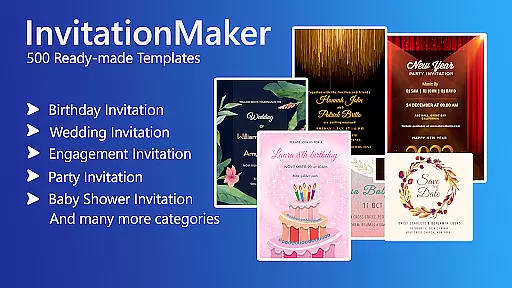
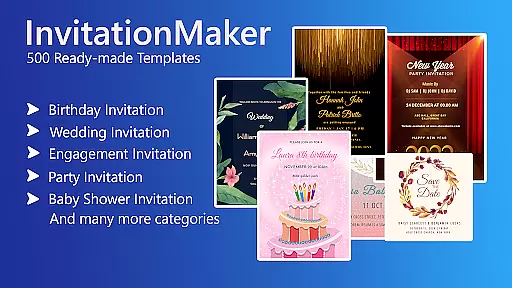
Invitation Card Maker, Design is a versatile app that allows users to create personalized invitation cards for various events such as birthdays, weddings, engagements, anniversaries, and baby showers. With over 200 ready-made templates, users can design invitations in just two minutes. The app provides essential tools like background images, gradient colors, photo frames, and unlimited stickers, enabling users to customize their designs with ease.
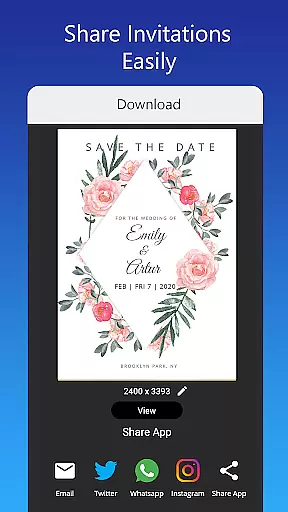
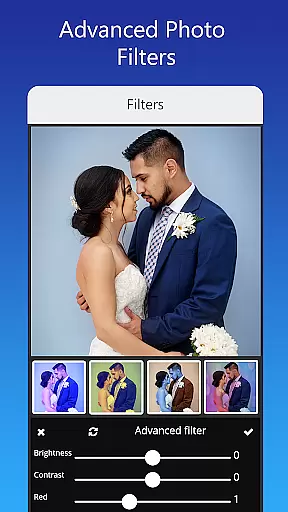
In addition to its extensive template library, the app offers advanced editing features including text customization, image replacement, photo filters, and resizing options. Users can share their digital invitations on social media platforms or save them for future edits. Whether it's a themed birthday party or a culturally specific wedding invite, this app caters to diverse needs, making event planning more efficient and creative.
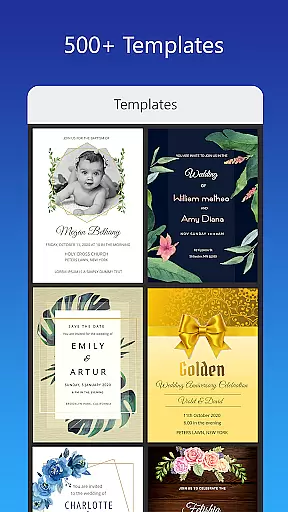
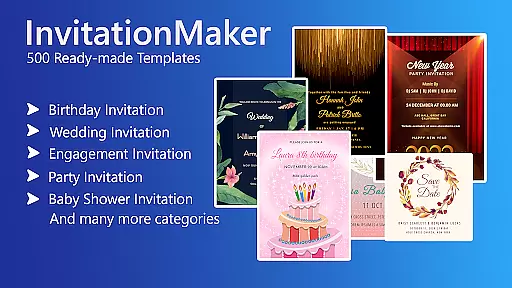
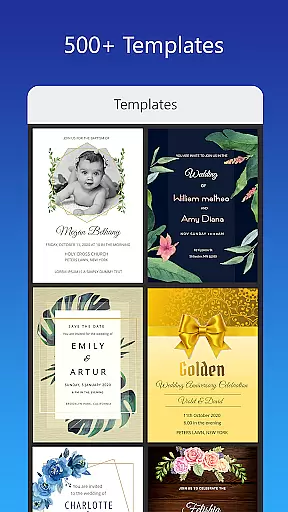
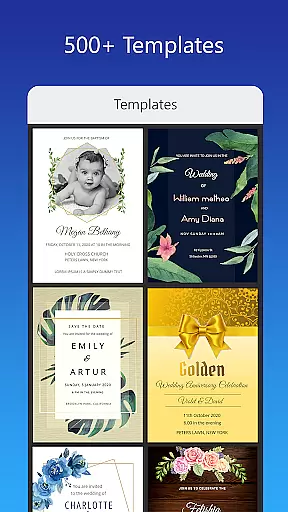
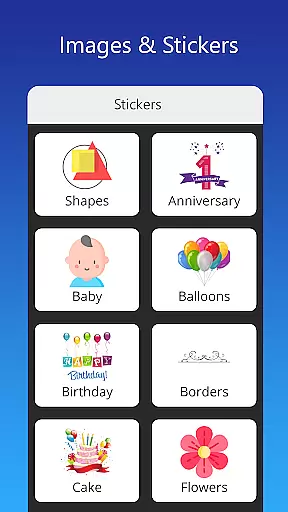
One of the standout features of Invitation Card Maker is its vast array of ready-to-use templates tailored for different occasions. Users have access to 200+ templates, ensuring there's something suitable for every event type. The app also includes a rich collection of background images, gradient colors, and photo frames, along with unlimited stickers and icons that enhance the visual appeal of each invitation.
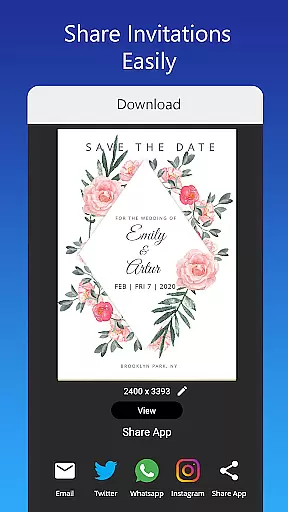
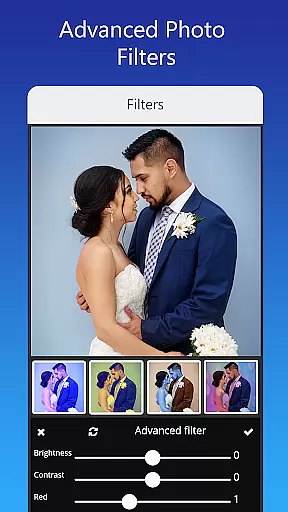
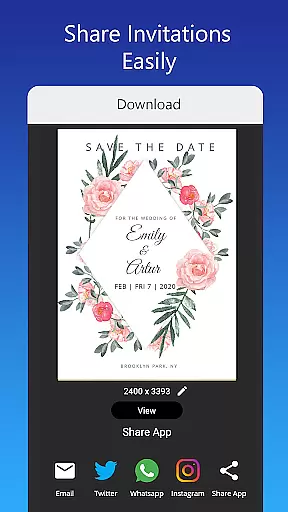
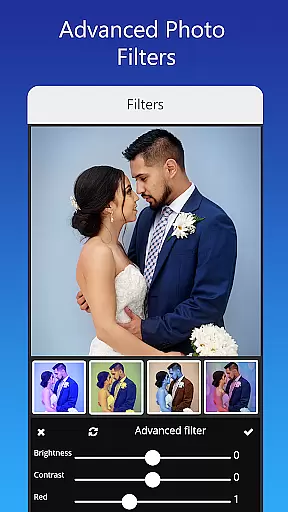
Beyond templates, the app supports detailed customization. Users can edit or replace text, names, event locations, and timings using various font styles. Advanced photo editing tools allow for brightness adjustments, contrast tweaks, overlays, and cropping by shape. Additionally, the app facilitates easy sharing via social networks and offers the option to save projects for later use or download printable versions of the invitations.
Task creation and detail customization are essential features for any event planning application. Invitation Card Maker, Design excels in this area by providing users with over 200 ready-made templates that can be personalized to fit any occasion. Whether it's a birthday party, engagement, wedding, or baby shower, the app allows users to create invitations and greeting cards tailored to their specific needs.
The level of customization offered is impressive. Users can edit or replace text, names, event locations, and timings within the invitation. The app supports various font styles, enabling users to upload their own fonts or download new ones to match the theme of their event. This flexibility ensures that every invitation card not only conveys the necessary information but also reflects the personality and style of the host.
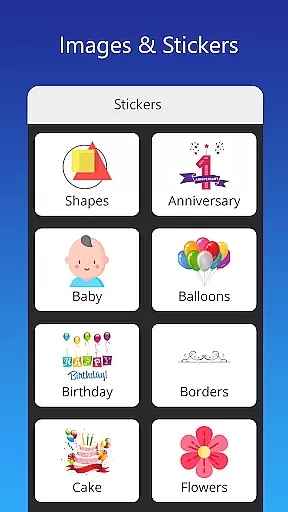
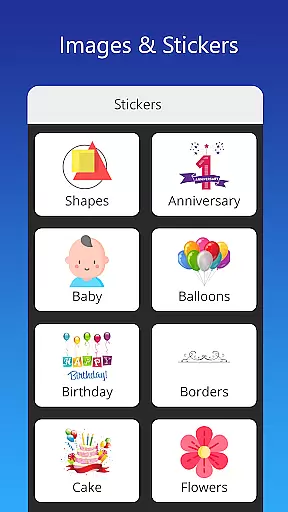
Moreover, Invitation Card Maker, Design provides an extensive library of resources including background images, gradient colors, photo frames, and unlimited stickers for all types of events. These elements allow users to enhance their designs further, making each invitation unique and memorable. With just a few taps, one can transform a simple template into a bespoke piece that captures the essence of the celebration.
Ultimately, these features empower users to craft invitations that stand out and leave a lasting impression on recipients. By offering such comprehensive tools for task creation and detail customization, Invitation Card Maker, Design ensures that every event begins with a touch of elegance and personalization.
Reminder settings play a crucial role in ensuring that important events are not overlooked. Invitation Card Maker, Design incorporates robust reminder functionalities that help users stay organized and punctual. Once an invitation is created, users can set reminders for key dates related to their events, such as RSVP deadlines or the actual day of the celebration.
The app offers flexible options for setting reminders. Users can choose from predefined time intervals or customize their own schedules based on personal preferences. This adaptability ensures that everyone involved in the planning process receives timely notifications, reducing the risk of missed deadlines or forgotten tasks.
In addition to basic reminders, Invitation Card Maker, Design allows users to save their projects for future editing. This feature is particularly useful when organizing large-scale events that require ongoing adjustments. Saved invitations can be revisited at any time, allowing hosts to make last-minute changes without starting from scratch.
By integrating advanced reminder settings, Invitation Card Maker, Design enhances user experience by promoting better organization and time management. Whether coordinating a small gathering or a grand affair, these tools ensure that every detail is accounted for, leaving hosts free to enjoy their special moments with peace of mind.
User-friendly interface
Extensive template library
Advanced customization options
Supports multiple languages
Easy sharing capabilities
Limited free content
Some features require in-app purchases
Occasional bugs reported
Ads may disrupt workflow
Learning curve for beginners










Buy event tickets easily with our user-friendly App. Stay updated on hot events
 4.0
4.0
Here you can choose tickets for films, performances, concerts and other events
4.60
Clubs, Festivals, Discounted Tickets, Guest Lists & VIP Tables
4.90
The official app for Sched events! View your event schedule here.
4.20
The Official Football Ticketing App for Fans in Qatar
4.4
Thanksgiving Wishes, Thanksgiving Stickers & Animated GIF for Whatsapp Stickers
4.0
Connect with an ecosystem of 5M+ eventgoers and organizers.
4.50
Freebie Games for Epic Games, Steam, Amazon, Rockstar etc.
4.40
Save money on concert, sport, and theater tickets, and discover upcoming events.
4.80
CUE Live utilizes ultrasonic sound waves to sync devices at CUE enabled events
4.80
Create invitation cards for birthdays, weddings, Christmas and more.
4.80
The KRUU app - plan, celebrate, remember
4.80
Beautiful invitation cards + easy RSVP tracking for any event. Design Invites.
4.80
Greeting card maker with photos best app| Birthday cards| All wishes eCards FREE
4.50
Events, Meetings, Photo Shoots
4.50
Track birthdays, habits & goals. Unlimited countdowns and count-ups
4.20
The world's largest selection of tickets is now at your fingertips
3.90
No invest, Easy way to earn USDT through crypto cloud mining
3.80
Some connections are better kept private
4.5

User Reviews