

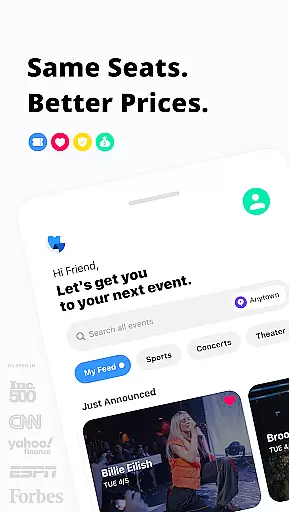
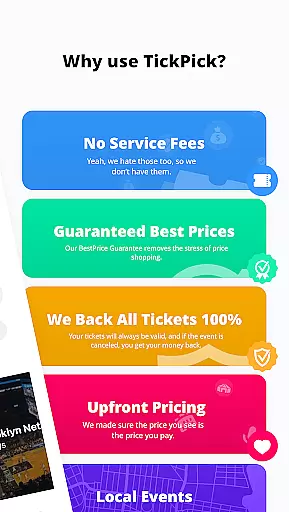
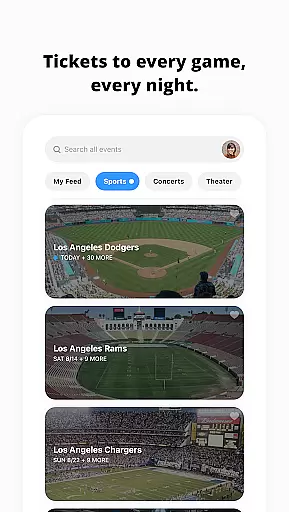
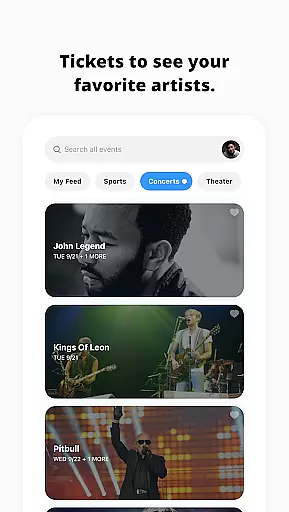
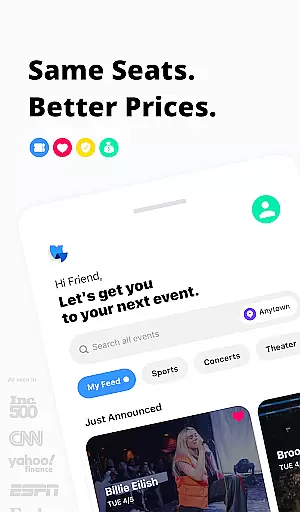
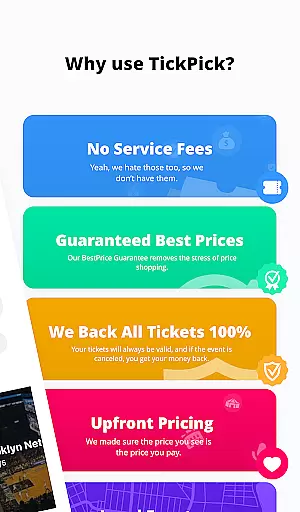
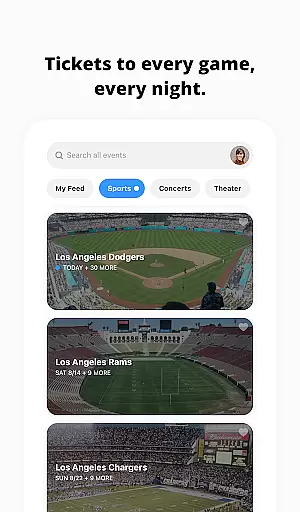
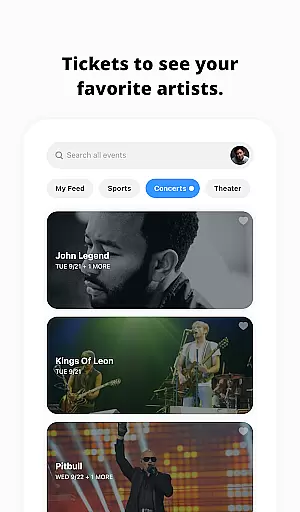
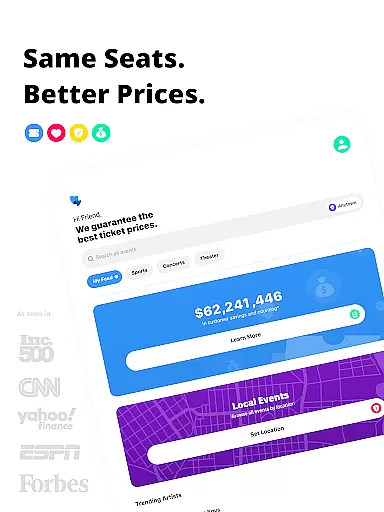
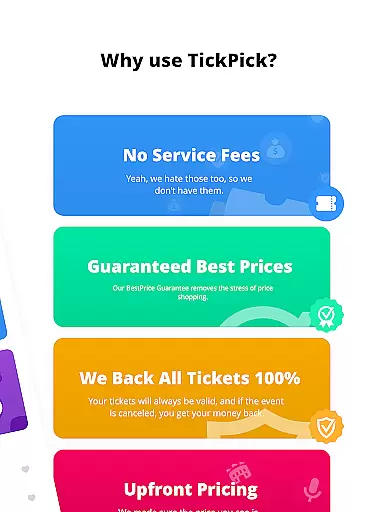
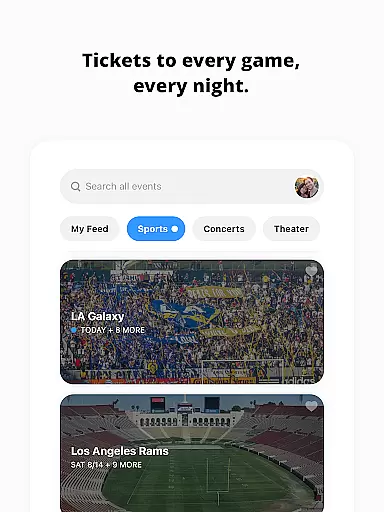
TickPick is a premier ticketing platform designed to provide users with a seamless experience in purchasing tickets for live events. The app specializes in tickets for sports, concerts, and theater performances, offering the same seats as competitors but without service fees, making it 10% cheaper. With its user-friendly interface, TickPick ensures that buying tickets is simple and secure, backed by a 100% BuyerTrust Guarantee.
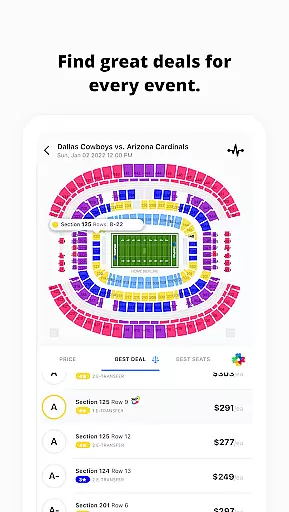
One of the standout features of TickPick is its affordability combined with innovative tools like the patented Score Report and Seat Rating system. These features help users find the best deals and seats available. Additionally, TickPick offers unique functionalities such as 360-degree seat views and flexible payment options, including Apple Pay and PayPal. Whether you're looking for NFL, NBA, MLB, NHL, or concert tickets, TickPick provides an efficient and cost-effective solution.
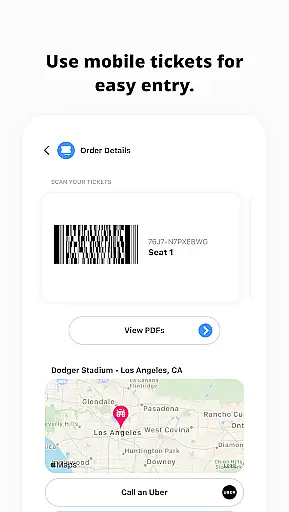
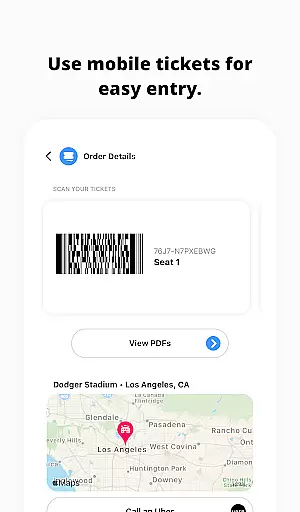
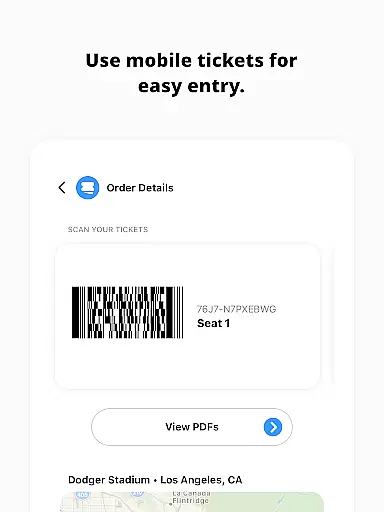
The app also supports event tracking, allowing users to monitor ticket prices and inventory before making a purchase. This feature is particularly useful for those who want to make informed decisions. Furthermore, TickPick's integration with mobile ticket scanning and post-transaction services like Uber ordering and e-ticket sharing enhances the overall user experience, making it a top choice for live event enthusiasts.
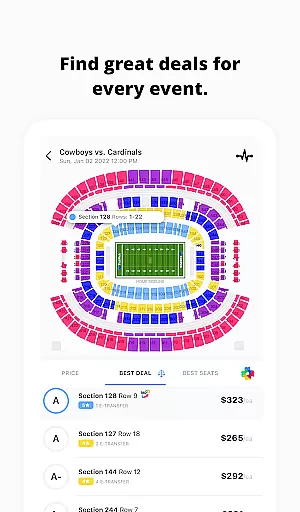
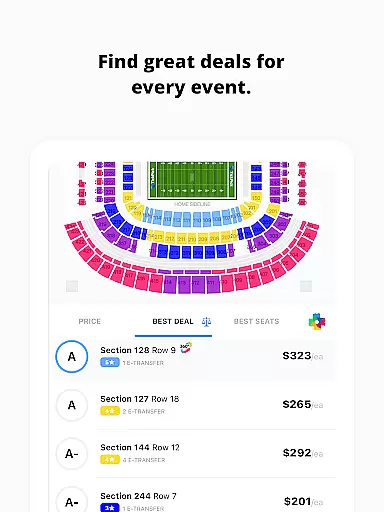
TickPick stands out due to its comprehensive set of features tailored to enhance the ticket-buying experience. One of its key features is the patented Score Report, which ranks tickets based on price and seat location, ensuring users get the best value for their money. Alongside this, the proprietary Seat Rating system allows users to sort tickets from the best to the worst seats, helping them find ideal seating arrangements.
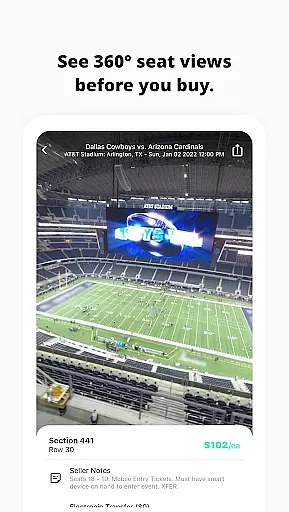
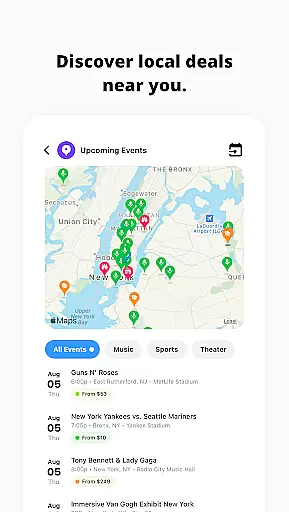
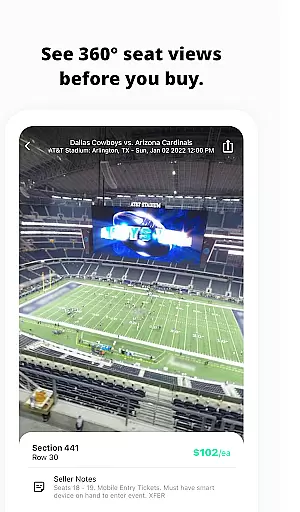
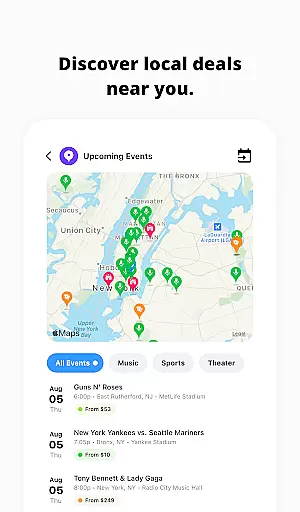
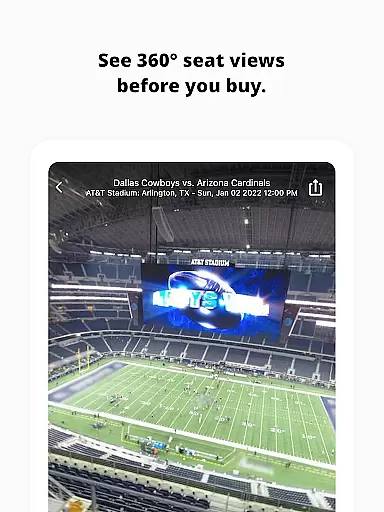
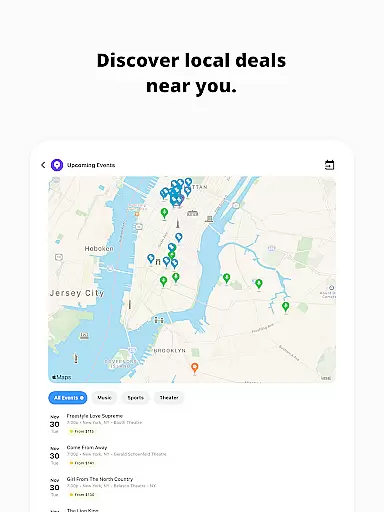
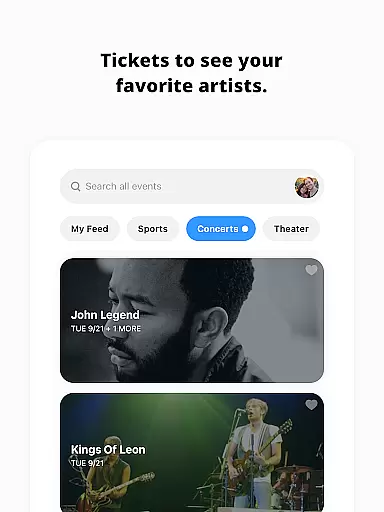
Another notable feature is the 360-degree seat view, available for major sports events. This immersive experience lets users virtually see their seats before purchasing, adding a layer of confidence to their decision-making process. Additionally, TickPick offers robust discovery tools, enabling users to find last-minute events or newly announced concerts in their area. The app also includes functionalities like event tracking and favoriting artists, which streamline the process of staying updated on preferred events.
TickPick further simplifies transactions with multiple payment options, including Apple Pay, PayPal, and buy-now-pay-later plans. Post-purchase, users can easily manage their tickets, order rides, get directions, and share e-tickets with friends. For those interested in selling tickets, the app provides tools to manage listings and track sales efficiently. These features collectively ensure a smooth, secure, and enjoyable ticketing experience.
Task creation and detail customization are essential features for any event management app like TickPick. This functionality allows users to create personalized event tasks with specific details, ensuring a tailored experience for each user. The ability to customize task details such as date, time, location, and preferences enhances the overall usability of the app.
TickPick implements this feature by providing intuitive interfaces where users can easily input their preferred event types, set reminders, and specify seating or pricing preferences. The app's sophisticated algorithms then use this data to present the most relevant event options, ranked by factors like price and seat quality.
For users, this means they can effortlessly organize their entertainment schedules, receive timely reminders, and make informed purchasing decisions. The customization options ensure that whether you're buying tickets for sports, concerts, or theater, you can tailor each task to match your unique preferences and needs.
The true value of robust task creation lies in its ability to save time and enhance decision-making. By allowing users to predefine what matters most to them, TickPick ensures a seamless and enjoyable ticket-buying experience, ultimately leading to higher customer satisfaction and engagement.
Reminder settings play a crucial role in ensuring users never miss an important event. For an app like TickPick, which specializes in ticket purchases for live events, having reliable reminder functionalities is key to enhancing user engagement and satisfaction. These settings allow users to configure notifications based on their preferences, ensuring timely alerts for upcoming events.
TickPick offers flexible reminder options, enabling users to set multiple alerts at different intervals before an event. Whether it's a notification weeks in advance or a last-minute reminder hours before the event starts, the app caters to various scheduling needs. Additionally, users can choose between different types of reminders, such as push notifications, emails, or SMS alerts, depending on their communication preferences.
This level of customization benefits users by keeping them well-informed and prepared. It reduces the likelihood of missing out on desired events and helps in planning logistics such as transportation and accommodations. Furthermore, receiving timely reminders increases the chances of making additional purchases, such as parking passes or merchandise, enhancing the overall event experience.
Ultimately, effective reminder settings contribute significantly to user retention and loyalty. By providing dependable and customizable alert systems, TickPick not only meets but exceeds user expectations, fostering a more engaged and satisfied customer base.
No service fees
User-friendly interface
Patented Score Report
360-degree seat views
Flexible payment options
Limited international events
Occasional app glitches
Customer support delays
Complex pricing algorithms
Restricted seller tools

The Ultimate Tournament Hub
 4.70
4.70
It is an Event Planning Application.
4.2
Digital Income Wallet of the Final Libertadores 2025
4.1
Soft Proxy for Your Online World
4.5
Meet people over dinner
4.40
TV Garden - World Live TV : Play & cast your videos seamlessly!
3.20
Discover events, experiences, and things to do near you - Anytime, Anywhere!
4.70
Connect with an ecosystem of 5M+ eventgoers and organizers.
4.50
Buy and sell tickets to sports, concerts, theater, festivals, and comedy events
4.10
Beautiful invitation cards + easy RSVP tracking for any event. Design Invites.
4.80
Discover events & experiences in NYC, LA, Chicago, DC, Miami and more!
4.70
Here you can choose tickets for films, performances, concerts and other events
4.60
Events, Meetings, Photo Shoots
4.50
Invitation Card Maker, Design & share wedding, birthday & party invites fast
4.40
Manage all your events, leads, ticketing, payments and check-ins.
4.30
Local events, contests, and giveaways for local dads
3.70
Watch live football matches and streaming events on our Arabic TV app!
3.50
Mobile Event Guide for Greater NY Dental Meeting
4.0
Browse events, find transportation, keep up with the latest news from your team
4.2

User Reviews