

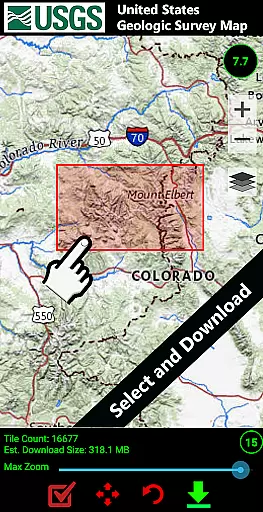
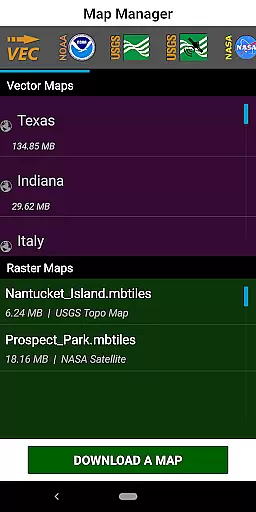
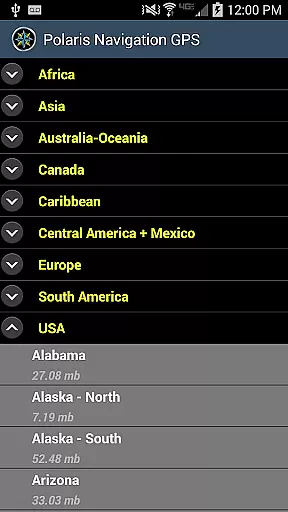
GPS Waypoints Navigator is a comprehensive navigation app that transforms your phone into a powerful GPS tool. It offers offline maps and tools for use in areas without network coverage, making it ideal for wilderness, maritime, and urban exploration. The app provides unlimited access to a library of over 400 maps, which can be downloaded for offline use and transferred to an SD card to save space.
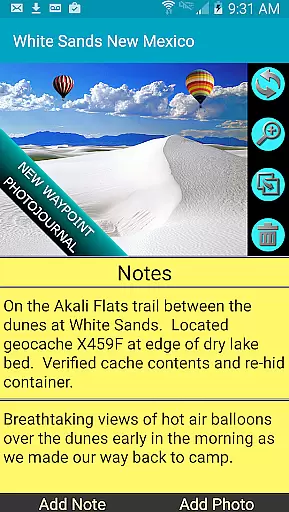
With features like searchable waypoint management, trail recording, and photo-tagging, users can efficiently organize and share location data. Whether you're hiking, geocaching, or surveying, the app's support for multiple map sources and formats ensures you have the right map for every situation. Its integration with Google Earth and support for KML, GPX, and KMZ files make it versatile for various navigation needs.
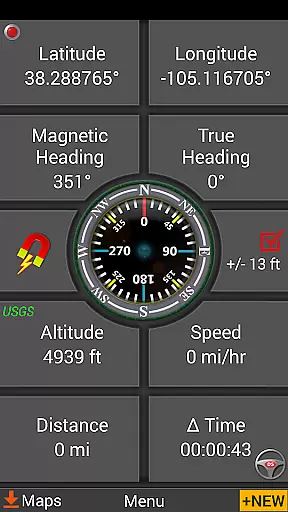
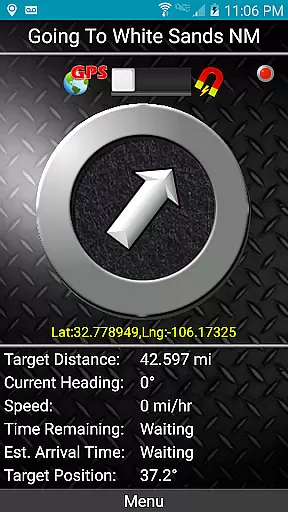
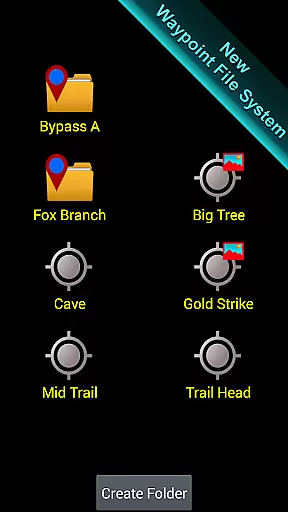
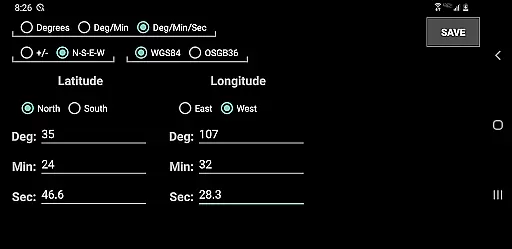
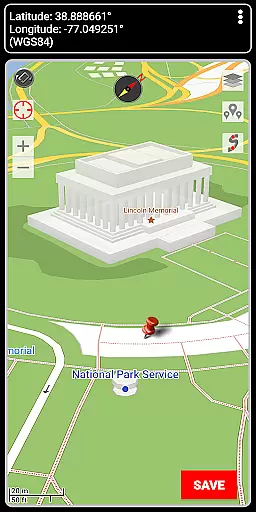
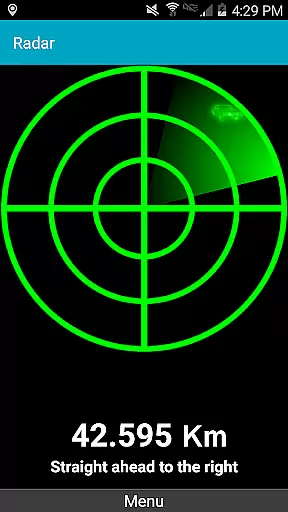
GPS Waypoints Navigator stands out with its extensive feature set tailored for diverse navigation scenarios. It includes two waypoint guidance systems, a dynamic waypoint compass, and a pseudo-radar system for precise navigation. Users can create waypoints through multiple methods such as entering coordinates, dropping pins, or saving current positions.
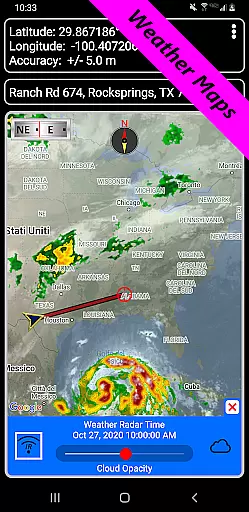
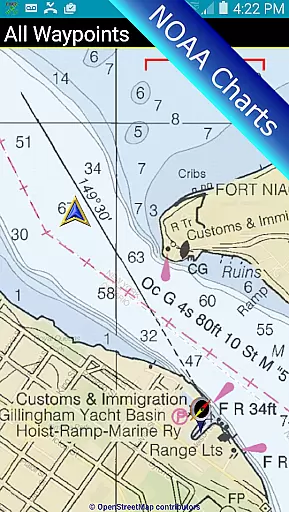
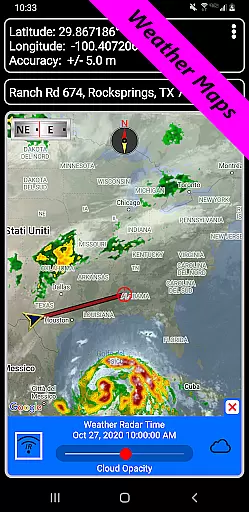
The app also provides environmental awareness with weather maps showing live Doppler radar and cloud patterns. Nautical charts from NOAA and OpenSeaMap cater to marine navigation enthusiasts. Additionally, the app supports various coordinate formats and offers altitude profiles for trails, enhancing the detail and accuracy of your navigational data.
For those interested in contributing to global mapping efforts, GPS Waypoints Navigator allows exporting tracks and waypoints as GPX files to OpenStreetMap. This feature not only aids personal navigation but also contributes to the broader community by helping update and refine maps worldwide.
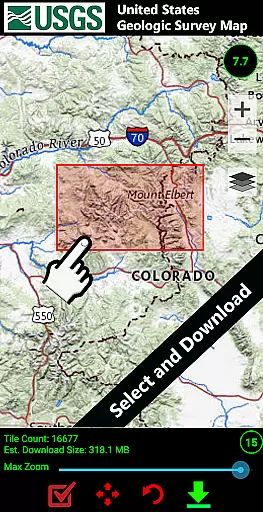
Map accuracy is a fundamental aspect of any navigation application, and GPS Waypoints Navigator excels in this domain. The app offers access to a vast library of over 400 maps, including offline vector and raster maps, Topo Maps, Satellite Maps, and specialized maps like NOAA Nautical Charts. This extensive map selection ensures that users can find accurate and detailed maps for virtually any location they plan to explore.
The inclusion of multiple map sources such as OpenStreetMaps, USGS Topo Maps, and Canada Toporama enhances the precision of geographical data. Whether you're hiking through trails or navigating waterways, these maps provide reliable information on terrain, landmarks, and points of interest. The ability to download maps for offline use guarantees uninterrupted navigation even in areas without network coverage.
Users benefit from not just static images but dynamic mapping features. With options to transfer maps to an SD card, internal storage concerns are alleviated while maintaining quick access to necessary navigational aids. Moreover, the integration with Google Earth and support for various coordinate formats ensure that every user can tailor their mapping experience to their specific needs, making GPS Waypoints Navigator a versatile tool for both casual explorers and professional navigators.
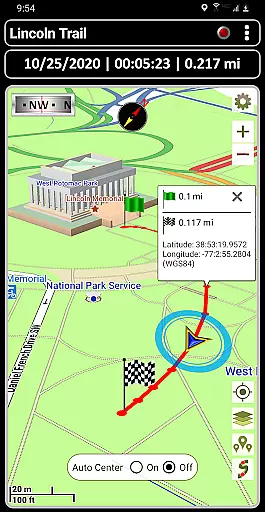
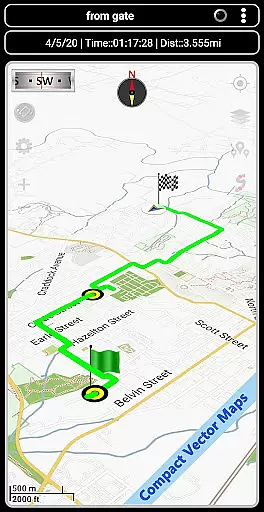
Route planning is essential for efficient travel, whether you're exploring urban landscapes or venturing into the wilderness. GPS Waypoints Navigator provides comprehensive tools for creating and managing waypoints, recording trails, and sharing location data. These features allow users to meticulously plan their routes ahead of time, ensuring a safer and more organized journey.
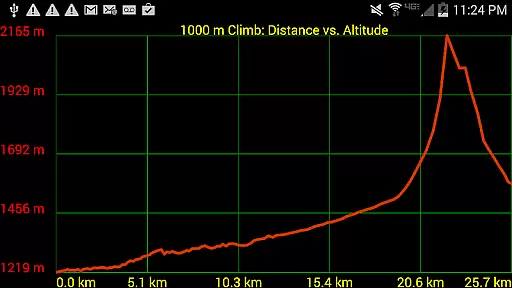
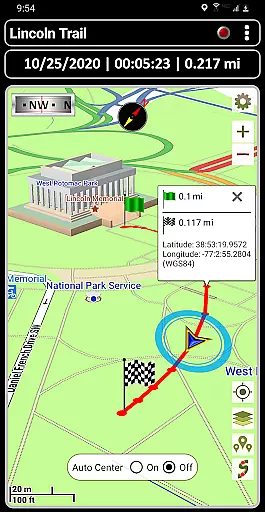
The app's trail recording and drawing board functionalities enable users to document their paths as they traverse different terrains. By saving current positions or entering specific addresses and coordinates, adventurers can establish precise waypoints that serve as guides throughout their expeditions. Additionally, the waypoint proximity alerts and altitude profiles offer valuable insights into the terrain, helping travelers anticipate changes in elevation and prepare accordingly.
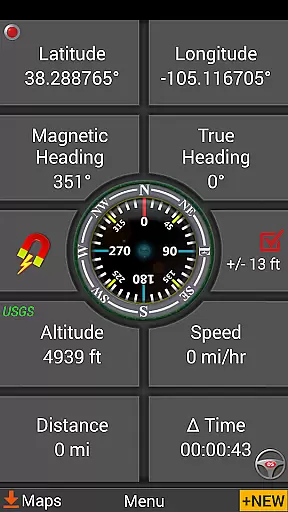
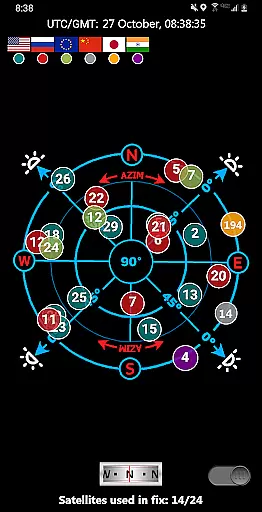
One standout feature is the dynamic waypoint compass, which always points towards the next destination, streamlining navigation efforts. Coupled with GPS Reflected Pseudo-Radar and navigational compasses, users receive real-time feedback on their progress and direction. This robust set of route planning tools empowers users to embark on trips confidently, knowing they have reliable guidance at their fingertips, ultimately enhancing both safety and enjoyment during their travels.
User-friendly interface
Offline map availability
Comprehensive feature set
Multi-language support
Excellent customer service
High battery consumption
Complex for beginners
Limited USGS altitude data
Occasional lag in map loading
Premium price point


"Balad" is a map and navigator with a Persian voice assistant and a complete city guide
 4.40
4.40
Order a cab online. An affordable taxi ride and driver in no time. What a bolt!
4.80
Maps, Driving Directions & GPS navigation using directions app & GPS App
4.30
Your real-time window to the world. Explore anywhere, anytime.
3.30
Explore with GPS Navigation with GPS offline, voice GPS, speed camera radar
4.60
Bolt is a ride-hailing app for requesting fast, safe, and affordable transport
4.80
Get real-time bus and train schedules for easy, hassle-free city transportation.
3.90
Get there with the Waymo Driver — The World’s Most Experienced Driver™
4.90
Rideshare, taxi cabs, and more for your airport travels and everyday trips.
4.50
Offline maps & GPS for hiking, travel, fieldwork & outdoor adventures
4.70
Navigate MTA, NJ Transit, MBTA, SEPTA, BART, MARTA, CTA & 900+ cities
4.60
Track accurate speed & distance with GPS Speedometer. Check speed limit & time.
4.50
Affordable rides and food delivery with incredible discounts in just one app.
4.50
The fastest and most convenient way to pay for parking on our lots.
4.40
Drive safe with real-time speed camera radar, police, and traffic alerts
3.80
MapQuest is your go-to app for maps, GPS, voice navigation & live traffic.
3.80
NJ TRANSIT information and ticketing at your fingertips
3.70
Ride CTA, Metra & Pace: Manage your fares, buy Metra tickets, get arrivals.
3.00
Turn your tablet or Android powered unit into a full blow Android Auto headunit.
2.30
User Reviews