

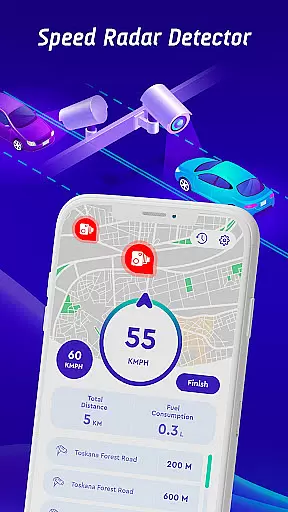
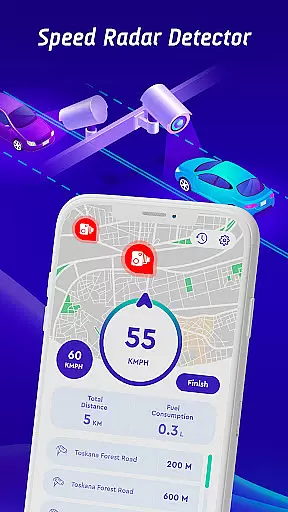
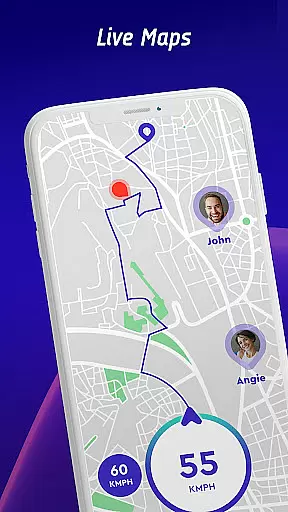
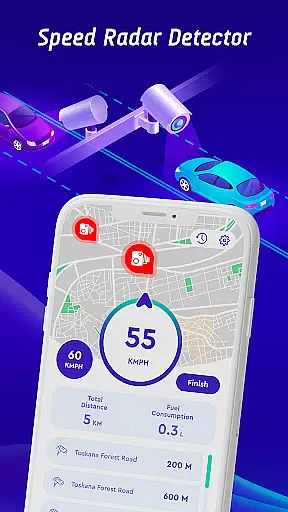
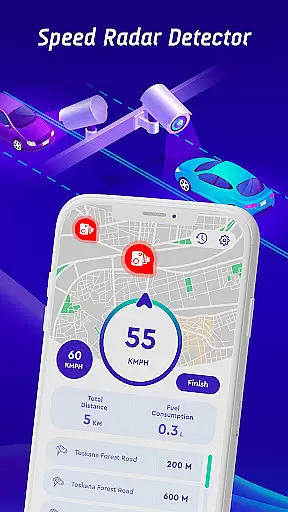
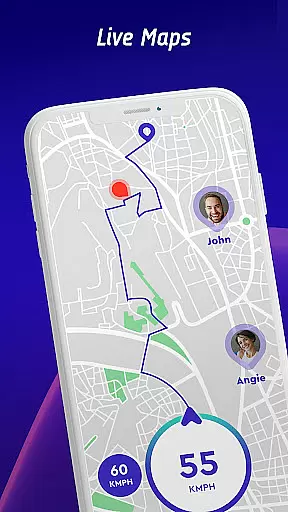
Offline Maps, GPS, Speedometer is a comprehensive driving companion app that combines multiple essential features for safe and efficient navigation. The app provides real-time alerts for speed cameras, traffic lights, and potential hazards through its advanced radar detection system.
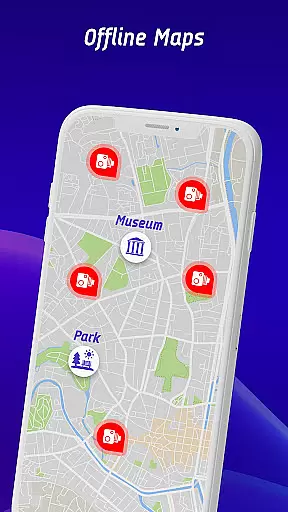
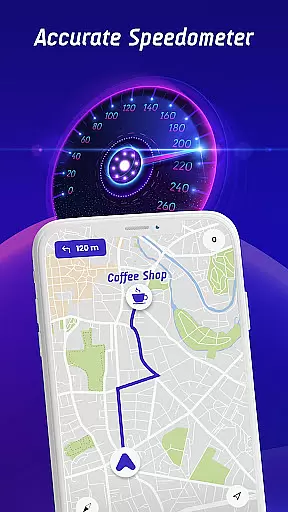
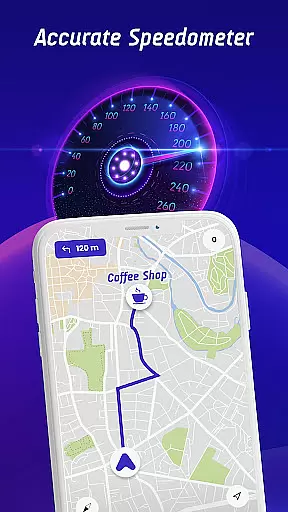
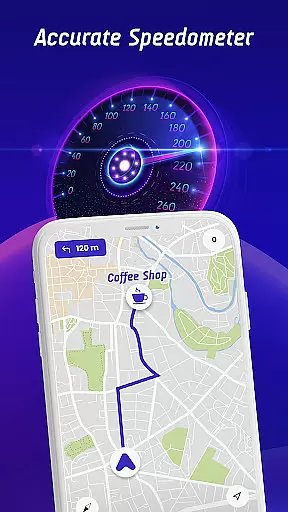
One of the standout features is the head-up display (HUD) that projects crucial information like speed limits, traffic alerts, and speedometer readings directly onto the windshield. This ensures drivers can stay informed without averting their eyes from the road. Additionally, the app supports offline map functionality, allowing users to navigate without an internet connection.
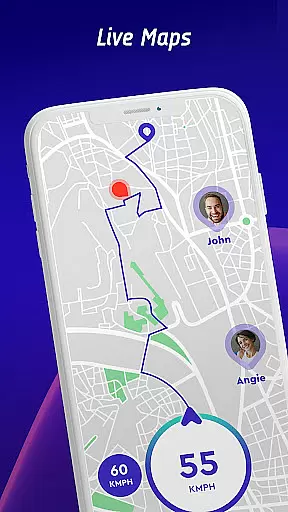
The application also includes a travel history feature, enabling users to review past trips, speed statistics, and encountered speed checks. With its crowdsourced speed camera reporting system, it creates a community-driven database that enhances accuracy and reliability.
Offline Maps, GPS, Speedometer offers a rich set of features designed to enhance driver safety and convenience. The app's primary feature is its ability to detect various types of speed checks including fixed cameras, mobile radars, and red light cameras. It provides specific speed limit alerts tailored to different vehicle types such as cars, bikes, and trucks.
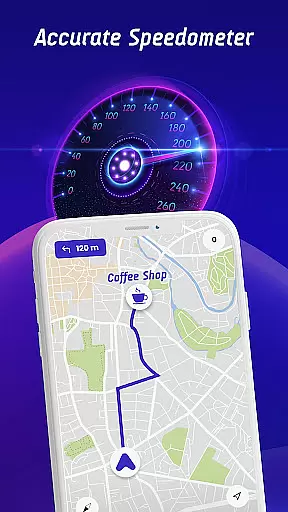
A key innovation is the head-up display (HUD), which overlays important driving information on the windshield. This includes real-time traffic alerts, radar warnings, and a digital speedometer. The HUD ensures that drivers have constant access to critical data without needing to look away from the road.
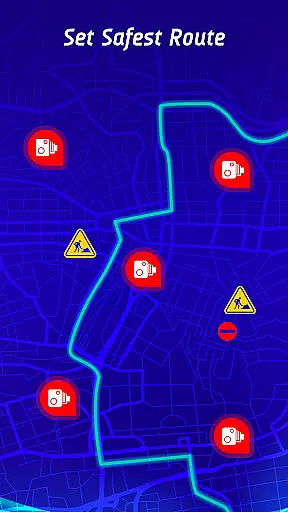
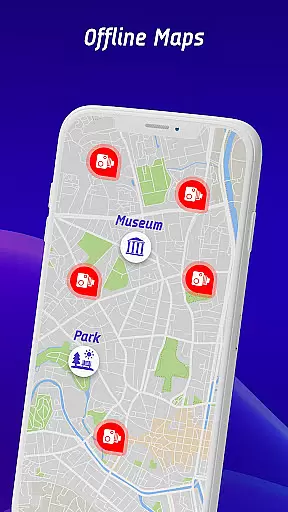
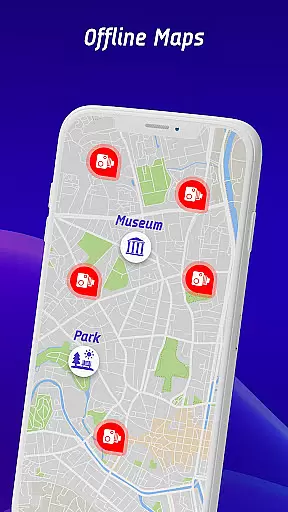
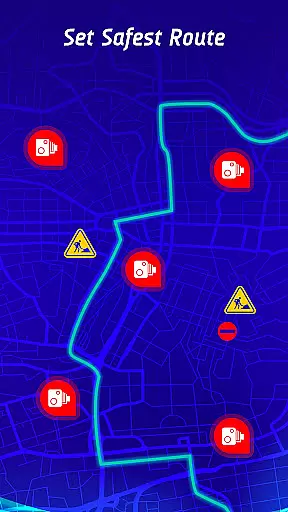
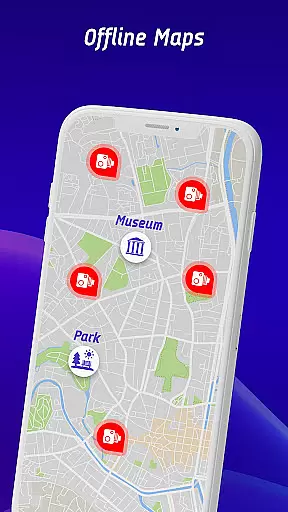
In addition to its online capabilities, the app includes offline map support, ensuring uninterrupted navigation even in areas with poor connectivity. The safest route recommendation system uses real-time traffic data and hazard information to suggest optimal paths. Furthermore, the travel history feature allows users to analyze their driving patterns and improve over time.
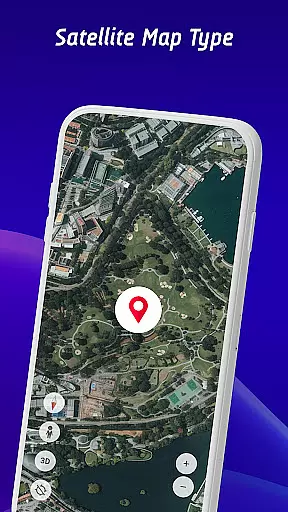
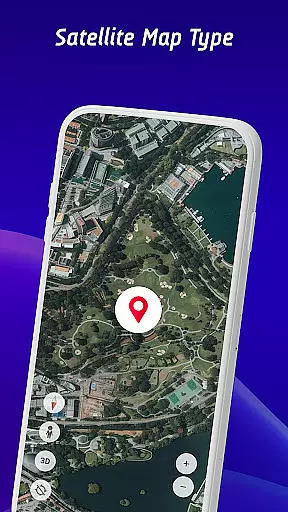
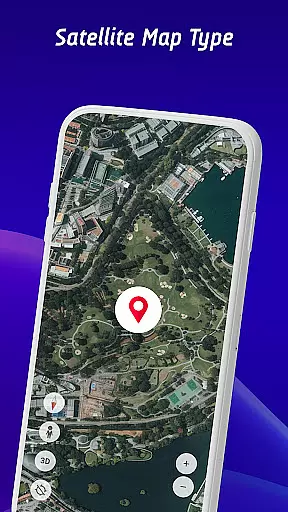
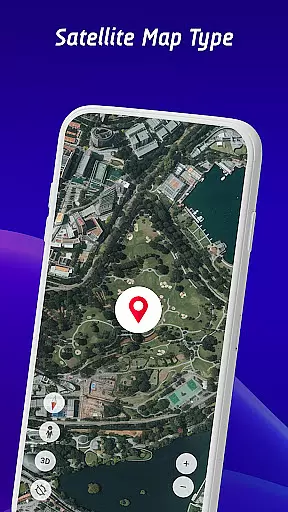
Map accuracy is essential for any navigation app, and Speed Camera Detector excels in this area. The application integrates GPS navigation with an extensive database of speed cameras, traffic lights, and potential hazards, ensuring that drivers receive precise location data.
The app's real-time alerts for fixed radars, speed traps, and traffic cameras are made possible by its highly accurate mapping system. This feature allows users to be constantly aware of their surroundings, providing peace of mind during every journey.
Additionally, the inclusion of offline maps ensures that users can navigate confidently without an internet connection. This functionality uses pre-downloaded map data that maintains accuracy even when mobile data isn't available, making it reliable in all driving conditions.
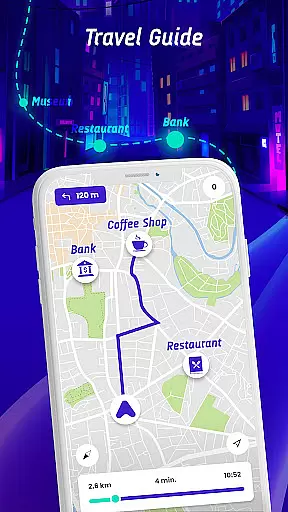
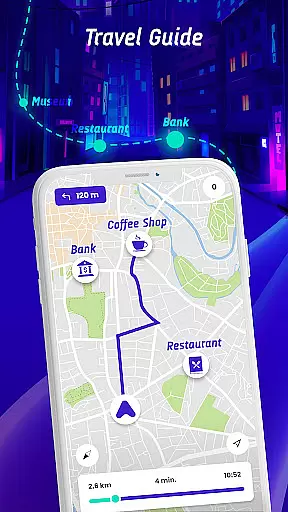
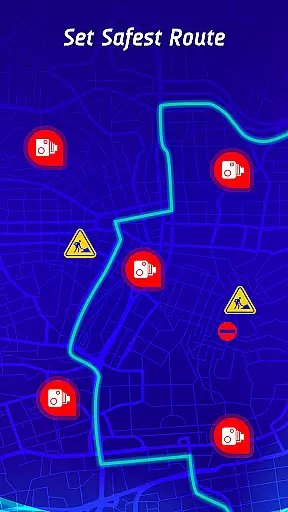
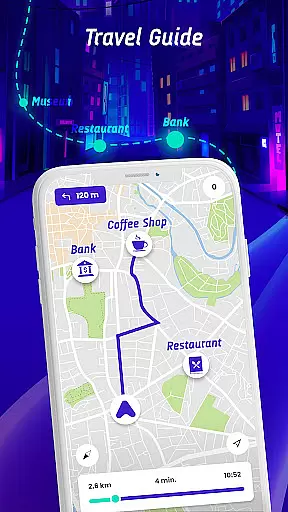
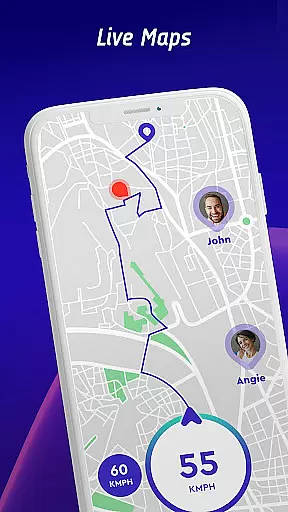
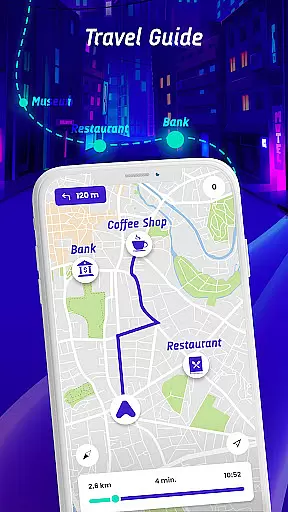
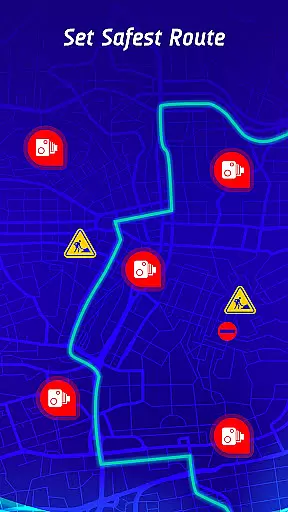
Route planning is a critical component of the Speed Camera Detector app, offering drivers intelligent solutions for safer journeys. By analyzing real-time traffic conditions, the app recommends the safest and fastest routes to destinations while factoring in speed camera locations and active hazard points.
One standout feature is the 'safest route' option, which considers not only time efficiency but also safety concerns like reported hazards and speed checks. This helps users avoid risky areas and reduces the likelihood of encountering speed-related issues.
Furthermore, the travel history function enhances route planning by allowing users to review past trips, including speed statistics and encountered cameras. These insights enable drivers to adjust future plans based on previous experiences, promoting smarter and more efficient travel decisions.
User-friendly interface
Comprehensive speed checks
Offline map support
Real-time alerts
Community-driven updates
Occasional false alerts
Requires frequent updates
Limited free features
High battery consumption
Complex setup process





Compass is an accurate compass and a great tool for any outdoor activities
 4.2
4.2
Complete offline 1:50k South Island topo map including DOC Hunting Permit Areas
4.60
OpenCPN is a full featured ChartPlotter and Navigator for Android.
3.60
Voice GPS with driving directions, offline maps navigation GPS for safe travel
4.50
Phone Tracker and GPS Location Sharing
4.20
Find routes fast with GPS Maps, GPS Navigation & driving directions.
4.10
Park in Chicago, NYC, Boston, SF, Houston & more!
4.70
Track friends in real-time and explore worldwide live cameras.
4.60
Navigate MTA, NJ Transit, MBTA, SEPTA, BART, MARTA, CTA & 900+ cities
4.60
Bolt is a ride-hailing app for requesting fast, safe, and affordable transport
4.80
Find AI powered cameras, ALPRs, and other surveillance infrastructure near you
4.70
Find shortest way and save energy . Distance and area calculator.
4.70
America’s largest public fast charging network, with over 500 charging stations.
4.50
Track accurate speed & distance with GPS Speedometer. Check speed limit & time.
4.50
Explore a light pollution map to find suitable dark sky locations for observing.
4.30
Get matched with a nearby driver — you’ll be on your way in minutes.
4.30
Navigate seamlessly with Real-Time Traffic, Offline Maps, and Voice Navigation.
4.10
TACNAV-X: Precision MGRS navigation, built specifically for the military.
4.00
Route Planner is travel map to get turn by turn navigation & driving directions
3.90

User Reviews