

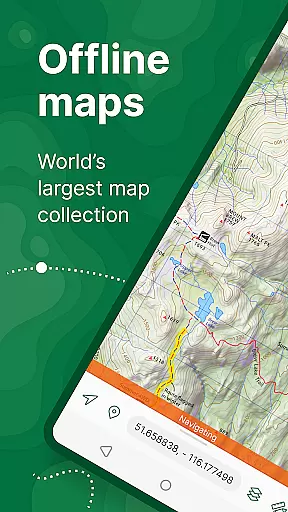
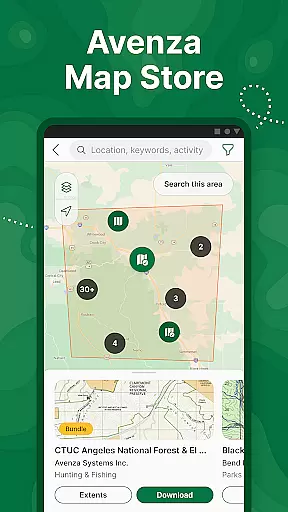
Avenza Maps is a premier offline mapping application designed for outdoor enthusiasts and professionals alike. This app provides access to an extensive library of maps from top publishers, including National Geographic and the National Park Service. Users can download maps for offline use, ensuring reliable navigation even in areas without cellular service.
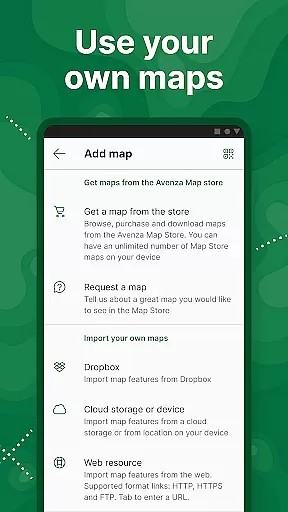
One of the standout features of Avenza Maps is its ability to support custom map imports, allowing users to utilize their own geospatial PDFs or GeoTIFFs. Whether you're hiking, biking, or exploring backcountry trails, this app helps you stay on track with GPS functionality. The intuitive interface and advanced tools like distance measurement and location marking make it an essential companion for any adventure.
For those requiring more advanced capabilities, Avenza Maps offers Plus and Pro subscription tiers. These tiers unlock unlimited map imports, geofencing, and high-accuracy GPS device integration. With its comprehensive feature set, Avenza Maps is suitable for both recreational and professional use, making it the go-to solution for offline navigation needs.
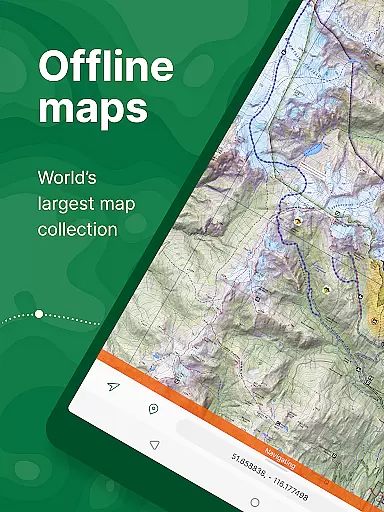
Avenza Maps stands out due to its robust feature set tailored for diverse mapping needs. The app's core functionality revolves around its offline capability, enabling users to download and access maps without an internet connection. This feature is particularly beneficial for adventurers exploring remote areas where connectivity is unreliable or nonexistent.
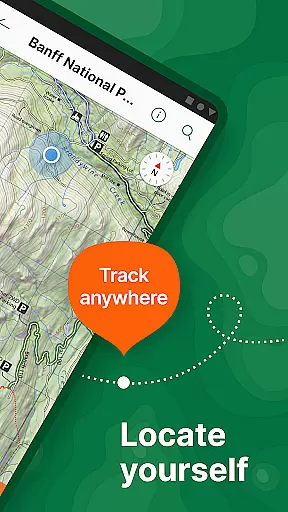
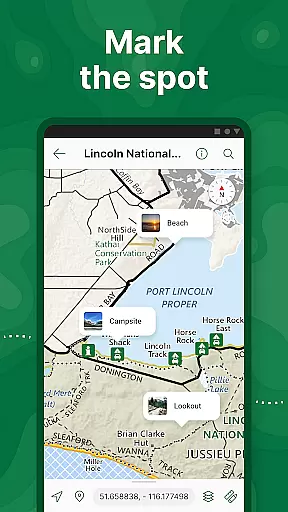
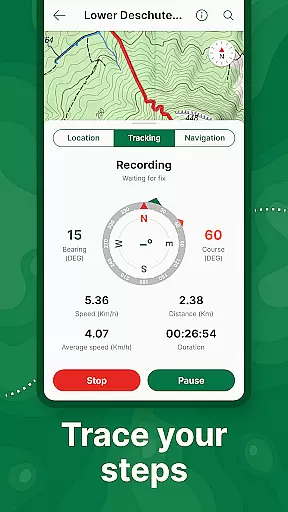
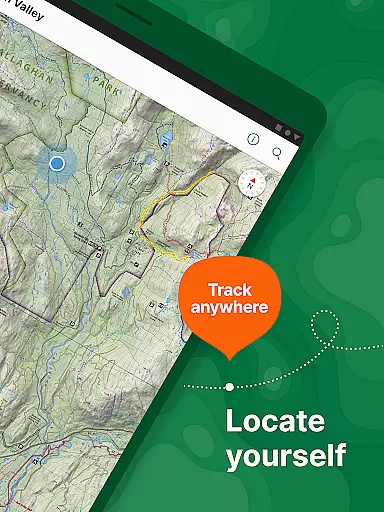
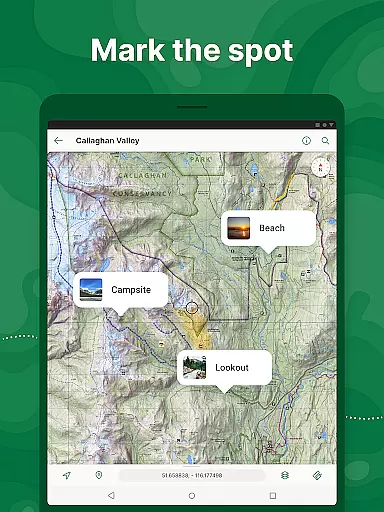
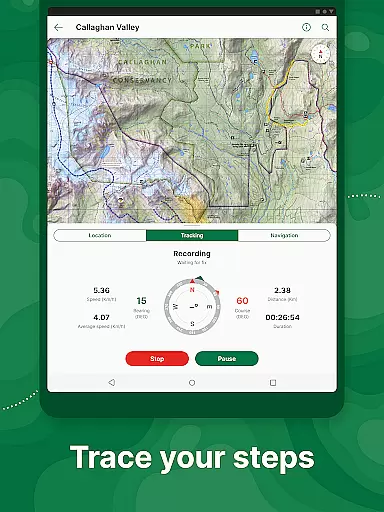
Beyond basic map viewing, Avenza Maps offers advanced GPS tools. Users can track their routes, add placemarks, and measure distances directly on the map. The app supports various file formats such as KML, GPX, and CSV, facilitating seamless data exchange. Additionally, the inclusion of what3words integration enhances precise location identification, crucial for safety during outdoor activities.
For power users, the Plus and Pro subscriptions provide enhanced capabilities. These include unlimited custom map imports, geofencing, and compatibility with high-accuracy GPS devices via Bluetooth. Professional users also benefit from additional coordinate display formats and Esri Shapefile support. Such comprehensive features ensure that Avenza Maps caters effectively to both casual explorers and industry professionals.
Map accuracy is a critical feature for any navigation app, and Avenza Maps excels in this area. The application offers maps from reputable sources such as National Geographic, the National Park Service, and the US Forest Service, ensuring that users have access to reliable and precise mapping data. These maps cover a wide range of terrains and are continuously updated to reflect the latest geographical information.
Avenza Maps provides offline functionality, allowing adventurers to download maps for use without an internet connection. This ensures that even in remote areas where signals are weak or nonexistent, users can still pinpoint their location with confidence. The inclusion of what3words integration further enhances location precision, offering a simple way to communicate exact positions using just three words.
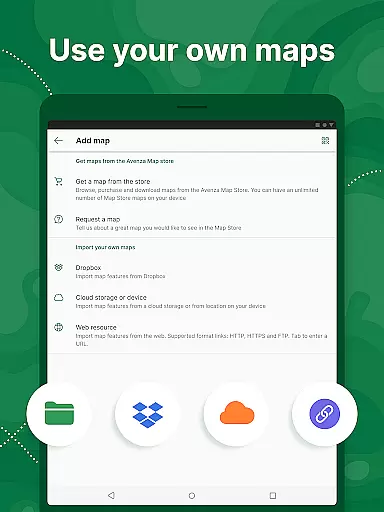
For users who create their own maps, Avenza Maps supports importing custom geospatial PDFs, GeoPDFs, and GeoTIFFs. This means that whether you're on a well-trodden path or exploring uncharted territory, the app adapts to your needs by letting you incorporate personal mapping data. With these capabilities, Avenza Maps not only meets but exceeds the expectations for map accuracy, making it an indispensable tool for outdoor enthusiasts.
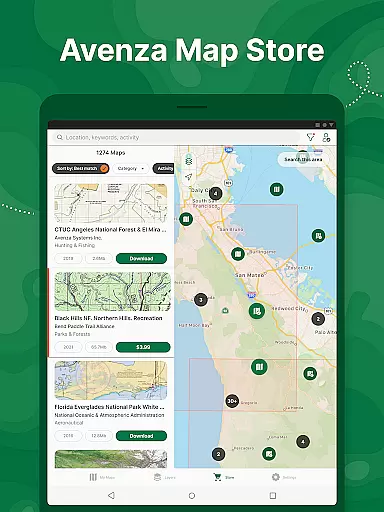
Route planning is essential for anyone embarking on an adventure, and Avenza Maps offers robust tools to assist with this task. Users can search and download maps based on specific activities, categories, or publishers, tailoring their experience to match their intended journey. Whether planning a hike through national parks or navigating city streets, the app's extensive Map Store provides countless options to suit every need.
The app includes features like GPS tracking and compass tools, which are invaluable for plotting and following routes. Adventurers can record their GPS tracks during activities, allowing them to retrace their steps or share their journeys with others. Additionally, the ability to add placemarks and style them with recreational symbols helps users mark important waypoints and create detailed itineraries.
For those requiring advanced route planning, Avenza Maps Pro offers enhanced functionalities such as creating unlimited geofences and converting tracks to areas. These professional-grade tools enable users to define boundaries and receive notifications when they approach certain locations. Overall, Avenza Maps delivers comprehensive route planning capabilities that cater to both casual explorers and seasoned professionals alike.
User-friendly interface
Extensive map library
Offline functionality
Advanced GPS tools
Custom map support
Premium features locked behind paywall
Subscription cost may be high
Occasional syncing issues
Limited free map options
Steep learning curve for beginners

Explore a light pollution map to find suitable dark sky locations for observing.
 4.30
4.30
Complete offline 1:50k South Island topo map including DOC Hunting Permit Areas
4.60
Route tracker, Speedometer, Odometer, Fuel, HUD mode, save route as .GPX
4.40
All of NHSA's trail information at your fingertips for the 2025-2026 season
4.5
Number locator, real connection map
4.10
Voice GPS with driving directions, offline maps navigation GPS for safe travel
4.50
Navigate confidently with our precise Digital Compass app & Direction Compass!
4.70
Navigate via GPS Maps of GPS Voice Navigation, driving directions to find routes
3.60
MapQuest is your go-to app for maps, GPS, voice navigation & live traffic.
3.80
GPS Speedometer & Odometer: Track car, bike, truck speed & distance in real-time
4.70
Navigate with your watch and keep the phone in your pocket!
4.60
Route schedules, maps, and real-time tracking of MTA buses in New York City.
4.20
Simple & easy to use a compass app. Get accurate directions.
4.20
Find radar, speed camera, flight tracker. Use hud, location tracker, speedometer
4.20
Discover over 800 points of interest along the canal.
3.70
NJ TRANSIT information and ticketing at your fingertips
3.70
Play in the outdoors with Android as your Handheld GPS and offline topo maps!
3.50
Your real-time window to the world. Explore anywhere, anytime.
3.30
Turn your tablet or Android powered unit into a full blow Android Auto headunit.
2.30


User Reviews