

Voice GPS & Driving Directions is a comprehensive navigation app designed to provide drivers with accurate and reliable guidance. The app offers turn-by-turn voice navigation, real-time traffic updates, and detailed maps for any region worldwide. Whether commuting to work, planning a road trip, or exploring unfamiliar areas, this app ensures users reach their destinations efficiently.
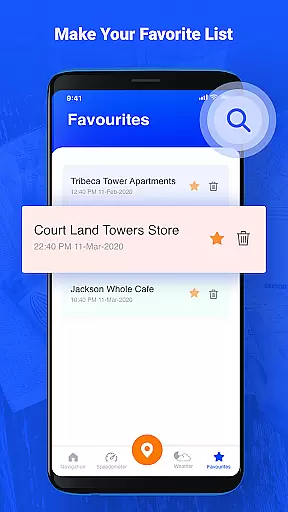
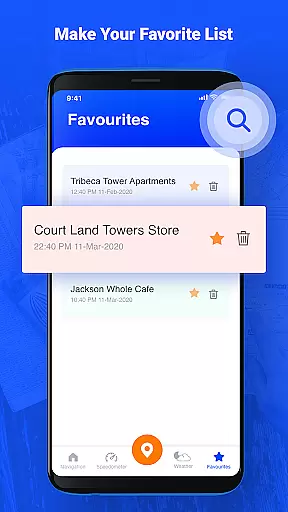
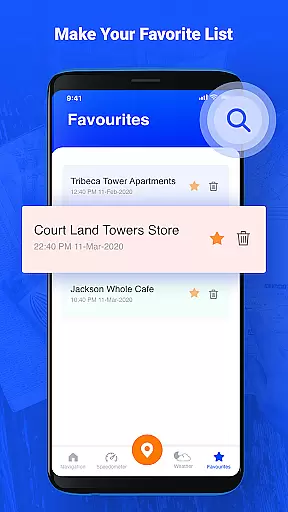
One of the standout features of this app is its ability to deliver live traffic alerts and alternative route suggestions, helping drivers avoid congestion and save time. Additionally, users can save frequently visited locations as favorites, making daily commutes more convenient. With its intuitive interface and advanced mapping technology, Voice GPS & Driving Directions is an essential tool for modern drivers.
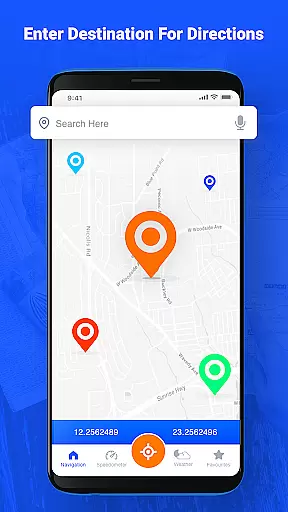
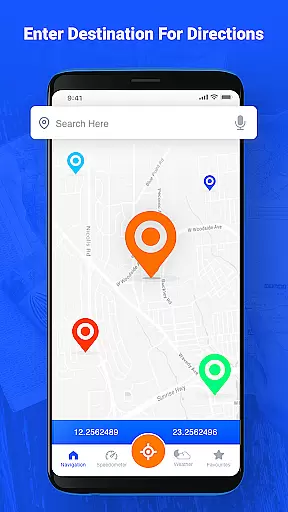
This app stands out due to its robust set of features tailored for seamless navigation. It provides highly detailed road maps with voice-guided directions, ensuring users stay focused on the road while receiving clear instructions. The app supports multiple travel modes, including driving, walking, and public transportation, offering flexibility for various types of journeys.
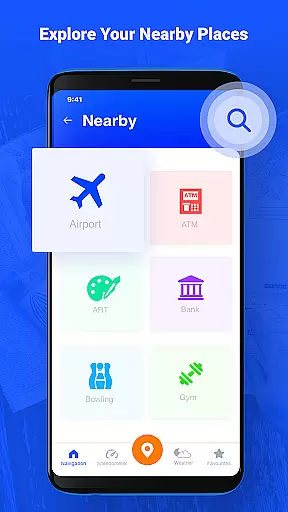
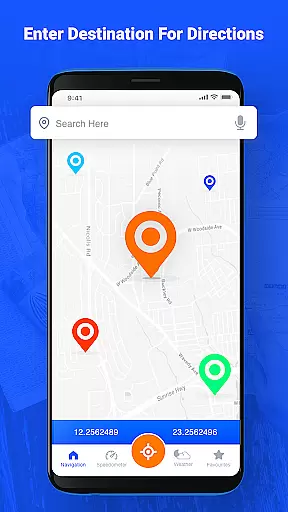
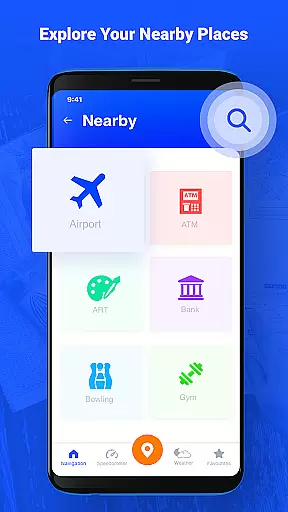
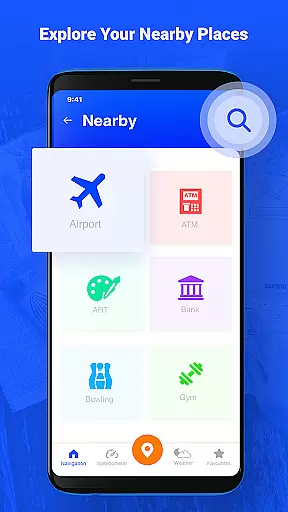
Another key feature is the automatic rerouting capability based on current traffic conditions. This ensures that users are always on the fastest route to their destination. Additionally, the app includes a search function for finding specific locations and points of interest, along with content-rich options like nearby place exploration. These features collectively enhance the driving experience by combining practicality with innovation.
Map accuracy is a critical feature for any navigation app, and Voice GPS & Driving Directions excels in this area. The application provides highly detailed road maps with voice navigation available for any region worldwide. This ensures that users can access precise mapping data regardless of their location.
The app's dedication to accuracy is evident through its real-time traffic updates and turn-by-turn guidance. These features help users navigate complex cityscapes and unpredictable traffic conditions with confidence. By delivering live traffic notifications, the app allows drivers to make informed decisions about their routes.
Furthermore, the app supports different traveling modes, catering to various transportation methods such as driving, walking, or public transit. This versatility enhances the user experience by providing tailored directions based on the mode of travel. As a result, users can trust the app to guide them accurately whether they are commuting daily or embarking on a road trip.
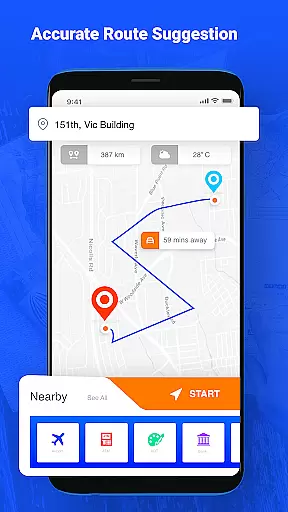
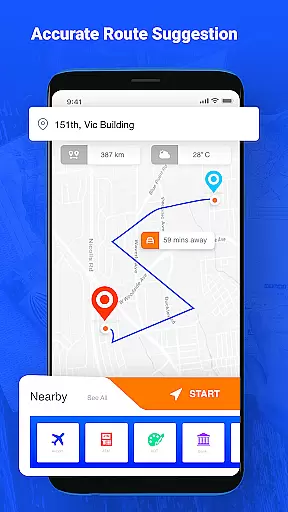
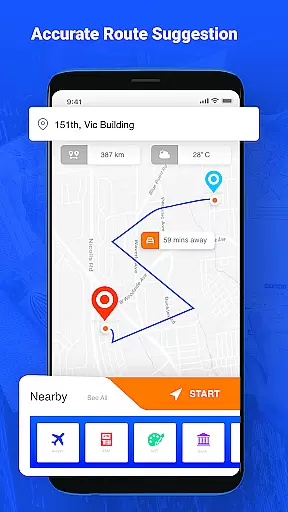
Route planning is an essential aspect of the Voice GPS & Driving Directions app, offering users a seamless driving experience. With its advanced route finder, the app calculates the shortest and most efficient paths to destinations, ensuring timely arrivals. This functionality is particularly beneficial for those who frequently travel or commute.
In addition to finding optimal routes, the app provides content-rich options like voice navigation that guides users through each turn. This feature not only makes driving more comfortable but also allows drivers to explore new places without taking their eyes off the road. The turn-by-turn navigation instructions are clear and concise, enhancing the overall usability of the app.
Another standout element is the automatic rerouting capability based on current traffic conditions. Should unexpected delays occur, the app quickly adapts and suggests alternative routes. This dynamic response system ensures minimal disruption to the journey, making it a reliable tool for both everyday commutes and long-distance travels.
User-friendly interface
Accurate GPS tracking
Live traffic updates
Voice-guided navigation
Multiple travel modes
Occasional voice delay
High data usage
Limited offline maps
Ads in free version
Subscription fees

Start your next adventure confidently using our Accurate Compass App
 3.70
3.70
This app is military GPS coordinate systems helper. (MGRS, UTM & DMS Maps)
4.80
GPX Viewer PRO shows tracks, routes and waypoints from gpx and kml files.
4.60
Turn your tablet or Android powered unit into a full blow Android Auto headunit.
2.30
"Balad" is a map and navigator with a Persian voice assistant and a complete city guide
4.40
Use GPS maps or search by property owner, address or parcel to view parcel data
4.30
Find radar maps, GPS coordinates, altitude, offline maps, location, travel route
4.40
Get route map navigation with 3D satellite view, and live earth camera streaming
3.70
Find routes fast with GPS Maps, GPS Navigation & driving directions.
4.10
Complete offline 1:50k South Island topo map including DOC Hunting Permit Areas
4.60
Navigate MTA, NJ Transit, MBTA, SEPTA, BART, MARTA, CTA & 900+ cities
4.60
Plan routes, share locations, and set custom alert zones
4.40
Get matched with a nearby driver — you’ll be on your way in minutes.
4.30
Get directions, Maps, GPS navigation & GPS Maps using GPS App
4.10
Use GPS Maps and GPS Voice Navigation to find your way and get directions
4.10
Navigation, weather, offline maps & tools for smarter, safer travel planning.
4.00
OpenCPN is a full featured ChartPlotter and Navigator for Android.
3.60
Play in the outdoors with Android as your Handheld GPS and offline topo maps!
3.50
All of NHSA's trail information at your fingertips for the 2025-2026 season
4.2

User Reviews