

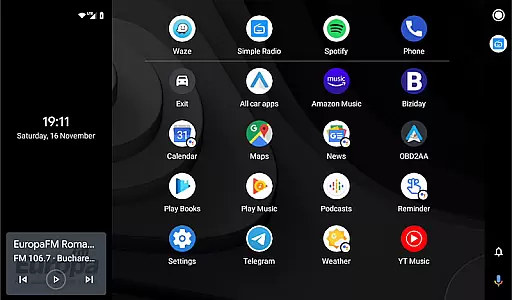
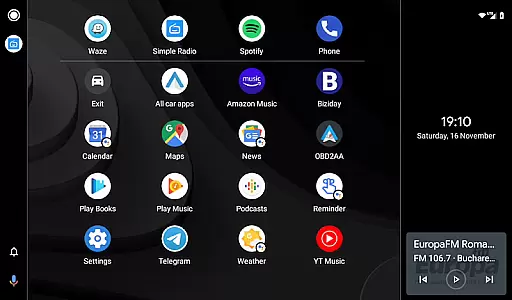
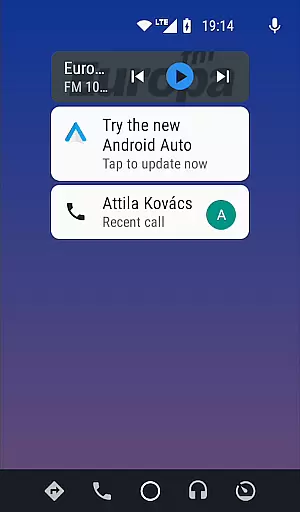
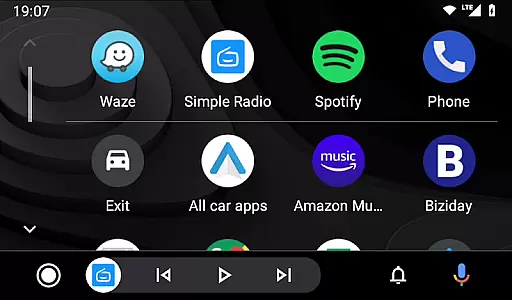
Headunit Reloaded Emulator HUR is a specialized application designed to emulate Android Auto on compatible head units. This app bridges the gap between mobile devices and car entertainment systems, allowing users to enjoy Android Auto's features directly on their vehicle's display.
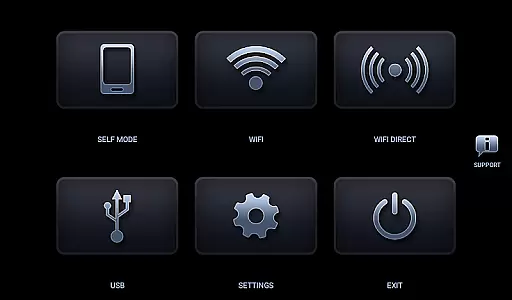
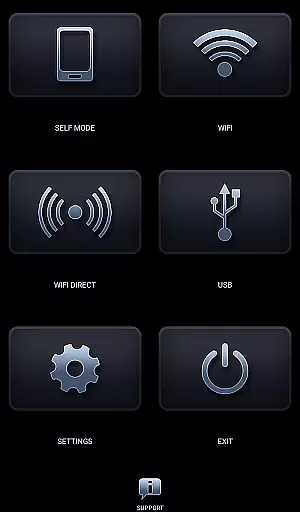
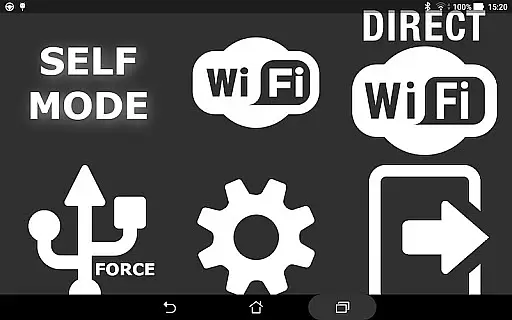
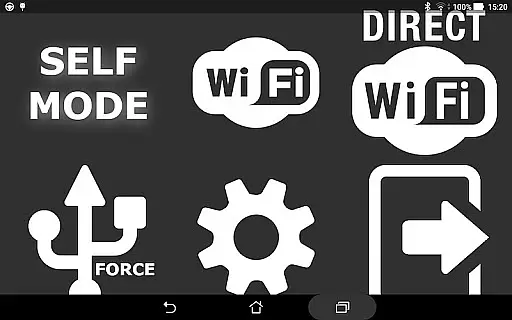
The core functionality includes USB mode for direct connection, WiFi support through hotspot connectivity, and Self Mode for running both Android Auto and HUR on the same device. These features make it highly versatile for various use cases and compatible with multiple Android-powered head units.
Users can benefit from seamless integration with their car's system, enabling them to access navigation, music, and other apps safely while driving. The app supports Joying, Eonon, Xtrons, and other popular head unit brands, making it a valuable tool for enhancing in-car entertainment systems.
Headunit Reloaded Emulator HUR offers several notable features that enhance its usability. First, the app provides multiple connection modes including USB, WiFi, and Self Mode, giving users flexibility in how they connect their devices. Each mode is designed to work seamlessly with different hardware configurations.
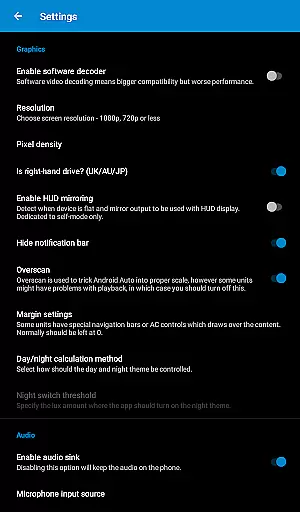
A key feature is its compatibility with various Android-powered head units from manufacturers like Joying, Eonon, and Xtrons. The app also includes troubleshooting options such as software decoding settings to address common issues like black screens. Additionally, users can customize their experience through various settings and options.
The implementation of these features demonstrates the developer's attention to detail and commitment to providing a comprehensive solution for Android Auto emulation. Users particularly appreciate the ability to use hardware keys and intent support, which enhances the overall user experience and makes the app stand out among similar solutions.
Map accuracy is a crucial feature for any navigation app, including Headunit Reloaded Emulator HUR. This app ensures that the maps displayed are precise and up-to-date, providing users with reliable guidance while driving.
The emulator supports various Android-powered head units such as Joying, Eonon, Grom Vline, Xtrons, PX5 and PX3 units, A-Sure, RK3188 units, RK3066 units, Avin, and others. By doing so, it caters to a wide range of devices, ensuring compatibility and accurate mapping across different platforms.
Users benefit from this accuracy by receiving real-time updates on their location and surroundings, which helps in making informed decisions about routes and potential detours. The precision in mapping also aids in avoiding areas with restricted video playback during drives, enhancing both safety and convenience.
Route planning is an essential aspect of the Headunit Reloaded Emulator HUR, allowing users to efficiently navigate through their journeys. With options like USB Mode, WiFi, and Self Mode, the app provides versatile methods for connecting to vehicles and planning optimal routes.
In USB Mode, users can connect directly via USB or OTG cables, ensuring a stable connection for route guidance. For those preferring wireless connectivity, WiFi mode offers seamless integration with car systems using hotspots, enabling automatic start-up based on Bluetooth connections.
Self Mode allows operation even when Android Auto and HUR run on the same device, offering flexibility without compromising functionality. These diverse modes ensure that users have multiple ways to plan their trips effectively, adapting to various technological setups and preferences.
User-friendly interface
Multiple connection options
Wide device compatibility
Regular updates and support
Comprehensive documentation
Requires technical knowledge
Occasional connection issues
Limited iOS support
Some features need additional apps
Performance depends on hardware


Turn your Android device into a real off-road GPS using off-line topo maps!
 4.40
4.40
Route schedules, maps, and real-time tracking of MTA buses in New York City.
4.20
GPX Viewer PRO shows tracks, routes and waypoints from gpx and kml files.
4.60
TACNAV-X: Precision MGRS navigation, built specifically for the military.
4.00
Number locator, real connection map
4.10
Navigate confidently with our precise Digital Compass app & Direction Compass!
4.70
Truck Safe GPS Navigation & Maps: Parking, Fuel, Diesel, Weight Station
4.80
GPS phone tracker, family locator, secure location sharing app
4.20
Get there with the Waymo Driver — The World’s Most Experienced Driver™
4.90
LIRR and Metro-North tickets and trips
4.80
Offline maps & GPS for hiking, travel, fieldwork & outdoor adventures
4.70
Navigate MTA, NJ Transit, MBTA, SEPTA, BART, MARTA, CTA & 900+ cities
4.60
The fastest and most convenient way to pay for parking on our lots.
4.40
Plan routes, share locations, and set custom alert zones
4.40
Get matched with a nearby driver — you’ll be on your way in minutes.
4.30
Find radar, speed camera, flight tracker. Use hud, location tracker, speedometer
4.20
Get real-time bus and train schedules for easy, hassle-free city transportation.
3.90
MapQuest is your go-to app for maps, GPS, voice navigation & live traffic.
3.80
Get route map navigation with 3D satellite view, and live earth camera streaming
3.70

User Reviews