

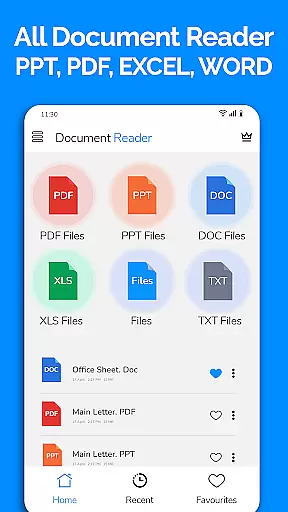
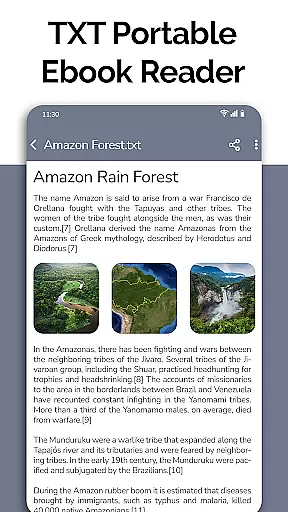
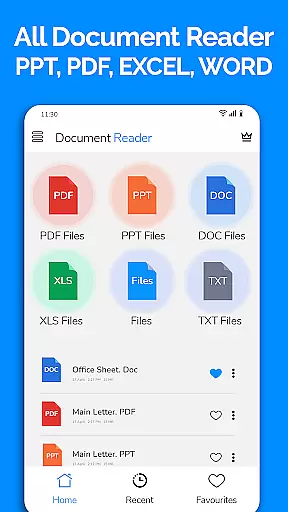
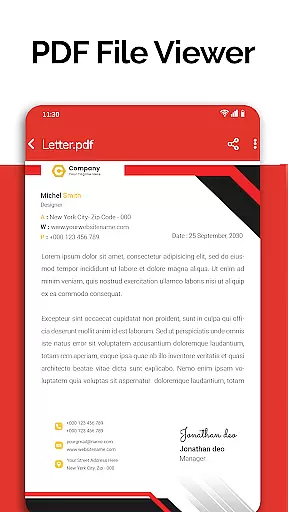
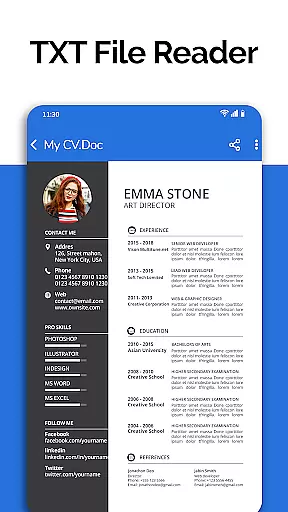
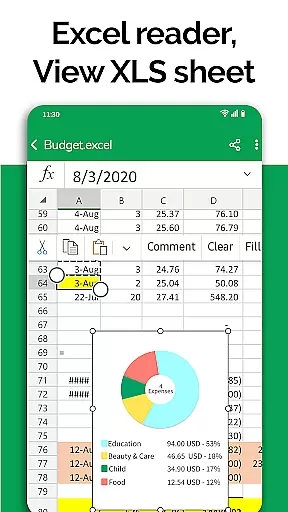
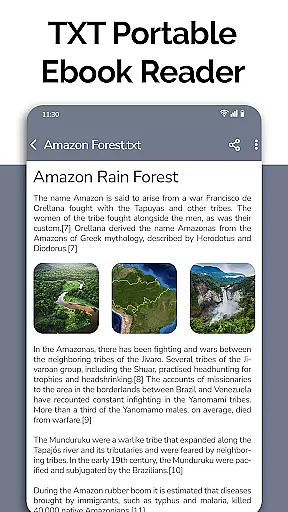
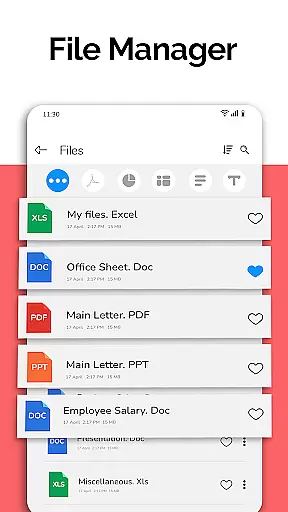
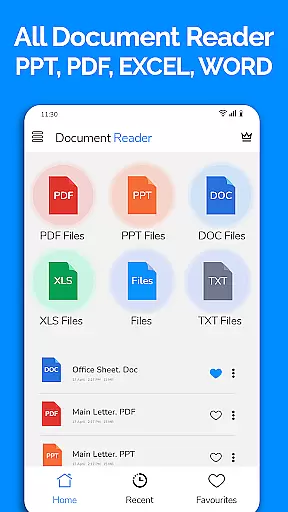
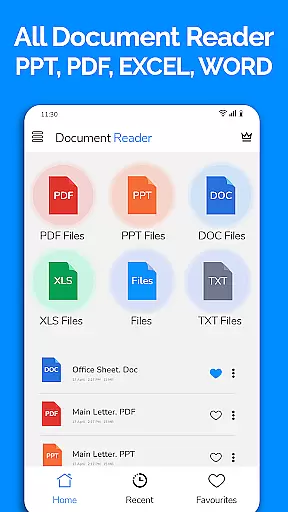
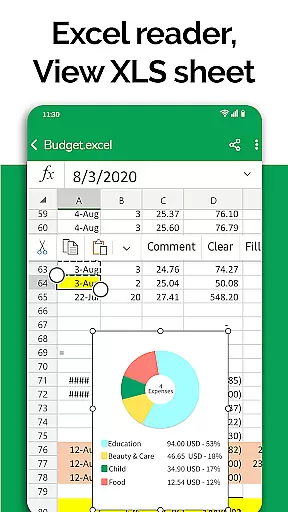
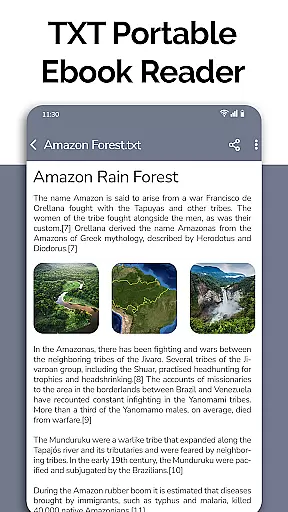
All Document Reader is a comprehensive business application designed to streamline document management and viewing across multiple formats. This powerful tool supports PDF, Word, Excel, PowerPoint, and TXT files, eliminating the need for separate apps for each document type. With its integrated file manager, users can easily organize, search, and access all their documents in one place.
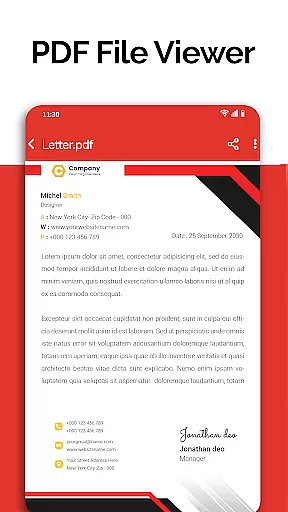
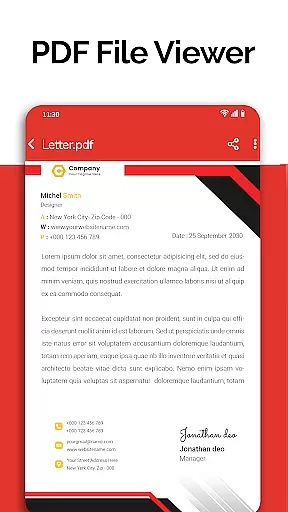
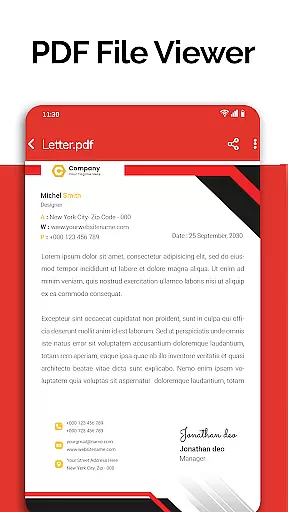
The app's standout feature is its ability to automatically sort and categorize documents by type, making navigation intuitive and efficient. The built-in PDF reader provides essential functionality for daily professional tasks, from reviewing business invoices to studying classroom notes. Additionally, the document scanner and editor functions allow users to modify and share files directly from their mobile devices.
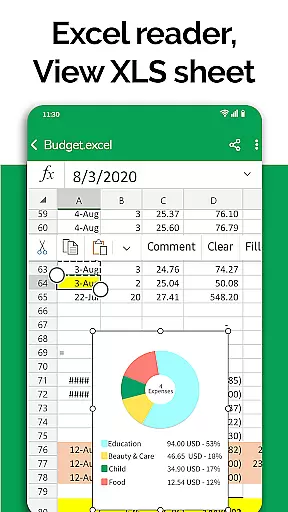
Particularly useful for business professionals and students, All Document Reader enhances productivity by enabling document review and preparation on-the-go. Whether preparing presentation slides or reviewing spreadsheets, this application offers a complete mobile office solution that maintains professional standards while providing convenience and accessibility.
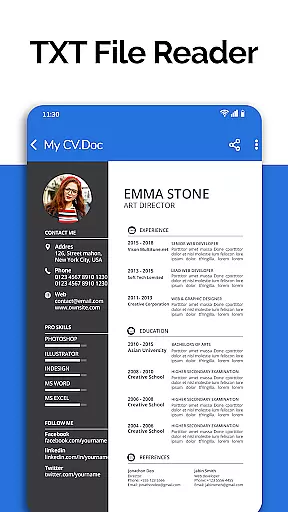
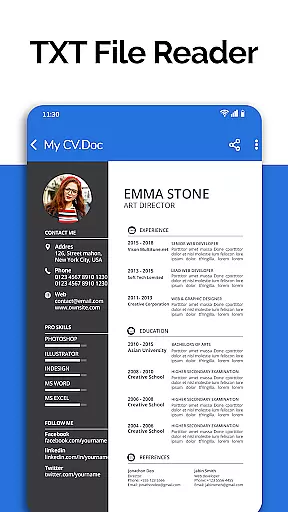
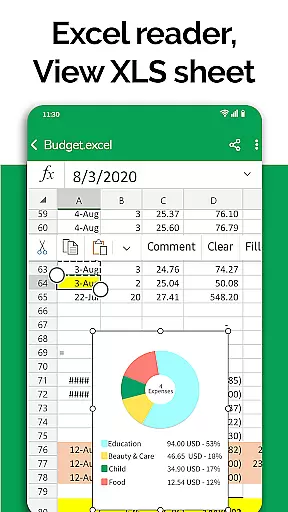
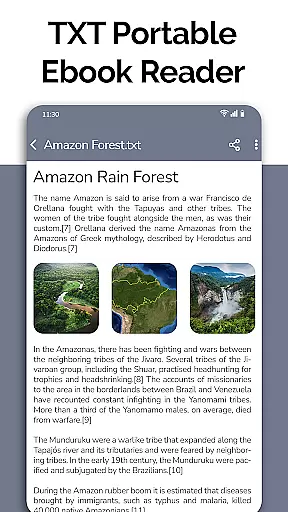
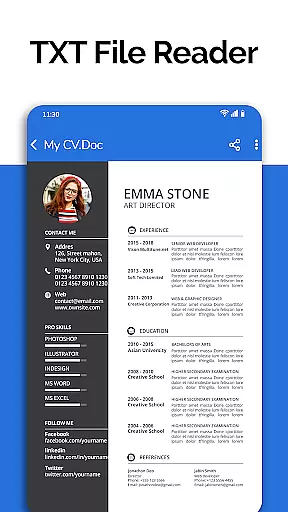
All Document Reader distinguishes itself through its comprehensive feature set tailored for business professionals. The application's core strength lies in its multi-format support system, capable of handling PDF, DOC, XLSX, PPT, and TXT files with equal proficiency. Each document type benefits from specialized viewers that maintain formatting integrity and provide smooth navigation through complex files.
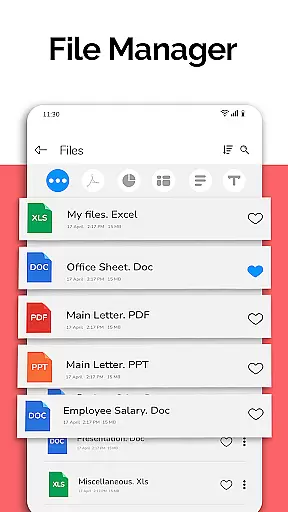
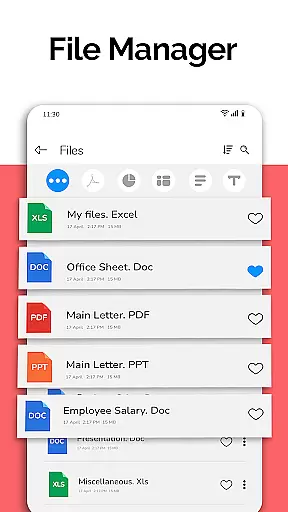
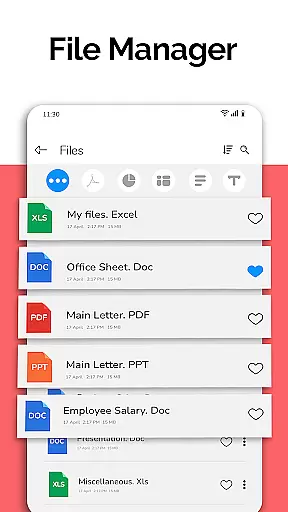
The integrated file manager goes beyond basic storage by offering advanced organizational tools. Users can sort documents by type, date, or size while accessing detailed file information including modification dates and file paths. The application's editing capabilities extend across multiple formats, allowing users to make quick modifications to documents and spreadsheets directly from their mobile devices.
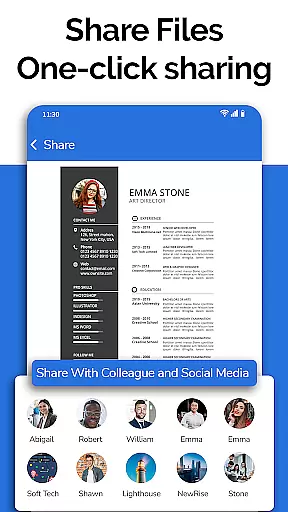
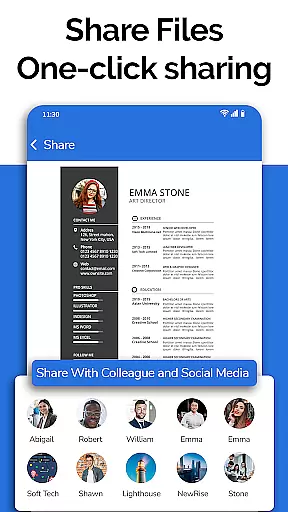
Additional features include a powerful search function, document sharing options, and seamless integration with other applications. The upcoming dark mode and voice search capabilities promise to enhance user experience further. Particularly noteworthy is the app's ability to handle large files efficiently while maintaining responsive performance, making it suitable for both quick reviews and extended work sessions.
In today's fast-paced business environment, the ability to collaborate effectively is crucial. All Document Reader offers a comprehensive suite of tools that facilitate seamless teamwork. With its integrated file manager, teams can easily access, sort, and organize documents according to their respective formats, streamlining the collaborative process.
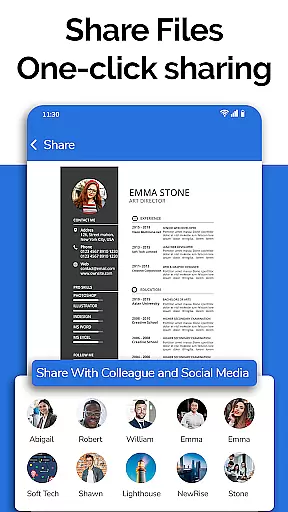
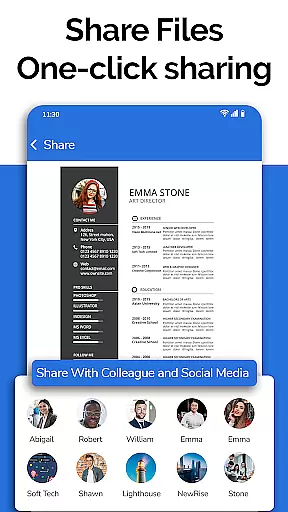
One standout feature is the app's capacity for viewing, editing, and sharing various document types such as XLSX, Docx, PPT, TXT, and PDF files. This ensures that all team members, regardless of their location, can contribute to and modify documents in real-time, fostering a dynamic and flexible work environment.
Furthermore, the document editor within the app allows users to delete, rename, and share documents effortlessly. By providing complete file information, including file path, size, and last modification date, it enhances transparency and accountability among team members. Such features not only simplify document management but also significantly boost productivity and efficiency in collaborative projects.
Effective task management is essential for maintaining productivity and ensuring that projects are completed on time. All Document Reader excels in this area by offering robust tools designed to help users manage their tasks efficiently. The app's automatic sorting and organization of documents ensure that users can quickly locate and prioritize their work, reducing time spent on searching for files.
The inclusion of advanced features such as voice search for files, which is coming soon, will further enhance the task management capabilities of the app. Users will be able to swiftly find documents through simple voice commands, allowing them to focus more on their tasks rather than navigating complex file systems.
Additionally, the upcoming feature of creating new documents directly within the app will empower users to initiate tasks without switching between multiple applications. Coupled with the ability to search text across all documents, these functionalities will provide a cohesive and efficient task management experience, enabling users to stay organized and productive.
User-friendly interface
Multi-format support
Integrated file manager
Document editing capabilities
Automatic file organization
Advanced features require subscription
Occasional performance lag
Limited free editing options
Large app size
Some features still in development





AI-powered document scanner with auto enhance for perfect PDFs.
 4.60
4.60
FX Plus adds media, networking, and cloud capabilities to FX File Explorer.
4.10
ANDROID'S TOP MOBILE OFFICE - Word, Excel, PowerPoint and PDF at your fingertips
4.50
Take the stress out of storage with the all-in-one app to manage your space.
3.70
Finance, Investing, Stocks, Trading and Stock news
4.60
A secure, all-in-one team collaboration app
4.30
Start earning fast. Apply Today.
4.80
Access to Paylocity, empowering employees with information they need 24/7.
4.70
From Gone to Back Again — In Just a Few Taps
4.50
TurboScan turns your phone into a full-featured PDF document scanner.
4.80 4.70
4.70
Find jobs and make money fast with JobStack.
4.60
Paychex Flex - Save Time and Stay Connected
4.60
ADP Mobile Solutions is an employee self service app
4.50
Deliver and earn money
4.30
Build a store in minutes with our full suite of AI tools. Start for free!
4.20
Find flexible, hourly jobs hiring near you in restaurant, retail & hospitality!
4.00
Simple, Fast & Lightweight
3.90
view, manage, and share every PDF file you have
3.60
User Reviews