

Microsoft Authenticator is a business-focused application that provides secure sign-in options for online accounts through multi-factor authentication, passwordless login, or traditional passwords. The app supports both personal and organizational Microsoft accounts, as well as non-Microsoft accounts like Facebook, Amazon, and Google.
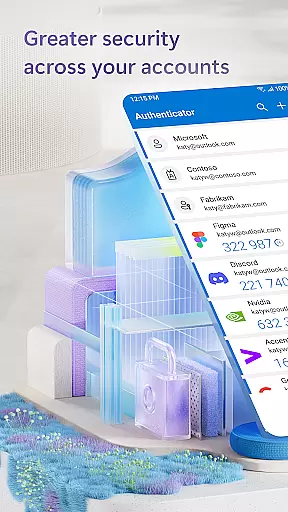
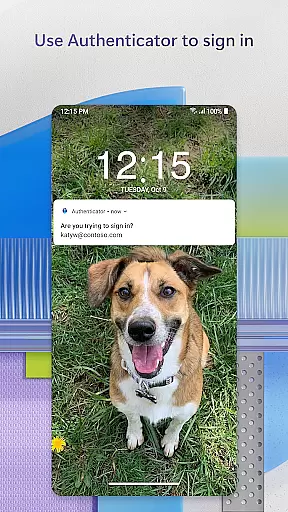
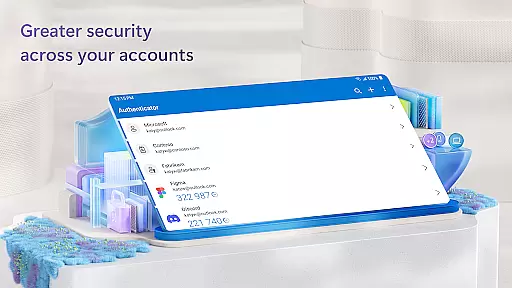
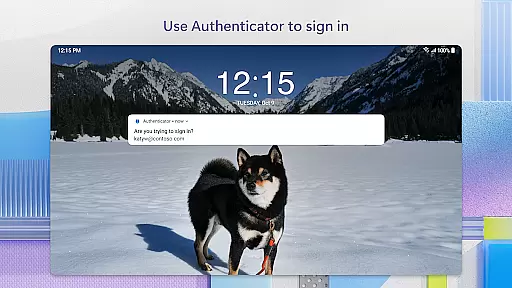
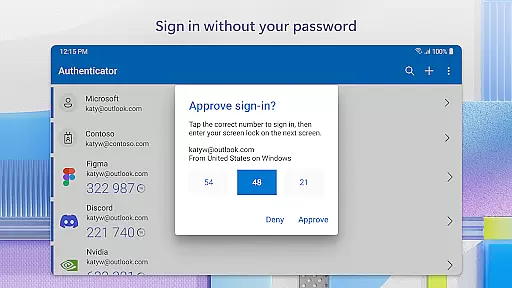
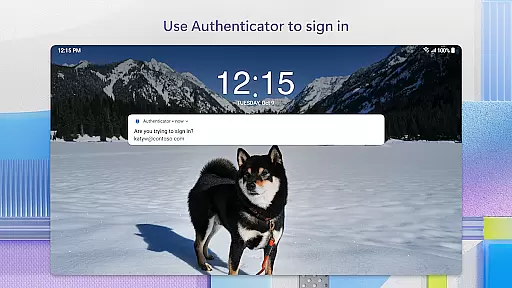
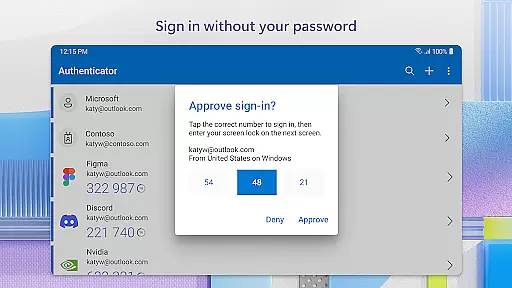
The core functionality includes two-factor authentication (2FA) using one-time passwords (OTP) that refresh every 30 seconds, ensuring enhanced security without the need for network connectivity. Additionally, users can leverage their mobile device as a second verification factor by approving push notifications via fingerprint, face ID, or PIN. This seamless integration allows access to Microsoft services such as Outlook, OneDrive, and Office while maintaining enterprise-grade protection.
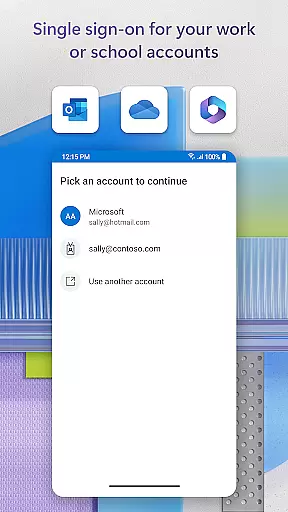
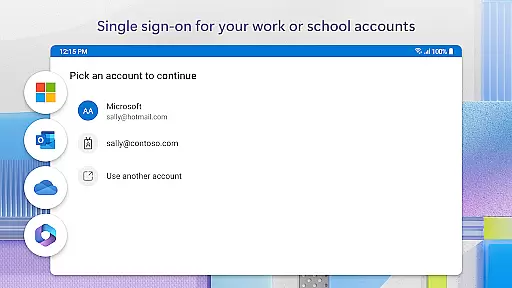
For businesses, the app offers advanced features like cert-based authentication and single sign-on capabilities, streamlining secure access across multiple Microsoft apps and services. These tools help organizations verify trusted devices and reduce repetitive login processes, making it an essential utility for modern workplaces.
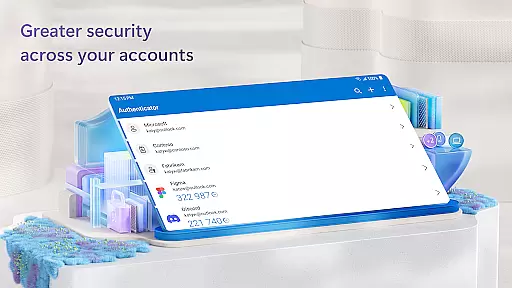
Microsoft Authenticator stands out with its comprehensive approach to account security. The app's multi-factor authentication process ensures that after entering a password, users must approve a push notification or input a time-sensitive OTP code generated within the app. This dual-layered verification significantly reduces the risk of unauthorized access.
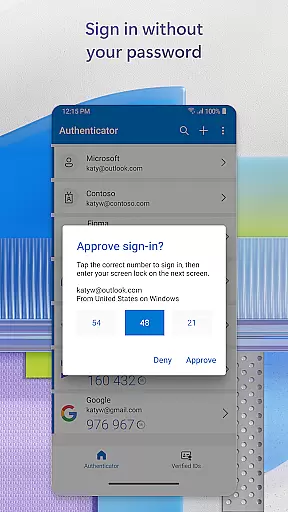
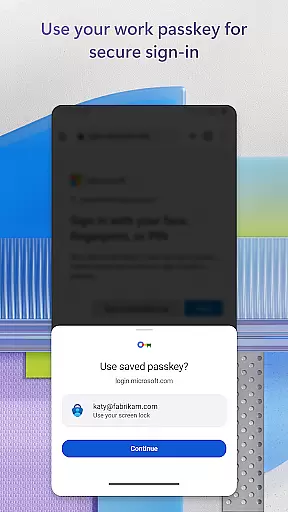
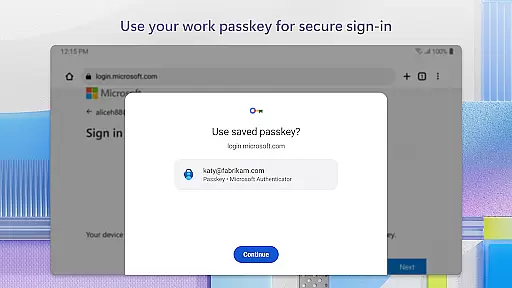
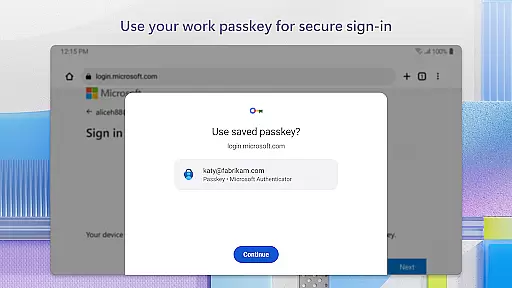
One innovative feature is the support for passwordless logins. By simply entering a username and confirming identity through biometric data or a PIN, users can securely access their accounts without remembering complex passwords. The app also allows linking multiple accounts, including non-Microsoft services, providing a centralized security solution.
For corporate environments, the app facilitates device registration and certificate-based authentication. This enables organizations to implement location-based policies, QR code scanning for account setup, and optional permissions like camera access and storage diagnostics. Such flexibility makes Microsoft Authenticator a versatile tool for both individual and enterprise security needs.
Microsoft Authenticator enhances collaborative work environments by providing secure access to essential resources. The app supports organizations in maintaining security while enabling employees to access files, emails, and applications seamlessly. By registering the device through the app, users can add their work or school accounts, ensuring that sign-in requests come from trusted devices.
The app's cert-based authentication issues a certificate on the user's device, further securing the verification process. This allows organizations to implement stringent security measures without compromising accessibility. As a result, users can enjoy seamless and secure access to multiple Microsoft apps and services without needing to log in individually each time.
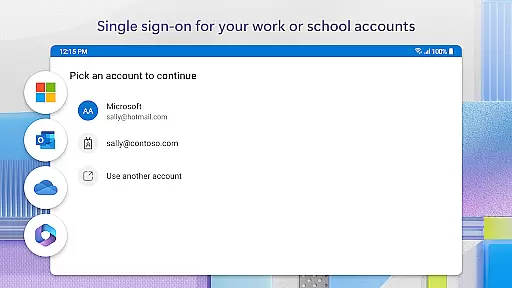
Moreover, Microsoft Authenticator supports single sign-on capabilities. Once users have authenticated themselves using two-factor authentication, they won't need to log in repeatedly to other Microsoft apps on the same device. This feature not only streamlines workflows but also reduces password fatigue, allowing teams to focus more on productivity and collaboration rather than managing numerous credentials.
Task management within Microsoft Authenticator revolves around simplifying and securing the login processes for various accounts. Users can manage multiple accounts, including non-Microsoft ones like Facebook, Amazon, and Google, all from one place. This consolidation makes it easier to handle different tasks that require logging into various platforms without remembering multiple passwords.
The app generates one-time passwords (OTP) that refresh every 30 seconds, ensuring that each OTP is unique and cannot be reused. This timer-based system provides an additional layer of security without requiring network connectivity, thus conserving device battery life. Users can quickly approve login requests via push notifications, making task management faster and more efficient.
Additionally, the optional access permissions enhance task management by integrating with other services. For instance, location data might be requested if an organization requires it before granting access to specific resources. These optional features ensure that users can tailor the app to fit their needs while maintaining robust security protocols, ultimately improving overall task efficiency.
Enhanced Security
Multi-Factor Authentication
Passwordless Login
Single Sign-On
Cross-Platform Support
Requires Device Compatibility
Dependent on Network
Limited Offline Features
Complex Setup
Premium Features Locked

The revolutionary flexible staffing platform
 4.40
4.40
The Penny Puss app with DG penny finder
4.10
Find the right fit, faster.
4.70
Amazon A to Z is the place to manage your work-life at Amazon.
4.50
Paychex Flex - Save Time and Stay Connected
4.60
One marketplace. Hundreds of services. Unlimited possibilities. All on Fiverr.
4.40
Recover what matters — quickly and easily.
4.70
Job search app that finds jobs for you! Takes the work out of looking for a job!
4.90
Smarter career moves start here. AI job alerts, insights & the right tools.
4.20
TurboScan turns your phone into a full-featured PDF document scanner.
4.80
The MyWalmart App is available for all associates in stores.
4.70
USPS Mobile®Access USPS.com’s most popular tools on-the-go.
4.70
Grow your business and connect with more people with Meta Business Suite.
4.60
Mobile POS for any business: sales, invoices, retail, restaurants & appointments
4.60
Earn crypto with secure cloud mining. Monitor, track & withdraw easily
4.40
The All-in-One File Manager for Phone, TV, Watch, Cars, XR / VR, Chromebook
4.10
Work happy with AI Companion
4.10
Get your benefits on-the-go.
3.80
We are a dynamic team of creatives people of design, marketing, web & apps
3.00

User Reviews