

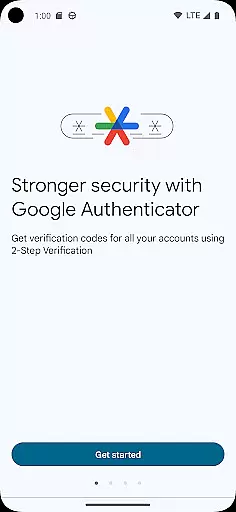
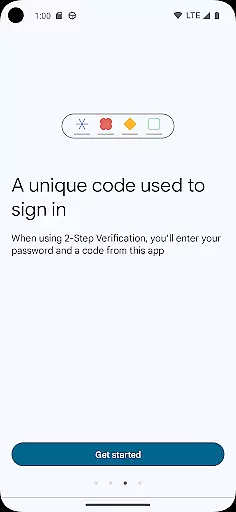
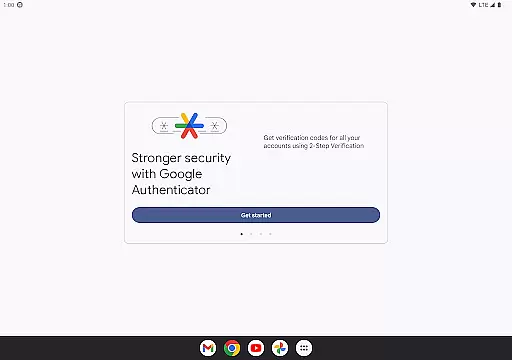
Google Authenticator is a security tool designed to protect your online accounts through two-factor authentication. By generating time-based or counter-based verification codes on your mobile device, it adds an extra layer of protection beyond just passwords. This app ensures that even if your password is compromised, unauthorized users cannot access your accounts without the dynamically generated code.
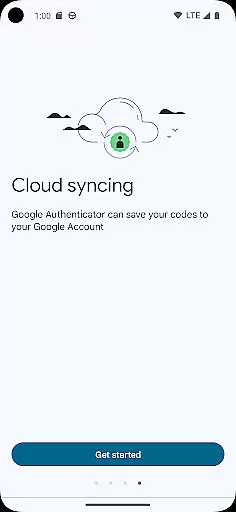
Key features include offline functionality, support for multiple accounts, and the ability to sync your codes across devices via your Google Account. Whether you're managing personal accounts or securing business data, Google Authenticator provides a reliable solution for enhancing account security.
This app is particularly useful for users who prioritize digital safety and want to ensure their sensitive information remains protected across platforms like Gmail, banking apps, and other services requiring secure logins.
Google Authenticator offers several advanced features that make it a versatile security tool. One standout capability is its offline functionality—users can generate verification codes even without an internet connection or cellular service. This ensures uninterrupted access to critical accounts regardless of network availability.
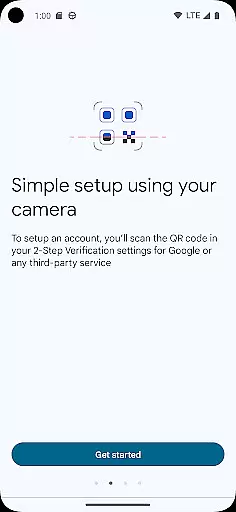
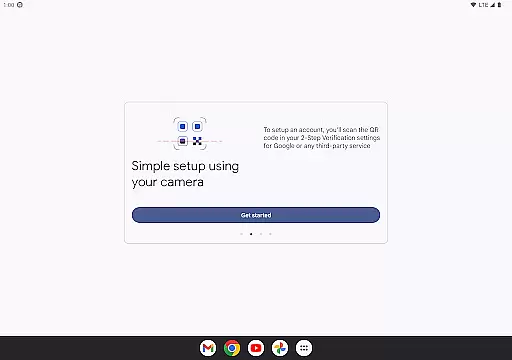
The app supports both time-based and counter-based code generation methods, catering to different user preferences and requirements. Additionally, setting up new accounts is streamlined with QR code scanning, which simplifies configuration while minimizing errors. For those managing multiple accounts, the app allows seamless organization without needing to switch between different applications.
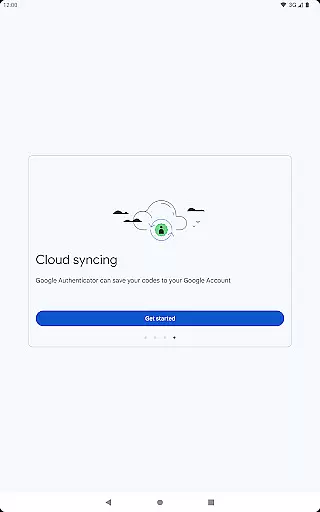
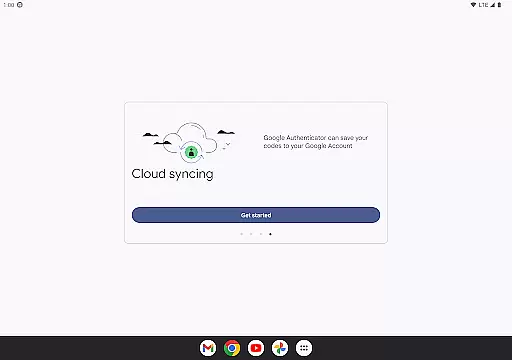
Another notable feature is the ability to transfer accounts between devices using QR codes, making it easy to migrate when upgrading phones. Furthermore, syncing Authenticator codes to your Google Account ensures they are always accessible, providing peace of mind in case of lost or damaged devices.
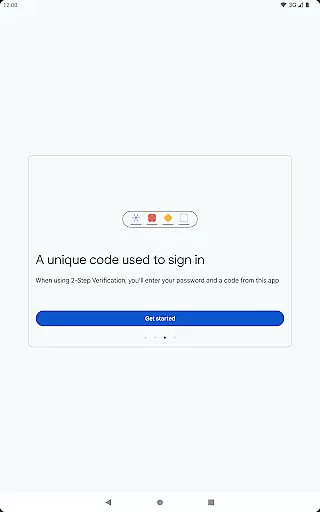
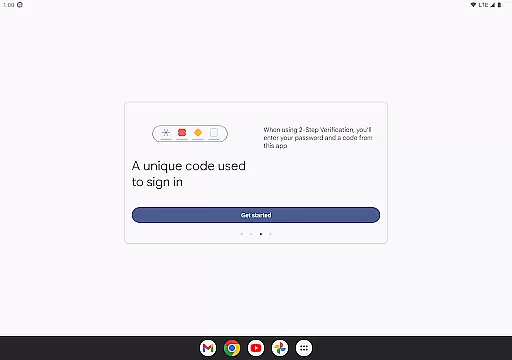
Google Authenticator excels in providing highly accurate and effective two-factor authentication. The app generates time-based or counter-based codes that serve as the second verification step for your online accounts, ensuring that only authorized users can gain access.
The core functionality is designed to be reliable even without an internet connection, making it accessible anytime, anywhere. This offline capability ensures that you are not dependent on network availability, which is crucial during sign-ins.
Users benefit from enhanced security without compromising convenience. By integrating seamlessly with various online services, Google Authenticator adds a robust layer of protection beyond just passwords, significantly reducing the risk of unauthorized access.
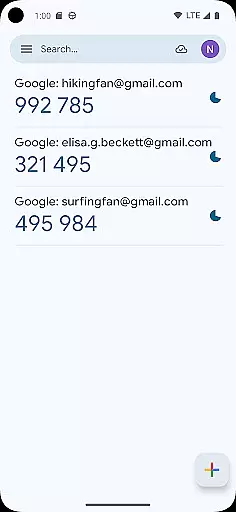
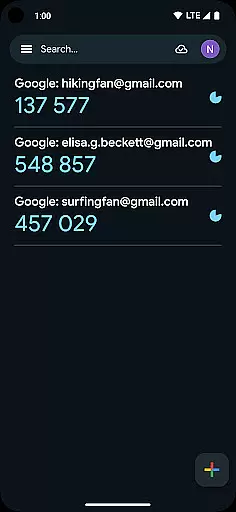
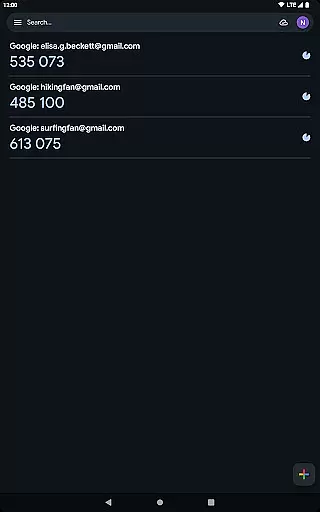
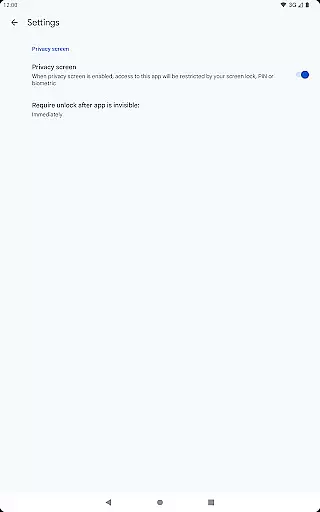
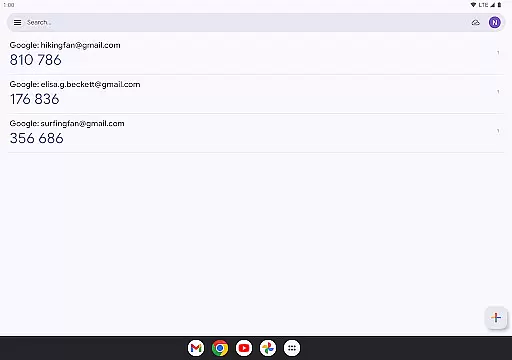
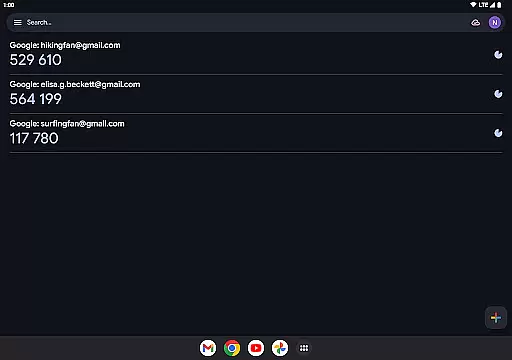
The interface of Google Authenticator is crafted to offer a straightforward and intuitive user experience. With a clean design, the app focuses on functionality, allowing users to easily view and manage their authentication codes without any unnecessary complexity.
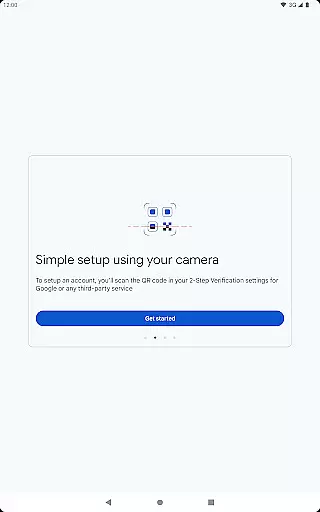
Setting up new accounts is simplified through QR code scanning, which automatically configures the necessary settings. This eliminates manual input errors and streamlines the process, making it quick and hassle-free for users to get started.
Despite its simplicity, the app does not skimp on essential features. It supports multiple accounts and provides options for both time-based and counter-based code generation, all presented in an easy-to-navigate interface that prioritizes user experience.
Enhanced Security
Offline Functionality
Multi-Account Support
Easy Setup with QR Codes
Code Sync Across Devices
No Built-In Backup
Limited Customization
No Desktop Version
Occasional Sync Issues
Requires Manual Transfer


A powerful, easy-to-use flight computer on your phone or tablet!
 3.80
3.80
PDF Reader - Document Viewer: Read, Manage & Organize Your Documents
3.10
Safely recover deleted photos, videos, and files with a single easy tap.
3.70
An easy-to-use calculator designed to save time calculating and bending conduit
4.30
Excellent scientific calculator with symbolic algebra, integrals, derivatives
4.80
Support Fossify apps with a warm thank you!
5.00
Powerful collection of electronics tools and reference.A must for any enthusiast
4.90
Automate everything from settings to photos, SMS to speech. ADC2 prize winner.
4.10
fast and easy mp3 music downloader
4.80
Best leveling tool for your Android device. Hang paintings like a pro.
4.90
ADB support Android 4.X-Android 13(Support wireless pair mode).No root required!
4.70
Planner and Tracker for Stardew Valley
4.60
Universal TV remote control all TVs, Roku, LG, Samsung, Fire, Vizio, Sony, TCL.
4.40
Mirror your screen to Fire TV - Super fast and simple
4.40
App that Recover your pictures, videos or files after you delete them.
4.20
Signal Strength, Mobile, Wifi, Speed Test, Bad Signals, Cellular, 5G, LTE, 4G
4.20
A simple app to back up and restore SMS & MMS messages and call logs.
4.10
Introducing Smart Printer, your ultimate destination for printing solutions!
4.00
Undelete and recover your lost or deleted files with DiskDigger!
3.40


User Reviews