
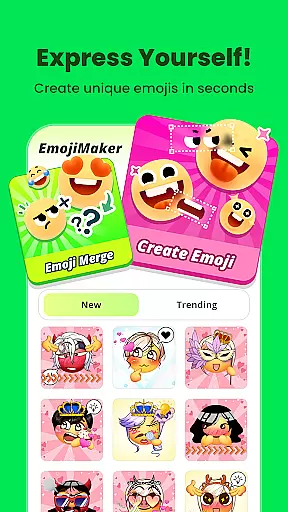
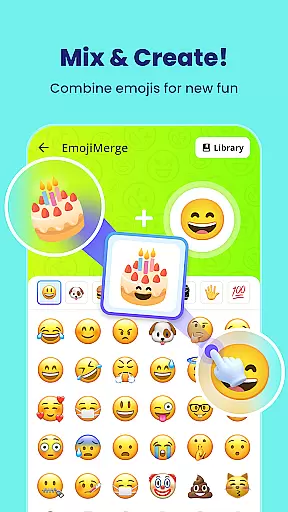
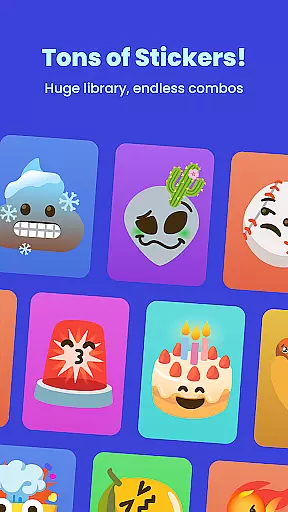
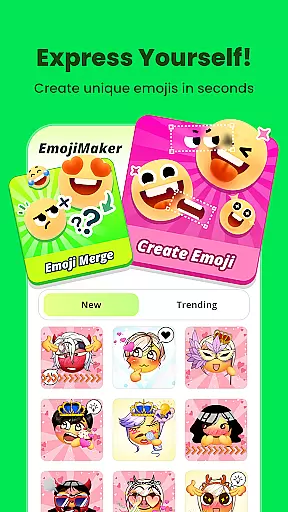
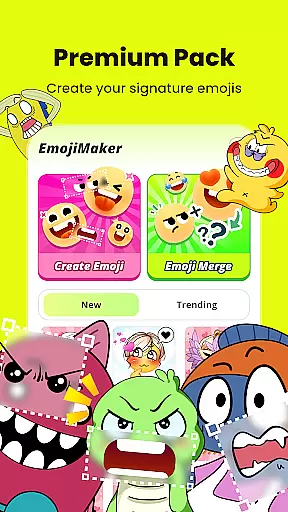
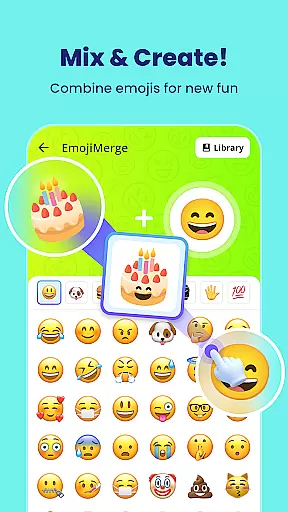
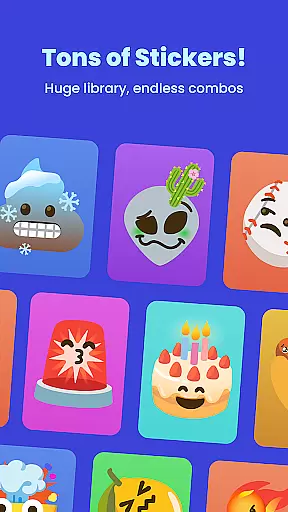
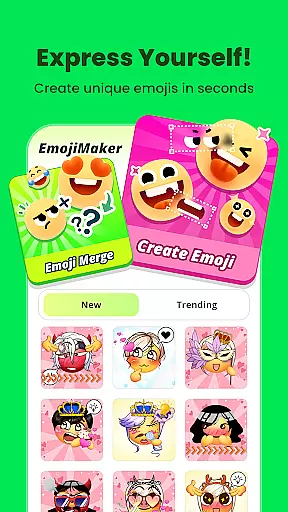
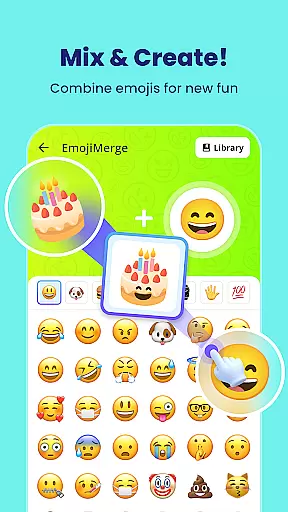
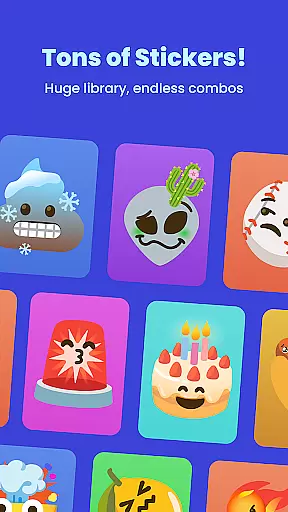
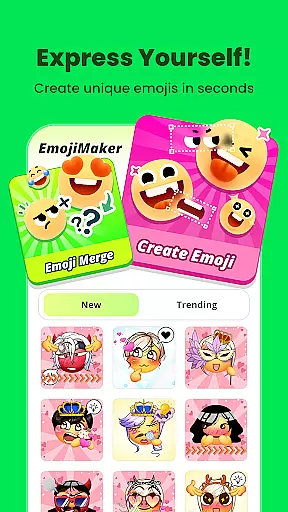
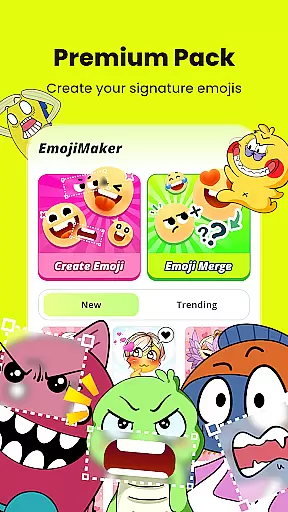
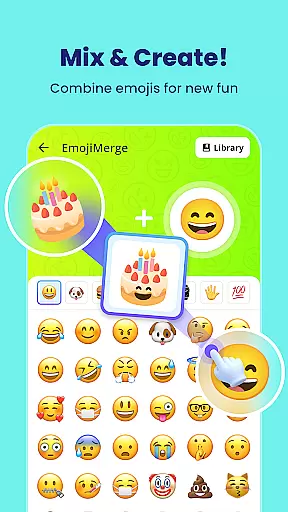
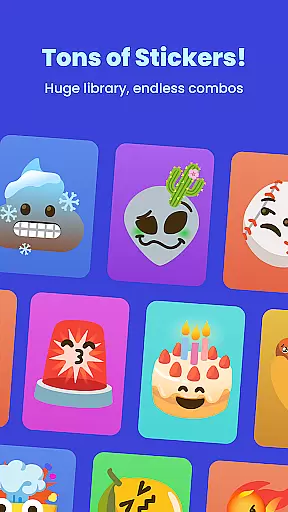
Gemoji is a creative emoji maker app that allows users to design personalized emojis and stickers. With an extensive library of components including eyes, mouths, accessories, and more, the app provides limitless customization options. Users can mix and match elements to create unique emojis for various occasions such as birthdays, holidays, or everyday chats.
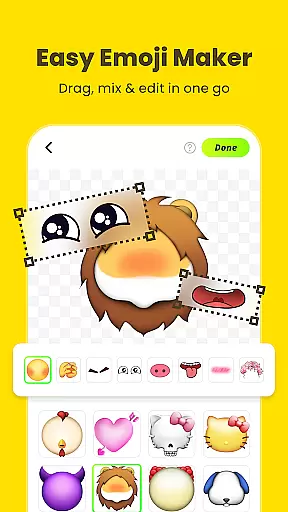
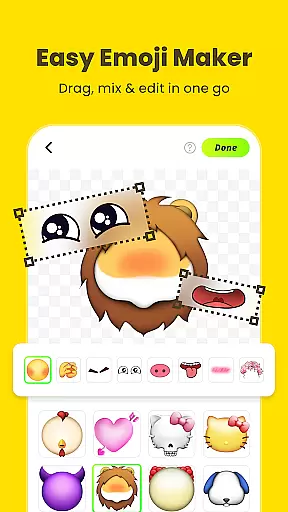
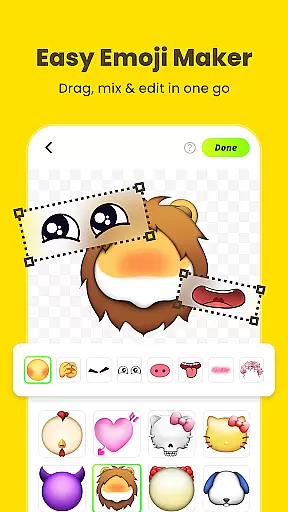
The app stands out with its easy-to-use interface that lets users see their changes in real-time while layering different elements. Gemoji also supports transforming custom emojis into messaging stickers, making it a versatile tool for communication and self-expression. Whether you're looking to add a personal touch to your messages or simply have fun creating, Gemoji offers an engaging platform for all ages.
Gemoji offers a rich set of features designed to enhance user creativity and convenience. One of its standout capabilities is the vast selection of professionally designed emoji elements, which include a wide variety of colors and playful expressions. This ensures that every creation is vibrant and unique.
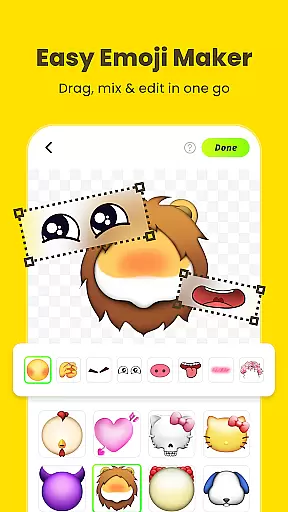
In addition to its beautiful components, Gemoji provides an intuitive design process. Users can easily customize their emojis by clicking on different components to change shapes and layer elements. The app's real-time preview feature allows users to see their designs come to life instantly. Furthermore, frequent updates introduce new components and seasonal themes, keeping the content fresh and exciting.
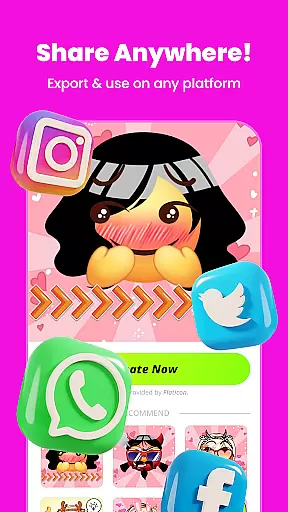
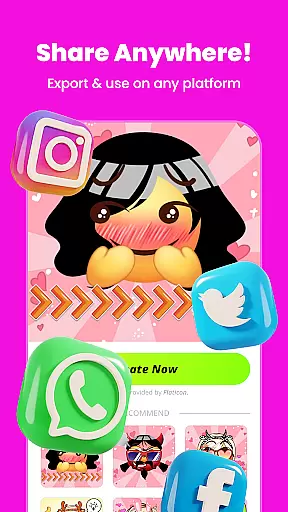
Gemoji also enables users to save and share their creations effortlessly. Once completed, emojis can be downloaded as stickers or images and used across various messaging platforms. This seamless integration enhances the overall user experience, making Gemoji not just an emoji maker but a comprehensive tool for creative expression.
Customization is at the heart of Gemoji, allowing users to express their unique style and creativity through emojis. With a vast array of components including eyes, mouths, accessories, and more, users can mix and match elements to create truly personalized emojis.
The app offers an extensive selection of colors and design elements, ensuring that every emoji can be tailored to fit any mood, season, or special occasion. Whether you're designing cute characters, quirky faces, or unique stickers, Gemoji provides all the tools necessary for an unparalleled DIY experience.
Users benefit from the ability to craft custom emojis that are not available in standard emoji sets, enabling them to stand out in chats with distinctive and eye-catching designs. This level of customization ensures that your emojis will always reflect your personal style and emotional expression.
Gemoji excels in theme compatibility, offering a rich library of professionally designed emoji elements that blend seamlessly together. Users can explore various themes and combine stunning effects to create emojis that are visually cohesive and aesthetically pleasing.
The app supports seasonal themes and frequent updates, keeping the content fresh and engaging. This means users can craft emojis that are relevant to current events, holidays, or trends, enhancing their communication with timely and themed creations.
By providing beautiful components and thematic elements, Gemoji ensures that every emoji crafted within the app maintains visual consistency and theme integrity. This compatibility allows for endless creative possibilities while maintaining a polished and professional appearance.
User-friendly interface
Vast customization options
Real-time design preview
Frequent content updates
Cross-platform sharing
Limited advanced tools
Occasional bugs reported
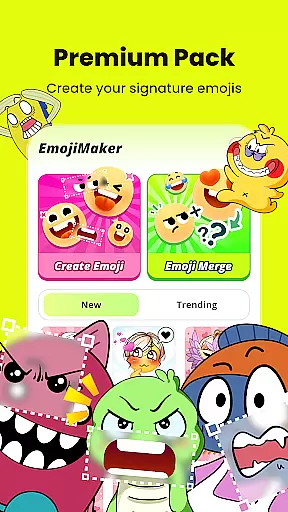
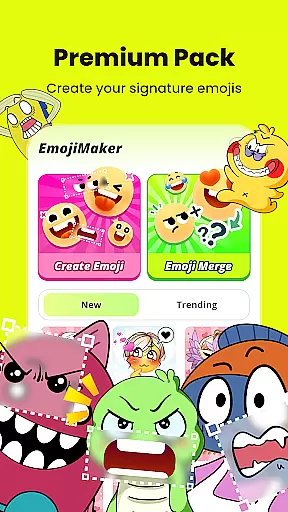
Premium features locked
High storage usage
Learning curve for new users

Only for Wear OS devices!
 4.90
4.90
Ultra realistic high quality analog watch face for Wear OS.
4.60
Customizable flower power digital watch face for Wear OS watches.
4.00
Wear Os Watch Face - Seasonal - Animated Snow Effect - 9 Animals
4.20
Unique Fonts, typefaces and stylish text. Fonts for Instagram, Whatsapp & others
4.20
Choose your keyboard with RGB colors effect, themes, fonts, emojis.
4.60
Handcrafted pixel art icons, widgets & wallpapers
4.60
Transform your phone with stylish zipper lock themes and 4D live wallpaper
4.10
Cool custom fonts & keyboard themes! Symbols & font changer for Instagram
4.50
Winter's Journey: digital watch face for Galaxy Watch & Wear OS
4.80
Wallpaper HD 4K Live - Thousands of high-quality Anime backgrounds for you.
4.80
Customizable Glass widgets. Over 360+ stunning widgets and more!
4.70
Over 28,000 high quality icons to bring color & homogeneity to your phone.
4.60
Customize your home screen with stunning themes, blur, widgets & icons.
4.60
Embrace the Night. Unleash the power of darkness with Raven Dark Icon Pack
4.60
Transform your device in a game console
4.40
A light in the dark, a unique style and an andless cutomization!
4.30
Magic fluids wallpaper 4D: Relax with stunning fluid simulation wallpaper app
4.20
Design your screen with unique, vibrant clocks
3.80

User Reviews