
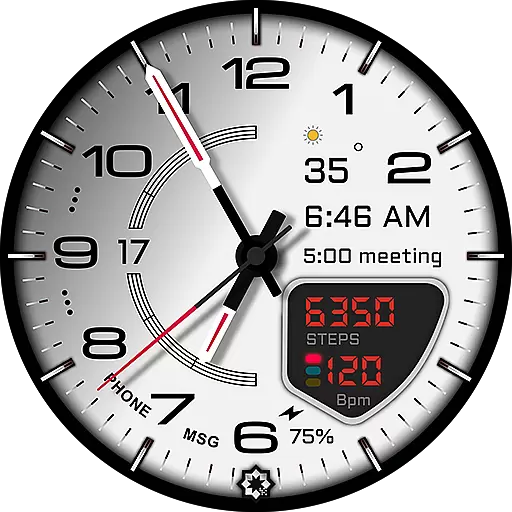
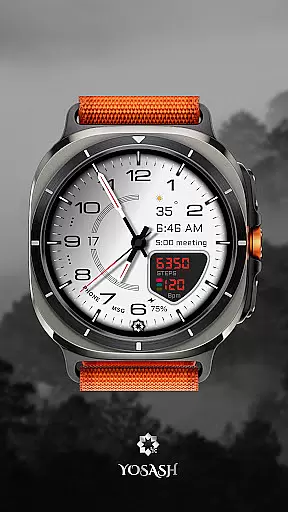
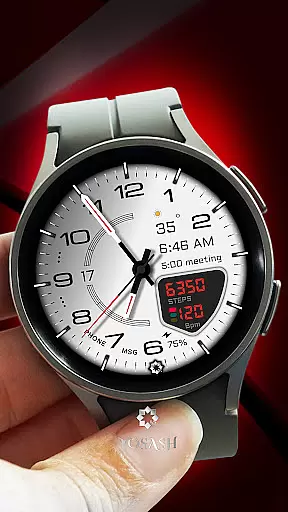
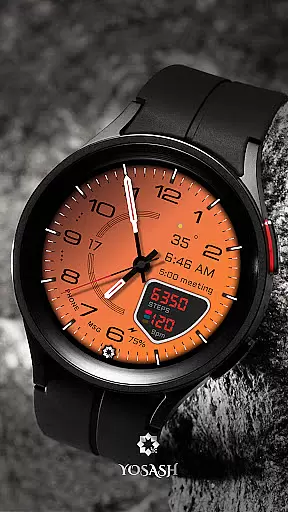
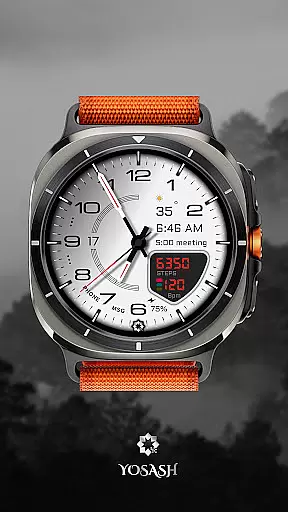
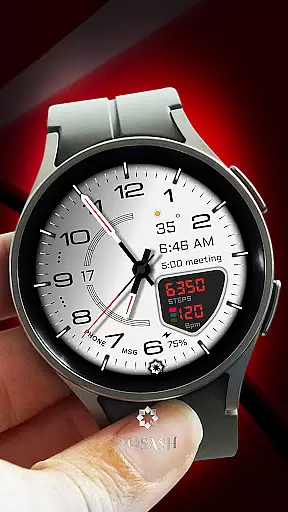
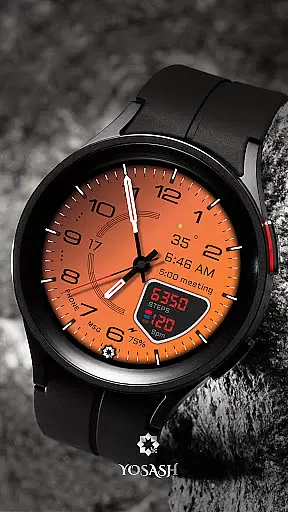
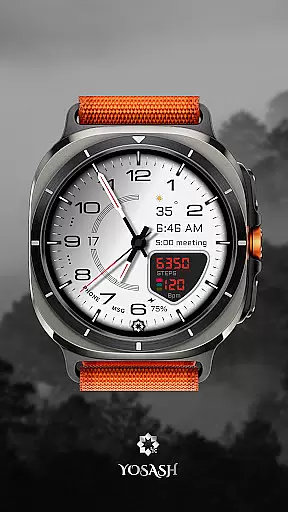
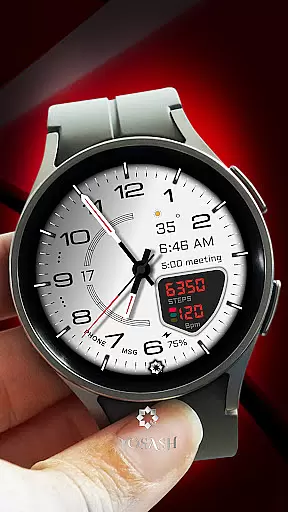
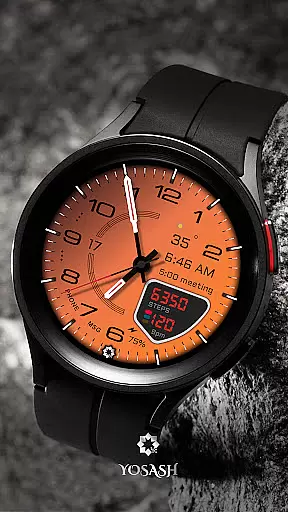
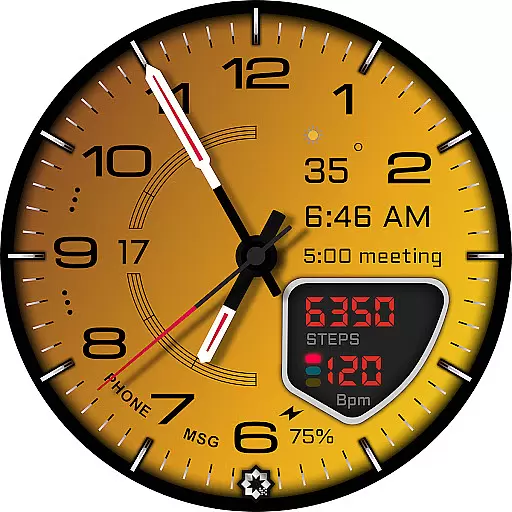
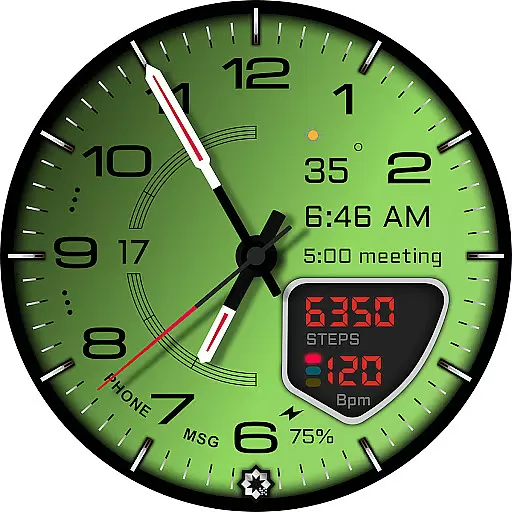
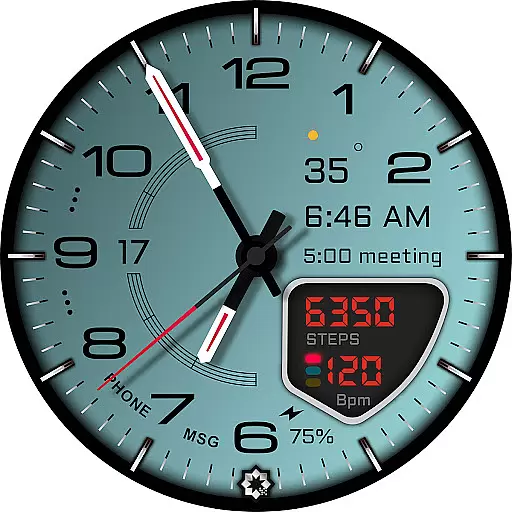
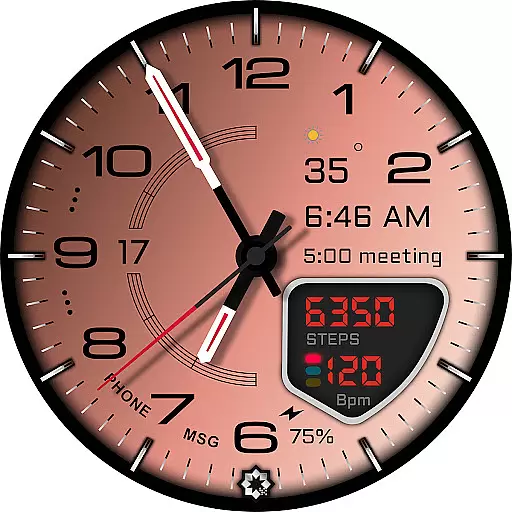
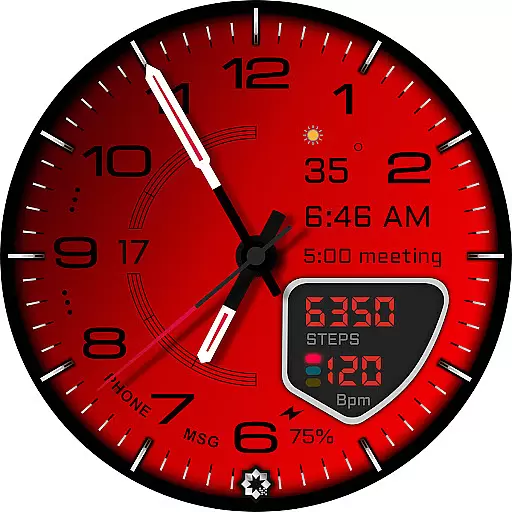
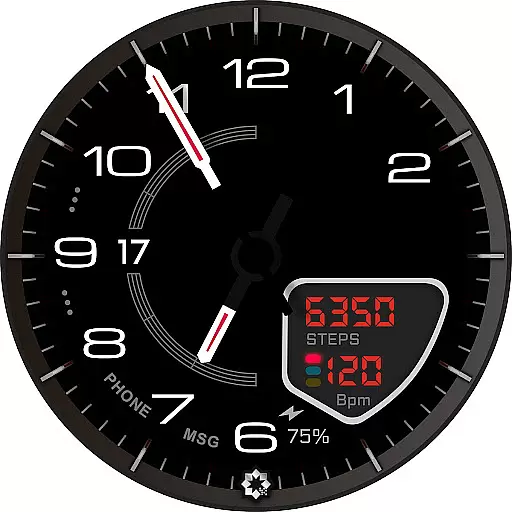
D355 Premium Watch Face offers an elegant and customizable analog design for Wear OS smartwatches. This premium watch face supports real-time health tracking, Always-On Display, and multiple customization options including color themes and hand styles.
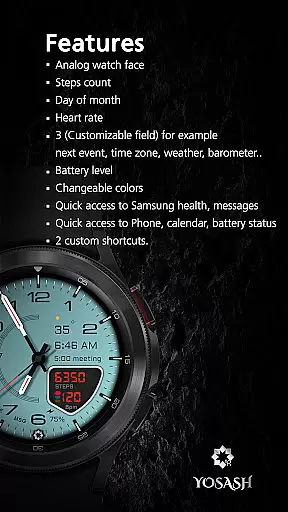
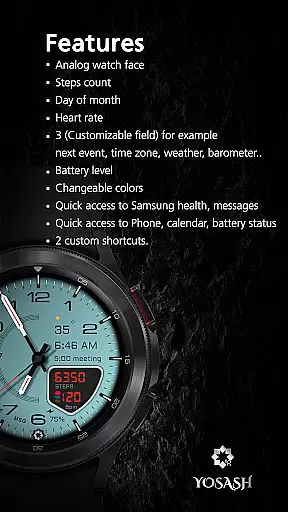
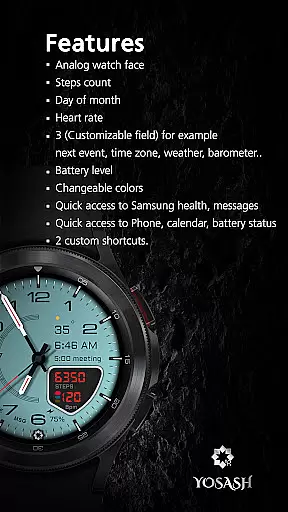
Designed for Samsung Galaxy Watch and Google Pixel Watch users, it provides smooth performance on Wear OS 3.5+. The interface displays essential data like steps, heart rate, battery status, and date through customizable complications.
Ideal for users seeking both style and functionality, D355 enhances the smartwatch experience with its luxury-inspired design and practical features that work seamlessly throughout the day.
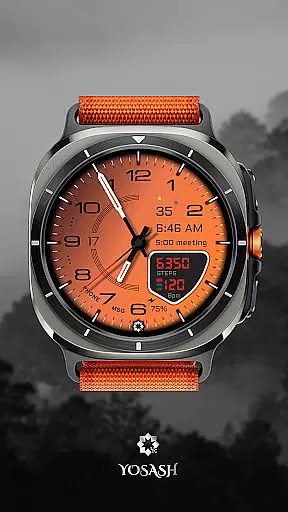
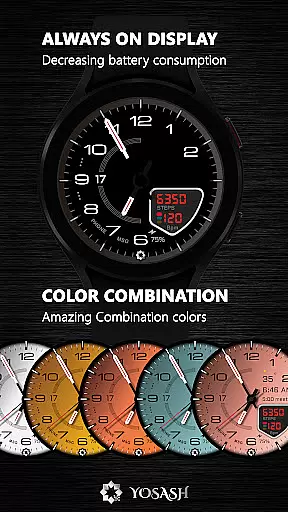
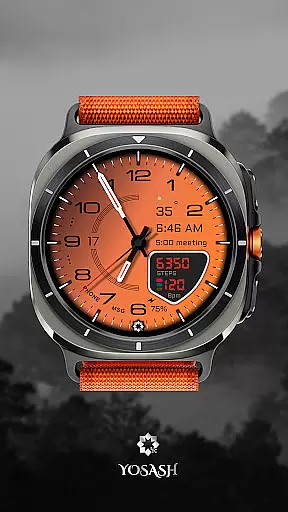
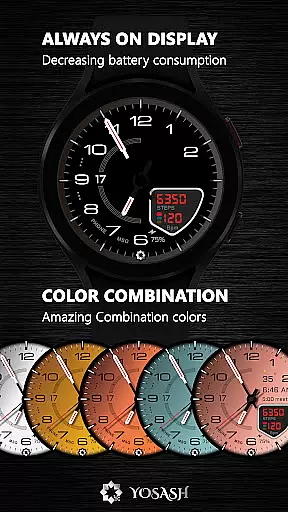
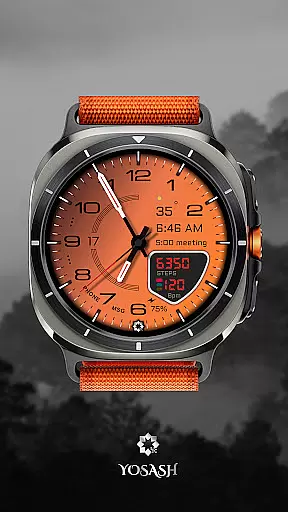
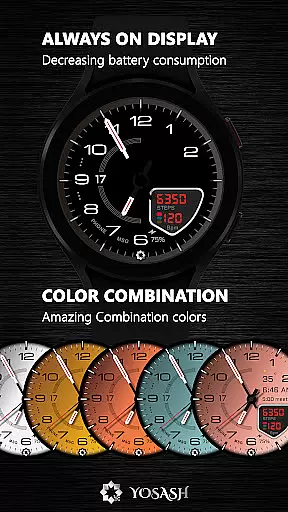
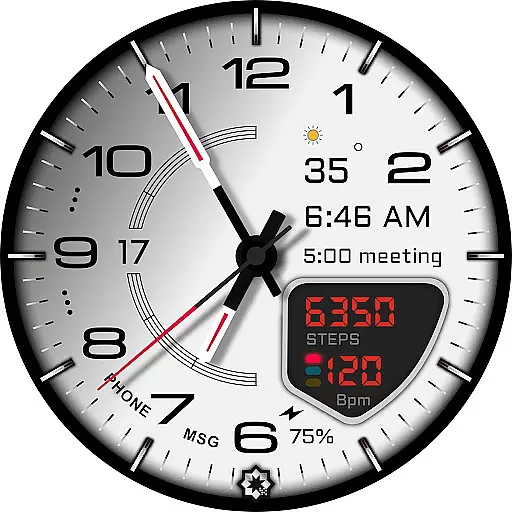
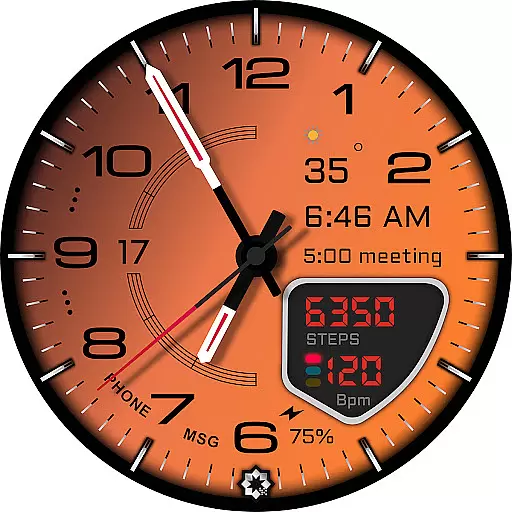
D355 stands out with its luxury-inspired analog dial and extensive customization capabilities. Users can choose from 20+ color themes and 10 hand styles to create a personalized look that matches their preferences.
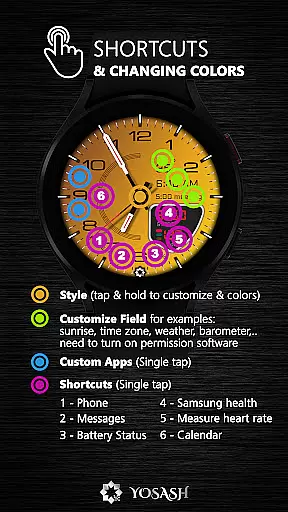
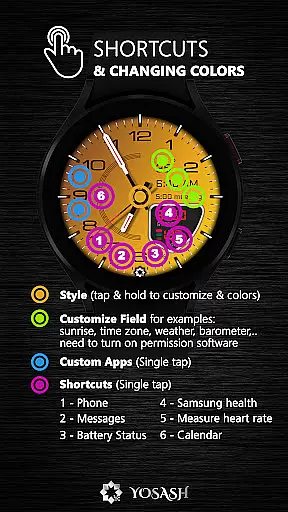
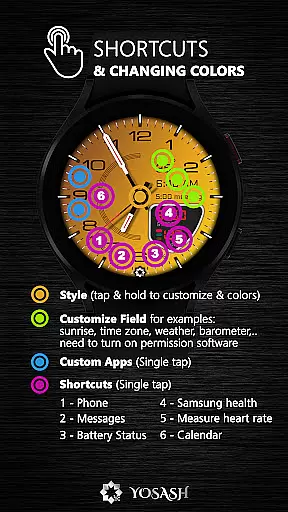
The watch face displays real-time health and device data including steps, heart rate, battery level, and date through customizable complications. These widgets can also be set as app shortcuts for quick access to frequently used applications.
Optimized for Always-On Display (AOD), D355 ensures important information remains visible at a glance without compromising battery life. Compatible with all Wear OS 3.5+ devices, it delivers smooth and reliable performance across Samsung Galaxy Watch, Google Pixel Watch, and other popular smartwatch models.
For a premium watch face like D355, seamless companion app integration is crucial for an enhanced user experience. This feature ensures that the watch face can be easily installed and customized directly from the Google Play Store on your smartwatch.
D355 allows users to install it directly on their Samsung Galaxy Watch or Google Pixel Watch via the Google Play Store. The long press functionality on the watch face opens up customization options where users can set colors, hands, and complications according to their preferences.
The benefit of this robust integration is the convenience it offers. Users can effortlessly personalize their watch faces without needing to switch between different platforms or devices, thus maintaining a smooth and intuitive user experience.
This level of integration highlights D355's commitment to providing not just a visually appealing product but also one that is user-friendly and accessible across various Wear OS devices.
Compatibility with a wide range of devices is essential for any application designed for smartwatches. D355 stands out by being fully compatible with all smartwatches running Wear OS 3.5 and above, ensuring broad accessibility.
This includes popular models such as Samsung Galaxy Watch series (4, 5, 6, 7, 8 & Ultra) and Google Pixel Watch (1 & 2). Additionally, it supports other Wear OS devices from brands like Fossil and TicWatch, making it versatile and adaptable to different hardware specifications.
By supporting multiple devices, D355 guarantees that users will have a consistent experience regardless of their choice of smartwatch. This extensive compatibility enhances its appeal to a diverse audience looking for luxury-inspired analog dials with customizable features.
Ultimately, D355u2019s wide-reaching compatibility underscores its dedication to delivering high-quality, adaptable watch faces suitable for tech-savvy individuals who demand both style and functionality in their wearable technology.
Highly customizable
Real-time health tracking
Luxury design
Always-On Display support
Cross-device compatibility
Premium price point
Complex customization
Limited digital features
Battery consumption
Learning curve

Diet tracker for weight loss - track calories, food and macros. Simple and easy!
 4.70
4.70
Embrace the holiday spirit with this magical animated watch face!
4.40
A heartwarming Christmas scene featuring a cute image of Santa and Rudolf
4.4
Beautiful, colorful and practical watch face. For Wear OS devices.
5.00
Simple Analog-Digital Watchface For Wear OS 3.0 and Up Smartwatches
4.4
Bold, Modern Hybrid Watch Face for Wear OS. 10 Colors, Rich Info Display.
4.30
Period, ovulation & pregnancy tracker. Fertility insights & menstrual calendar.
4.90
Funny animated watch face for Thanksgiving
4.5
Want to take charge of your health? Let Google Fit help you reach your goals.
3.50
A modern premium sporty hybrid watch face for Wear OS by Ballozi
4.70
Deck out your Wear OS Watch face with a beautifully decorated pine wreath!
4.50
A white realistic classic analog watch face with many customization options.
4.40
Calming & relaxing sounds for sleeping and stress relief. Stay focused all day!
4.20
Your music, your playlists, and more—offline and unlimited.
4.20
Viewer for Wyze/Yi/Eufy/Arlo/ONVIF/RTSP/P2P IP cams w/ adv. features & DIY DVR
4.00
A full-featured Amazon Alexa voice assistant that can show you things.
3.70
Watch face designed for Thanksgiving Day. 7 Background Styles included.
3.20
Christmas and New Year - Themed Watchface
4.2
A watch face that fuses motorsport precision with contemporary smartwatch design
4.5

User Reviews