

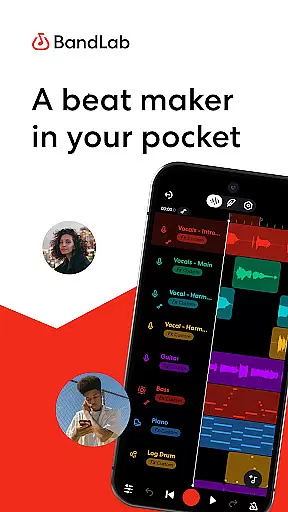
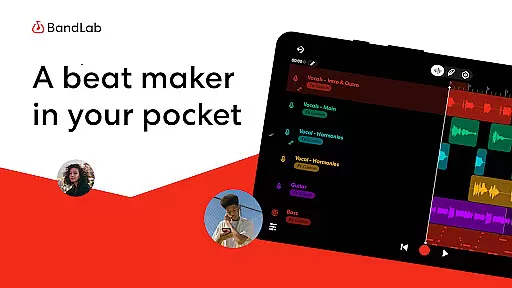
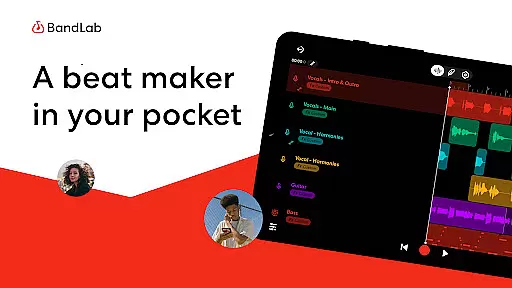
BandLab is a comprehensive music production studio that empowers users to create, mix, and share their music directly from their mobile devices. This free digital audio workstation (DAW) offers an extensive suite of professional-grade tools including a massive royalty-free sample library, advanced MIDI instruments, and AI-powered stem separation features.
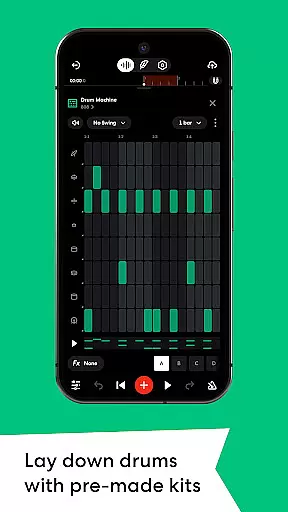
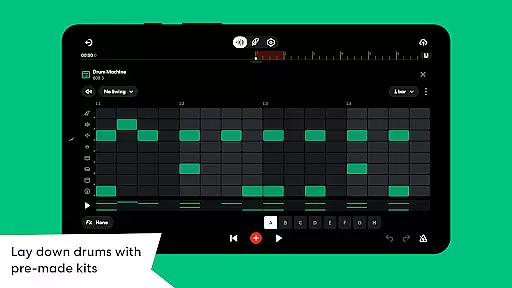
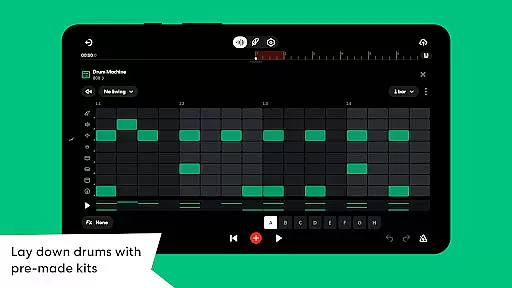
The app's intuitive interface makes it accessible for beginners while providing depth for experienced producers. Key features include 300+ audio presets, a drum machine with diverse sound kits, and SongStarter AI beat generator that helps overcome creative blocks. The built-in mastering tools and distribution capabilities allow users to polish and publish their tracks to major streaming platforms.
BandLab creates value by offering cross-device synchronization, unlimited multi-track projects, and cloud storage - all without any cost to the user. Its social integration features enable seamless sharing across platforms, making it ideal for modern musicians who want to build their audience while maintaining full control over their creative output.
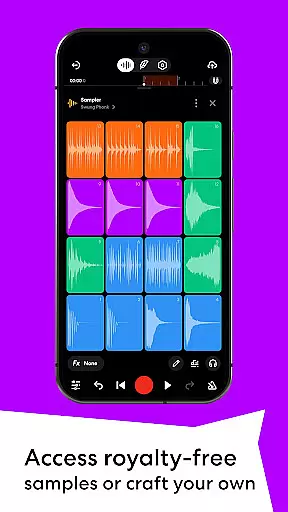
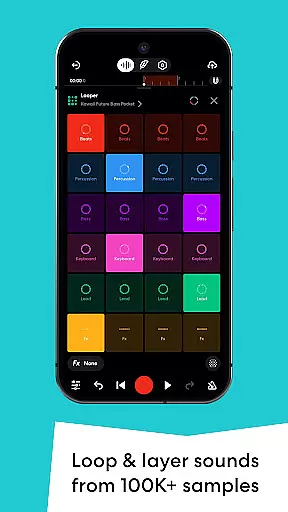
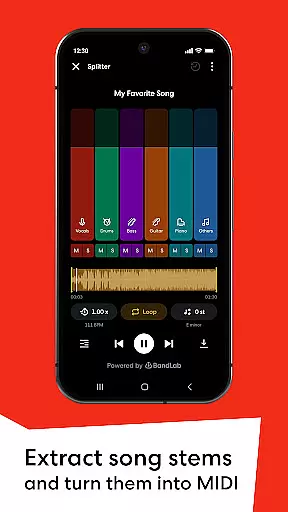
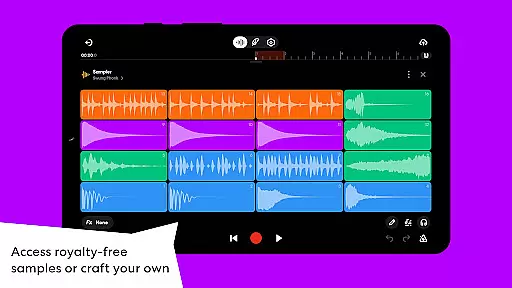
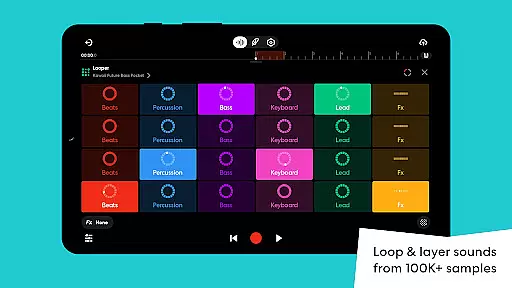
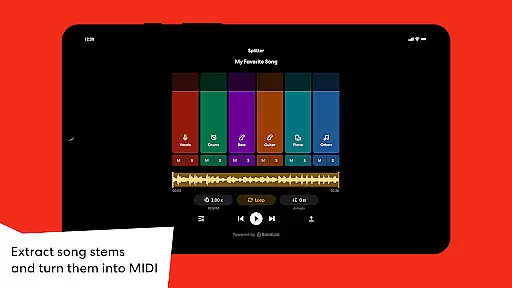
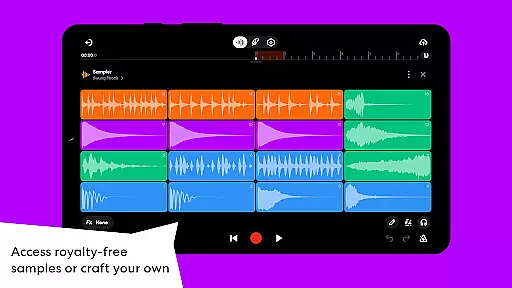
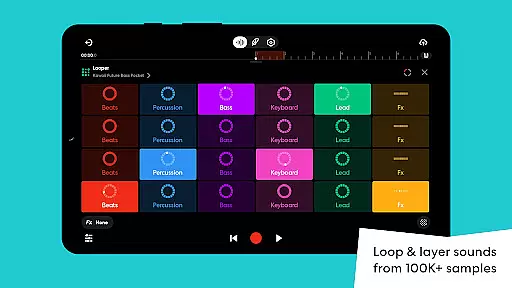
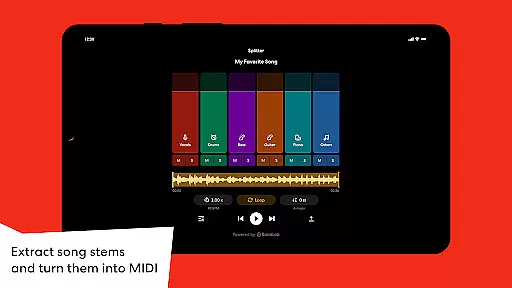
BandLab distinguishes itself through its robust feature set tailored for music creators. The Sampler tool provides access to over 100,000 royalty-free samples, while allowing users to capture and incorporate custom sounds from their environment. The Splitter function uses AI technology to separate songs into individual stems, enabling innovative remixing possibilities.
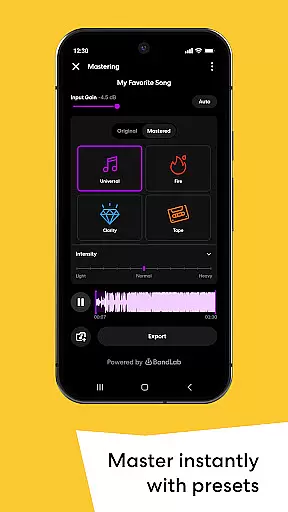
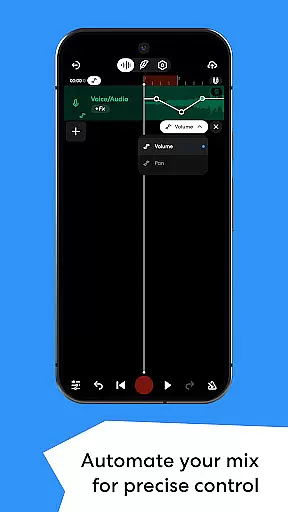
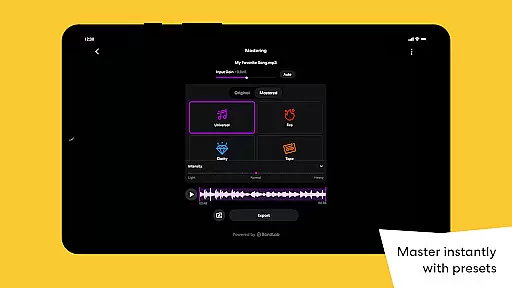
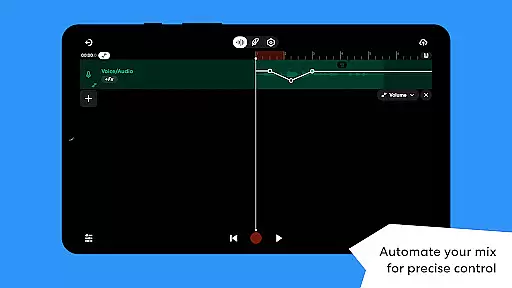
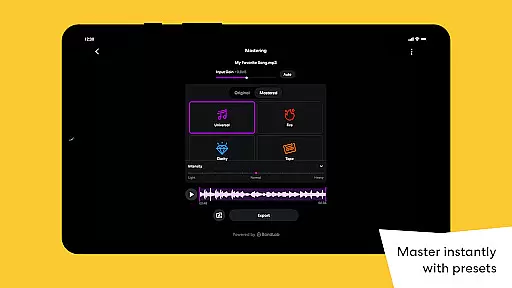
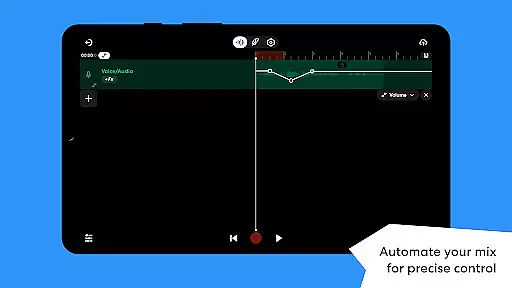
The app includes 385+ Virtual MIDI instruments covering various genres and styles, from hard-hitting 808s to smooth synthesizers. Advanced mixing capabilities are available through automation controls for volume, panning, and effects parameters. Professional-grade mastering presets, designed by award-winning engineers, ensure broadcast-quality sound with minimal effort.
Unique to BandLab is its integrated distribution system that lets artists release their music globally while retaining 100% of their earnings. The Looper tool simplifies beat-making for beginners, while experienced producers can utilize the Drum Machine and Automation features to craft complex compositions. Cross-device synchronization ensures projects remain accessible across multiple devices.
BandLab offers an extensive music library that caters to a wide array of musical tastes and genres. With over 100,000 royalty-free samples available through BandLab Sounds, users have access to a vast repository of sounds that can be used without any legal repercussions. This immense library ensures that creators can find the perfect sample to match their musical vision.
The app also provides 385+ Virtual MIDI Instruments, ranging from hard-hitting 808s to smooth synths, allowing musicians to craft their unique sound. These instruments are not only diverse but also cutting-edge, ensuring that your music stays on the forefront of trends. The inclusion of these virtual instruments significantly expands the creative possibilities for users.
Copyright authenticity is taken seriously within BandLab's ecosystem. Creators can rest assured that all the resources provided, including samples and presets, are free from copyright issues. This means artists can focus on creating music without worrying about infringing on intellectual property rights, thus safeguarding their work and reputation.
Moreover, BandLab's commitment to copyright authenticity extends to its SongStarter feature, which generates royalty-free song ideas. This tool empowers users to explore new musical directions with confidence, knowing they are building upon a foundation of legally sound material. Such dedication to providing authentic content enhances the overall value proposition for users seeking reliable music production tools.
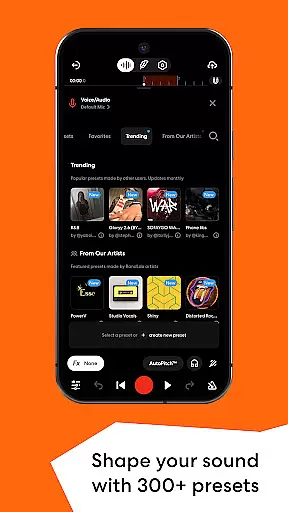
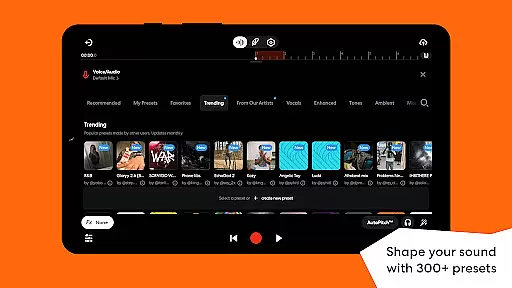
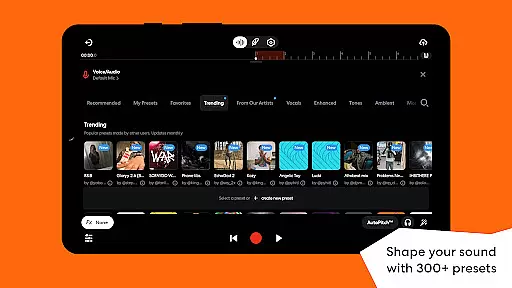
BandLab places a strong emphasis on audio quality, offering users a suite of tools designed to enhance the sonic characteristics of their projects. With 300+ Vocal/Guitar/Bass Audio Presets, users can shape their sound using professional-grade effects such as reverb, delay, and EQ. These presets allow for quick adjustments and ensure high-quality audio output across different types of tracks.
In addition to the presets, BandLab includes mastering features that give tracks a polished finish. Users can apply mastering presets crafted by multi-Platinum and Grammy-winning engineers with just one tap. This functionality elevates the final product, making it suitable for streaming platforms and ensuring that tracks meet industry standards.
The app also supports automation, enabling precise control over various parameters like volume, panning, and effects. Automation allows for dynamic changes throughout a track, enhancing transitions and adding depth to the mix. By giving users this level of control, BandLab ensures that even intricate details contribute to the overall audio quality.
Furthermore, BandLab facilitates high-quality audio export and sharing. Whether you're distributing your music globally or posting it on social media, the platform ensures that your creations maintain their integrity and sound pristine on any playback device. This focus on preserving audio fidelity throughout the creation and distribution process underscores BandLab's dedication to delivering top-notch audio experiences.
User-friendly interface
Extensive free features
Cross-platform compatibility
Professional audio quality
Vibrant creator community
Mobile interface limitations
Occasional sync issues
Advanced features complexity
Storage space requirements
Internet connection needed

Turn your phone into a musical instrument from the future!
 3.90
3.90
Enhance the sound quality of your devices, listen to what you want
4.50
Learn and play 2M+ music tabs & chords on guitar, ukulele, bass, and more
4.30
Offline Music Player&MP3 Player with themes, equalizer, lyrics, music play mode
4.60
Ringtone Maker is free app create ringtone from music files or your recording.
4.40
Responsive piano with great sounds, graphics, and songs
4.80
Offline Tunes, Unlimited Vibes
3.90
Sing, record, and create music together — enhanced by smart voice tools.
4.00
One-tap booster for max volume - enjoy powerful sound with this audio booster
4.50
24,000 free audio books and no ads!
4.90
Offline Music Player & MP3 Player.Powerful equalizer, Lyrics, Themes, Tag Editor
4.80
Listen to live FM radio stations, sports, music and news on global radios online
4.70
Formerly known as Spotistats! View your top tracks, artists, albums and more!
4.40
10-Band Audio Equalizer, Sound / Bass Booster for Spotify Users & Music Players
4.40
DJ Music Mixer Pro is a real DJ controllers and DJ Music Studio to remix DJ.
4.40
Permanently backup Now Playing. Maps, filters & listening stats.
4.00
The only true audiophile music player with Hi-Fi audio rendering and DSP engine
3.90
MilkDrop for Android TV
3.00
Remove ads permanently from Music Visualizer
4.2


User Reviews