

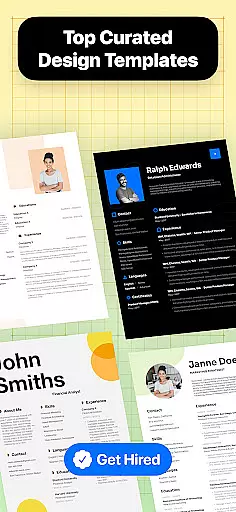
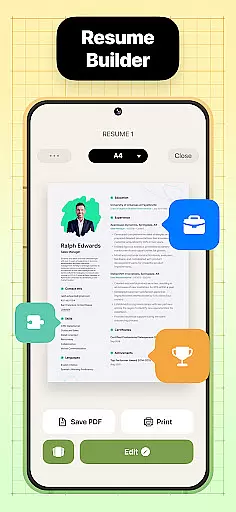
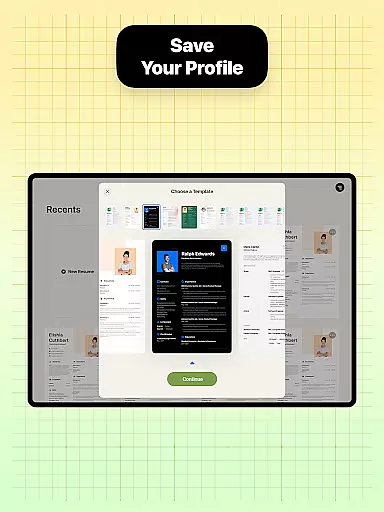
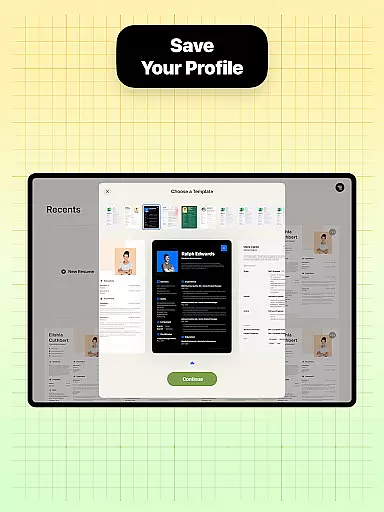
Resume Builder is a powerful business application designed to help users create professional and visually appealing resumes in PDF format. The app offers an intuitive step-by-step guidance system that simplifies the resume creation process, making it accessible for both recent graduates and seasoned professionals. With its wide range of customizable resume templates, users can easily tailor their resumes to suit different career stages and job applications.
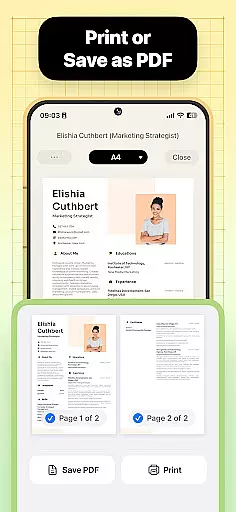
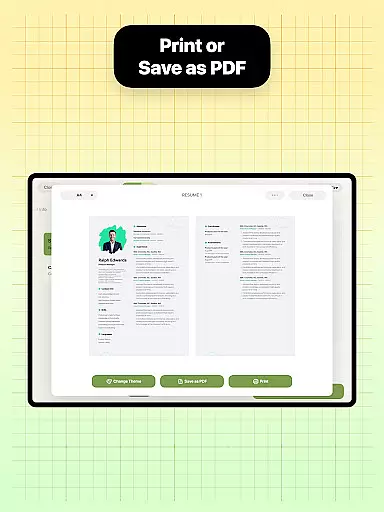
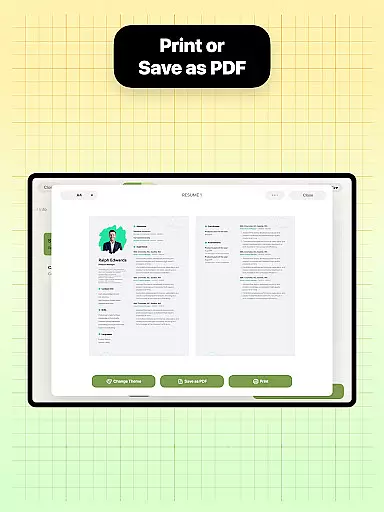
The app's standout feature is its adaptability to various career goals. Whether you're aiming for a creative role or a more traditional position, Resume Builder provides suitable design options that highlight your unique qualifications. The built-in sharing functionality allows users to export their resumes in optimized PDF format, ready for distribution to potential employers and recruiters directly from their mobile devices.
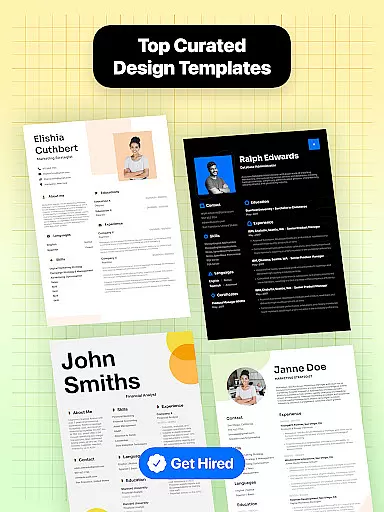
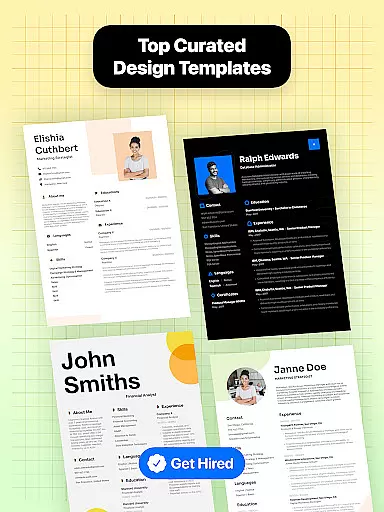
Resume Builder stands out with its comprehensive set of features designed to streamline the resume creation process. The app offers over 20 professionally designed templates that cater to different industries and career levels. Each template comes with customizable sections for work experience, education, skills, and achievements, allowing users to create a personalized resume that accurately represents their professional background.
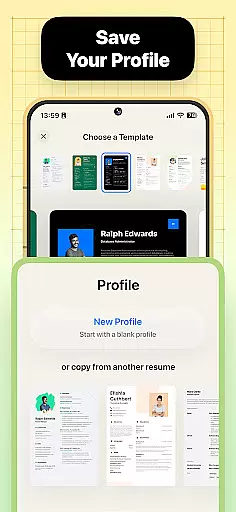
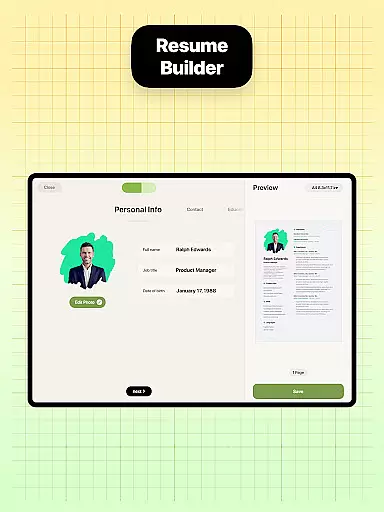
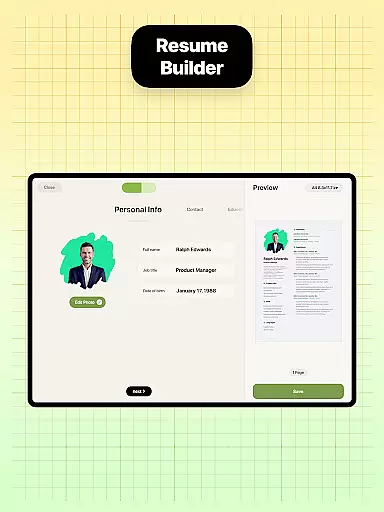
The app's user-friendly interface includes real-time preview functionality, enabling users to see changes as they make them. Advanced features include automatic formatting adjustment, cloud saving for easy access across devices, and integrated job search resources. These capabilities ensure that users can not only create but also manage and distribute their resumes effectively, giving them a competitive edge in their job search.
In the realm of resume building, collaboration can be key especially for those seeking advice from career coaches or feedback from peers. Resume Builder offers a seamless collaborative experience through its intuitive interface and sharing capabilities.
Users can easily share their resume drafts via direct links or exported PDFs, enabling real-time feedback from mentors, colleagues, or friends. This ensures that multiple stakeholders can contribute to crafting the perfect resume without the hassle of exchanging files back and forth.
The app's built-in sharing function not only facilitates easy sending but also allows for quick updates based on received input. This collaborative approach helps users refine their resumes to better align with industry standards and personal career goals.
By integrating collaborative features, Resume Builder enhances the resume creation process, making it more dynamic and interactive. Users benefit from diverse perspectives, ultimately leading to a more polished and professional resume.
Effective task management is crucial when creating a resume, as it involves organizing various sections and ensuring all necessary information is included. Resume Builder excels in this area by providing structured guidance throughout the resume-building process.
The app breaks down the resume creation into manageable steps, starting from selecting the right template to customizing each section. This step-by-step approach ensures users do not overlook any critical components such as professional experience, qualifications, or personal details.
With Resume Builder's user-friendly interface, users can effortlessly navigate between different sections, making updates and edits in real time. The app's intuitive navigation system allows users to track their progress and make adjustments as needed, ensuring a comprehensive and well-organized resume.
By streamlining task management, Resume Builder empowers users to focus on showcasing their strengths and achievements, resulting in a compelling and professional resume tailored to their career aspirations.
User-friendly interface
Wide template selection
Real-time preview
Cloud saving feature
Integrated job resources
Limited free templates
Premium subscription required
Occasional bugs
Ads in free version
Export limitations

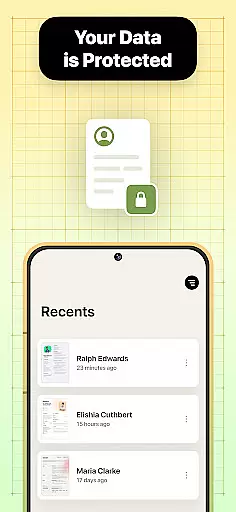



Ask Accio anything about business. Alibaba-backed, built by experts, not just AI
 4.60
4.60
Quickly open and manage PDF files on your device.
3.80
Measure distances, surfaces and draw plans in seconds with CamToPlan!
4.40
BuildCalc - the easiest AND the most advanced construction calculator app.
4.80
All document reader, pdf viewer app, read docs & excel files
3.80
Job search app that finds jobs for you! Takes the work out of looking for a job!
4.90
Smarter career moves start here. AI job alerts, insights & the right tools.
4.20
Chat, meet, and collaborate to achieve more together, all in one place on Teams
4.60
We help people get jobs
4.70
Earn free swag, G-Cards & food • Enter sweepstakes • Find stores • So much more.
4.70
Find the right fit, faster.
4.70
Get instant construction estimates: accurate home repair & material calculator.
4.70
AI-powered document scanner with auto enhance for perfect PDFs.
4.60
Earn money with the driver & delivery partner app for Uber, UberEats & Postmates
4.60
Master crypto trading with real-time simulations and exciting challenges!
4.50
ADP Mobile Solutions is an employee self service app
4.50
A secure, all-in-one team collaboration app
4.30
Shop, deliver, and earn with the Spark Driver™ App
4.10
Delivery Track App - Tracking with Fedex, USPS, UPS, DHL. Monitor your Orders.
3.20


User Reviews