

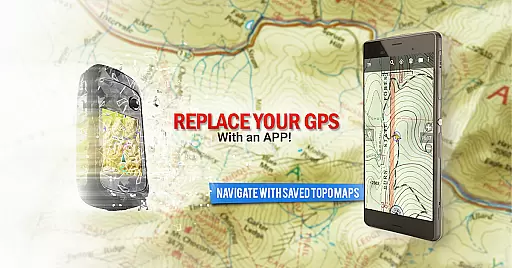
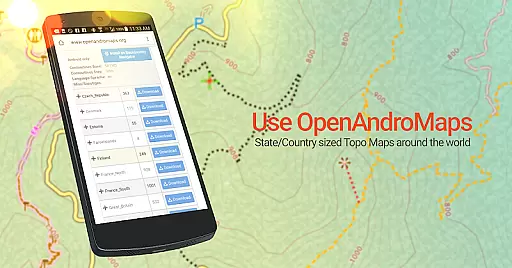
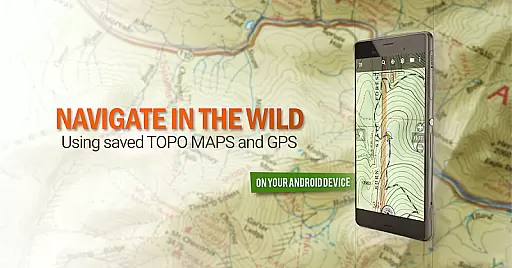
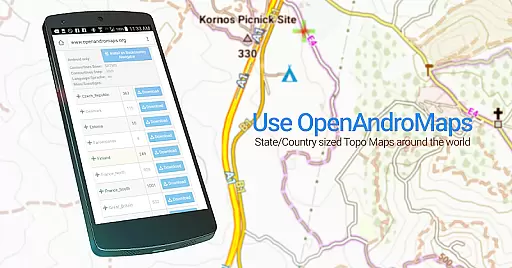
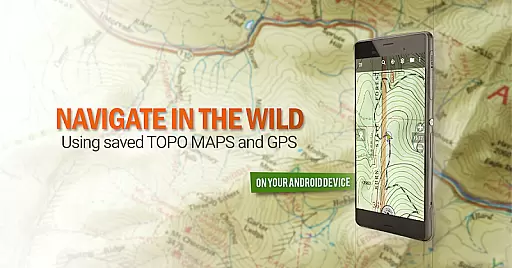
BackCountry Navigator GPS PRO is a top-tier offline outdoor navigation app designed for Android devices. It allows users to download topographic maps for offline use, making it an ideal tool for hiking, hunting, and other outdoor activities beyond cell coverage. The app supports various map sources including OpenStreetMaps, US Topo Maps, and marine charts, providing detailed terrain information through color and contour lines.
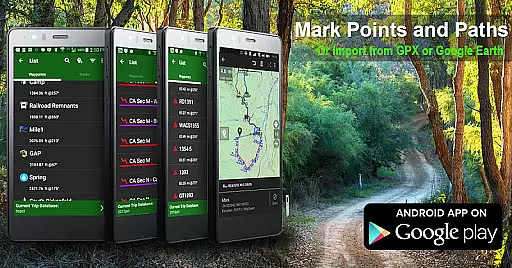
The application stands out with its support for multiple coordinate systems such as longitude/latitude and UTM, along with the ability to import GPS waypoints from GPX or KML files. Whether you're navigating rugged terrains or planning a geocaching adventure, this app serves as a reliable handheld GPS solution that can replace traditional devices like Garmin or Magellan GPS units.
With additional premium content available via in-app purchases, BackCountry Navigator GPS PRO caters to diverse needs, from Accuterra Topo Map Source to specialized boundary maps for hunters. Its comprehensive features ensure safe and enjoyable adventures in the backcountry, making it an essential addition to any outdoor enthusiast's gear.
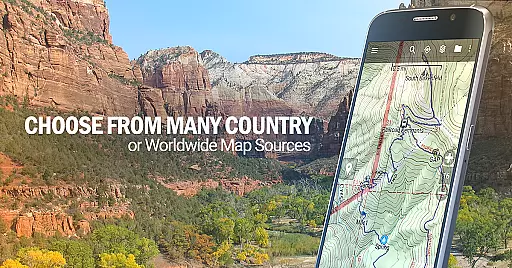
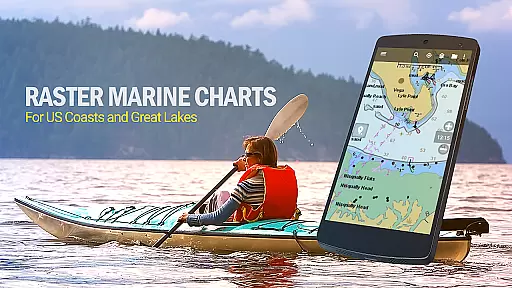
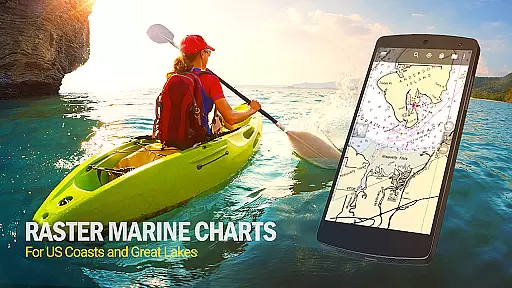
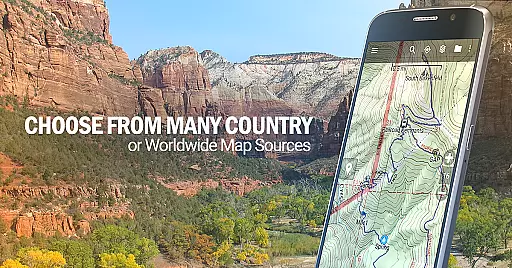
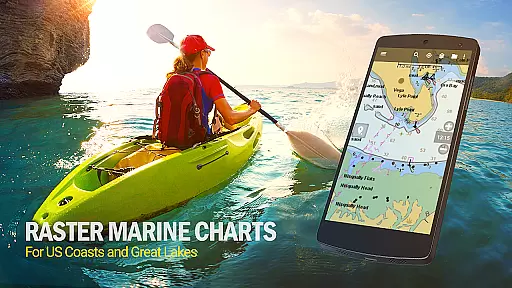
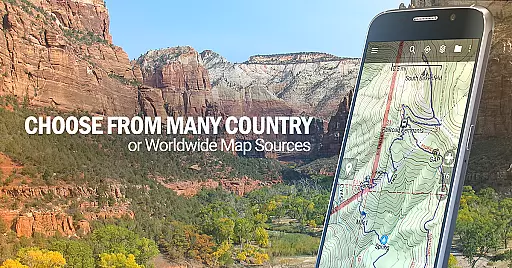
BackCountry Navigator GPS PRO offers a rich set of features tailored for outdoor enthusiasts. One of its standout capabilities is the extensive map source integration, allowing users to access free downloads from publicly available map sources worldwide. This includes topographic maps from the USGS, aerial photography, and marine maps from NOAA, ensuring that users have the most relevant and detailed maps for their activities.
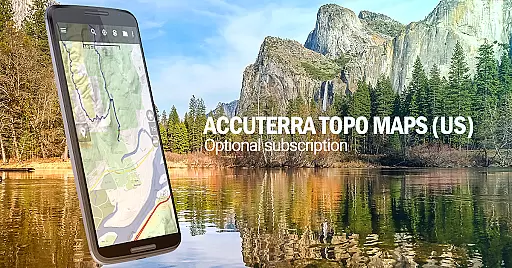
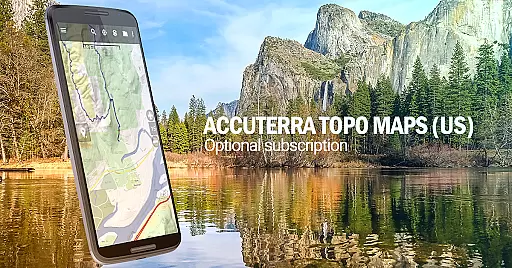
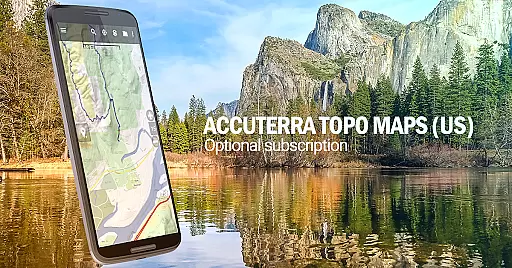
In addition to the free offerings, the app provides premium content through in-app purchases. Users can subscribe to services like Accuterra Topo Map Source or Thunderforest Map Sources, which offer enhanced map details and coverage. These subscriptions are particularly valuable for those requiring specialized maps, such as boundary maps for hunting or lake contours for fishing.
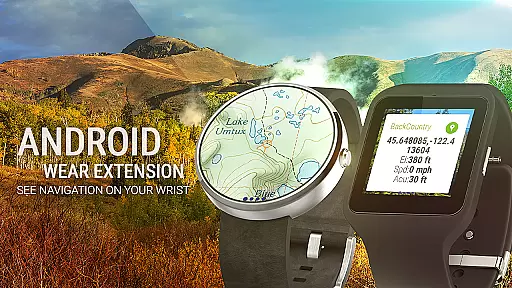
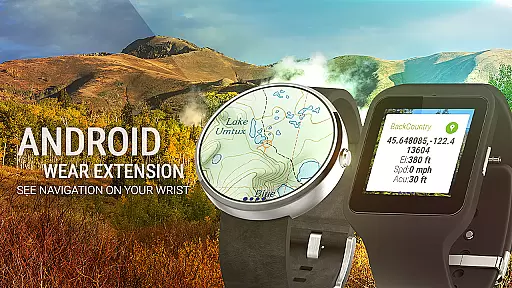
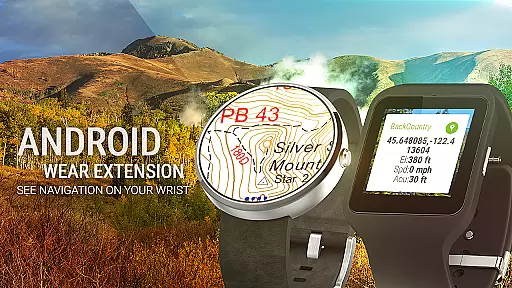
The app also supports advanced GPS functionalities, enabling users to record tracks, mark GPS waypoints, and navigate using various coordinate systems. With Android Wear support, users can conveniently view navigation data at a glance on their smartwatches. Overall, these features make BackCountry Navigator GPS PRO a versatile and powerful tool for anyone venturing into the outdoors.
Map accuracy is a crucial feature for any navigation app, and BackCountry Navigator GPS PRO excels in this area. The app provides access to a wide variety of topographic maps from sources like the USGS, OpenStreetMaps, and more, ensuring that users have precise and detailed mapping data at their fingertips.
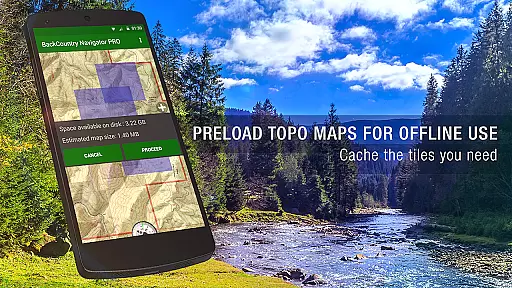
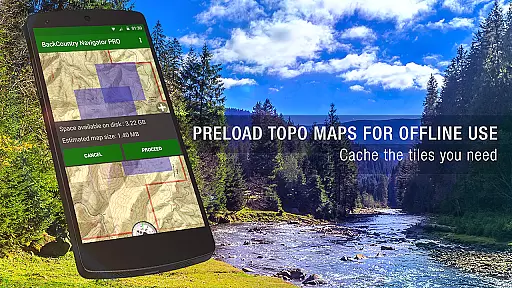
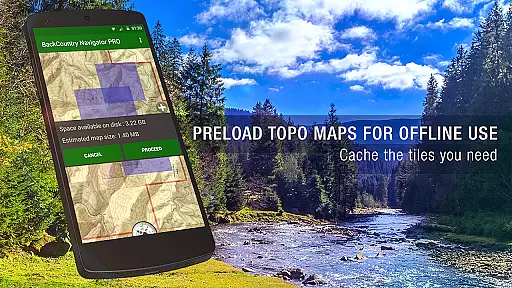
The app allows users to download these topo maps in advance, which means they can rely on accurate map data even when venturing beyond cell coverage. This offline capability ensures that hikers, hunters, and outdoor enthusiasts can navigate confidently through rugged terrains and wilderness areas without worrying about connectivity issues.
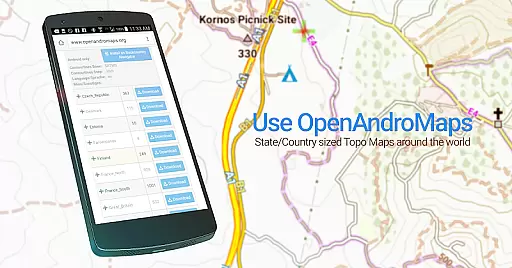
Furthermore, BackCountry Navigator supports multiple map formats and layers, including aerial photography and marine charts, enhancing the accuracy and utility of its mapping features. Users can overlay different map types, such as boundary maps or lake contours, providing them with comprehensive information tailored to specific activities like hunting or fishing.
Overall, the commitment to accuracy in BackCountry Navigator GPS PRO empowers users to explore the outdoors safely and efficiently, making it an indispensable tool for anyone who loves offroad adventures.
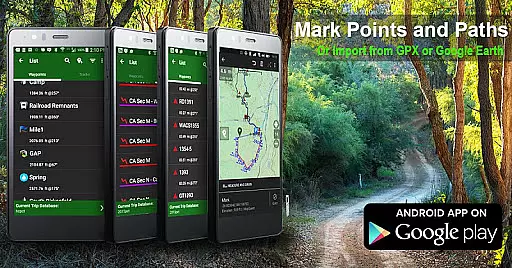
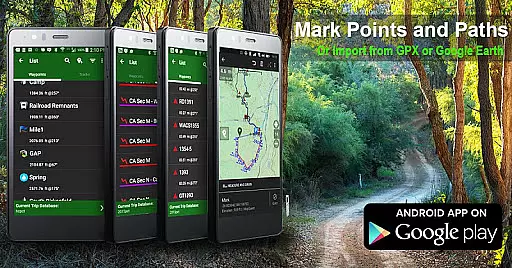
Route planning is essential for successful outdoor navigation, and BackCountry Navigator GPS PRO offers robust tools to help users chart their courses effectively. With support for GPS waypoints from various file formats like GPX or KML, users can easily plot points of interest and create detailed routes tailored to their adventures.
The app's ability to use longitude/latitude, UTM, MGRS, or grid references allows for precise waypoint entry, ensuring that users can accurately mark locations for navigation. This precision enhances route planning by enabling users to set clear destinations and track progress toward their goals.
Additionally, BackCountry Navigator includes advanced features such as GOTO functionality, which makes a selected waypoint the focal point for navigation. This feature simplifies following complex routes and helps adventurers stay on course during challenging treks across diverse terrains.
By combining reliable GPS technology with versatile route planning capabilities, BackCountry Navigator GPS PRO equips users with the tools needed to embark on safe and enjoyable journeys into the wilderness.
Comprehensive map sources
Offline functionality
Advanced GPS tools
Premium content options
User-friendly interface
Some features require in-app purchases
Occasional map loading delays
Limited international map availability
Complex setup for beginners
Battery consumption concerns

Start your next adventure confidently using our Accurate Compass App
 3.70
3.70
CamSam PLUS - The speed and red light camera warning system!
4.40
Find EV & Tesla charging stations with PlugShare
4.70
Use GPS maps or search by property owner, address or parcel to view parcel data
4.30
Get directions, Maps, GPS navigation & GPS Maps using GPS App
4.10
Phone Tracker and GPS Location Sharing
4.20
Drive safe with real-time speed camera radar, police, and traffic alerts
3.80
Get route, find shortest path, near by places and weather update
3.90
Neshan: map & navigation app with 20M+ monthly active users
4.50
Bolt is a ride-hailing app for requesting fast, safe, and affordable transport
4.80
Airport parking, with airport shuttle (TPS shuttle), reservations, and Spot Club
4.80
Offline maps & GPS for hiking, travel, fieldwork & outdoor adventures
4.70
Ride or drive at YOUR price
4.70
Instant diesel discounts - save big with each fill up!
4.40
Explore a light pollution map to find suitable dark sky locations for observing.
4.30
Avoid delays. Get real-time GPS navigation, safety alerts and live traffic.
4.10
Off-Roading Navigation App With Trails, Public Lands, & Private Property Info
3.30
Explore the world with Live Satellite View, 3D Maps, GPS Navigation & Earth Map.
2.90
Find 93 Octane Gas: Locate Gasoline Stations Selling Premium 93 Octane or Higher
4.3

User Reviews