

GPS Navigation, Map Directions is a comprehensive navigation app designed to assist users in finding optimal routes, avoiding traffic congestion, and discovering nearby points of interest. The app integrates advanced GPS technology with real-time traffic updates, ensuring users can reach their destinations efficiently while saving time on the road.
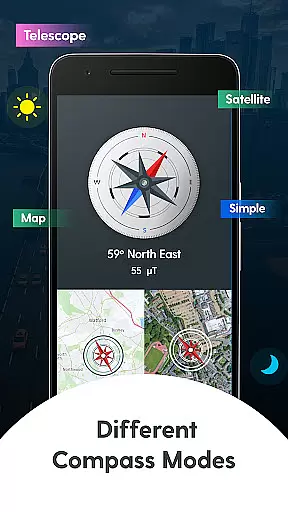
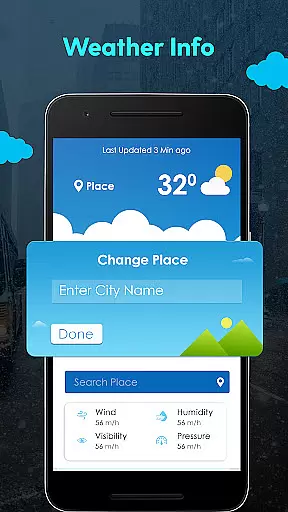
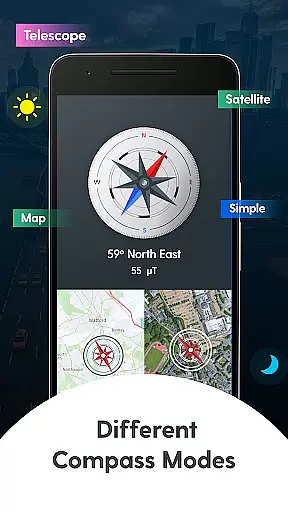
In addition to its core navigation features, the app offers a unique Compass Mode that provides multiple viewing options such as Standard, Map, Satellite, and Telescope views. This versatility makes it an ideal tool for travelers who need reliable directions whether they're driving in urban areas or exploring remote locations. Furthermore, the app includes weather updates for current locations or searched areas, enhancing trip planning with essential climate information.
Whether commuting daily or embarking on a long journey, this app proves invaluable by offering shortest path calculations, live location sharing, and detailed maps. Its ability to function without uploading personal data ensures privacy while delivering accurate and actionable navigation data.
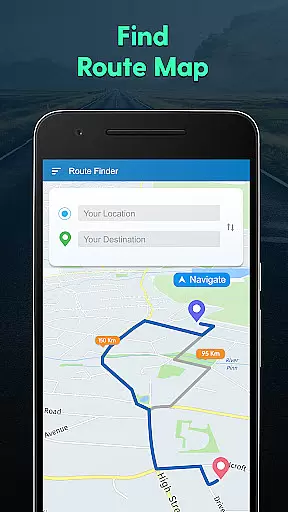
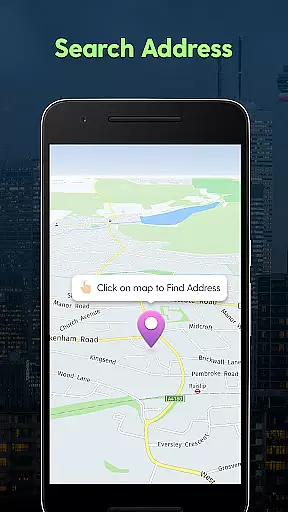
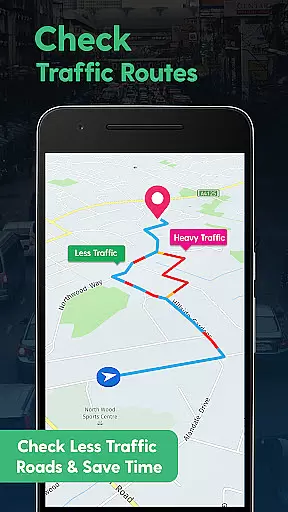
One of the standout aspects of GPS Navigation, Map Directions is its robust feature set tailored for modern travelers. At its core, the app excels in providing precise route guidance using GPS mapping technology. Users can search for specific addresses, calculate the shortest travel paths, and monitor their current location—all within a user-friendly interface. These capabilities are further enhanced by live traffic updates, which help drivers avoid congested routes and reach their destinations faster.
The inclusion of Compass Mode adds another layer of functionality, catering to those who prefer traditional navigation methods. With various display modes like Standard, Satellite, and Telescope views, users can customize how they interact with directional data. Additionally, the app's weather feature delivers real-time updates about temperature and conditions for both current locations and other cities worldwide. This ensures travelers are well-prepared regardless of where their journeys take them.
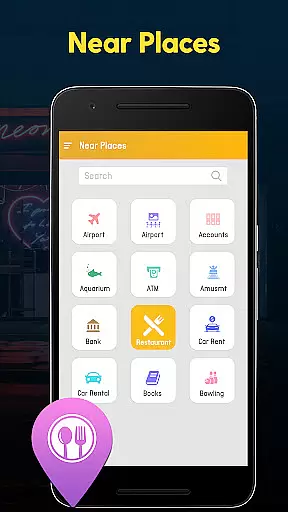
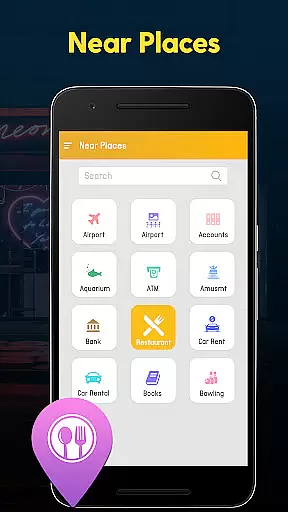
Another key highlight is the Near By Places functionality, which allows users to discover nearby attractions, services, or amenities with minimal effort. Categories are clearly organized, making it easy to filter results based on interests. Combined with the ability to share locations instantly with friends and family, these features create a holistic navigation experience that prioritizes convenience, safety, and efficiency.
Map accuracy is essential for any navigation app, and GPS Navigation, Map Directions excels in this area. The application provides precise location data, ensuring users can trust the directions provided.
The app uses advanced GPS technology to offer real-time location tracking. This means that whether you're driving in an unfamiliar city or walking in a new neighborhood, you can rely on the app to show your exact position on the map.
Moreover, the app's maps are regularly updated to reflect the latest road changes and points of interest. This commitment to up-to-date information ensures that users always have access to the most current routes and locations.
For travelers and daily commuters alike, having accurate maps is crucial for efficient navigation. With GPS Navigation, Map Directions, users can confidently explore new areas without worrying about outdated or incorrect map data.
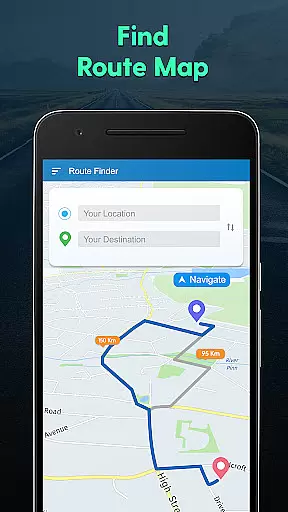
Route planning is a core feature of GPS Navigation, Map Directions, designed to make travel as seamless as possible. The app offers multiple route options, allowing users to choose the best path based on their preferences.
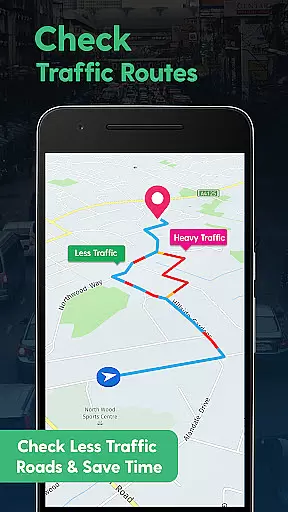
Users can avoid traffic congestion by selecting alternative routes suggested by the app's live traffic updates. This feature not only saves time but also reduces the stress associated with being stuck in traffic jams.
In addition to traffic considerations, the app calculates the shortest path to destinations, which is particularly beneficial for those looking to save on fuel costs or simply reach their destination faster.
Whether planning a road trip or navigating through the city, the ability to customize and optimize routes makes GPS Navigation, Map Directions a valuable tool for anyone on the move.
User-friendly interface
Real-time traffic alerts
Multiple compass views
Accurate weather updates
Privacy-focused design
Limited offline functionality
Occasional ads
Heavy battery usage
No voice guidance
Complex settings menu

Explore the world with Live Satellite View, 3D Maps, GPS Navigation & Earth Map.
 2.90
2.90
Find AI powered cameras, ALPRs, and other surveillance infrastructure near you
4.70
Offline maps for phone and smart watch: topographic maps, satellite images...
3.30
Route schedules, maps, and real-time tracking of MTA buses in New York City.
4.20
GPS Navigation: Get map directions and find the shortest routes to avoid delays!
4.00
Bolt is a ride-hailing app for requesting fast, safe, and affordable transport
4.80
Navigate seamlessly with Real-Time Traffic, Offline Maps, and Voice Navigation.
4.10
Park in Chicago, NYC, Boston, SF, Houston & more!
4.70
Navigate MTA, NJ Transit, MBTA, SEPTA, BART, MARTA, CTA & 900+ cities
4.60
Get there with the Waymo Driver — The World’s Most Experienced Driver™
4.90
GPX Viewer PRO shows tracks, routes and waypoints from gpx and kml files.
4.60
Find trails, organize your locations and navigate with offline maps.
4.60
Track friends in real-time and explore worldwide live cameras.
4.60
Neshan: map & navigation app with 20M+ monthly active users
4.50
Turn your Android device into a real off-road GPS using off-line topo maps!
4.40
Explore a light pollution map to find suitable dark sky locations for observing.
4.30
Maps, Driving Directions & GPS navigation using directions app & GPS App
4.30
Lets explore the world's famous places by using Live Cams, GPS & Satellite View.
4.20
Turn your tablet or Android powered unit into a full blow Android Auto headunit.
2.30

User Reviews