

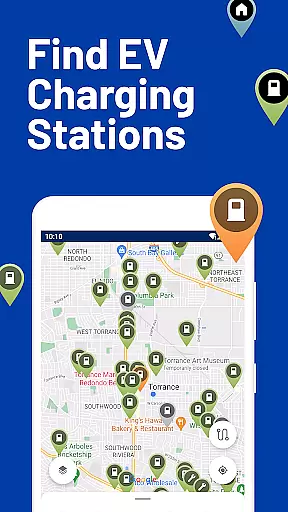
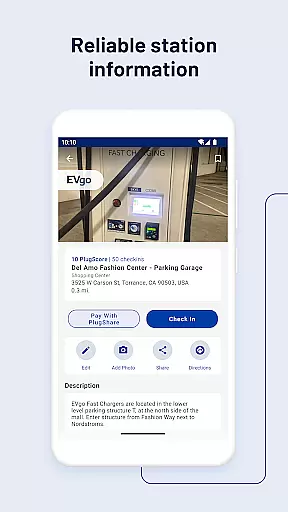
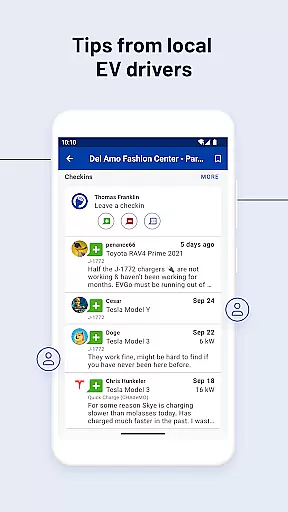
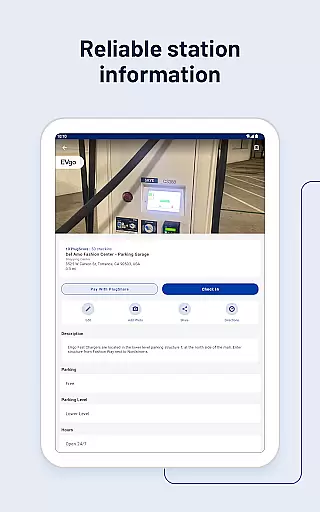
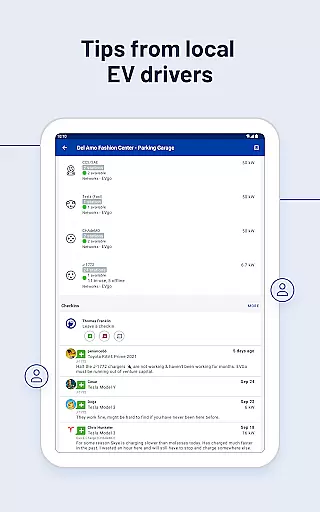
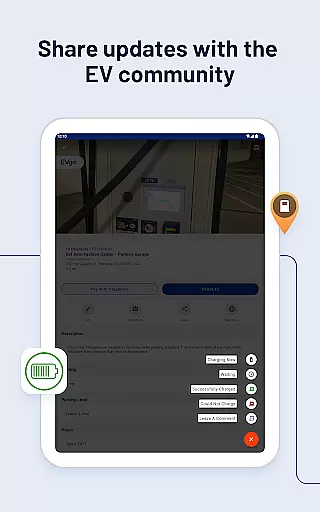
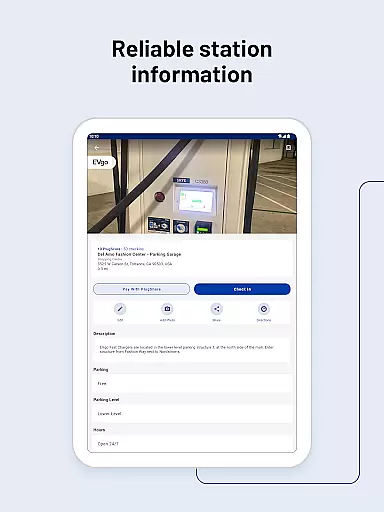
PlugShare is the world's largest EV driver community, offering the most accurate and comprehensive map of EV and Tesla charging stations globally. With detailed station information contributed by drivers, including reviews and photos, PlugShare helps users make informed charging decisions.
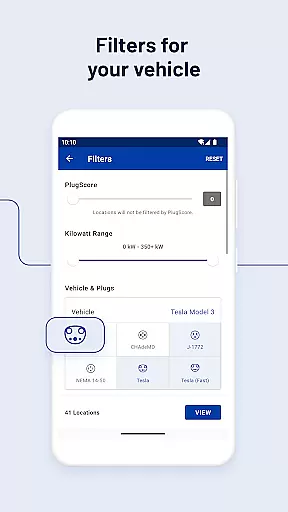
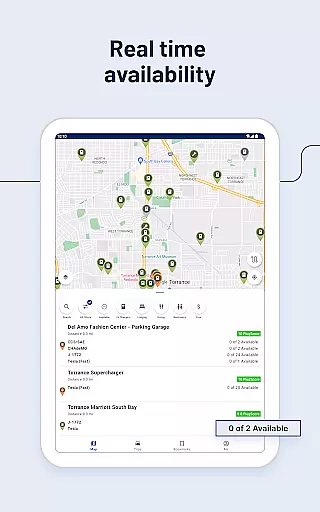
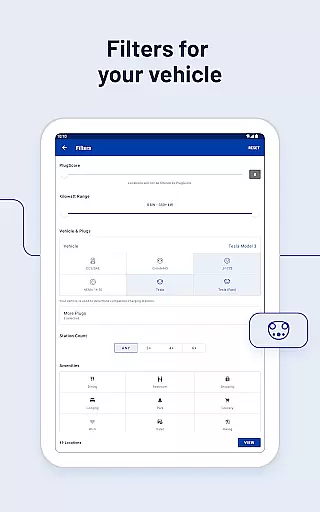
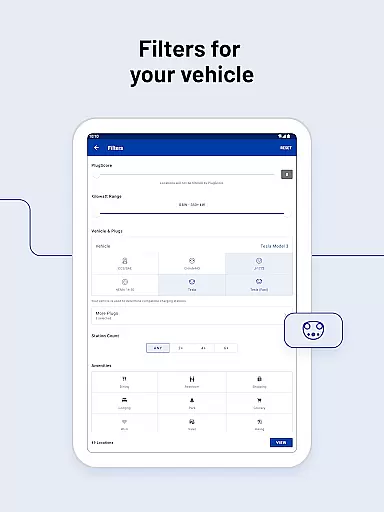
The app supports filtering by plug type (CHAdeMO, SAE/CCS), charging speed (Level 1, Level 2, DC Fast Chargers), and charging providers such as ChargePoint, Tesla Superchargers, and more. It also provides real-time availability, navigation integration, and payment options through Pay with PlugShare at participating locations.
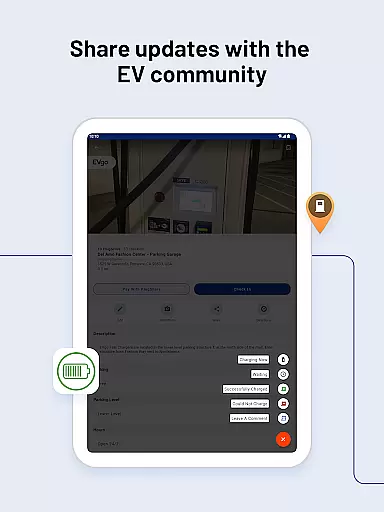
Whether you own a Tesla Model 3, Ford Mustang Mach-E, or any other EV, PlugShare ensures you can locate compatible chargers, plan trips, and contribute to the EV community by adding new stations and receiving notifications about nearby installations.
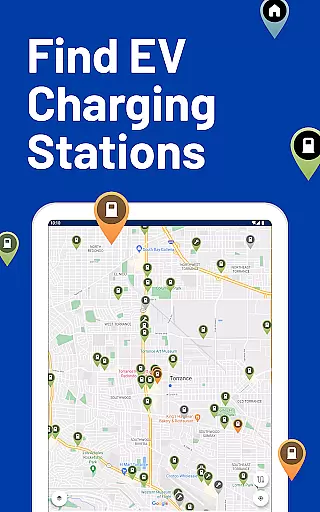
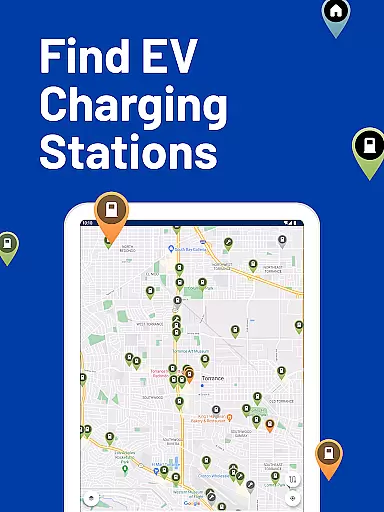
PlugShare stands out with its robust set of features tailored for EV drivers. The app includes an extensive and accurate map of EV charging stations worldwide, covering major networks like Electrify America, EVgo, Shell Recharge, and others. Users can filter results by connector type, charging speed, and amenities such as food or restrooms.
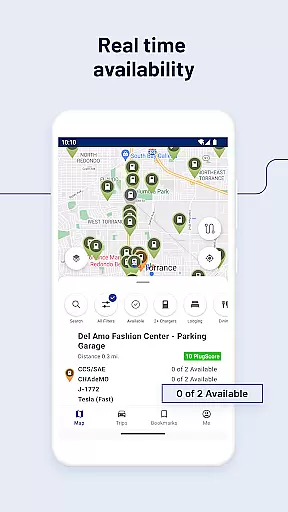
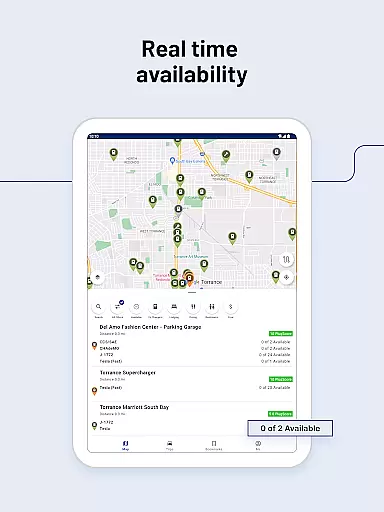
A key feature is the ability to check real-time station functionality and availability, ensuring drivers can rely on active chargers. Navigation is seamless, with direct links to preferred navigation apps for precise directions. Additionally, PlugShare offers Pay with PlugShare, allowing users to pay for charging sessions directly through the app at supported locations.
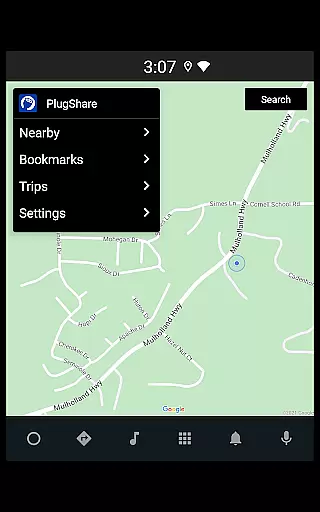
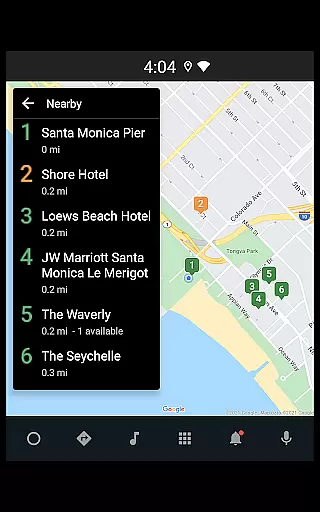
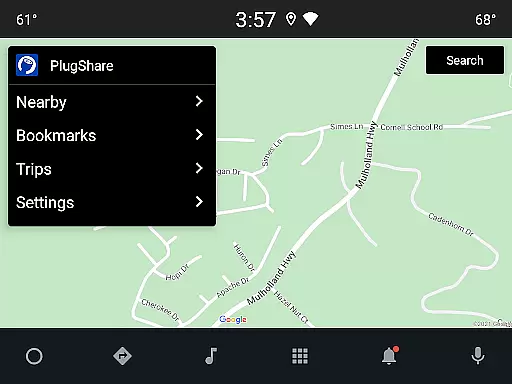
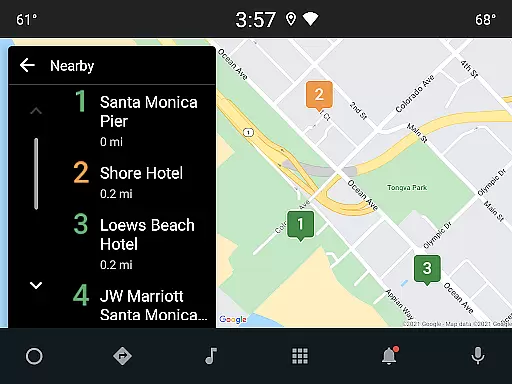
Other notable features include Android Auto compatibility for in-car display use, trip planning tools, notifications for new charger installations, and the ability to contribute new station data to keep the map updated. These features collectively enhance the EV charging experience, making it more reliable and user-friendly.
Map accuracy is crucial for electric vehicle owners who rely on precise location data to find charging stations. PlugShare excels in this area by providing the most accurate EV and Tesla charging station map available. The platform aggregates data from multiple sources, including driver contributions, ensuring comprehensive coverage across North America, Europe, and much of the rest of the world.
The application allows users to filter the map by plug type such as CHAdeMO and SAE/CCS, and by charging speed, including Level 1, Level 2, and DC Fast Chargers like Tesla Superchargers. This detailed filtering ensures that drivers can locate stations compatible with their specific EV models. Additionally, PlugShare includes detailed station information for every major EV charging network, enhancing the reliability of the map data.
For EV drivers, having access to accurate and up-to-date charging station locations means reduced range anxiety and more efficient trip planning. PlugShare's commitment to data accuracy helps drivers make informed decisions, ensuring they can charge their vehicles conveniently and reliably wherever they travel.
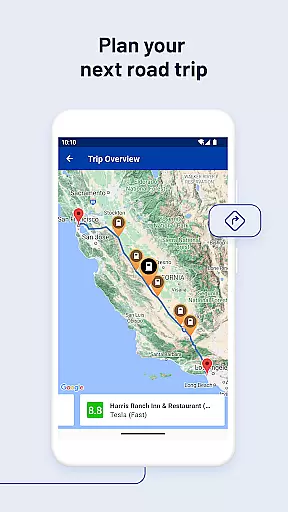
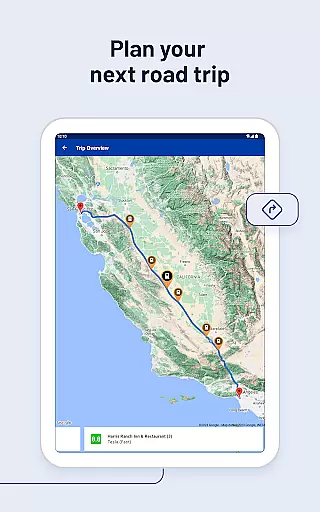
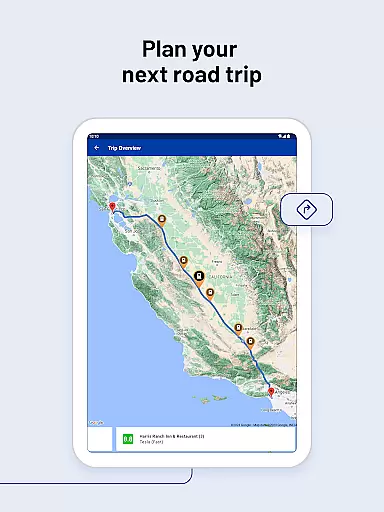
Effective route planning is essential for electric vehicle drivers to optimize their travel and ensure they can reach their destinations without running out of charge. PlugShare supports this need by integrating advanced route planning features that allow users to filter for connector types, charging speeds, and nearby amenities such as food or bathrooms. These capabilities enable drivers to plan their routes with confidence, knowing they can find functional and available charging stations along the way.
PlugShare enhances route planning by offering real-time station functionality and availability checks. Drivers can link their favorite navigation apps to receive directions to selected chargers, streamlining the process of incorporating charging stops into their journeys. Furthermore, the app provides notifications when new chargers are installed nearby, keeping users informed about the latest charging infrastructure developments.
By combining detailed station information with user-friendly navigation tools, PlugShare empowers EV drivers to plan their trips efficiently. This results in a smoother driving experience, reduced charging-related stress, and increased overall satisfaction with electric vehicle ownership.
User-friendly interface
Comprehensive charging network
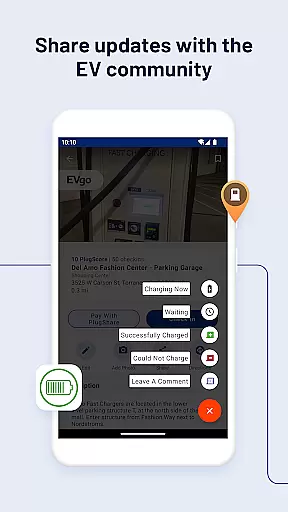
Real-time station updates
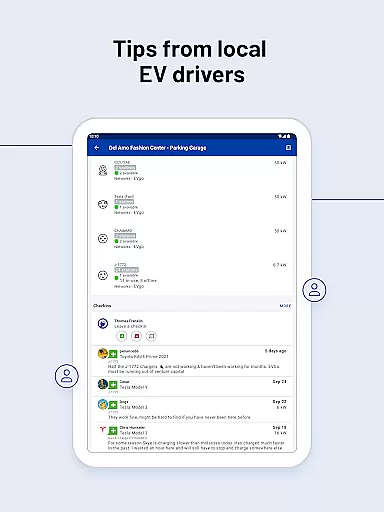
Community-driven reviews
Payment integration
Limited rural coverage
Occasional data inaccuracies
Premium subscription costs
Dependent on user contributions
Variable charger quality

Start your next adventure confidently using our Accurate Compass App
 3.70
3.70
"Balad" is a map and navigator with a Persian voice assistant and a complete city guide
4.40
Track accurate speed & distance with GPS Speedometer. Check speed limit & time.
4.50
Parcel map, property lines, owner, acres, land use, zoning and more from Regrid.
4.60
Explore Live Earth Map with 3D World Map & locate cites, mountains real time.
3.80
ParkWhiz, an Arrive Mobility brand, part of the Arrive Network
4.30
MapQuest is your go-to app for maps, GPS, voice navigation & live traffic.
3.80
Ride or drive at YOUR price
4.70
Off-Roading Navigation App With Trails, Public Lands, & Private Property Info
3.30
LIRR and Metro-North tickets and trips
4.80
Order a cab online. An affordable taxi ride and driver in no time. What a bolt!
4.80
Find AI powered cameras, ALPRs, and other surveillance infrastructure near you
4.70
Offline maps & GPS for hiking, travel, fieldwork & outdoor adventures
4.70
Navigate with your watch and keep the phone in your pocket!
4.60
Navigate MTA, NJ Transit, MBTA, SEPTA, BART, MARTA, CTA & 900+ cities
4.60
Find radar maps, GPS coordinates, altitude, offline maps, location, travel route
4.40
Number locator, real connection map
4.10
Easy, Moderate and difficult offroad adventures.
4.00
Offline maps for phone and smart watch: topographic maps, satellite images...
3.30


User Reviews