

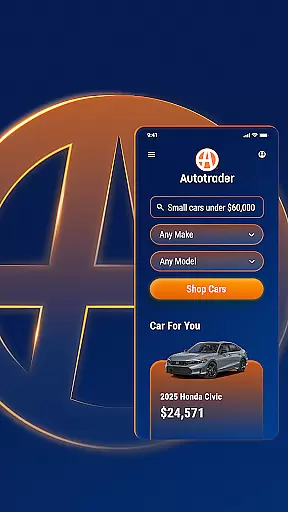
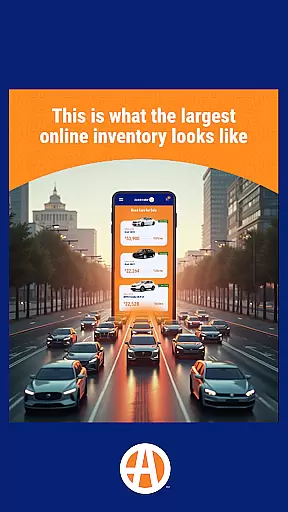
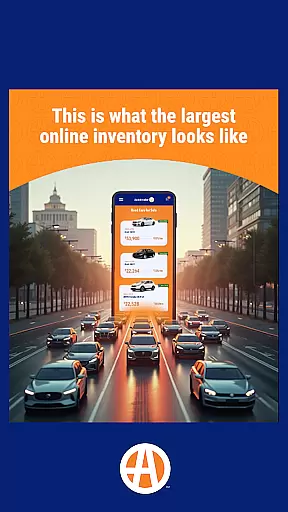
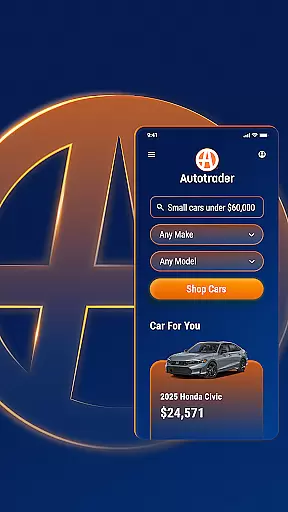
Autotrader is a premier automotive marketplace app designed to simplify the car buying process. With over 6 million listings from 20,000 sellers, it offers an extensive inventory of new, certified, and used cars, trucks, and SUVs. The app leverages Kelley Blue Book® Price Advisor to ensure fair pricing on every listing, empowering buyers with confidence in their purchasing decisions.
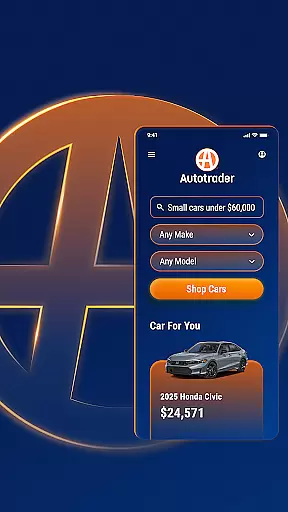
One standout feature is its advanced personalization capabilities. Users can pick up where they left off, receive tailored recommendations based on preferred features, and set up alerts for price drops or new matches to their search criteria. Autotrader also provides unique filters like Delivery to Your Door, which allows users to shop from home, and detailed options for interior color, safety features, and technology packages.
Whether you're comparing vehicles, accessing condition reports, or contacting sellers directly through integrated communication tools, Autotrader streamlines the entire car-buying journey. Its user-friendly interface ensures that finding the right vehicle is efficient and accessible, no matter where you are.
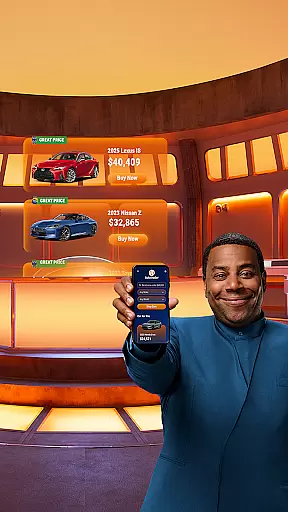
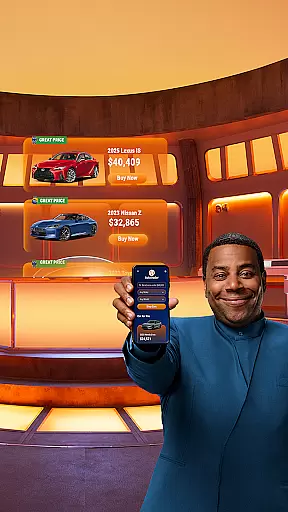
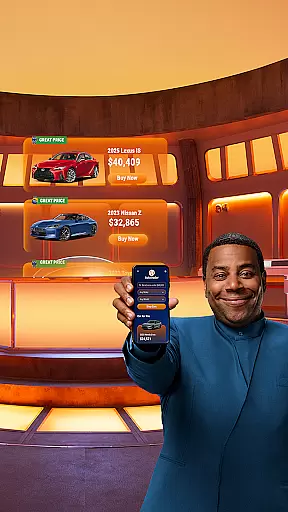
Autotrader stands out with its robust suite of features tailored to enhance the car shopping experience. A key highlight is its vast inventory, offering millions of listings across a wide network of dealerships. Each listing includes valuable insights such as Kelley Blue Book® Price Advisor badges (Good Price or Great Price), helping buyers identify fair deals quickly.
The app's filtering system is highly customizable, catering to specific preferences like exterior and interior colors, roof racks, and advanced safety technologies. For added convenience, the Delivery to Your Door filter enables users to browse vehicles that can be shipped directly to their homes without visiting a dealership. Additionally, personalized recommendations and saved searches make it easy to stay updated on relevant listings.
Other notable features include seamless sharing via email or text, direct seller contact options (phone, text, email), keyword-based searches, and cross-device synchronization through My Autotrader accounts. These functionalities combine to create a comprehensive platform that prioritizes ease of use and informed decision-making.
When searching for a vehicle, having access to detailed and accurate information is crucial. The Autotrader app provides comprehensive details on over 6 million cars, including specifics about features, condition reports, and pricing. This ensures that users can make informed decisions based on the latest data available.
The app leverages its vast network of sellers to offer an extensive selection of vehicles. Whether you're interested in new, certified, or used cars, Autotrader's listings come with essential details such as specifications, performance metrics, and maintenance history. This level of detail empowers buyers to assess the true value and condition of a vehicle before making any commitments.
One standout feature is the integration of Kelley Blue Booku00ae Price Advisor, which offers guidance on fair pricing for every listing. Users can easily identify if a car is being offered at a good or great price through visible badges on the vehicle's page. This transparency not only builds trust but also simplifies the negotiation process by setting clear expectations from the start.
Price transparency is a cornerstone of the Autotrader app, ensuring that users have all the necessary financial information at their fingertips. By incorporating Kelley Blue Booku00ae Price Advisor into each listing, the app provides insights into whether the listed price represents a fair deal. This empowers buyers to negotiate confidently, knowing they have reliable benchmarks to reference.
In addition to price guidance, Autotrader highlights listings with green badges indicating Good Price or Great Price. These visual cues allow users to quickly identify competitive offers without needing to perform complex calculations. Such straightforward indicators streamline the shopping experience, saving time and reducing stress during the decision-making process.
Moreover, the app supports personalized alerts for price drops on favorite vehicles. This means users won't miss out on potential savings as market conditions change. With these tools, Autotrader ensures that shoppers are always equipped with up-to-date pricing information, fostering an environment where informed choices lead to satisfying purchases.
User-friendly interface
Extensive vehicle inventory
Fair pricing assurance
Advanced search filters
Personalized recommendations
Limited classic car options
Dealer-dependent accuracy
Premium feature costs
Occasional ad overload
Location-based limitations










OBD diagnostics, Live Data, DPF regeneration for BMW
 4.00
4.00
App Mirroring for Tesla Car's Browser
2.80
Theme for Car Launcher
4.5
* This app needs an adapter cable and a certain OBD2 adapter to work *
4.20
A full featured, real-time transit locator system
4.30
Boost profits and hit your goals faster with GigU's amazing tools for gigworkers
4.00
Car Sounds Engine Sounds app welcomes Auto Lovers to feel Car Simulator Sound
4.20
Take state-specific DMV permit tests and ace the exam.
3.90
Your go-to app for car, truck & SUV parts, DIY tools, and expert repair help.
4.70
Buy and sell your boat
4.70
Trip computer+car diagnostic tool with widest variety of features and dashboard!
4.70
Find Your Local Store or Shop Online for the Car, Truck, or SUV Parts You Need
4.70
OBD1 ECMs application. Data log or tune directly from your phone or tablet!
4.60
Easy connect & control your cars from afar. Remote Lock & unlock car and carplay
4.60
Get price alerts, vehicle history details and more for cars near you!
4.50
AI Powered - Automotive Mechanic Assistant
4.30
Blink Charging Mobile app makes finding an EV charger an intuitive experience.
3.80
O'Reilly Pro will streamline your parts lookup and ordering process!
3.20
DIY Vehicle Wheel Alignment
4.2

User Reviews