

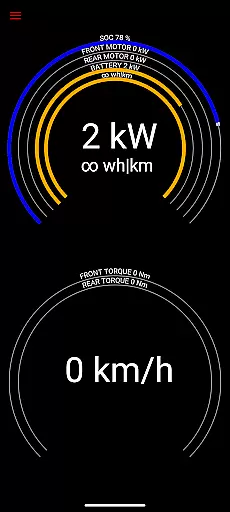
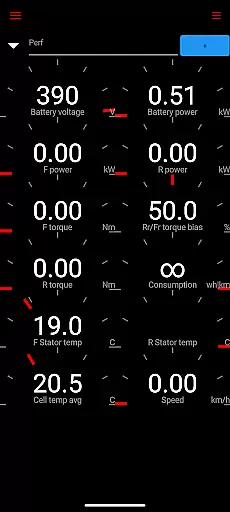
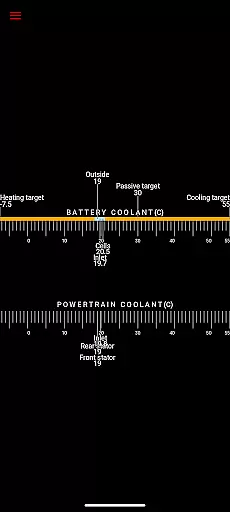
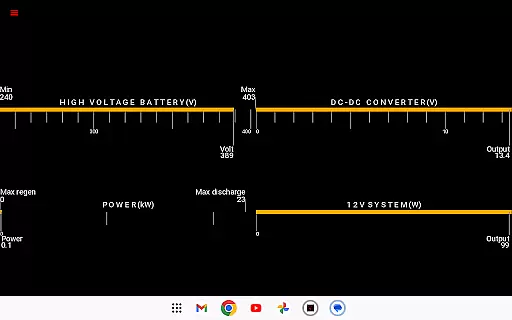
Scan My Tesla is a specialized diagnostic tool designed for Tesla Model S, 3, X, and Y owners. This application provides real-time readings from the vehicle's diagnostics port, offering users valuable insights into their car's performance. With the help of an adapter cable and a compatible OBD2 adapter, it delivers detailed statistics on battery power, voltage, current, temperatures, and more.
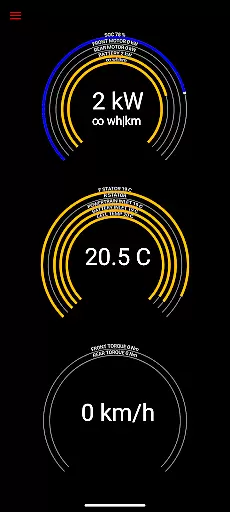
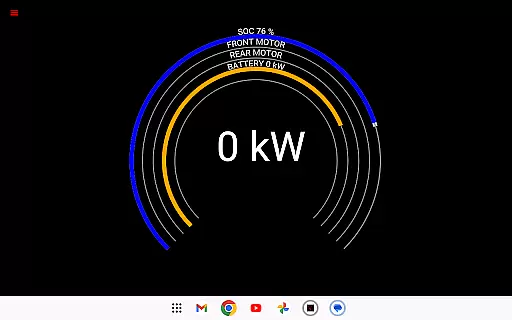
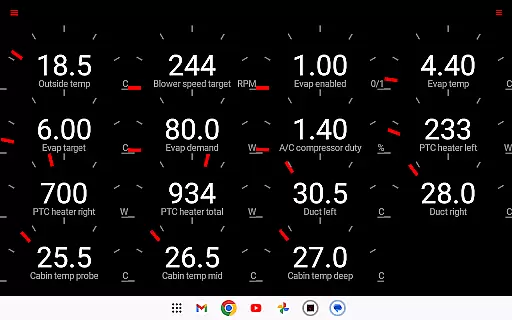
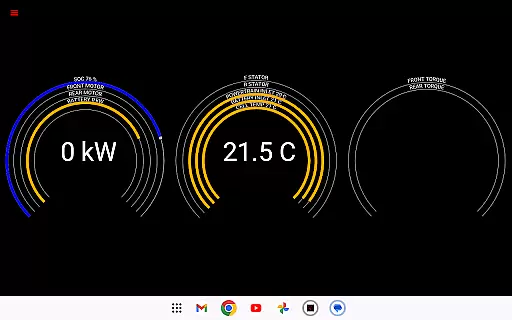
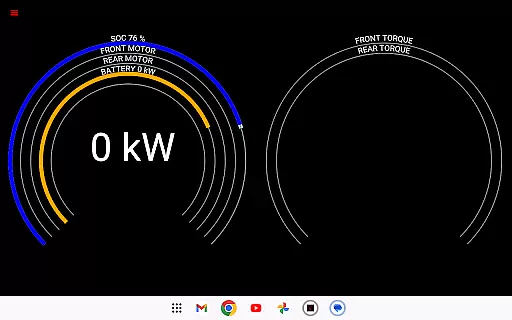
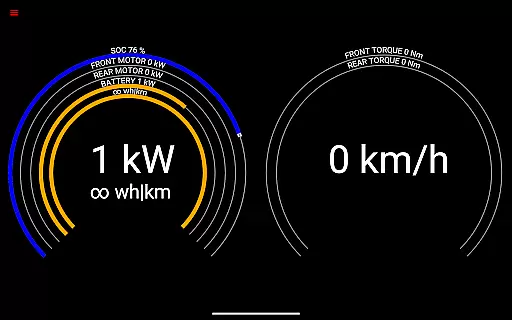
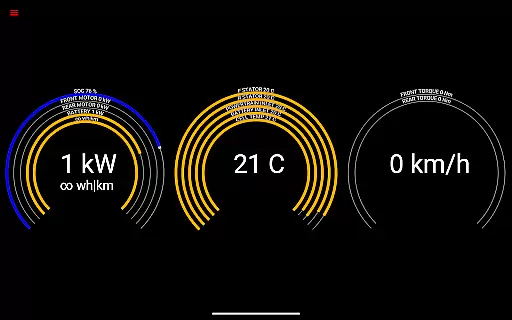
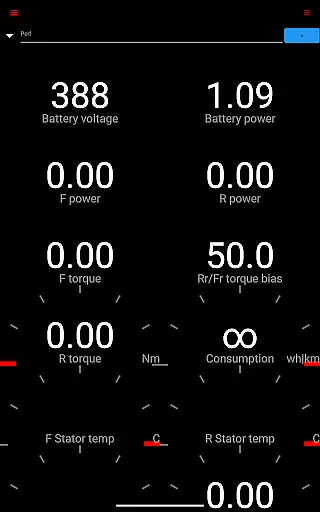
The app's core functionality lies in its ability to present numerous live statistics visually or log them for later analysis. These include crucial metrics such as Drive Unit electric power, torque, RPM, 12V system current, and trip recording data. While certain features like horsepower are not available on Model 3, the app remains an essential tool for Tesla enthusiasts looking to understand their vehicle's inner workings better.
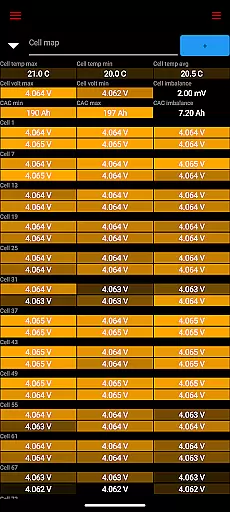
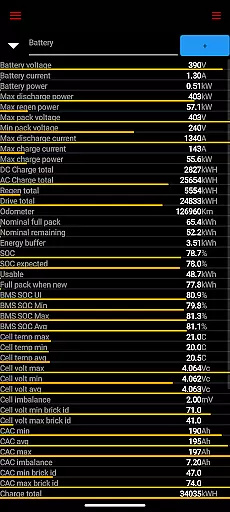
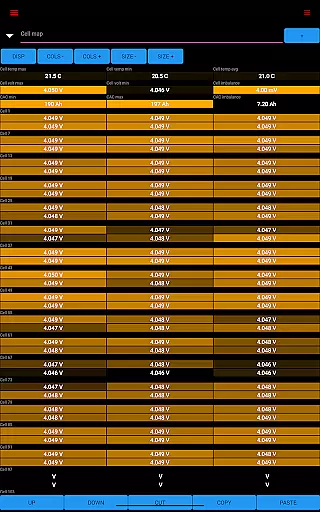
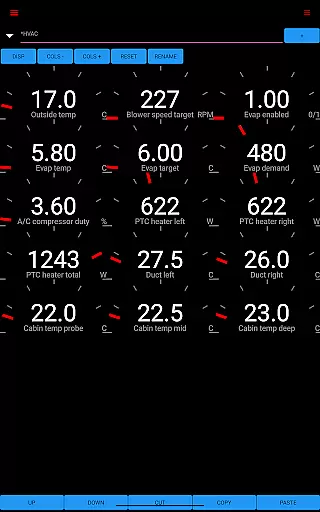
Scan My Tesla stands out with its comprehensive feature set tailored specifically for Tesla vehicles. The app decodes most CANBUS packets, thanks to contributions from developers like Jason Hughes and Jack Rickard. It offers detailed information on battery cells, DC/AC charge counters, HVAC controls, and a trip recording system conceptualized by Marc Olivier Chouinard.
One of the key highlights is the community-driven decoding efforts for Model 3 led by JWardell. Additionally, the app contains elements of Android OS example code adhering to Apache 2.0 license, ensuring compatibility and reliability. Users can access more information through dedicated resources such as the official website, Facebook page, and forums like Tesla Owners Online, making it a robust platform for learning about your Tesla.
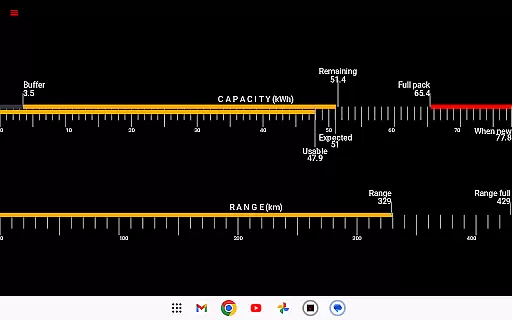
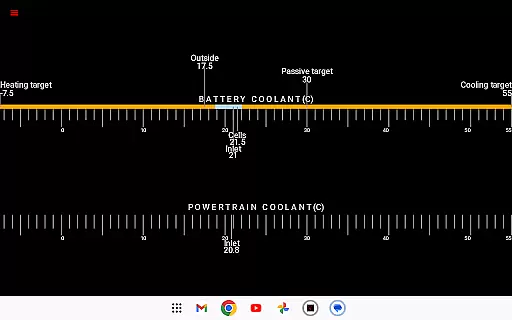
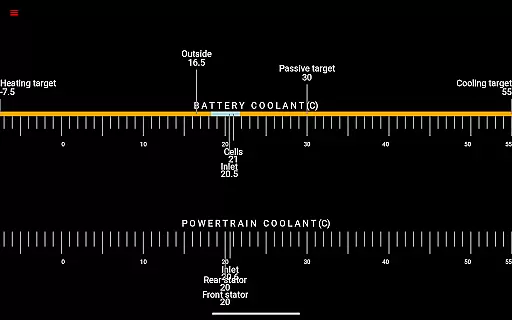
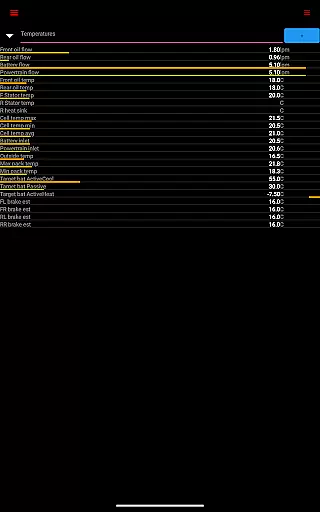
Scan My Tesla provides comprehensive real-time diagnostic data from your Tesla Model S, 3, X, or Y. This includes crucial metrics like battery power, voltage, current, and temperatures, offering an in-depth look at your vehicle's health.
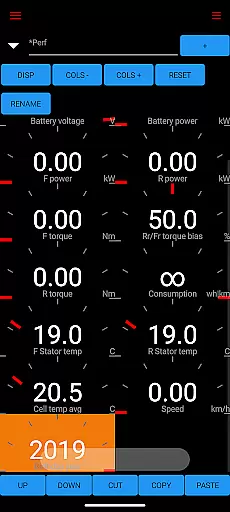
The app decodes CANBUS packets to deliver detailed insights into drive unit performance, presenting live statistics such as electric power, torque, RPM, and temperatures. These readings empower users with a granular understanding of their car's operational dynamics.
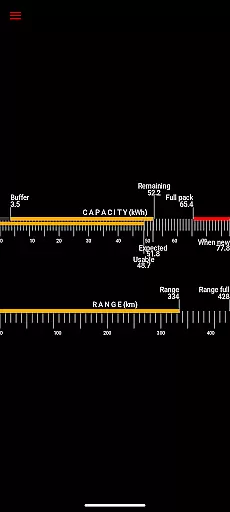
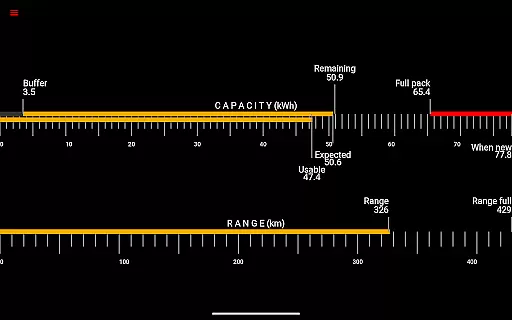
Additionally, the app offers battery lifetime stats, capacity estimates, and mileage tracking. With this feature, users can monitor the longevity and efficiency of their vehicle's battery system over time, ensuring optimal performance and maintenance.
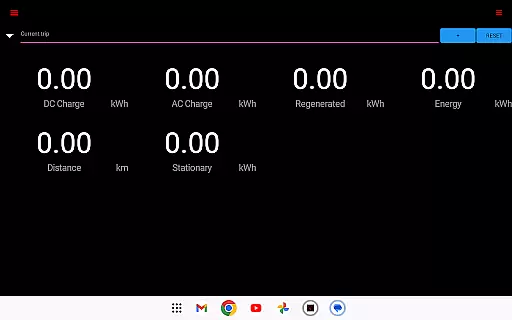
By providing access to 12V system metrics and enabling trip recording with statistics on regenerated and charged energy, Scan My Tesla equips Tesla owners with unparalleled insight into their vehicle's energy management and usage patterns.
While Scan My Tesla itself is a powerful diagnostic tool, it requires specific hardware to function, which impacts overall cost transparency. Users need to purchase an adapter cable and a compatible OBD2 adapter, details of which are available at https://www.scanmytesla.com/adapters.
The app clearly outlines these requirements, ensuring that potential users understand the additional costs involved before committing to the platform. This transparency helps in making informed decisions regarding the total investment needed for full functionality.
Although the app provides invaluable data about vehicle performance, users should consider these extra expenses when evaluating the overall value proposition of Scan My Tesla.
It's worth noting that while the core app may have its own pricing structure, the necessity of additional hardware creates a more complex cost landscape that users must navigate to leverage the app's capabilities fully.
User-friendly interface
Comprehensive diagnostic data
Active community support
Regular updates
Compatibility with multiple Tesla models
Requires additional hardware
Limited Model 3 support
Potential inaccuracies
No official affiliation
Complex setup process

OBD2 car scanner and diagnostics: read Check Engine, DTC, economy....
 4.30
4.30
OBD1 ECMs application. Data log or tune directly from your phone or tablet!
4.60
OBDII - ELM327 Terminal tool for 96-00 Volvos
4.50
Better fuel to help keep you on the road
3.20
Simplify your drive
3.90
Your Path to Driving Licensing Success Begins Here! Develop your driving skills.
4.40
Monitor your behind-the-wheel behavior to become a safer driver and save.
4.10
Find Your Local Store or Shop Online for the Car, Truck, or SUV Parts You Need
4.70
7-Day Returns on All Cars
4.80
Take Control of Your Car
4.80
Car Values, Research and More
4.80
Lexus app currently supports 2010 or newer vehicles (2018 or newer for Hawaii).
4.80
Browse millions of cars, track vehicle listings or sell your car today
4.70
Listings of Tesla's with FSD - Included package
4.60
Shop cars & see your financing
4.60
Autotrader is your online solution for buying and selling new and used cars.
4.40
OBD diagnostics, Live Data, DPF regeneration for BMW
4.00
Blink Charging Mobile app makes finding an EV charger an intuitive experience.
3.80
O'Reilly Pro will streamline your parts lookup and ordering process!
3.20

User Reviews