

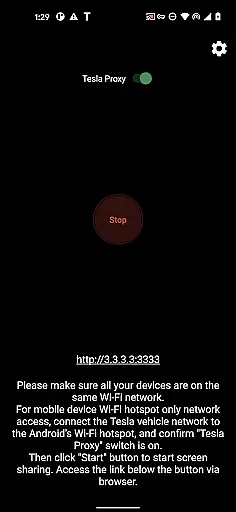
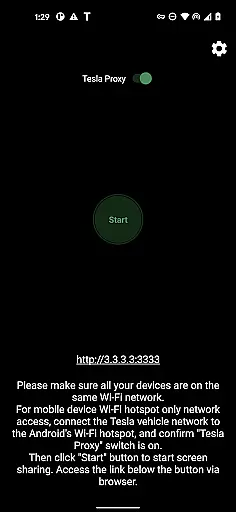
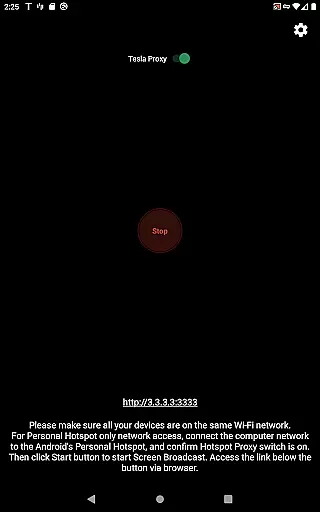
TeslaMirror is an innovative Android application that allows users to mirror their mobile device screens directly onto Tesla vehicle displays. This app supports Tesla models with MCU2/3 hardware, including Model 3, Model Y, and newer versions of Model S and X. With a 144-hour free trial available upon purchase through Google Play, it offers users the chance to experience seamless integration between their Android devices and Tesla infotainment systems.
Key features include support for H.264/H.265 video streaming, lossless audio transmission, and remote control capabilities. These functionalities ensure high-quality mirroring experiences while parked, enhancing multimedia consumption within the vehicle environment. The app's unique approach involves using a virtual IP and VPN tunnel to bypass Tesla browser limitations, ensuring secure and private communication between devices.
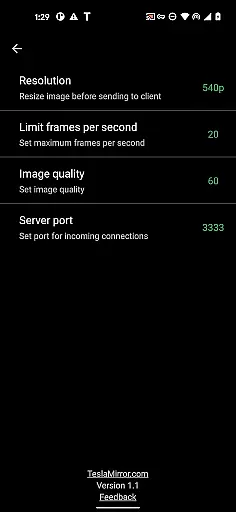
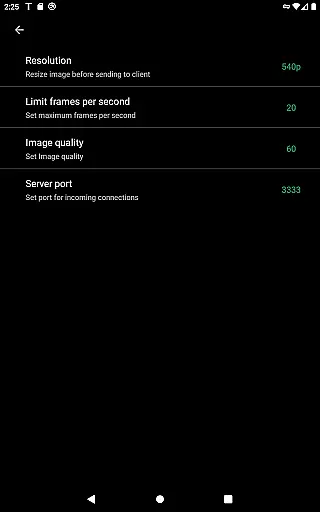
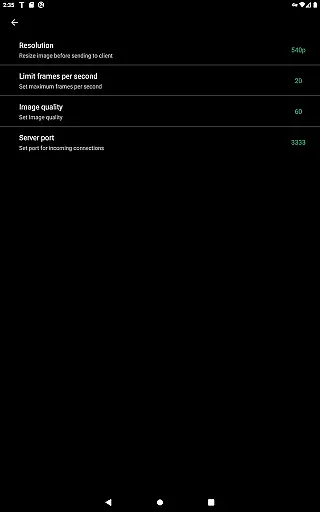
TeslaMirror stands out with its advanced technical implementation tailored specifically for Tesla vehicles. The app utilizes H.264/H.265 codecs for optimal video quality, supporting resolutions up to 1080p@60fps on MCU3 hardware. For audio, it delivers lossless transmission at Hi-Res quality (96 kHz, stereo, 32-bit) when using compatible Android versions, surpassing typical Bluetooth audio standards.
A notable feature is the remote control functionality, enabling users to interact with their Android devices via the Tesla touchscreen or an external mouse. Additionally, TeslaMirror operates through a local web server on the user's device, maintaining privacy by avoiding public internet exposure. The required VpnService permission facilitates this secure connection without collecting user data or logs, emphasizing the app's commitment to user privacy and security.
TeslaMirror provides comprehensive integration with Tesla vehicles, ensuring users can access detailed vehicle information seamlessly. This includes compatibility details for specific Tesla models, such as Model 3, Model Y, and newer versions of Model S and X, which are equipped with MCU2/3 hardware.
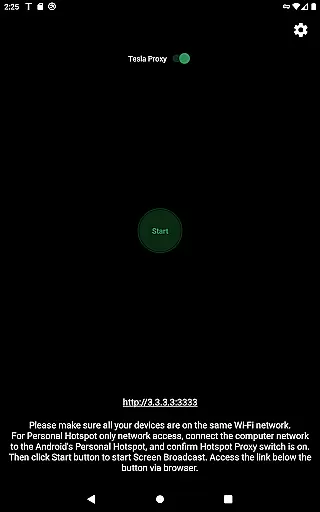
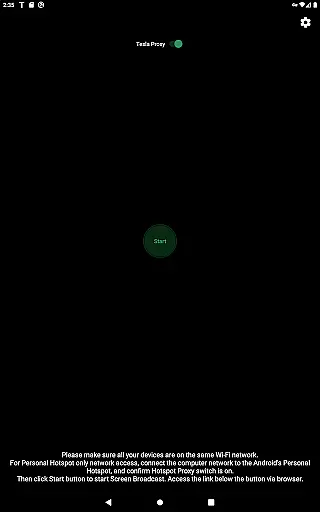
The app outlines clear requirements for optimal performance, specifying the need for a 5 GHz mobile hotspot and noting that Wi-Fi 6 access points are not supported. These specifications ensure users understand the necessary conditions to achieve the best mirroring experience.
By supporting advanced video standards like H.264 and H.265, TeslaMirror allows users to mirror their Android devices at various resolutions and frame rates. For instance, MCU3 hardware supports up to 1080p at 60fps using H.264 and 1080p at 30fps using H.265, providing flexibility based on the vehicle's capabilities.
This level of detail empowers Tesla owners to make informed decisions about setup configurations, enhancing both safety and functionality while using the app.
TeslaMirror offers a transparent pricing model by providing a free 144-hour trial period upon purchase through Google Play. This allows users to thoroughly test the appu2019s features before committing financially, ensuring satisfaction with the product.
In cases where users are not satisfied, TeslaMirror ensures price transparency by offering a straightforward refund process. Users can request refunds by contacting TeslaMirror@hustmobile.com with their order details, reinforcing trust in the purchasing process.
The app also clearly outlines its value proposition, emphasizing unique features such as being the first app on Google Play to support Tesla app mirroring. This positions TeslaMirror as a premium yet fairly priced solution within the Auto & Vehicles category.
By combining a risk-free trial with open communication about costs and benefits, TeslaMirror establishes itself as a trustworthy option for Tesla owners seeking enhanced vehicle connectivity.
High-quality video streaming
Lossless audio transmission
Remote control capability
Secure private connection
Innovative Tesla integration
Limited to Tesla MCU2/3
Requires parking mode
No Netflix support
Complex setup process
VPN dependency

Easily notify car owners in urgent situations, safe, fast, multilingual.
 4.1
4.1
The Smarter Way Forward
3.30
Ferrari inspired analog & digital watch face with quick access and premium style
4.2
Realtime Charts is a plugin for the Torque Pro App (OBD 2 & Car)
4.20
AlfaOBD software for Fiat Group cars native diagnostic
3.70
Secure mobile payments & fuel savings at Phillips 66®, Conoco® and 76® stations
4.40
Your go-to app for car, truck & SUV parts, DIY tools, and expert repair help.
4.70
O'Reilly Pro will streamline your parts lookup and ordering process!
3.20
Marathon ARCO Rewards members earn rewards & apply the rewards for fuel savings!
4.80
DMV Test Pro offers all the updated FREE DMV tests online.
4.60
Easy connect & control your cars from afar. Remote Lock & unlock car and carplay
4.60
On the CarShield app, you can view contracts, make payments, & request roadside.
4.40
AI Powered - Automotive Mechanic Assistant
4.30
Car Sounds Engine Sounds app welcomes Auto Lovers to feel Car Simulator Sound
4.20
By enthusiasts, for enthusiasts
4.00
Available in select states.
4.00
Discover new and used cars in Syria easily! Browse ads and connect with sellers.
3.70
Theme for Car Launcher
4.2
Attention! This is the theme for the Car Launcher app
4.1

User Reviews