

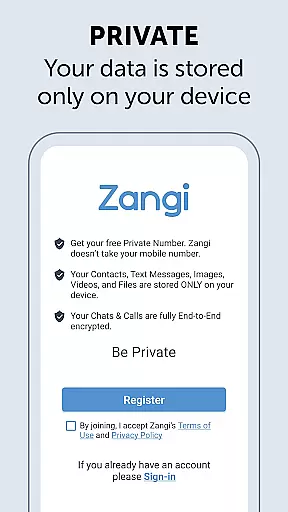
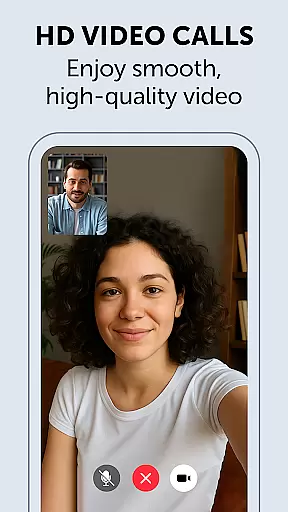
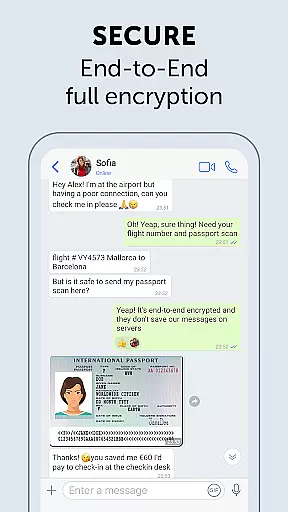
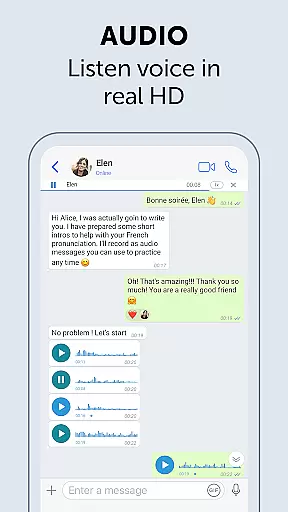
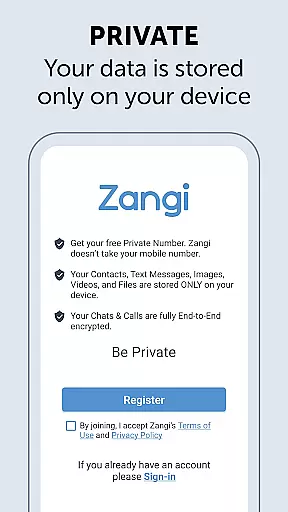
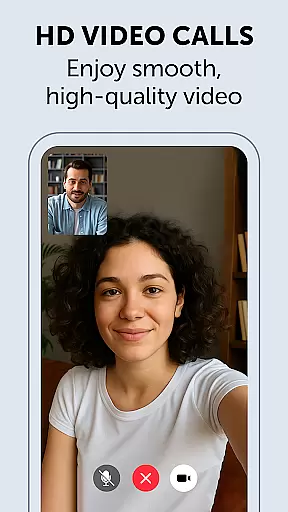
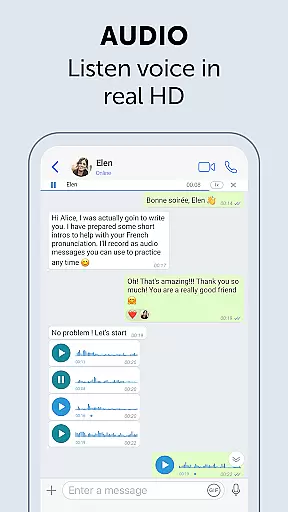
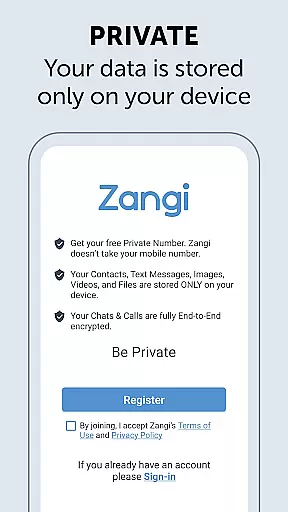
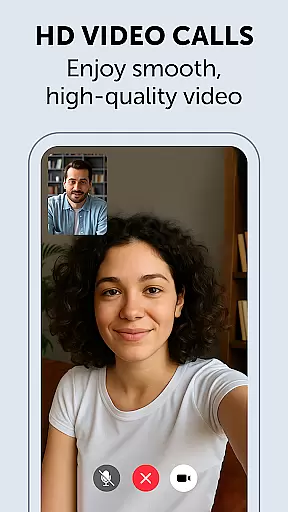
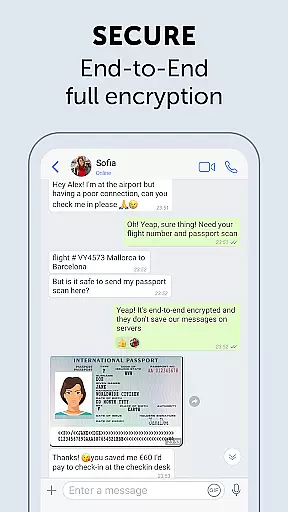
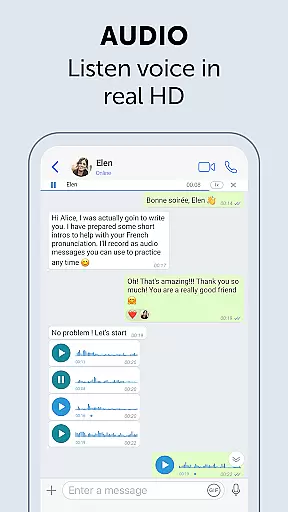
Zangi Private Messenger is a secure communication app designed for privacy-conscious users. It offers anonymous registration without requiring a phone number, ensuring protection from surveillance and hacking attempts. The app employs military-grade encryption for all communications, including texts, voice, and video calls.
One of Zangi's standout features is its ability to function reliably even with poor internet connections. Whether you're on a 2G network or dealing with crowded WiFi, Zangi ensures uninterrupted communication. This makes it an ideal choice for users in areas with unstable connectivity who need a dependable messaging solution.
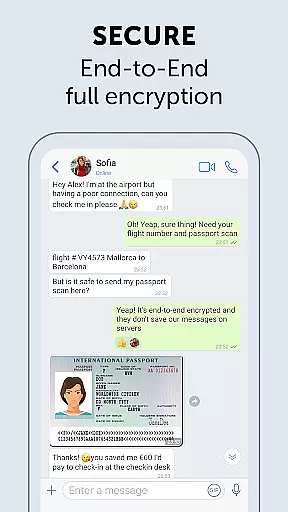
Zangi stands out with its no-data-collection policy, meaning all your information remains solely on your device. This approach significantly enhances user privacy compared to other messaging apps that may store data on their servers. Additionally, the app uses End-to-End AES-GCM 256 encryption, providing top-tier security for all your communications.
The app also boasts unbreakable quality, functioning smoothly where other messengers fail. Its minimal reliance on internet speed ensures consistent performance, even under less-than-ideal network conditions. This reliability, combined with its robust security measures, makes Zangi a comprehensive tool for secure and stable communication.
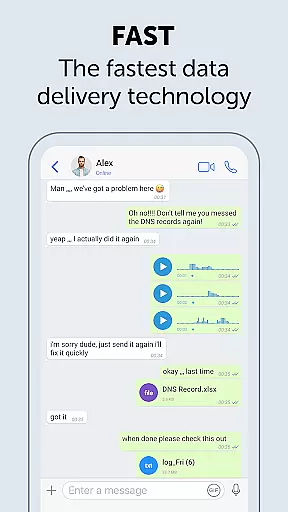
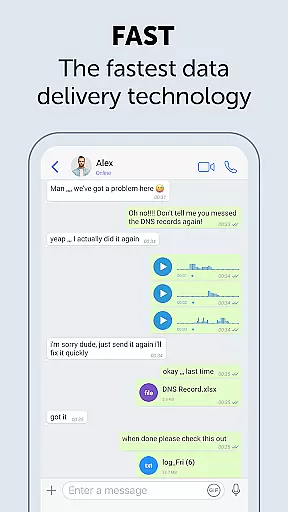
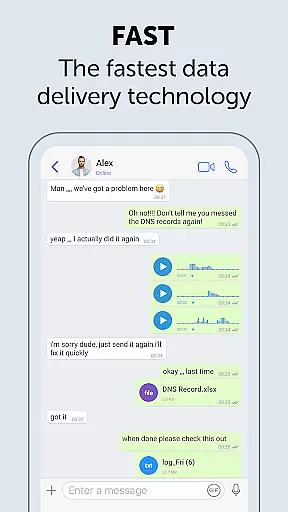
Real-time messaging speed and reliability are crucial for seamless communication. Zangi Private Messenger ensures that messages are delivered instantly, regardless of the user's internet connection quality.
The app employs advanced data compression techniques and optimized network protocols to minimize latency. This means users can send and receive messages without noticeable delays, even on slower networks like 2G or crowded WiFi environments.
Zangi's infrastructure is designed to handle high volumes of messages efficiently, ensuring consistent performance during peak usage times. The result is a reliable messaging experience that users can depend on for both casual and important communications.
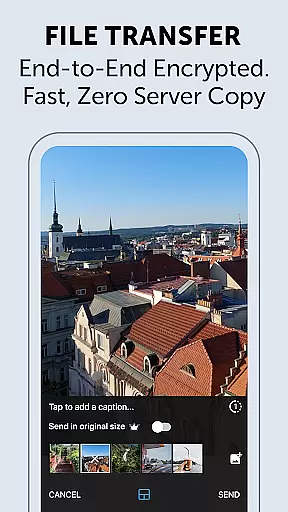
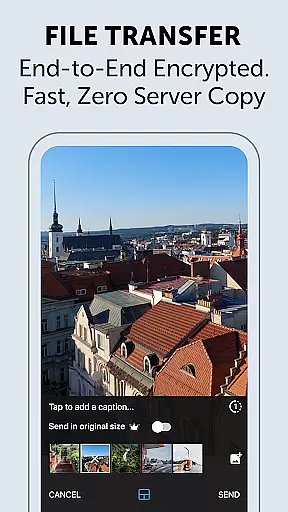
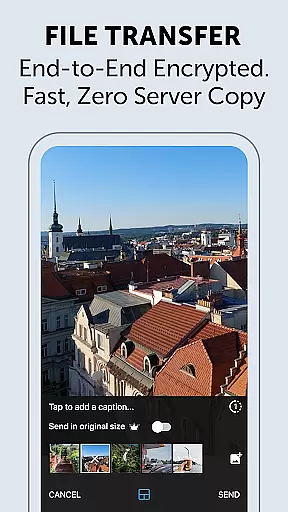
Media sharing support in messaging apps allows users to exchange various types of content beyond plain text. Zangi Private Messenger excels in this area by enabling secure sharing of files, images, audio, and video with end-to-end encryption.
The app supports multiple file formats, making it versatile for different sharing needs. Whether sending documents for work or sharing personal media, users can be confident that their data remains private and protected.
Zangi's optimized media compression algorithms ensure that files are transferred quickly without compromising quality. This efficient handling of media content enhances the overall user experience while maintaining the app's commitment to security and privacy.
Anonymous registration
No data collection
Military-grade encryption
Works on 2G networks
Reliable in poor connectivity
Limited user base
Fewer features than competitors
No web version available
Interface not very intuitive
Occasional bugs reported

Tether to Windows, OS X, Linux PCs or Android tablets. No root. No tether fees.
 3.90
3.90
Messenger app for faster and simpler SMS text messaging, and personalized themes
4.10
A Browser with powerful ad blocker to help focus on what really matters.
3.00
2nd Phone Number Line for Anonymous Texting, Calling, and Picture Messages
4.30
A softphone with crystal clear SIP Calling & Reliable VoIP dialer
4.00
TeamSpeak - Secure Chat for Gaming & Business
3.10
A browser that does more than load page, like keeping your privacy safe.
4.70
Say “hello” to privacy.
4.60
Caller ID, Spam Call & SMS Blocker
3.80
Manage BoostMobile Account
4.60
Connect and browse the internet with a fast VPN proxy server and IP blocker.
4.50
Manage your data, talk & text - affordable phone plans & data usage made simple
4.30
Group Chat That’s Fun & Games
4.30
Chill zone on your phone: relax with fun reels & hype shorts!
4.20
SMS & MMS Messaging App to easily send messages or schedule SMS on Chat
4.10
Federated instant messaging for your mobile device (Jabber, XMPP, Snikket)
4.10
This app enables the phone to receive and send FT8 traffic!
3.80
Manage and Fund Calling Accounts and Schedule and Join Video Sessions
3.60
Manage Phone Calls, call history, and contacts easily with Phone Pro.
4.0


User Reviews