

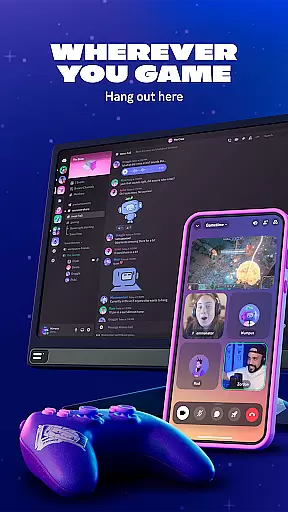
Discord is a versatile communication platform designed primarily for gamers but suitable for any community. It offers text, voice, and video chat capabilities, allowing users to create customized spaces for their groups. Whether you're coordinating game sessions or simply hanging out with friends, Discord provides the tools to make interactions seamless and engaging.
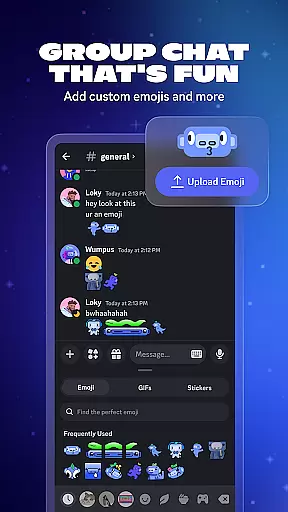
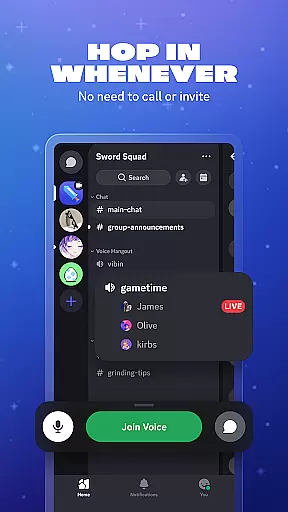
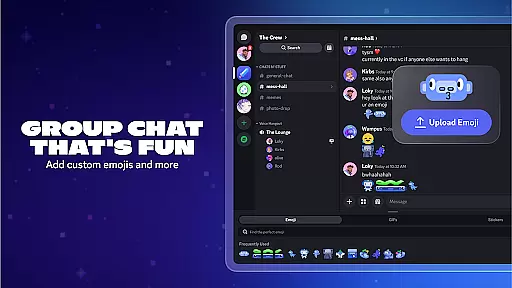
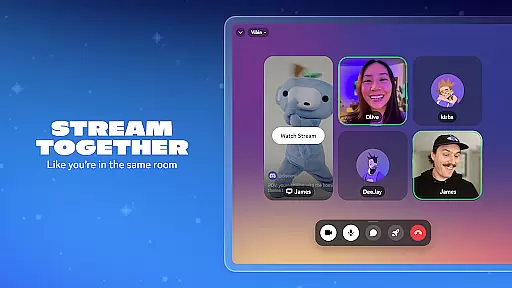
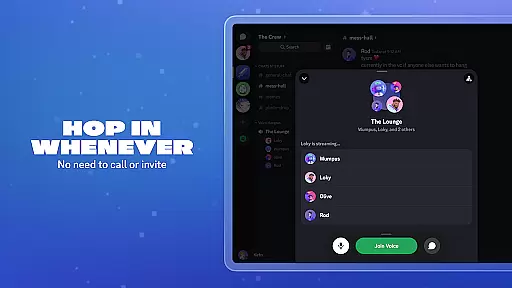
The app supports high-quality streaming and low-latency connections, making it feel like you're in the same room with your friends. With features such as custom emojis, stickers, and soundboard effects, users can personalize their chat experience. Additionally, Discord allows for easy transitions between chats without needing to place calls, ensuring that communication is always open and accessible.
Discord stands out with its robust set of features tailored for group interaction. Users can create custom emojis and stickers to enhance their chat experience, while soundboard effects add an extra layer of personalization. The platform's high-quality streaming ensures that whether you're gaming, watching shows, or sharing photos, the experience feels intimate and immediate.
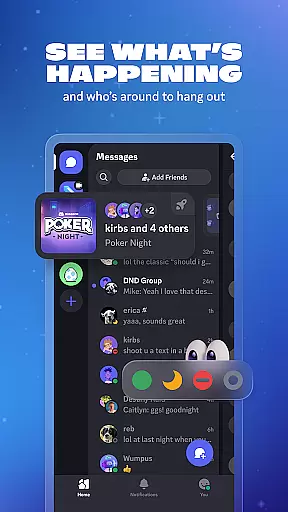
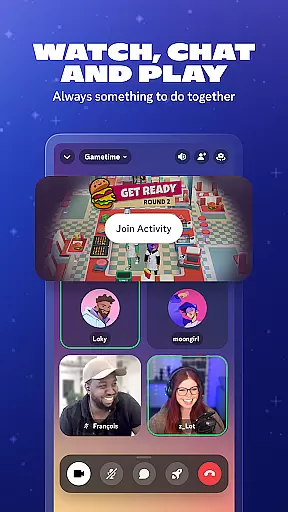
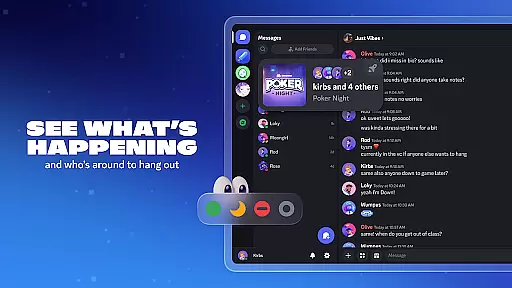
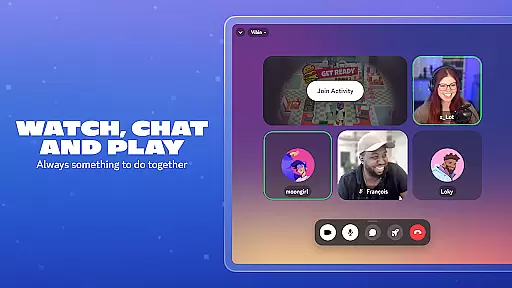
Another key feature is the ability to see who's online and what they're up to, including details about supported games. This makes it easy to join friends in their activities. Discord also integrates various entertainment options, such as watching videos, playing built-in games, and listening to music together, all within the same chat interface. These features ensure that there's always something to do together, keeping communities engaged and active.
Real-time messaging is a cornerstone of effective communication platforms, and Discord excels in this area. The speed at which messages are delivered and received can significantly impact the flow of conversation and user satisfaction.
Discord ensures that messages are transmitted almost instantaneously, allowing users to maintain seamless conversations whether they're strategizing in a game or casually chatting with friends. This immediacy fosters a sense of presence and engagement among users, making interactions feel more dynamic and real.
The platform's infrastructure is designed to handle high volumes of traffic without compromising on message delivery times. This reliability means that even during peak usage periods, users can expect consistent performance, ensuring that no message is delayed or lost.
For gamers and communities alike, this reliable messaging system enhances the overall experience by providing a dependable means of staying connected. Users can focus on their activities without worrying about missing out on important updates or conversations.
Media sharing has become an integral part of modern communication, allowing users to express themselves and share experiences in richer ways. Discord offers robust support for various media formats, enhancing the way users interact within its platform.
Users can effortlessly share images, videos, and audio files directly within chat channels. This capability not only enriches conversations but also facilitates collaborative projects, such as designing game strategies or creating digital art pieces together.
Moreover, Discord ensures that shared media maintains its quality and integrity during transmission. High-resolution images and HD videos retain their clarity, providing an immersive viewing experience for recipients. This attention to detail underscores Discord's commitment to delivering high-quality interactions.
By supporting diverse media types, Discord empowers users to communicate more effectively and creatively. Whether it's celebrating victories with screenshots or sharing tutorial videos, the platform's media sharing features enhance community building and personal expression.
User-friendly interface
High-quality streaming
Customizable chat options
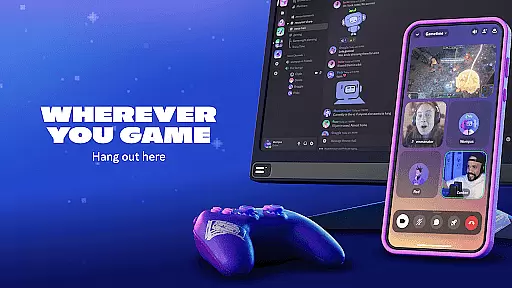
Seamless cross-device support
Versatile community building
Occasional connectivity issues
Limited offline functionality
Resource-intensive on older devices
Privacy concerns with third-party bots
Complex setup for new users


Tether to Windows, OS X, Linux PCs or Android tablets. No root. No tether fees.
 3.90
3.90
Fast and simple walkie talkie app
4.20
Connect and browse the internet with a fast VPN proxy server and IP blocker.
4.50
WazzapMigrator: transfer your WhatsApp history from iPhone to Android
4.00
Messenger, an MMS & SMS messages app with Blockers, Driving mode & Private box
4.60
Fast, Simple And Secure Application That Provides SMBv3 Server On Your Device
3.30
RemoteHams.com Android RCForb Client Pre-Release
4.30
An app dedicated solely to marriage, not dating, and supported by a rigorous verification mechanism to ensure seriousness.
4.4
Call & Text Anywhere With A Canadian Number.
3.60
Simple tool for businesses to talk to their customers.
4.40
Get through your inbox faster with the mail app designed to simplify your life.
4.40
A web browser that respects your privacy.
4.30
SMS Messenger is a lightning-fast messaging app.
4.20
Messenger app for faster and simpler SMS text messaging, and personalized themes
4.10
A softphone with crystal clear SIP Calling & Reliable VoIP dialer
4.00
Threema is the messenger with the most consistent focus on security and privacy.
4.00
Telegram is a messaging app with a focus on speed and security.
4.00
A softphone app with seamless SIP calling and an intuitive VoIP dialer
3.50
Watchgram for Telegram: Experience seamless Telegram messaging on your watch
1.80


User Reviews