

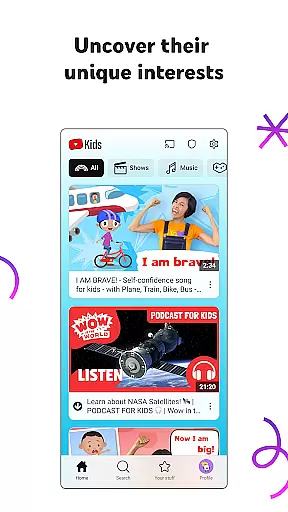
YouTube Kids is a specialized entertainment app designed to provide a safe and engaging video-watching experience for children. It offers a vast array of kid-friendly content, including educational videos, cartoons, music, and more, tailored to inspire curiosity and learning.
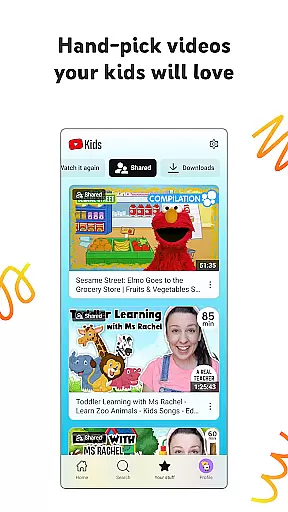
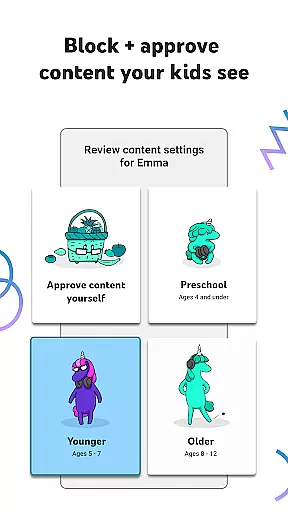
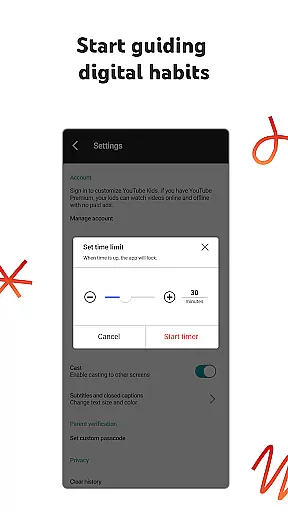
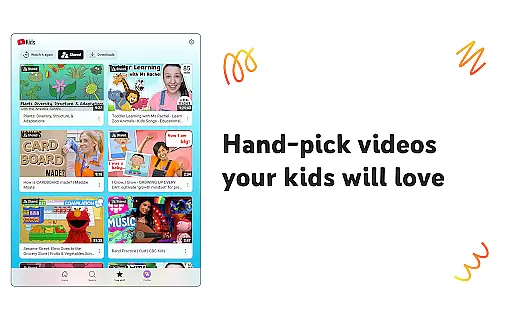
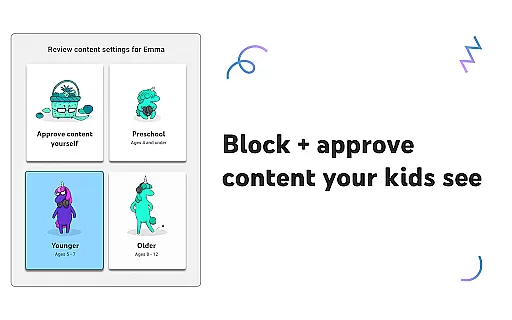
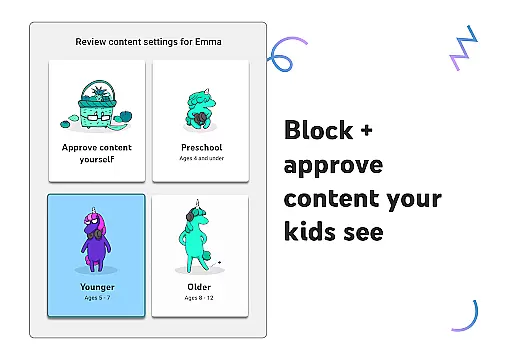
The app features multiple viewing modes such as Preschool, Younger, and Older, allowing parents to customize the experience based on their child's age and interests. With parental controls, adults can manage screen time, block unwanted content, and even hand-select approved videos, ensuring a personalized and secure environment for kids to explore.
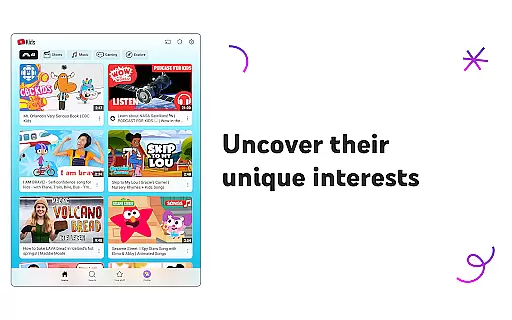
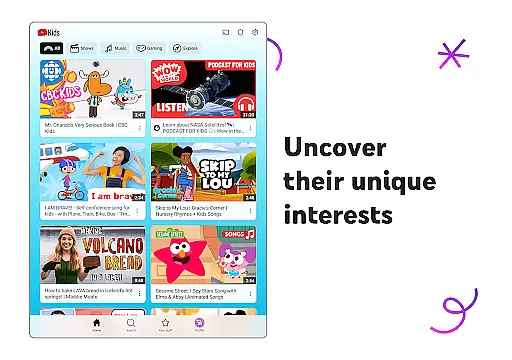
By combining trusted content with intuitive navigation tools, YouTube Kids creates an enriching digital space where children can discover new interests while parents maintain peace of mind.
YouTube Kids stands out with its suite of innovative features crafted to enhance both safety and engagement. The app includes customizable content filters that adapt to different age groups, ensuring appropriate material for preschoolers, younger kids, and older children alike.
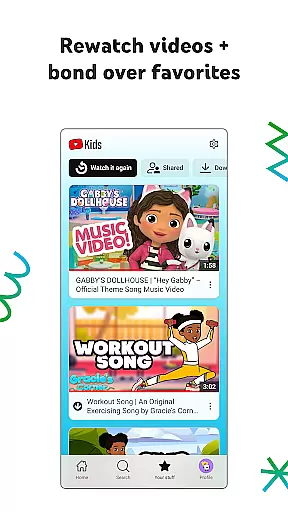
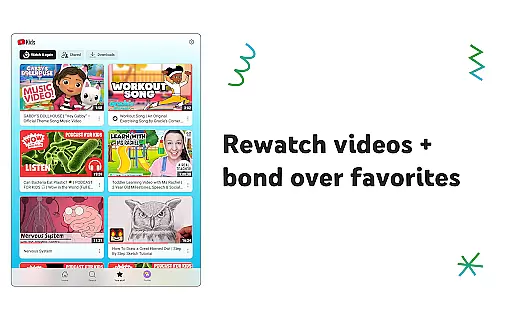
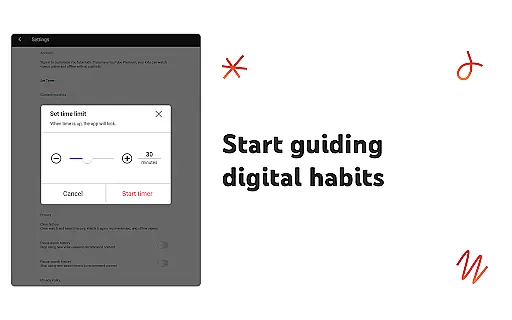
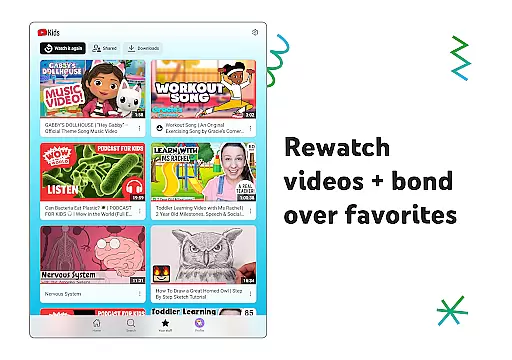
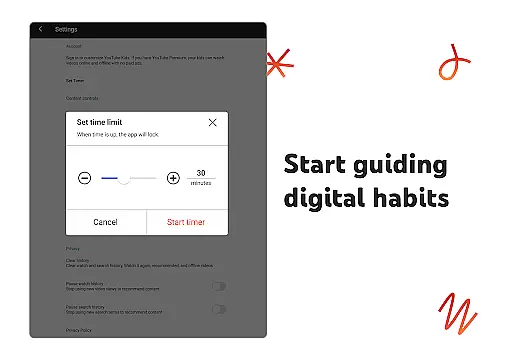
One notable feature is the Watch it Again tab, which allows kids to revisit their favorite videos easily. Additionally, Parental Controls empower guardians to shape the viewing experience by setting timers, blocking specific videos or channels, and enabling Approved Content Only mode for complete oversight.
Beyond curated content, YouTube Kids also supports creativity through DIY craft tutorials, popular music, gaming videos, and more. These elements work together to create a balanced platform where education meets entertainment in a secure setting.
YouTube Kids offers a diverse range of content tailored to different age groups and interests, ensuring that children can explore video content they love. The app provides various modes such as Preschool, Younger, and Older, each designed to cater to the unique developmental stages of children.
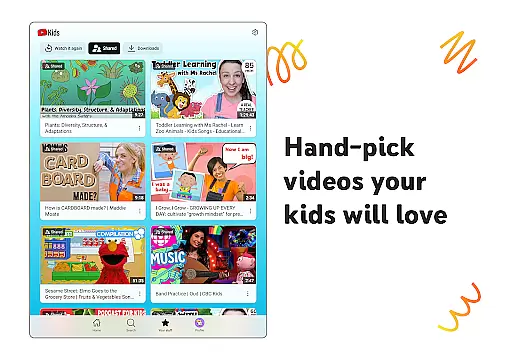
In Preschool mode, kids can learn their ABCs and nurture curiosity through educational videos. As they grow, Younger mode introduces them to songs, cartoons, or DIY crafts, while Older mode allows more freedom with access to popular music and gaming videos. Additionally, parents have the option to hand-pick videos in Approved Content Only mode, giving full control over what their kids watch.
The Watch it Again tab helps families quickly find favorite videos and content shared by parents, reinforcing learning and bonding over shared interests. This feature ensures that children can revisit educational material or entertainment they enjoy, enhancing both education and enjoyment.
YouTube Kids is designed to keep children engaged with its easy navigation tools and personalized content filters, which adapt as kids grow. By allowing parents to customize individual profiles, the app ensures that children only see content they are ready to explore, thus maintaining their interest over time.
Parental Controls play a crucial role in shaping the viewing experience, helping limit what kids watch and guiding their journey through the app. Features like the Timer encourage breaks, promoting healthy screen-time habits and ensuring that kids remain engaged without overuse.
With commercial content from YouTube creators and not just paid ads, the platform keeps the experience authentic and engaging for kids. These elements combined foster longer user engagement durations and improve retention rates, making YouTube Kids a trusted companion for children's digital exploration.
User-friendly interface
Customizable content filters
Parental control options
Wide variety of kid-safe videos
Multiple age-based modes
Limited offline functionality
Potential ad exposure
Requires parental setup
Occasional inappropriate content
No advanced search filters

Play games. Earn real rewards. Cash out in 3hours via PayPal or gift cards.
 4.40
4.40
Journey to the world’s oldest rainforest and meet its Indigenous Custodians.
4.0
A companion app for the game Elite Dangerous
4.10
Fire effects for your Philips Hue lights
4.20
Your choice of 350+ networks plus movies and full TV series on-demand.
3.70
Watch New Episodes & Live TV
3.80
Earn Real Rewards Playing Fun Mobile Games & Easy Cash Out - PayPal & Gift Cards
4.40
Watch TV shows, movies, and stream Live TV channels without a subscription!
3.80
Scary prank camera & on face app: Shoot videos, selfies with spiders & scorpions
4.60
Time tracking, lap counting and much more for Carrera® Digital 132/124
4.80
Scan sets, track your builds, and enjoy intuitive digital instructions.
4.70
Premium version to enjoy your favorite anime
4.60
Geooh GO is the most feature rich geocaching app available today.
4.50
* Multiple Matches * Intuitive UI * Scoring Made Easy!
4.40
Create melty bead designs by numbers, photos or your imagination
4.40
Alice Box is an Instrumental Trans Communication app.
3.80
Simulation of Dashboard / Touch Screen for Tesla. (Works without actual Tesla).
4.1
A wonderful collection of the most beautiful sounds of animals and birds
4.0
Christmas Globe: Transform your Wear OS device into a festive timekeeper!
4.2

User Reviews