

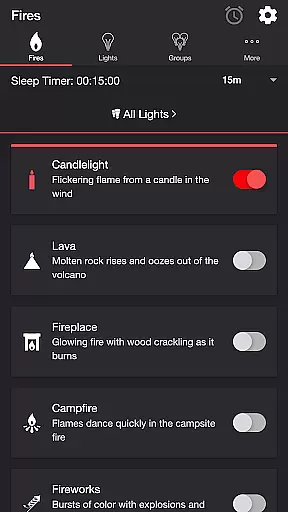
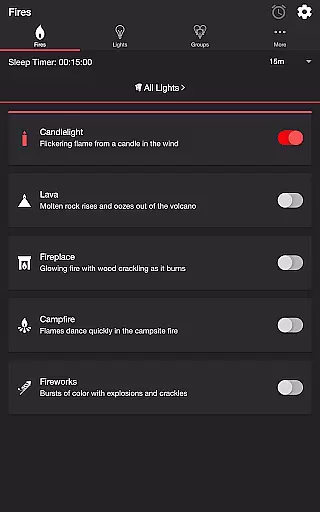
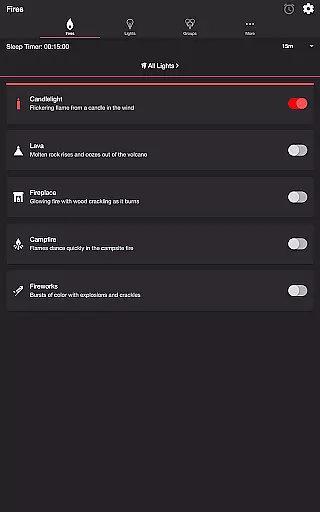
Firestorm for Hue is an entertainment app that allows users to create immersive fire-themed lighting experiences using Philips Hue smart lights. The app features multiple fire effects such as Candlelight, Lava, Fireplace, Campfire, and Fireworks, each with customizable sound and light settings.
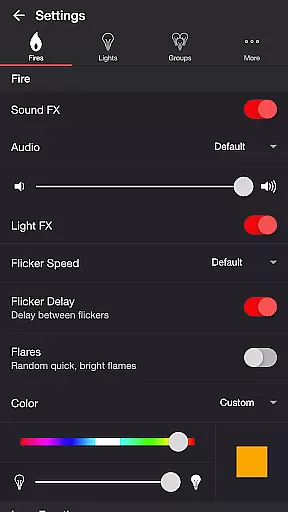
Users can adjust various parameters including flicker speed, color, brightness, and sound volume to create the perfect ambiance. The app also supports additional features like sleep timer functionality and Bluetooth speaker connectivity, making it a versatile tool for setting the mood in any room.
Whether you want to relax by a virtual fireplace or enjoy a festive fireworks display, Firestorm for Hue offers a unique way to enhance your living space with dynamic lighting effects.
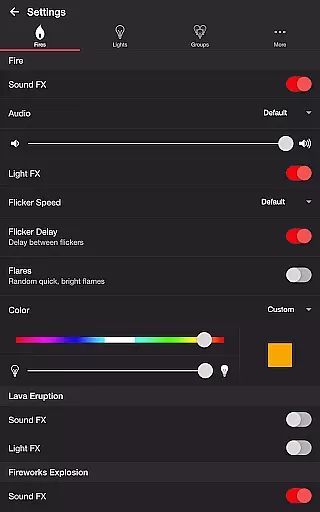
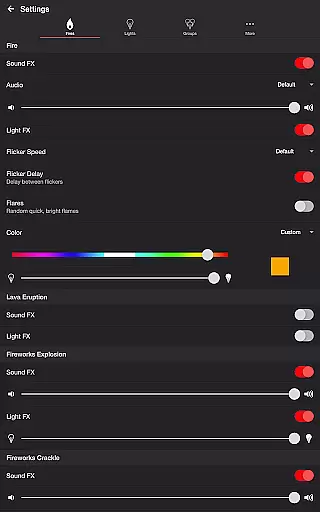
Firestorm for Hue stands out with its detailed customization options for creating realistic fire effects. Users can choose from different fire types and fine-tune their experience with specific settings like flicker speed, eruption intervals, and explosion brightness.
The app provides advanced audio-visual synchronization features. Users can toggle sound effects on or off, select different audio tracks, and adjust volumes independently for fire, eruption, and background sounds. Light effects can be delayed to match wireless audio latency.
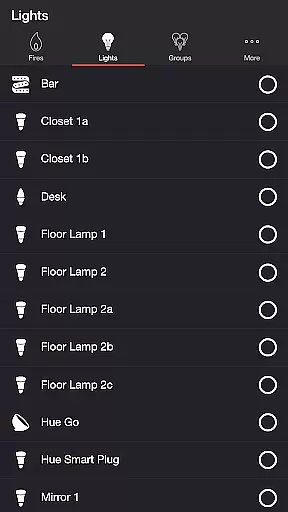
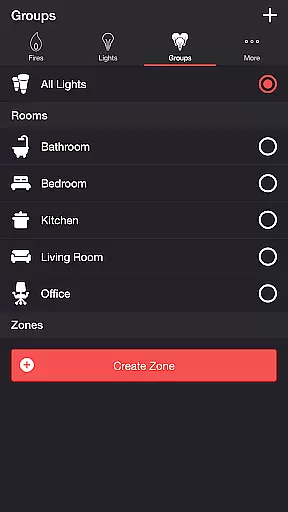
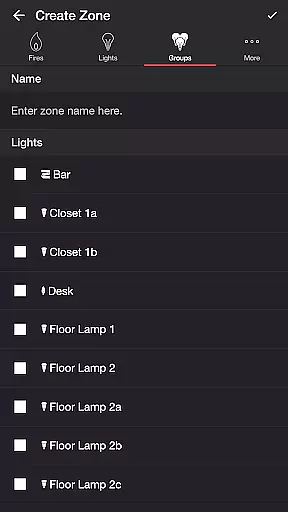
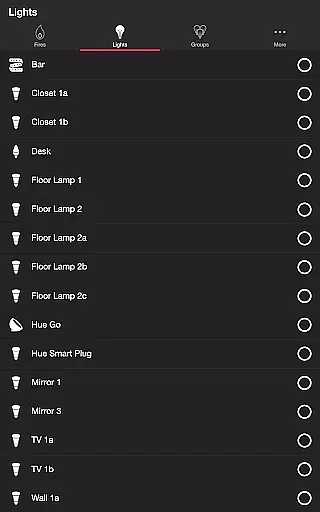
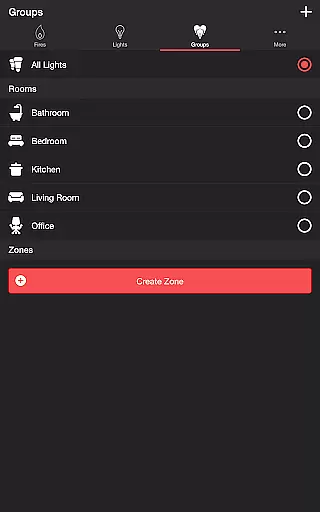
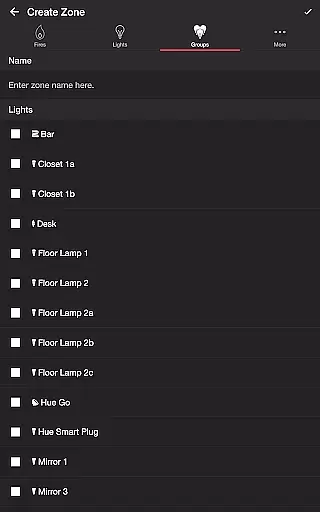
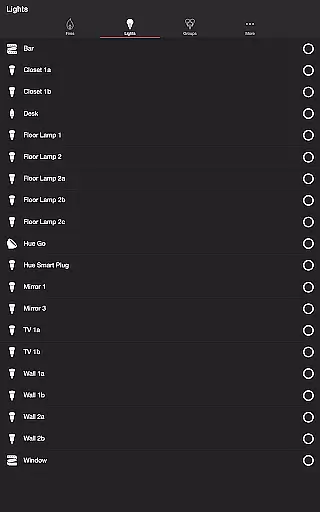
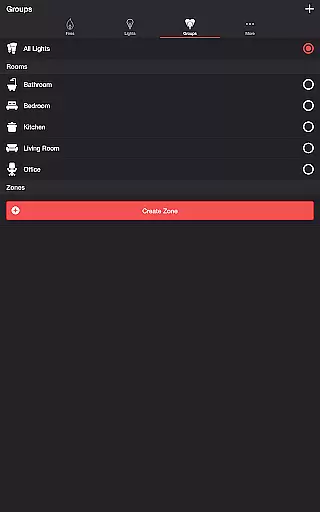
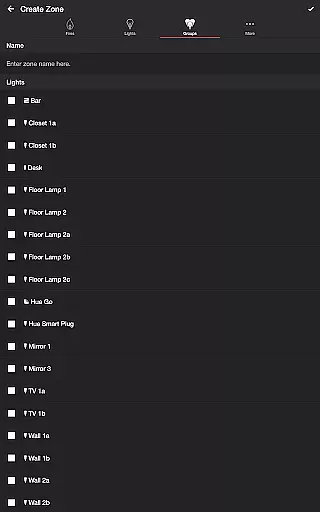
Additional features include support for Philips Hue groups and zones, automatic mode cycling, and integration with Bluetooth speakers and Chromecast devices. These capabilities ensure a seamless user experience across different devices and setups.
Firestorm for Hue offers a diverse range of content options that cater to various moods and settings. With five distinct fire modes, including Candlelight, Lava, Fireplace, Campfire, and Fireworks, users can customize their ambiance with rich visual and audio effects.
The app's versatility is further enhanced by the ability to adjust multiple parameters within each mode. Users can toggle sound effects, change flicker speeds, and modify color and brightness settings. This ensures that the experience remains fresh and engaging every time.
Additionally, the inclusion of background sounds such as Birds, Cicadas, Crickets, and Frogs adds another layer of immersion. These features collectively contribute to an entertainment experience that is both varied and consistently refreshing.
One of the standout features of Firestorm for Hue is its ability to maintain user engagement through customizable settings and automation features. The Sleep Timer function allows users to set a timer with an audio fade-out feature, ensuring a seamless transition as the lights turn off.
The app also supports Bluetooth and Casting to Chromecast-enabled speakers, providing high-quality audio experiences without interruptions. By adjusting the Delay Light FX setting, users can offset any wireless audio delay, maintaining synchronization between audio and visual effects.
Furthermore, the option to choose default end states and automatically restart selected modes creates a recurring cycle that encourages longer usage sessions. These features collectively enhance user retention by offering a personalized and uninterrupted entertainment experience.
Highly customizable fire effects
Realistic sound and light synchronization
Supports multiple smart lighting setups
User-friendly interface for easy navigation
Regular feature updates from developer
Requires Philips Hue Bridge
Premium features need subscription
Complex settings may overwhelm beginners
Limited to Philips Hue ecosystem
Occasional connection issues reported

Create and play realistic-looking mock Emergency Alert System messages.
 4.30
4.30
Best of icon for christmas
4.30
The JBL Portable app works with JBL portable Bluetooth speakers.
4.60
Your choice of 350+ networks plus movies and full TV series on-demand.
3.70
Come and watch short dramas, reels with diverse genres!
4.40
Alice Box is an Instrumental Trans Communication app.
3.80
Premium version to enjoy your favorite anime
4.60
Your Avatar, Endless Fun
4.60
Pop Drama is a premier app crafted for short drama lovers
4.60
Classic dynamic pixel art from Mark Ferrari.
4.70
Companion app for Elden Ring to track quests, bosses, progress and more.
4.70
Triple A is a highly complex, kinetic, and interactive visualizer.
4.50
Fetch money rewards all just for playing games. Cash out for gift cards in app.
4.50
The Xbox app keeps you connected to your gaming community.
4.50
Create melty bead designs by numbers, photos or your imagination
4.40
Binaural Brainwave Doses for Every Imaginable Mood
3.60
Stream videos to VIDAA & VEWD TVs from Hisense, Sharp, Skyworth, Vestel & TiVo
3.00
Ultimate VR movie player for android mobile videos
4.2
Disney Stickers: Zootopia 2
4.1


User Reviews