

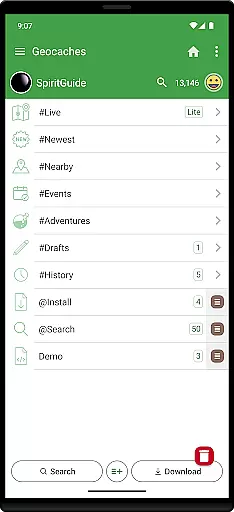
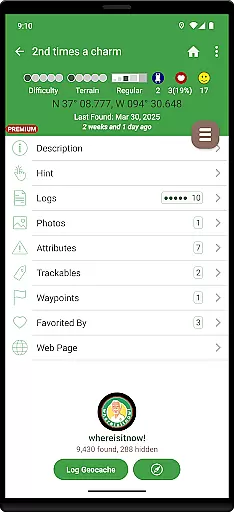
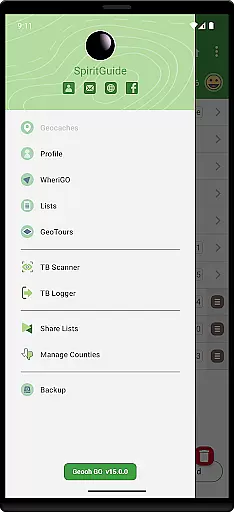
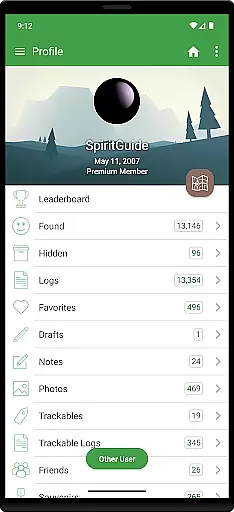
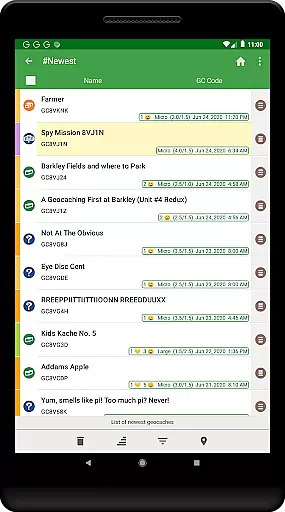
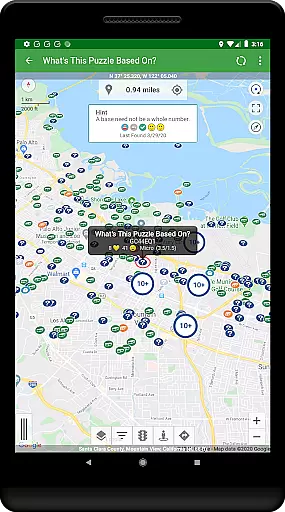
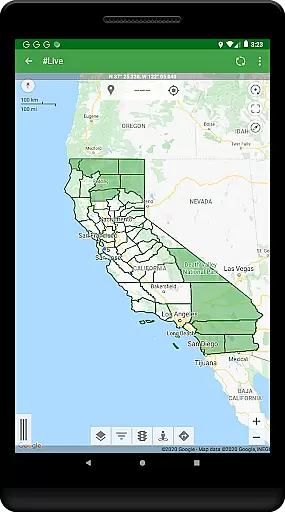
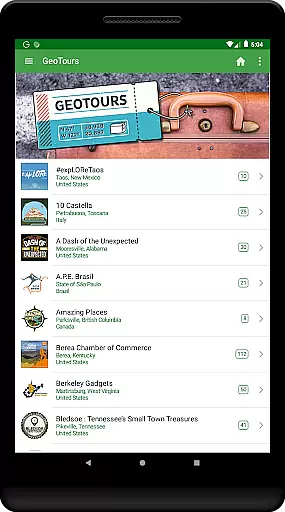
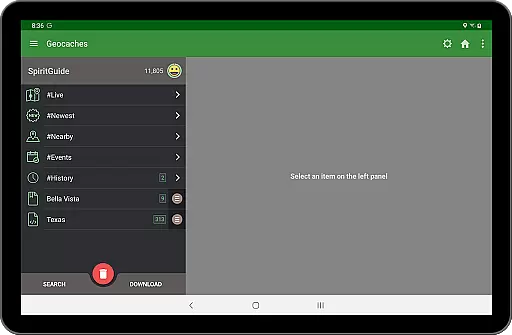
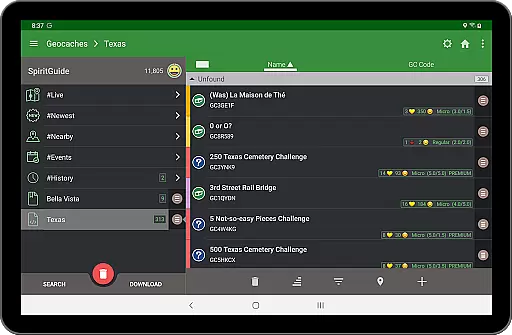
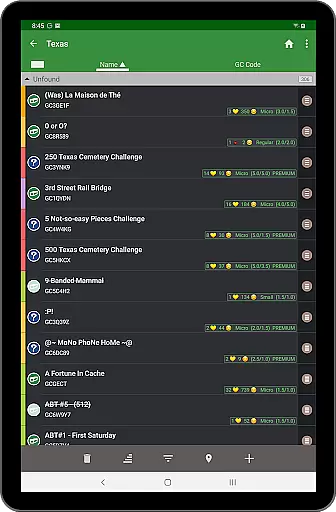
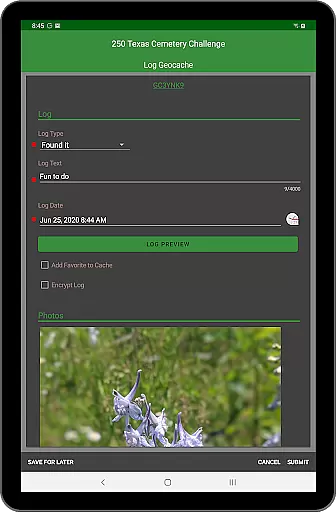
Geooh GO is a feature-rich geocaching application designed for serious and advanced geocachers. It offers an intuitive interface that is both visually appealing and user-friendly. The app requires a Premium membership at geocaching.com to function, making it ideal for dedicated enthusiasts who want access to exclusive features.
Apart from standard geocaching capabilities, Geooh GO includes unique functionalities such as automatic detection of nearby geocaches while driving. This feature works seamlessly with Android's foreground location permission, allowing users to multitask without interrupting the search process. Additionally, the optional enhanced subscription unlocks advanced tools like Android Auto integration and a Wear OS companion app, providing a comprehensive geocaching experience.
For those new to geocaching, it's recommended to start with the official Groundspeak app to grasp the basics. However, experienced users will find Geooh GO invaluable for its cutting-edge features and seamless performance, ensuring they get the most out of their geocaching adventures.
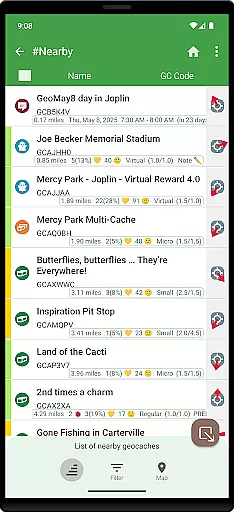
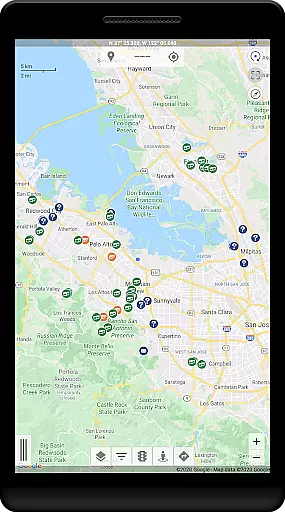
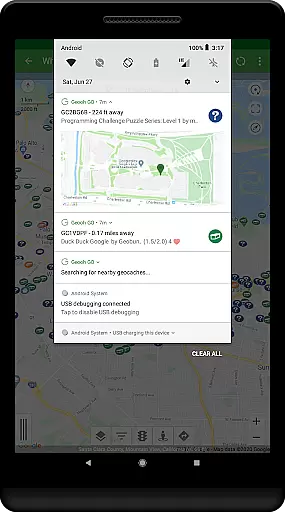
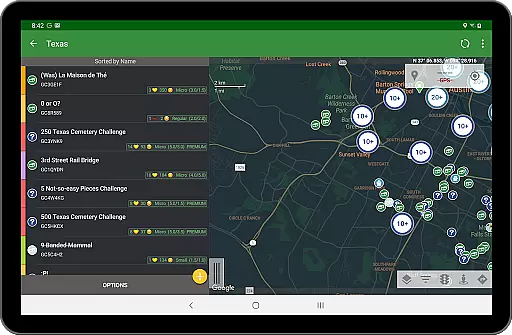
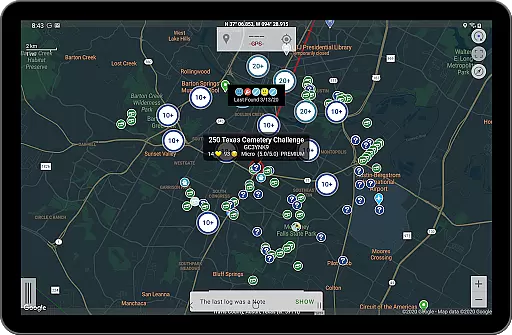
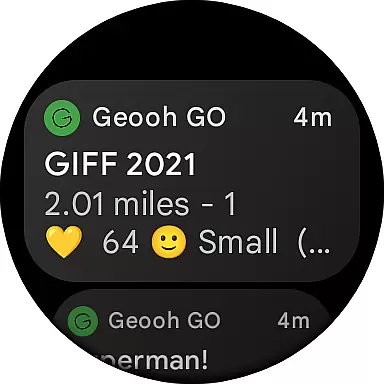
Geooh GO stands out with its extensive range of features tailored for advanced geocachers. One notable capability is the automatic detection of nearby geocaches while driving. This feature leverages Android's foreground location permission, enabling the app to run in the background and send notifications when geocaches are found. Users can then download these caches directly within the app, streamlining the discovery process.
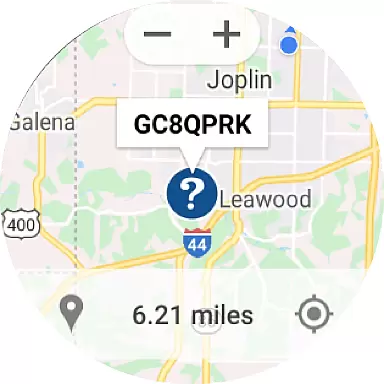
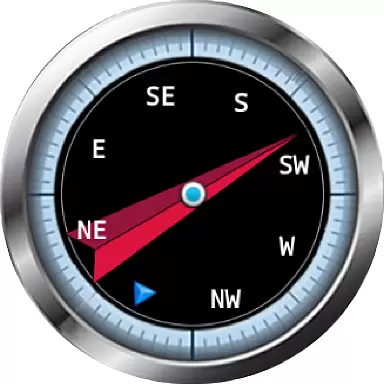
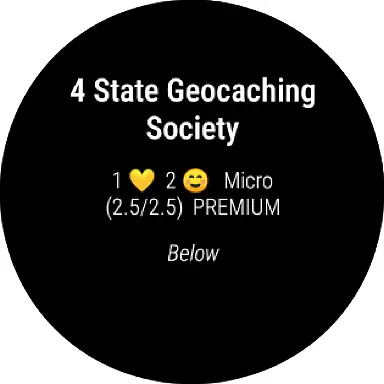
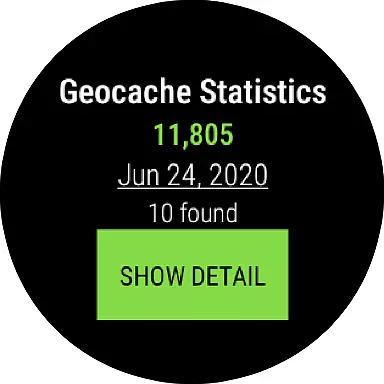
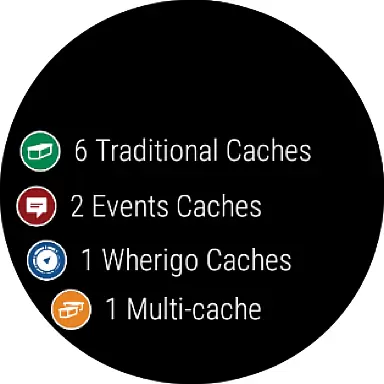
The optional enhanced subscription elevates the experience further by including an Android Auto app and a companion Wear OS app. The Android Auto app displays up to six nearby geocaches on the car display, enhancing convenience during road trips. Meanwhile, the Wear OS app offers a complication, a daily stats tile, and a map showing selected geocaches, ensuring users stay informed even when away from their phones.
Privacy is also a priority; all location data is processed locally per the app's privacy policy. With these robust features, Geooh GO caters to tech-savvy geocachers seeking efficiency and innovation in their hobby.
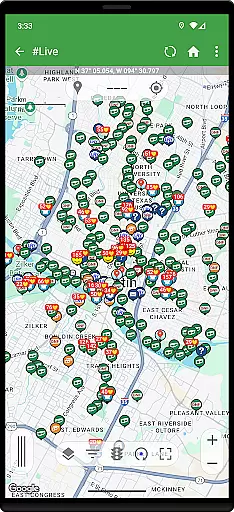
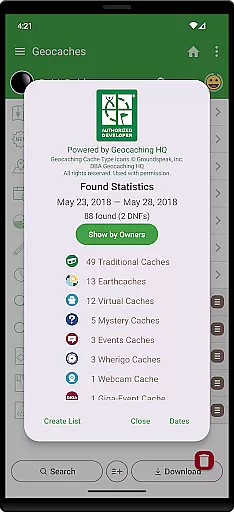
Geooh GO stands out in the realm of geocaching apps by offering a rich tapestry of content that caters to both novice and seasoned geocachers. The app provides an extensive range of geocaches, ensuring users have access to a diverse selection of caching opportunities. This diversity is not just limited to the quantity but also extends to the types of geocaches available, thus maintaining a fresh and engaging experience for its users.
The app's dedication to content variety is further enhanced by its integration with premium features such as Android Auto and Wear OS apps. These companion apps enrich the user experience by providing additional platforms where geocaching content can be accessed. For instance, the Android Auto app displays up to six nearby geocaches on the car display, making it easier for users to locate their next adventure while on the move.
Moreover, Geooh GO ensures content freshness through its real-time geocache discovery feature. By granting the necessary location permissions, users can receive notifications about nearby geocaches even while using other apps. This seamless integration of technology not only keeps the content fresh but also enhances the overall user engagement by allowing geocachers to stay informed and ready to explore new caches as they become available.
User engagement and retention are critical components of Geooh GO's success as an entertainment app tailored for geocaching enthusiasts. The app employs several strategies to ensure users remain engaged over extended periods. One of the primary methods is through its sophisticated notification system, which alerts users to nearby geocaches in real time. This immediate interaction with the environment encourages prolonged use of the app as users are constantly discovering new opportunities to engage with their surroundings.
In addition to real-time notifications, Geooh GO offers optional subscriptions that unlock advanced features designed to retain user interest. These include the Android Auto app and a companion Wear OS app, which provide alternative interfaces for accessing geocaching content. By diversifying the ways in which users can interact with geocaches, Geooh GO effectively increases the duration of each session and promotes regular usage.
Retention is further bolstered by the app's focus on delivering a personalized and seamless experience. Users can easily transition between different devices, such as from their smartphone to their car display or smartwatch, without losing any functionality. This cross-platform compatibility ensures that users remain connected to the geocaching community and continue to find value in using Geooh GO, thus fostering long-term retention and loyalty among its user base.
User-friendly interface
Advanced geocaching tools
Automatic cache detection
Android Auto support
Wear OS integration
Premium membership required
No basic member support
One-time purchase fee
Optional subscription cost
Complex for beginners

Watch short films, dramas, reels, series and movies anytime on Micro Drama.
 4.60
4.60
A companion app for the game Elite Dangerous
4.10
Underrated short-drama gems that hit hard and keep your heart hooked.
4.50
Series,Películas y Telenovelas
4.50
Realistic Baby Simulator App
4.00
Control your AWTRIX 3 easily
4.2
Explore the unknown!
3.00
With the Steam Mobile App, you can take Steam with you anywhere.
3.00
Stream, Watch, Chat. Live.
4.00
Watch Reels, Drama Shorts & TV Series Anytime. Download DramaWave Now!
4.70
Live TV, sports & holiday movies — stream on phone, tablet & TV
4.60
Stream Movies & TV Series: Original Shows, Family Movies & New Releases Weekly
4.60
Fire effects for your Philips Hue lights
4.20
Official KennysGifs Stickers
4.20
VR 360 Cinema Player is the ultimate VR player for playing videos on mobile
3.50
Music visualizer and party effects for your Nanoleaf devices
4.0
Stream over 80 hours of exclusive mashups and remixes by DJ Rehab.
4.4
See the frequencies! Watch the magic!
4.4
The classic game of rock, paper, scissors
4.3

User Reviews