

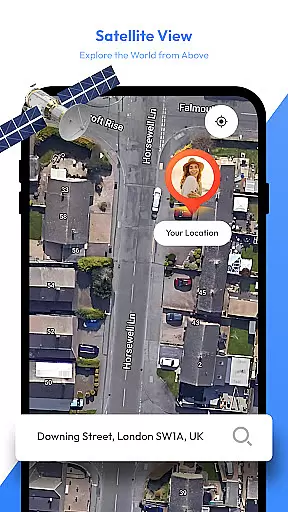
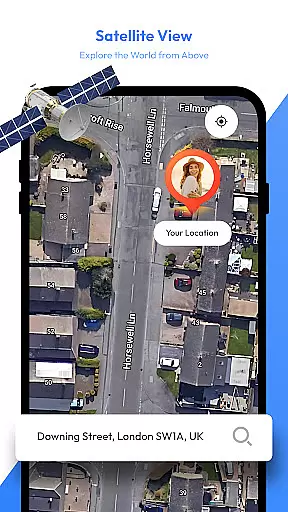
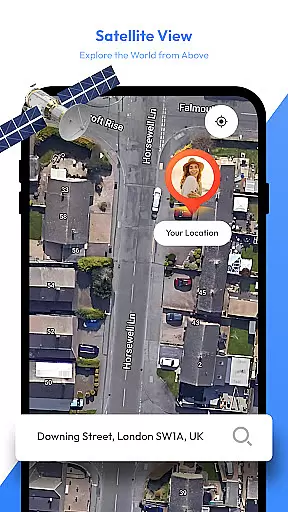
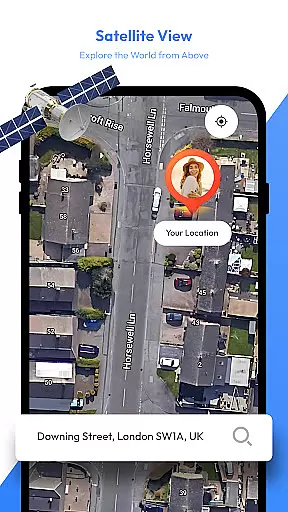
Satellite View is a comprehensive travel companion app that combines navigation and weather tools to enhance your journey. The app offers satellite imagery for exploring landscapes and urban areas, providing users with a bird's-eye view of their surroundings. This feature makes it easier to identify landmarks and understand geographical contexts.
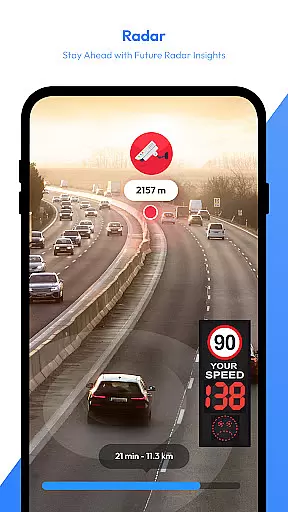
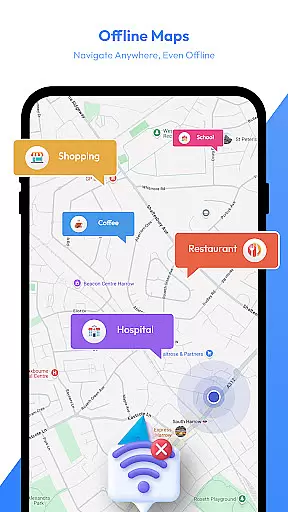
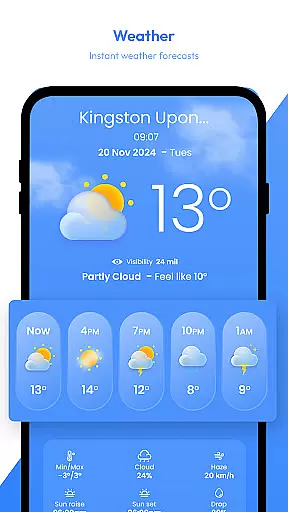
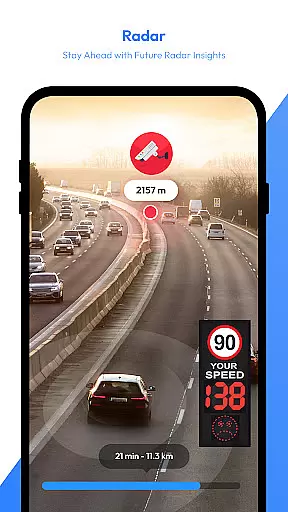
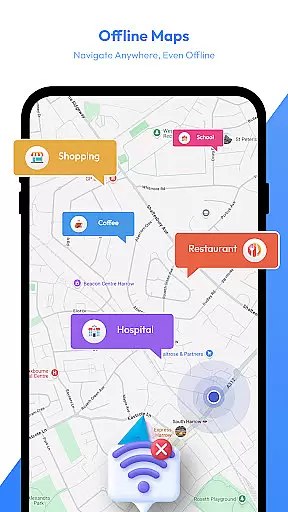
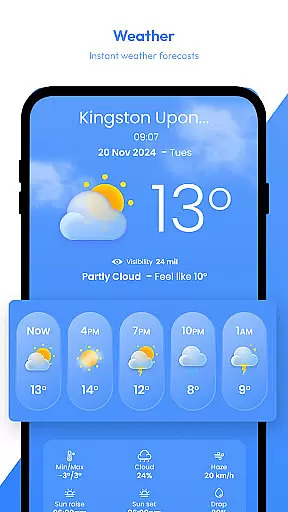
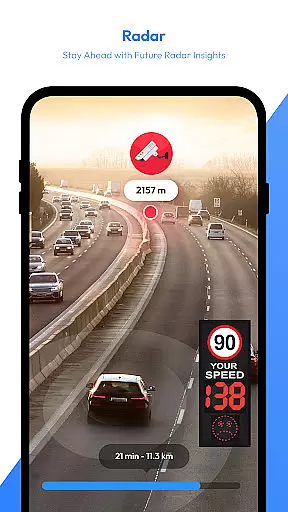
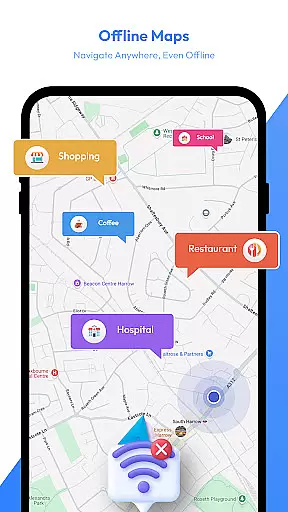
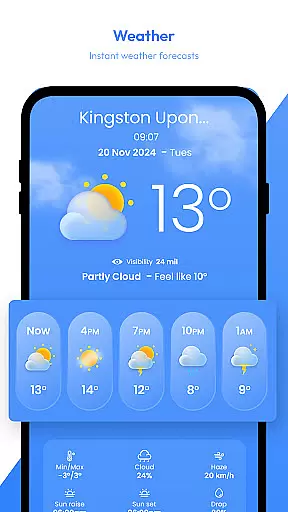
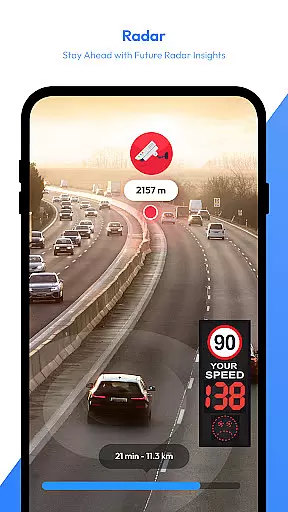
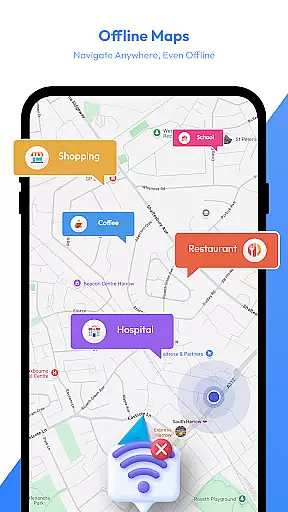
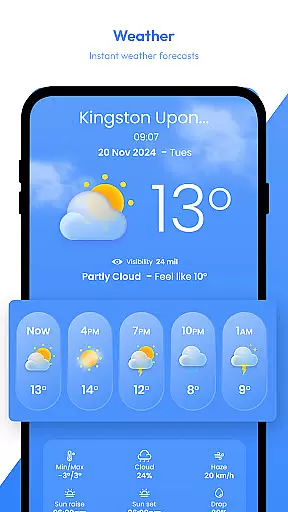
In addition to its mapping capabilities, the app includes an advanced radar module for real-time weather tracking. Users can monitor precipitation, storms, and other weather patterns, ensuring they are well-prepared for any conditions they may encounter. With offline map functionality, travelers can download maps and navigate without an internet connection, making it ideal for remote locations or data-saving purposes.
The app boasts a variety of features designed to assist travelers. One standout is the AI Travel Assistant, which provides intelligent trip planning. It suggests destinations, organizes routes, and recommends activities, offering personalized insights for every journey. Whether you're traveling solo or with family, this assistant ensures you have a well-organized plan.
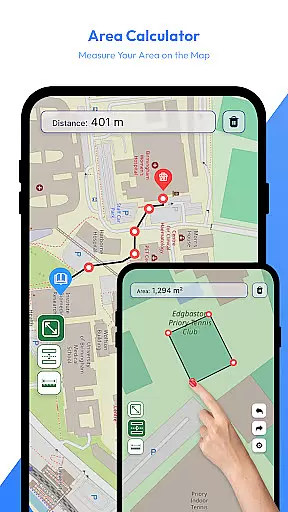
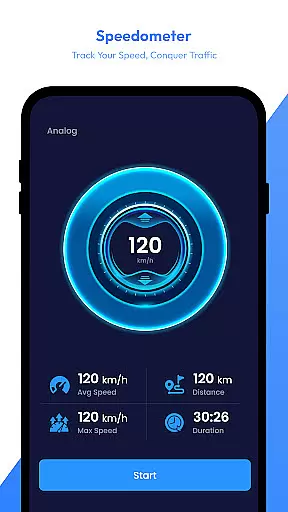
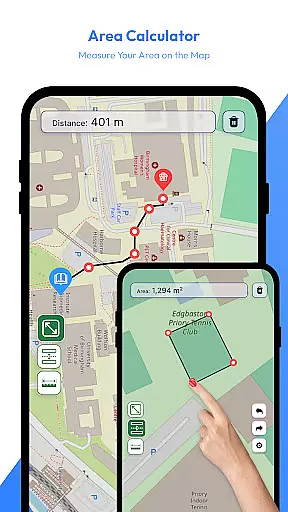
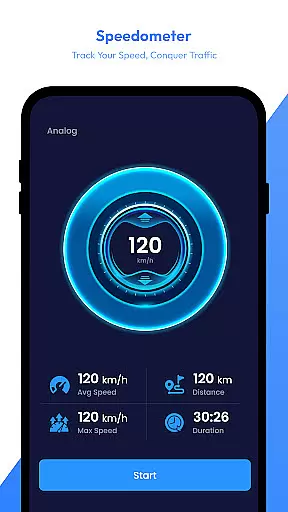
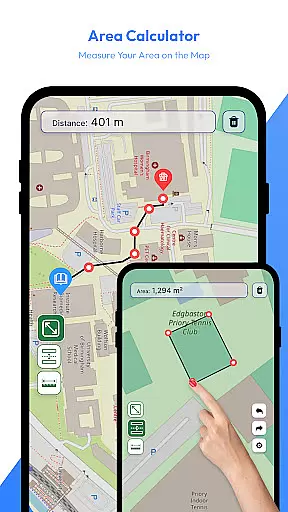
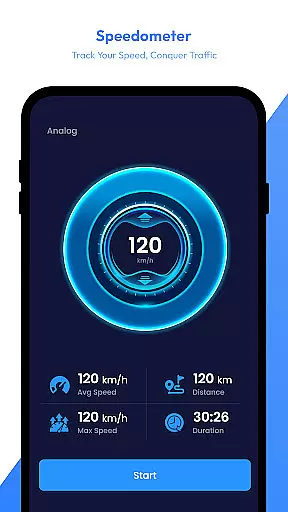
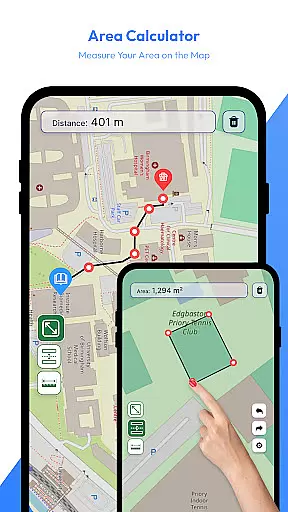
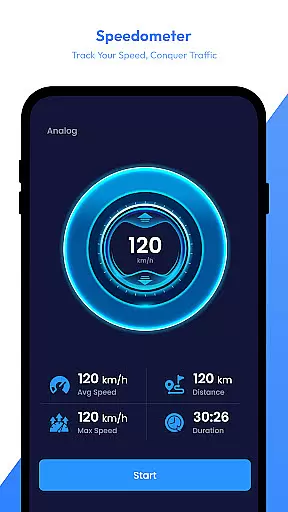
Other notable features include a speedometer for real-time speed monitoring, which is useful for various modes of transportation, and a reliable digital compass to keep you on track. The app also allows users to save locations, measure distances, and calculate areas directly on the map, catering to outdoor enthusiasts and professionals alike.
With these robust features, Satellite View transforms your device into an all-in-one travel tool, enhancing both safety and convenience on the road.
Map accuracy is a fundamental aspect of any navigation app, and Satellite View excels in this area. The app provides users with high-quality satellite imagery that allows for detailed exploration of landscapes and urban areas. This bird's-eye view not only aids in identifying landmarks but also enhances the overall understanding of surroundings.
The inclusion of real-time radar further bolsters the app's map accuracy. Users can track precipitation, storms, and other weather patterns as they happen. This feature ensures that travelers are well-informed about current conditions, allowing them to plan their routes with confidence and safety.
Moreover, the offline maps feature guarantees that users have access to accurate mapping data even without an internet connection. Whether navigating through remote locations or conserving data usage, the ability to download maps ensures that users are never left without guidance. This reliability makes Satellite View a dependable tool for all types of journeys.
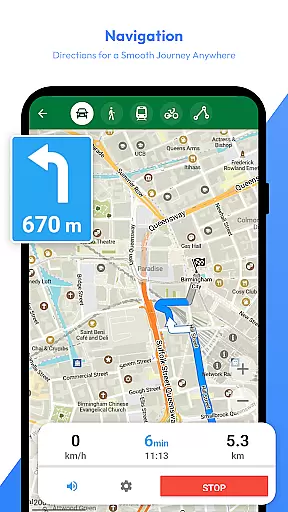
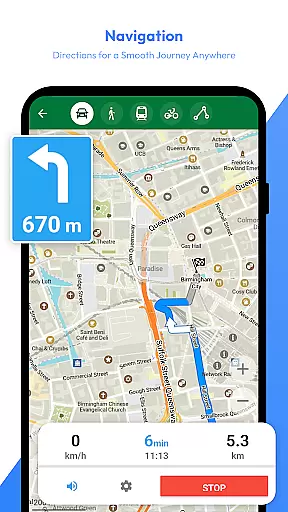
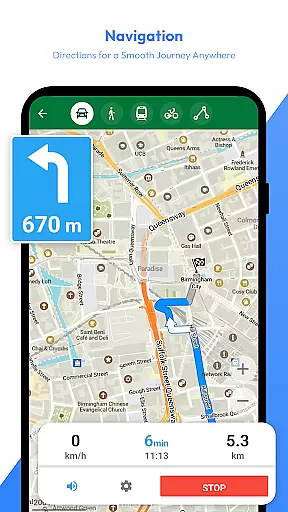
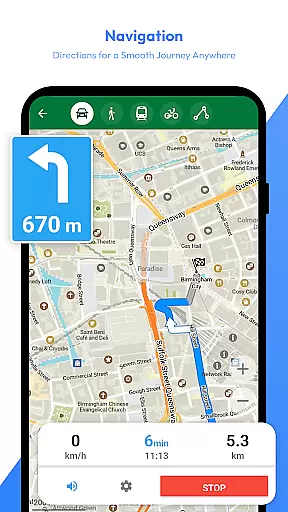
Route planning is made effortless with Satellite View's comprehensive set of features designed to assist travelers at every step. The AI Travel Assistant stands out by offering intelligent suggestions for destinations and organizing routes and activities. This transforms the app into a personalized travel planner, catering to both solo adventurers and families on vacation.
In addition to AI assistance, the saved locations feature enables users to mark and quickly access important spots on the map. This functionality is particularly useful for revisiting favorite destinations or setting waypoints for future trips. By streamlining the process of managing key locations, route planning becomes more efficient and user-friendly.
The speedometer and compass further enhance route planning by providing real-time data and directional guidance. Monitoring speed adds a layer of safety, especially for hikers, bikers, or drivers, while the compass ensures that users stay on course. Together, these tools create a robust system for planning and executing successful travels.
User-friendly interface
Comprehensive travel tools
Offline map availability
AI-powered assistance
Real-time weather updates
Limited free features
Occasional bugs reported
High battery consumption
Subscription required
Complex for beginners
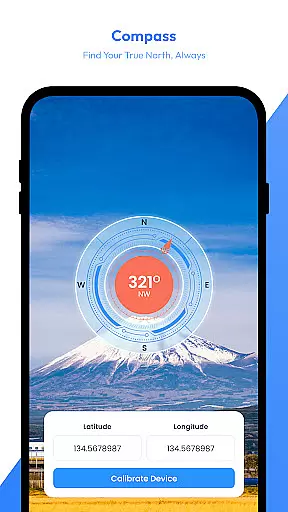
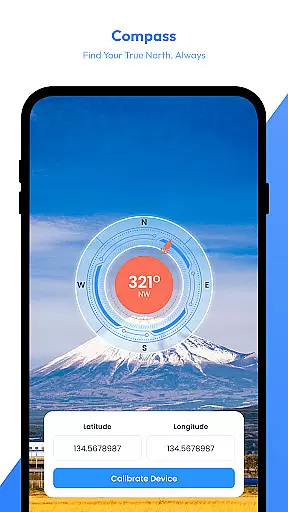
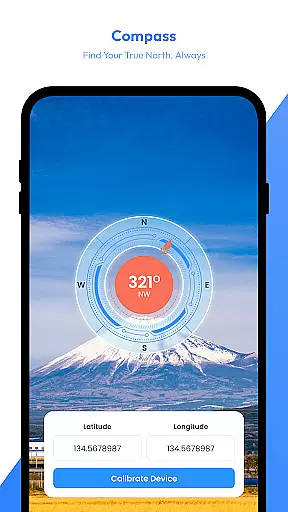
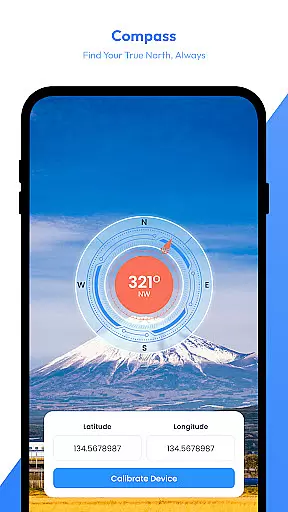

Compass is an accurate compass and a great tool for any outdoor activities
 4.1
4.1
The fastest and most convenient way to pay for parking on our lots.
4.40
Your guide to the recreational opportunities of the Bureau of Land Management!
3.40
Turn your tablet or Android powered unit into a full blow Android Auto headunit.
2.30
Plan routes, share locations, and set custom alert zones
4.40
Track accurate speed & distance with GPS Speedometer. Check speed limit & time.
4.50
Find radar maps, GPS coordinates, altitude, offline maps, location, travel route
4.40
Phone Tracker and GPS Location Sharing
4.20
ParkWhiz, an Arrive Mobility brand, part of the Arrive Network
4.30
Park in Chicago, NYC, Boston, SF, Houston & more!
4.70
Navigate MTA, NJ Transit, MBTA, SEPTA, BART, MARTA, CTA & 900+ cities
4.60
America’s largest public fast charging network, with over 500 charging stations.
4.50
Rideshare, taxi cabs, and more for your airport travels and everyday trips.
4.50
CamSam PLUS - The speed and red light camera warning system!
4.40
Navigate seamlessly with Real-Time Traffic, Offline Maps, and Voice Navigation.
4.10
Use GPS Maps and GPS Voice Navigation to find your way and get directions
4.10
Get route map navigation with 3D satellite view, and live earth camera streaming
3.70
Your real-time window to the world. Explore anywhere, anytime.
3.30
Fully offline 1:50k New Zealand topographical map North Island
4.1
User Reviews