
QR & Barcode Scanner is a versatile tool designed for Android users, offering both scanning and generating capabilities for QR codes and barcodes. This app stands out with its quick scan feature that automatically detects and decodes various types of QR codes and barcodes without the need for additional user input. Whether you're looking to access information, compare prices, or connect to Wi-Fi networks, this app provides a seamless experience.
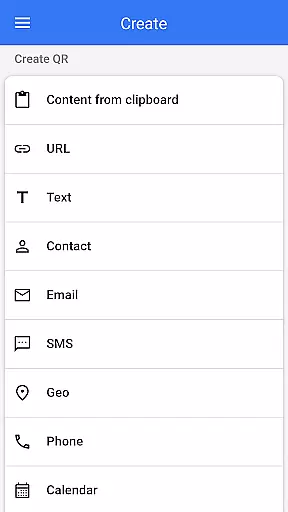
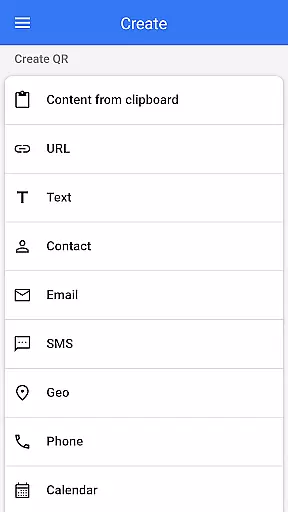
In addition to its core scanning functionality, QR & Barcode Scanner allows users to generate QR codes for different purposes, such as sharing contact information or creating custom QR codes from clipboard content. With added features like flashlight support for low-light conditions, zoom adjustment, and batch scanning mode, it ensures usability in diverse scenarios. Its comprehensive feature set makes it an indispensable tool for personal convenience and professional efficiency.
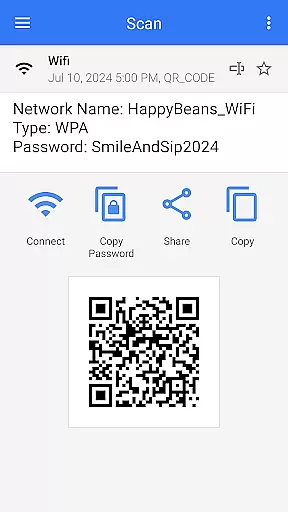
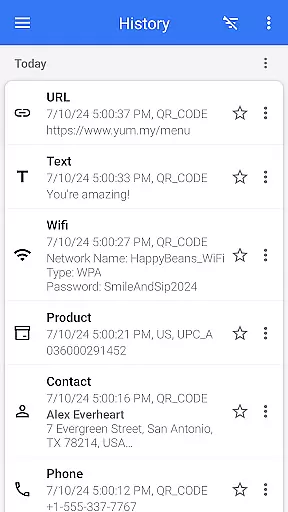
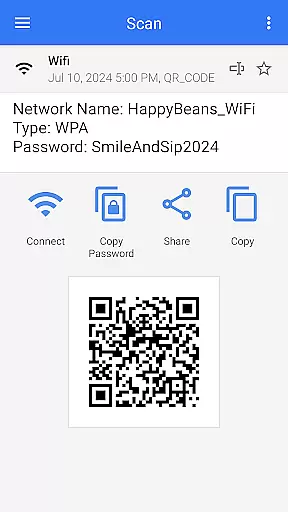
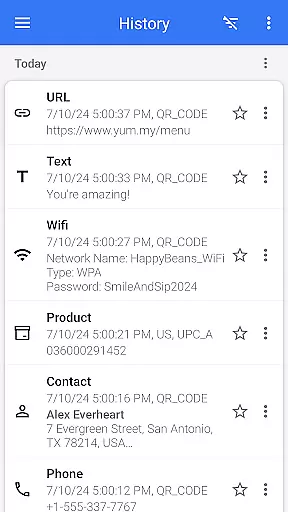
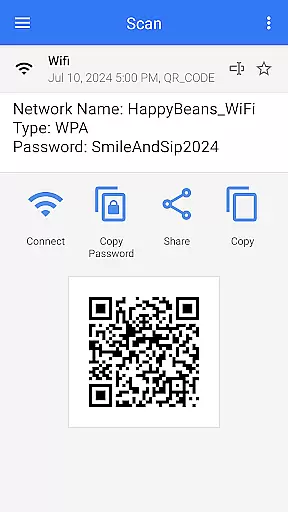
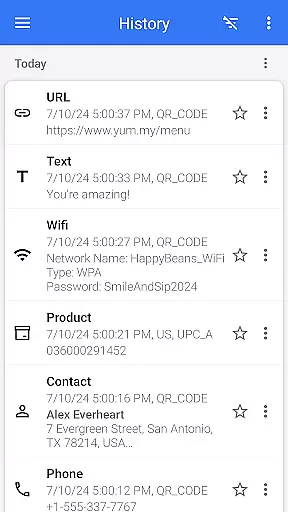
QR & Barcode Scanner boasts an array of features that cater to both casual and power users. The app supports a wide range of QR code and barcode formats including text, URLs, ISBNs, product details, contacts, calendar events, emails, locations, and Wi-Fi information. Once scanned, the app intelligently presents relevant options based on the type of code detected, streamlining the user's next steps.
Beyond scanning, the app includes advanced functionalities such as QR code generation from entered data or clipboard content, customizable themes with dark mode support, and the ability to scan multiple codes at once using batch scan mode. Users can also export scan results in .csv or .txt formats, add favorites, and easily share information across apps. These robust features ensure that QR & Barcode Scanner remains a top choice for managing QR codes and barcodes efficiently.
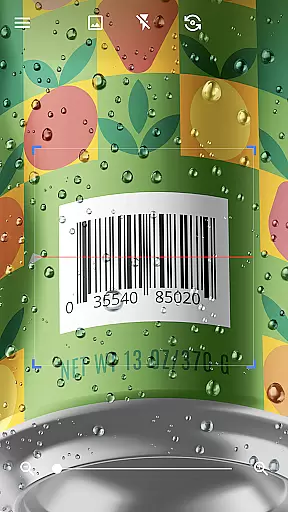
QR & Barcode Scanner stands out for its exceptional core functionality, which centers on the accurate and efficient scanning of QR codes and barcodes. This app employs advanced scanning technology that automatically detects and decodes various types of codes without the need for user intervention such as pressing buttons or adjusting zoom.
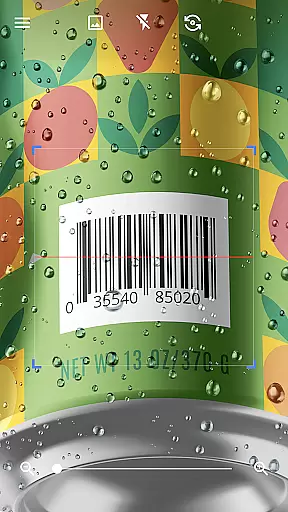
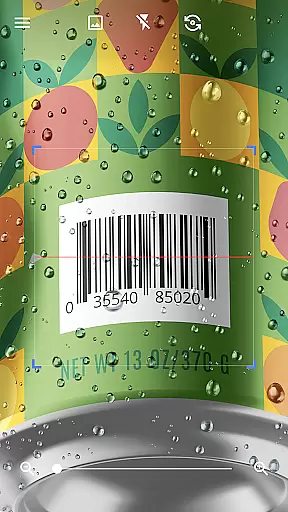
The effectiveness of this tool is evident in its ability to swiftly scan and decode a wide array of code types including URLs, ISBNs, product details, contacts, and even Wi-Fi information. The speed and reliability with which it performs these tasks ensure that users can take immediate and appropriate actions based on the scanned data.
For users, this means a seamless experience where they can quickly access information or perform actions like comparing prices, managing coupons, or connecting to Wi-Fi networks. The app's precision saves time and enhances productivity by reducing the chances of errors during the scanning process.
Moreover, the app extends its utility beyond scanning by offering features such as QR code generation and specialized modes like batch scanning. These additional functionalities not only demonstrate the app's versatility but also reinforce its position as an essential tool for both personal convenience and business applications.
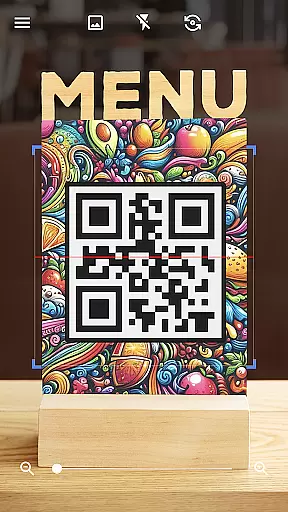
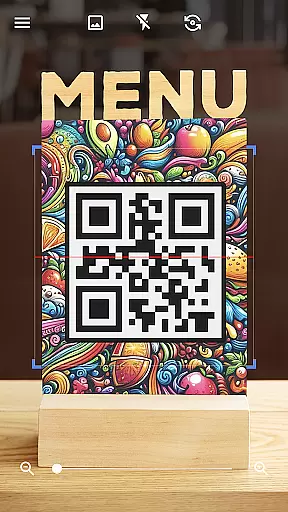
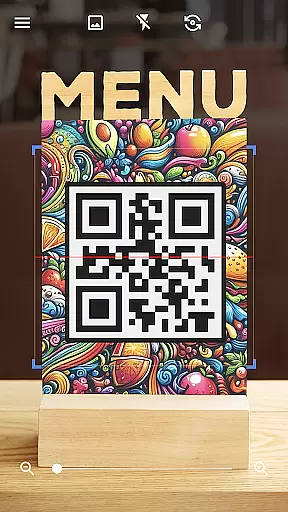
The QR & Barcode Scanner app excels in providing an interface that embodies simplicity and intuitiveness, making it accessible for users of all technical backgrounds. Upon launching the app, users are greeted with a clean layout that emphasizes ease of use, featuring a prominent scanning window that minimizes distractions and focuses on the task at hand.
With intuitive design principles, the app eliminates unnecessary steps in the scanning process. Users can simply point their device's camera at a QR code or barcode, and the app takes care of the rest, automatically initiating the scan and presenting results without any cumbersome menus or options to navigate through.
This straightforward approach significantly lowers the learning curve for new users while maintaining efficiency for experienced ones. The absence of superfluous features ensures that even those unfamiliar with digital tools can operate the app confidently, enhancing overall user satisfaction.
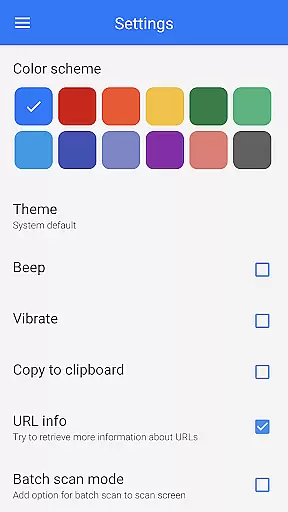
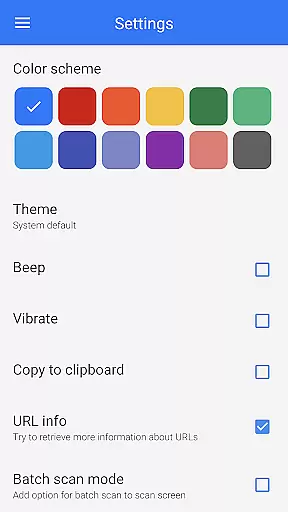
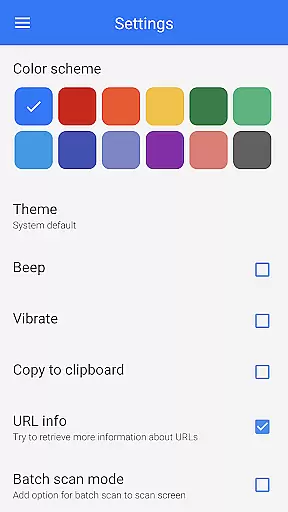
In addition to its simplified interface, the app offers customizable themes and a dark mode option, allowing users to tailor their experience according to personal preferences. Such thoughtful touches not only improve usability but also contribute to prolonged user engagement by catering to individual comfort and style.
User-friendly interface
Fast scanning capability
Comprehensive format support
Free to use
Versatile QR generation
No iOS version available
Occasional ads
Limited offline help
Permissions required
Design inconsistencies








 4.10
4.10
FV File Manager Pro, Fast and powerful file manager for Android
4.60
Safely recover deleted photos, videos, and files with a single easy tap.
3.70
An open-source APK explorer for Android!
4.10
Amateur Radio app for APRS: Track friends, exchange messages, get tactical info.
3.90
Create your own live wallpaper or check out thousands already made presets
3.90
Support Fossify apps with a warm thank you!
5.00
Connect wirelessly to your computer to watch movies, browse the web, play games
5.00
Enhance your Beats
3.70
Best leveling tool for your Android device. Hang paintings like a pro.
4.90
Remote Play with FSR upscaling, low latency & full controller support
4.80
Fast Video Downloader, Movie Downloader, Torrent Downloader & Adblock Browser
4.70 4.50
4.50
Use your phone as a webcam on your computer over WiFi or USB.
4.40
Making emulation easy for everyone!
4.30
Carry a FTP server in your pocket and avoid USB cables for file transfer
4.20
A convenient photo, video, and file recovery tool.
4.00
PDF Reader - Document Viewer: Read, Manage & Organize Your Documents
3.10
card-reader app
2.20

User Reviews