

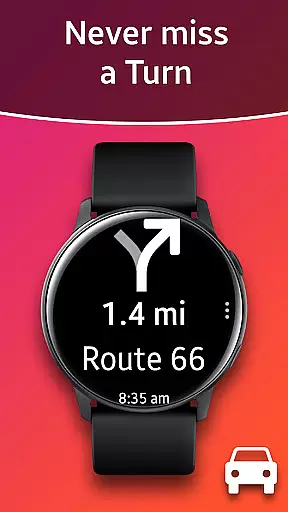
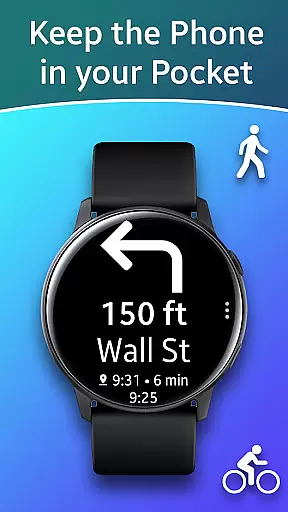
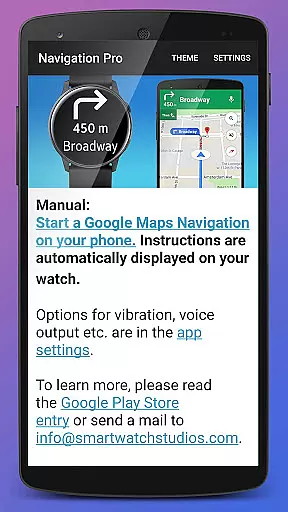
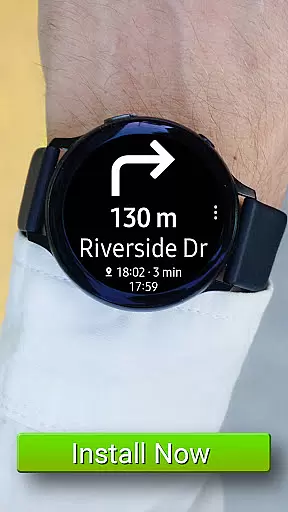
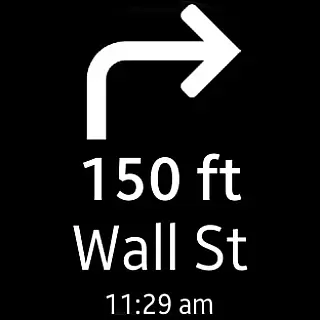
Navigation Pro is a specialized navigation app designed to bring Google Maps Navigation instructions directly to your Samsung smartwatch. This innovative solution allows users to conveniently access turn-by-turn directions on their wrist, making it ideal for driving, cycling, and navigating public transport routes.
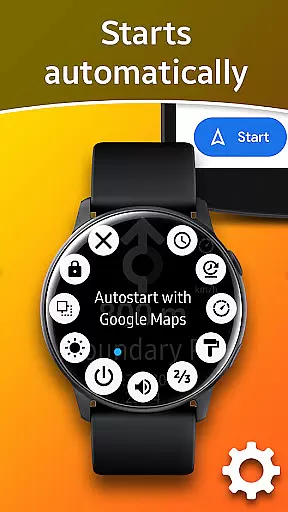
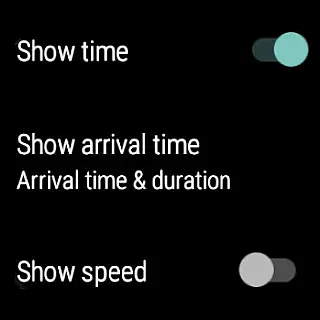
The app features an array of functionalities including autostart with navigation, voice guidance, customizable vibration alerts, support for 102 languages, various theme options, and even a speedometer. To ensure full functionality, the app requires a companion app from Samsung Galaxy Apps, creating a seamless connection between your phone and watch.
With its comprehensive feature set, Navigation Pro offers a safer and more accessible way to navigate while keeping your focus on the road or your surroundings. Whether commuting in busy urban areas or exploring new terrains, this app provides real-time navigation assistance right at your fingertips.
Navigation Pro stands out with its rich set of features tailored for seamless navigation experiences. The app's core functionality lies in its ability to push Google Maps Navigation instructions directly to Samsung smartwatches, providing users with real-time directions without needing to check their phones.
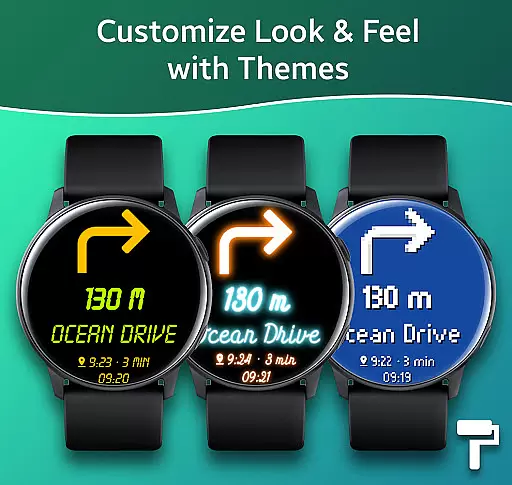
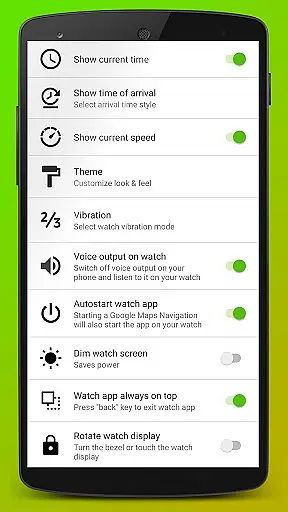
Among its notable features are automatic start with navigation, ensuring you never miss a direction; voice output for audible guidance; customizable vibration patterns for tactile feedback; and support for an impressive 102 languages. Users can also personalize their experience through various theme options and track their speed with the built-in speedometer.
What sets Navigation Pro apart is its attention to detail and user-centric design. From comprehensive language support to thoughtful accessibility features like vibration alerts, the app demonstrates a commitment to providing versatile navigation solutions across different Samsung wearable devices.
Map accuracy is crucial for any navigation app, and Navigation Pro excels in this area. The application ensures that the map data displayed on your Samsung watch is both precise and up-to-date, providing users with reliable guidance whether they are driving, cycling, or using public transport.
The app achieves this by seamlessly integrating with Google Maps, a leader in digital mapping services. This integration allows Navigation Pro to offer real-time updates and accurate location tracking, ensuring that users always have access to the most current route information available.
For users, this means they can trust the directions provided by Navigation Pro, reducing travel stress and enhancing safety. With features like autostart upon starting navigation, customizable vibration alerts, and support for 102 languages, the app not only delivers accurate maps but also enriches the overall navigation experience.
Effective route planning is essential for efficient travel, and Navigation Pro offers robust tools to help users plan their journeys. By leveraging advanced algorithms and real-time traffic data, the app provides multiple route options, allowing users to choose the best path based on current conditions.
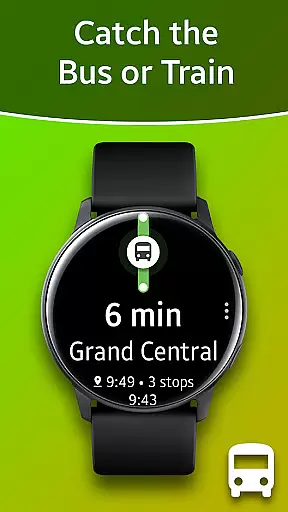
Navigation Pro supports various modes of transportation, including driving, cycling, and public transit. This versatility ensures that users can rely on the app regardless of how they choose to travel. Additionally, features such as voice output and a built-in speedometer enhance the user's ability to navigate complex routes safely and efficiently.
Moreover, the app's compatibility with all Galaxy Watch models and select Gear devices makes it a versatile companion for travelers. Whether commuting daily or embarking on a long journey, Navigation Pro empowers users to make informed decisions about their routes, ultimately saving time and improving travel experiences.
User-friendly interface
Comprehensive language support
Voice guidance feature
Customizable vibration alerts
Speedometer functionality
Requires companion app
Phone dependency for full function
Limited to Samsung devices
Setup process complex
Potential notification issues

The fastest and most convenient way to pay for parking on our lots.
 4.40
4.40
Explore a light pollution map to find suitable dark sky locations for observing.
4.30
Discover over 800 points of interest along the canal.
3.70
CamSam PLUS - The speed and red light camera warning system!
4.40
Route tracker, Speedometer, Odometer, Fuel, HUD mode, save route as .GPX
4.40
Phone Tracker and GPS Location Sharing
4.20
LIRR and Metro-North tickets and trips
4.80
NJ TRANSIT information and ticketing at your fingertips
3.70
Explore with GPS Navigation with GPS offline, voice GPS, speed camera radar
4.60
Find EV & Tesla charging stations with PlugShare
4.70
Navigate confidently with our precise Digital Compass app & Direction Compass!
4.70
GPS Speedometer & Odometer: Track car, bike, truck speed & distance in real-time
4.70
Turn your Android device into a real off-road GPS using off-line topo maps!
4.40
Maps, Driving Directions & GPS navigation using directions app & GPS App
4.30
Find radar, speed camera, flight tracker. Use hud, location tracker, speedometer
4.20
Navigate seamlessly with Real-Time Traffic, Offline Maps, and Voice Navigation.
4.10
Easy, Moderate and difficult offroad adventures.
4.00
Explore Live Earth Map with 3D World Map & locate cites, mountains real time.
3.80
Your real-time window to the world. Explore anywhere, anytime.
3.30

User Reviews