

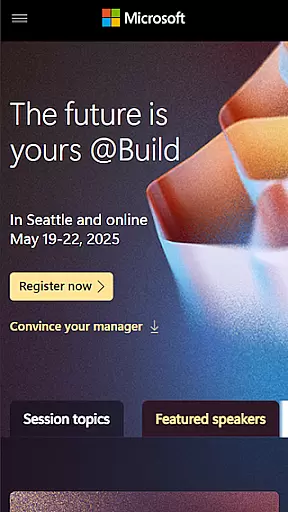
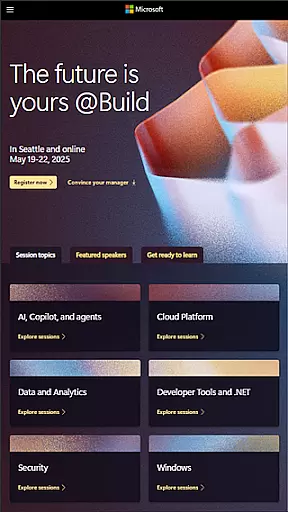
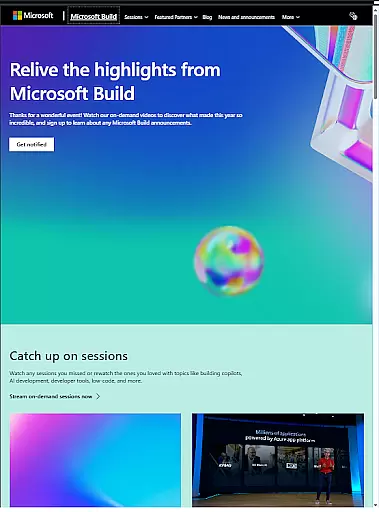
Microsoft Build is an annual developer conference hosted by Microsoft, designed for developers, engineers, IT professionals, and tech enthusiasts. The event focuses on exploring the latest innovations in software development, cloud technologies, and artificial intelligence.
Attendees can expect keynotes from industry leaders, technical sessions, hands-on labs, and networking opportunities with the developer community. This app provides access to live streams, session schedules, expert talks, and interactive tools to enhance the conference experience.
Whether you're looking to learn about cutting-edge AI advancements or gain insights into Microsoft’s newest tools, this app ensures you stay connected and informed throughout the event.
The Microsoft Build app offers a comprehensive set of features tailored for conference attendees. It provides live streaming of keynotes and sessions, ensuring users can follow along in real-time regardless of location.
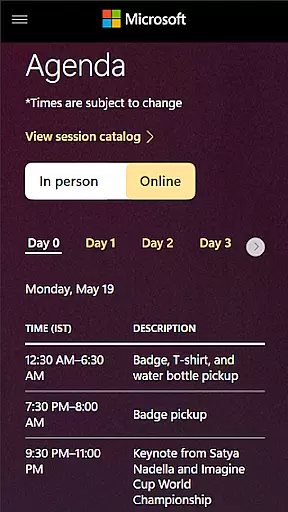
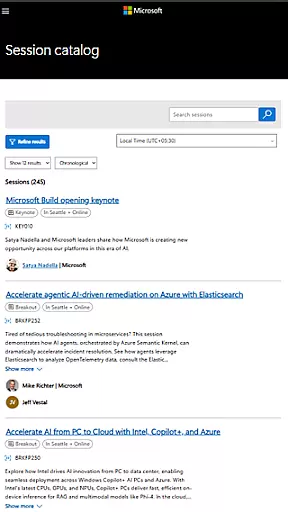
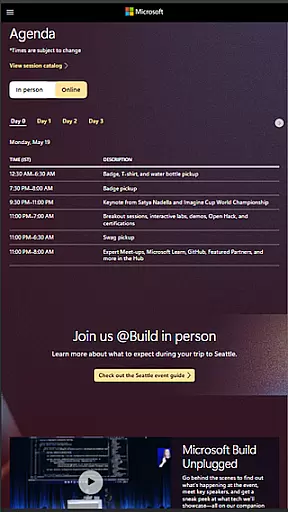
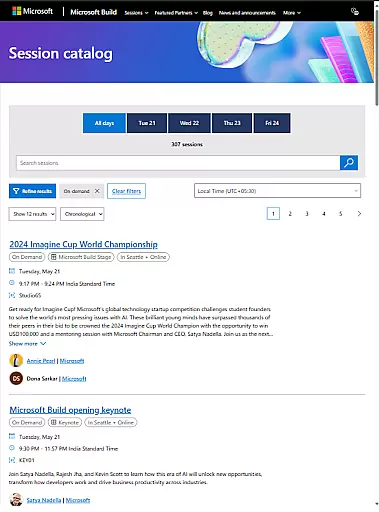
Users can browse detailed session schedules, create personalized agendas, and receive reminders for upcoming events. The app also includes interactive maps to help navigate the venue and discover important locations such as session halls and lounges.
Additionally, it enables direct engagement with experts through Q&A sessions and fosters community interaction via discussion boards and social media integration.
Task creation and detail customization are essential features for any event management app like Microsoft Build. This functionality allows users to create personalized schedules by selecting sessions, workshops, and keynotes that matter most to them. The ability to customize details ensures attendees can optimize their time and focus on the areas that align with their professional goals.
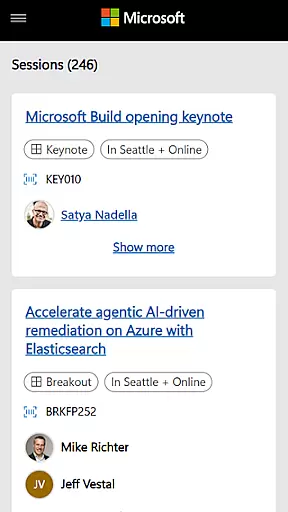
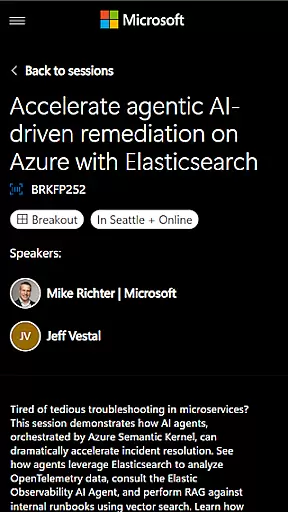
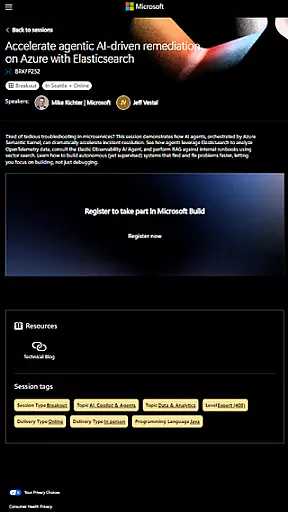
Microsoft Build offers a streamlined process for creating tasks or events within the app. Users can browse through an organized list of sessions categorized by topics such as AI, cloud computing, and software development. Each session comes with detailed descriptions including speaker profiles, intended audience, prerequisites, and learning outcomes. This level of detail empowers attendees to make informed decisions about which sessions to attend.
The benefits of this feature extend beyond just scheduling convenience. Attendees can set personal reminders for upcoming sessions, bookmark interesting talks for later review, and even receive notifications if there are changes in the schedule. These capabilities ensure that users stay engaged throughout the event without missing out on important updates or opportunities.
Ultimately, task creation and detail customization enhance user engagement by providing a tailored experience at Microsoft Build. By allowing participants to build their agenda based on interests and priorities, it maximizes the value they derive from attending the conference while also making it easier to manage their time effectively during the busy event days.
Reminder settings play a crucial role in ensuring attendees do not miss important sessions at events like Microsoft Build. This feature allows users to configure personalized alerts for various activities scheduled throughout the day. Whether it's a keynote speech, technical session, or networking opportunity, timely reminders help keep participants on track.
In the Microsoft Build app, reminder settings offer flexibility and customization options. Users can choose how far in advance they want to be notifiedu2014whether itu2019s 10 minutes before a session starts or several hours ahead. Additionally, there are multiple notification channels available such as push notifications, email alerts, or calendar integrations. This versatility ensures that all types of attendees have access to information when they need it most.
Beyond basic timing configurations, reminder settings also support more advanced functionalities. For instance, users might opt-in for automatic rescheduling alerts if a session gets postponed or relocated. They could also enable priority notifications for high-profile events featuring industry leaders or exclusive hands-on labs offering limited seating.
By leveraging these robust reminder settings, Microsoft Build enhances overall attendee satisfaction and engagement levels significantly. Participants feel more organized and prepared knowing exactly where they need to be and whenu2014allowing them to fully immerse themselves in the wealth of knowledge shared during the conference without worrying about logistics.
User-friendly interface
Live session streaming
Personalized agenda creation
Interactive venue maps
Expert Q&A access
Limited to event dates
Requires stable internet
Few offline features
Event-specific content
No year-round utility

Create Birthday Cards in Birthday Invitation Maker and Birthday Card Creator App
 3.00
3.00
Fantasy of Lights Event App
5.00
Invitation card maker for birthday party & Wedding. Digital greeting card editor
4.90
Rocket Monkey - Space rocket launch schedule for launch sites around the world
4.20
TV.Garden is a video player to play your own TV streams from around the world!
3.40
For weddings, parties & events
4.60
Beautiful invitation cards + easy RSVP tracking for any event. Design Invites.
4.80
The official app of the Carmel Christkindlmarkt!
4.5
RAISE-365 makes fundraising easy and fun!
3.20
Birthday Greetings provides Birthday Card, Frames, Gifs & Father's day Wishes
4.80
Events, Meetings, Photo Shoots
4.50
Manage all your events, leads, ticketing, payments and check-ins.
4.30
Get live football here
4.30
The calendar app in this 2026 year see all dates.
4.20
Track birthdays, habits & goals. Unlimited countdowns and count-ups
4.20
The Official App
3.70
Buy event tickets easily with our user-friendly App. Stay updated on hot events
4.5
It is an Event Planning Application.
4.0
Digital Income Wallet of the Final Libertadores 2025
4.4

User Reviews