

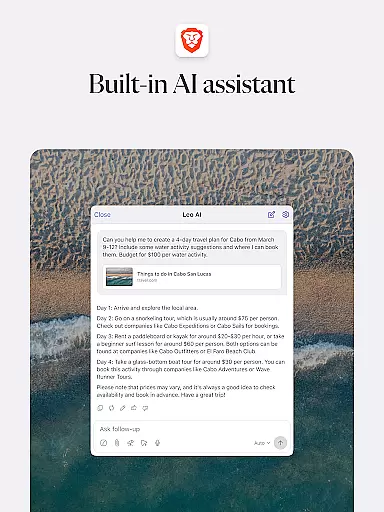
Brave Private Web Browser is a top-tier communication tool that combines privacy, speed, and innovative features to deliver an exceptional browsing experience. As a private web browser with built-in AI assistant Brave Leo, Firewall + VPN, and ad-blocking capabilities, it ensures users can browse the internet securely while maintaining their anonymity. The app supports Android 7 and above, making it accessible to a wide range of users who prioritize online privacy and fast browsing speeds.
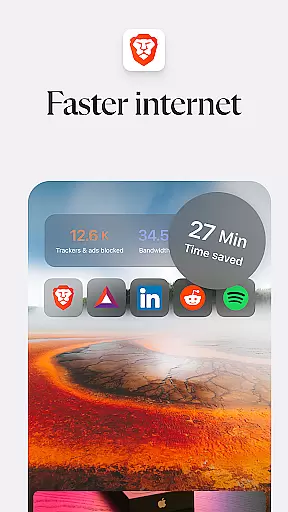
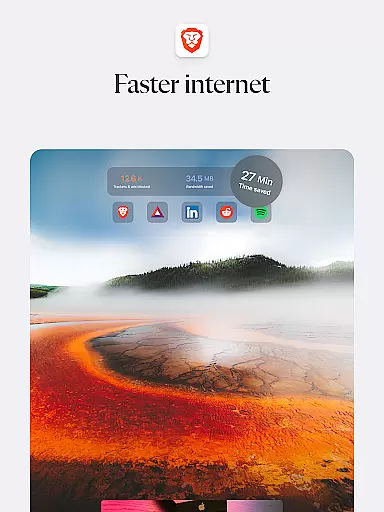
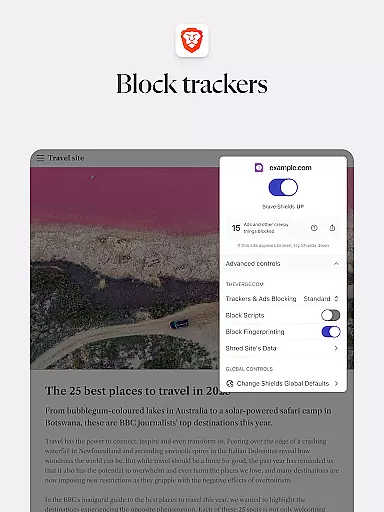
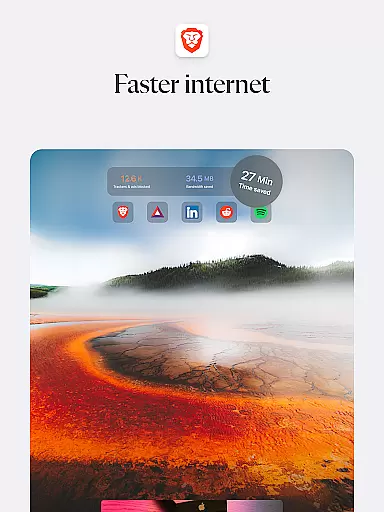
The browser offers unique functionalities such as Brave Search, a private and independent search engine that doesn't profile users, and advanced privacy protections like HTTPS Everywhere, script blocking, and cookie blocking. With its ability to block ads and malicious content, Brave reduces page loading times significantly, providing a faster and safer browsing experience. Additionally, the inclusion of night mode and private tabs makes it suitable for extended use in various lighting conditions.
For users seeking both privacy and performance, Brave Private Web Browser stands out by offering a complete package that includes security, speed, and user-centric features. Whether you're looking to browse without being tracked or need a reliable VPN for secure connections, Brave provides a comprehensive solution that enhances your online communication while safeguarding your personal data.
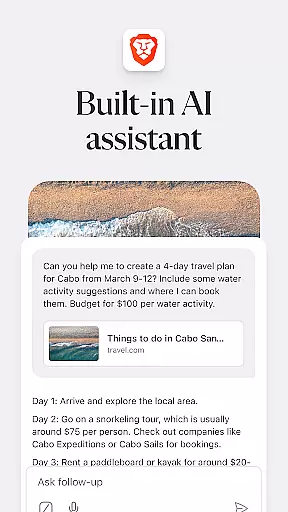
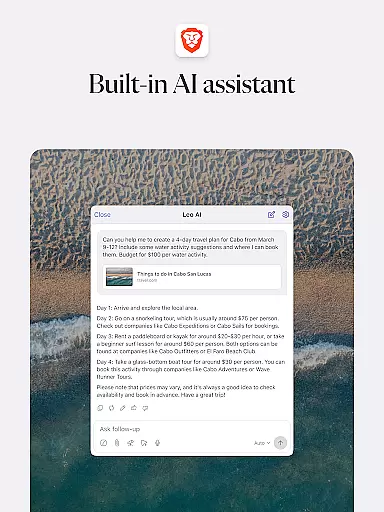
Brave Private Web Browser distinguishes itself through a robust set of features designed to enhance user privacy and browsing efficiency. One of its standout features is Brave Leo, the integrated AI assistant that helps users with tasks such as answering questions and translating languages without recording or sharing chat data. This ensures that user interactions remain confidential and are not used for model training, setting Brave apart from other browsers.
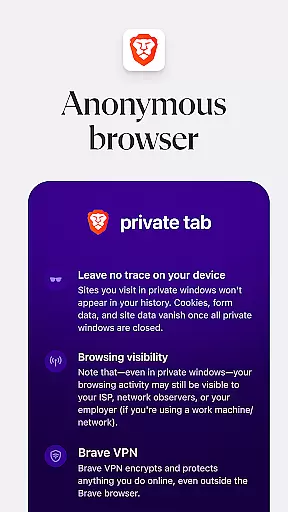
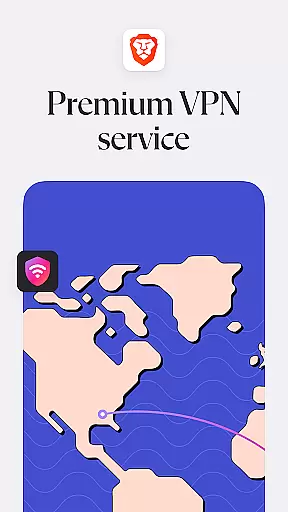
In addition to the AI assistant, Brave incorporates a Firewall + VPN feature that secures users' internet connections and protects their data from potential threats. The browser also includes Brave Search, a privacy-focused search engine that operates independently of Big Tech, ensuring users aren't profiled based on their search history. These features collectively provide a private and secure browsing environment that prioritizes user safety.
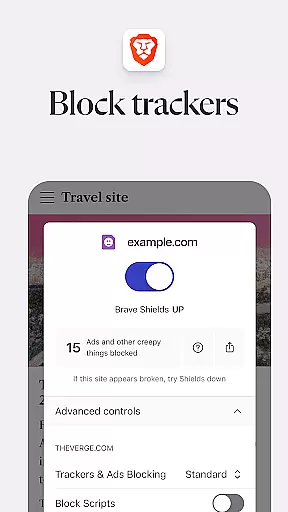
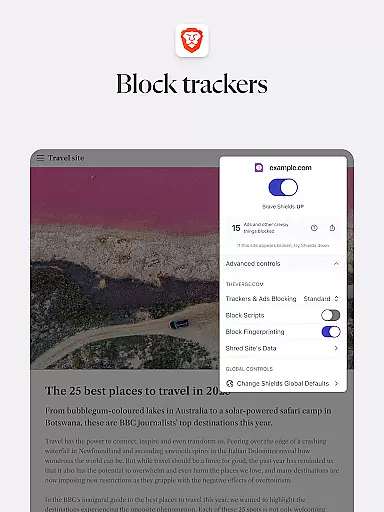
Other notable features include a free built-in adblocker, pop-up blocker, and tracking protection that work together to create a seamless and fast browsing experience. Brave's ability to save data and battery life further enhances its appeal, particularly for users who rely on mobile devices. With functionalities like private bookmarks, browsing history, and the ability to sync bookmarks securely, Brave offers a comprehensive suite of tools that cater to both privacy-conscious and performance-oriented users.
Real-time messaging speed and reliability are crucial for any communication platform. Brave Private Web Browser, VPN ensures that users experience seamless interaction without delays or interruptions. The browser's optimized architecture allows for rapid data processing, ensuring messages are delivered instantly.
The application employs advanced network protocols to maintain stable connections even in fluctuating network conditions. This means that whether you're on Wi-Fi or mobile data, your conversations will remain fluid and uninterrupted. Additionally, the robust infrastructure of Brave supports high volumes of simultaneous messaging sessions, making it reliable for both personal and professional use.
For users, this translates into confidence that their communications will be delivered promptly and securely. Whether coordinating with colleagues or chatting with friends, the assurance of message delivery speed and consistency enhances the overall user experience. With Brave, you can trust that your interactions will be as dynamic and responsive as face-to-face conversations.
Media sharing support is an essential feature for modern web browsers, allowing users to exchange images, videos, and documents effortlessly. Brave Private Web Browser, VPN excels in this area by providing comprehensive media sharing capabilities. Users can easily send and receive various file types directly within the browser, streamlining collaboration and communication.
The browser supports a wide range of file formats, ensuring compatibility across different devices and platforms. Its intuitive interface simplifies the process of attaching and downloading media files, making it accessible even for non-technical users. Furthermore, Braveu2019s built-in security features protect against malicious files, offering peace of mind when sharing sensitive information.
By integrating these functionalities, Brave enhances productivity and connectivity. Users benefit from a versatile environment where they can share resources efficiently, knowing that their data remains secure throughout the transfer process. This positions Brave as not just a tool for browsing but also as a robust platform for multimedia interaction.
Fast browsing speeds
Robust privacy features
Built-in adblocker
Free AI assistant
Secure VPN connection
Limited iOS features
No native email client
Occasional bugs
Learning curve
Resource intensive













Tether to Windows, OS X, Linux PCs or Android tablets. No root. No tether fees.
 3.90
3.90
Messenger, an MMS & SMS messages app with Blockers, Driving mode & Private box
4.60
Experience real private browsing without tracking, surveillance, or censorship.
4.50
Chill zone on your phone: relax with fun reels & hype shorts!
4.20
Fun, free app that lets kids video call and message family and close friends.
3.80
An app dedicated solely to marriage, not dating, and supported by a rigorous verification mechanism to ensure seriousness.
4.1
Bringing the functionality of Winlink to your Android device
4.1
Read OBD2 data and DTCs Create custom dashboards Enhanced diagnostics available
4.70
Threema is the messenger with the most consistent focus on security and privacy.
4.00
Browse fast on Opera Mini, with Data Saving, News, Football Scores, and Download
4.60
Build your web browser around you with private search, and more.
4.60
An agentic AI browser for Android, built by Perplexity
4.50
Caller ID App! Add names & photos to unknown calls & Call Recording
4.40
Fast and simple walkie talkie app
4.20
SMS Messenger is a lightning-fast messaging app.
4.20
Messages: Fast, simple SMS app with scheduling and smart features.
4.00
Call Forwarding is easy and simple application to use.
3.80
Pure modern IRC experience for Android
3.70
Enables Plus features of Quick Search.
4.4

User Reviews