

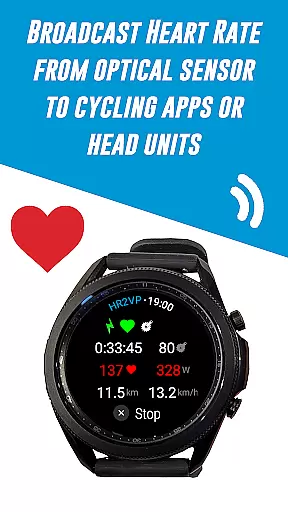
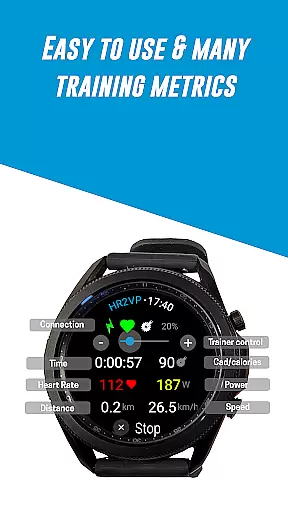
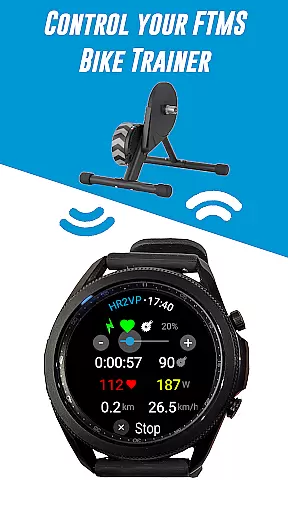
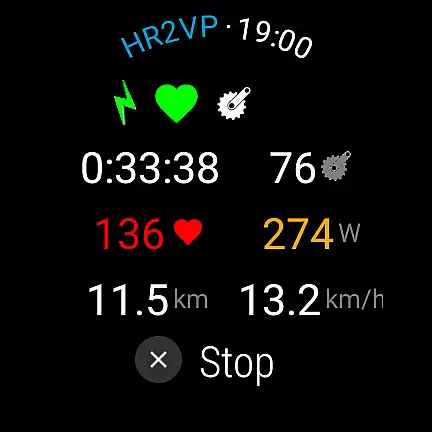
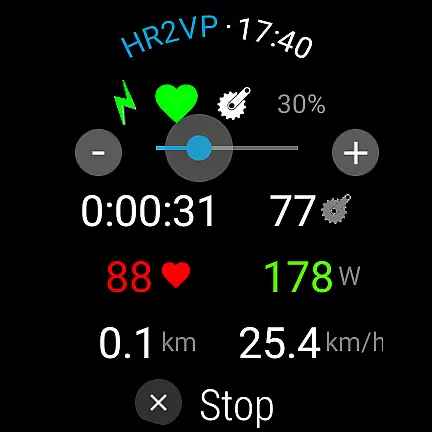
HR2VP Watch Bike Computer is a cutting-edge application designed to transform your Wear OS watch into a powerful heart rate monitor and cycling tracker. This app enables cyclists to connect their smartwatches with bike computers or indoor training platforms, broadcasting vital stats such as heart rate and power via Bluetooth Low Energy or ANT+. Whether you're training indoors or outdoors, HR2VP provides essential metrics that enhance your cycling experience.
The app supports connectivity with various devices including Garmin Edge bike computers, Strava, and other third-party sensors like power meters and cadence detectors. By leveraging advanced algorithms, it calculates power based on heart rate, factoring in individual parameters like FTP, resting heart rate, and maximum heart rate for precise estimations. With its ability to upload data directly to Strava, users can visualize their rides on maps and track their fitness progress effectively.
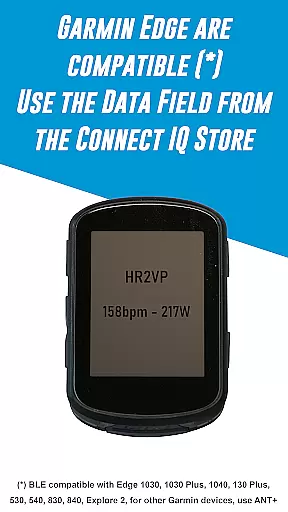
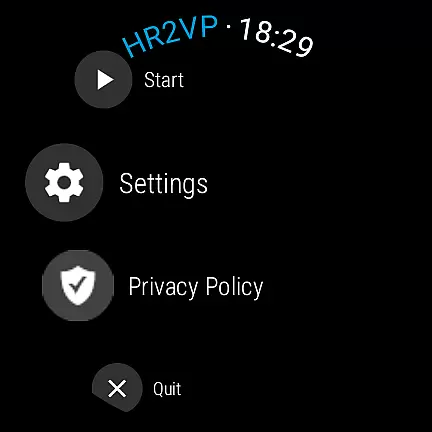
HR2VP stands out with its comprehensive feature set tailored for avid cyclists. One of its primary capabilities is turning a Wear OS watch into a BLE heart rate monitor, utilizing the built-in optical sensor to measure and broadcast heart rates during workouts. Additionally, it facilitates seamless integration with Garmin Edge bike computers by enabling users to download the HR2VP data field from the Connect IQ store and configuring settings accordingly.
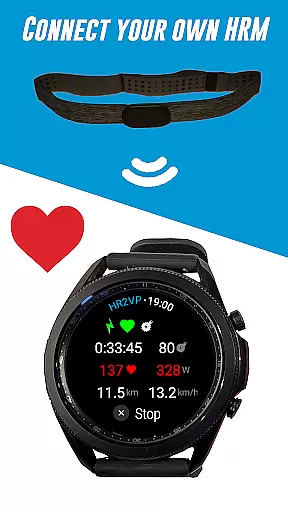
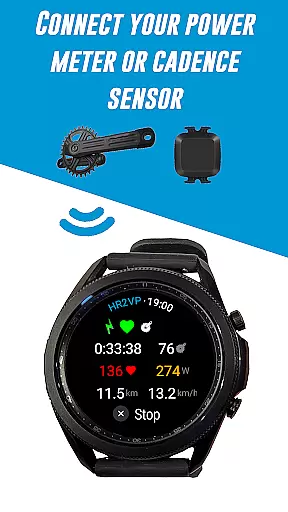
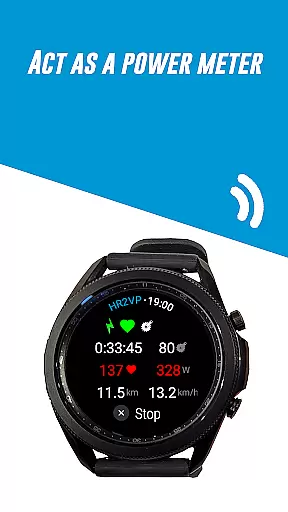
Another remarkable feature is the support for external sensors, allowing users to connect personal heart rate monitors, power meters, or cadence sensors to gather more detailed training metrics. The app's sophisticated algorithm computes power output based on heart rate readings, taking into account individual thresholds and physiological parameters for enhanced accuracy. Furthermore, HR2VP ensures compatibility with popular platforms like Zwift and Strava, making it an indispensable tool for both casual riders and competitive athletes looking to optimize their performance.
Personalized planning in fitness applications refers to the ability to tailor workout metrics and goals specifically to an individual's physiological parameters. HR2VP Watch Bike Computer excels in this area by integrating advanced algorithms that compute power output based on heart rate data.
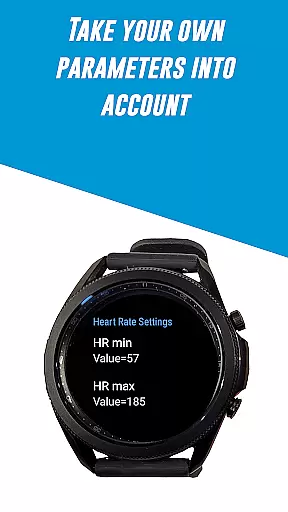
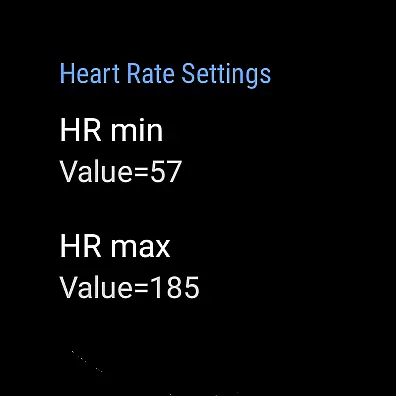
This app measures heart rate using the optical sensor built into your Wear OS watch, ensuring accurate readings during workouts. It takes into account individual parameters such as Functional Threshold Power (FTP), resting heart rate, and maximum heart rate to provide a personalized power estimation for each ride.
Users benefit from this personalized approach as it allows them to monitor their fitness levels more accurately and understand how many calories they've spent during workouts. This tailored experience supports users in reaching their personal fitness goals efficiently.
The true value of personalized planning in HR2VP is its ability to adapt to each user's unique physiology, offering insights that generic plans cannot. By leveraging individual health metrics, the app provides a bespoke training experience that evolves with the user's progress.
Progress visualization is a critical component of any fitness app, providing users with tangible evidence of their achievements and motivating continued effort. The HR2VP Watch Bike Computer offers robust features for visualizing progress through various metrics collected during rides.
With HR2VP, users can see their performance improvements over time by tracking power output, which is calculated based on heart rate. The app also enables riders to upload their rides to Strava, where they can visualize their routes on maps and analyze their performance data.
This visualization not only includes raw data like speed and distance but also encompasses more complex metrics such as estimated power and calorie expenditure. Such comprehensive tracking helps users understand their fitness journey and make informed decisions about future workouts.
By delivering clear and detailed progress reports, HR2VP empowers cyclists to set new goals and strive for continuous improvement. The ability to see real results serves as a powerful motivator, encouraging users to maintain their training regimen and trust in the process.
User-friendly interface
Advanced power calculation
Wide device compatibility
Direct Strava uploads
Comprehensive sensor support
Occasional disconnections
ANT+ requires additional setup
Power estimation lag
Limited short interval accuracy
No native iOS version

Transform your body and soul with DBFFitness, with a 40-day fitness journey.
 4.0
4.0
sobriety counter app to help and motivate people to stop drinking alcohol.
4.90
Enjoy the Gluten Free living with the best app. SCAN the barcodes & SEARCH.
3.60
Meditation app, head space app provides calm music to help you meditate & sleep
5.00
Pilates, Calisthenics, Yoga
4.50
Walk, track, and burn calories with step counter & GPS walking tracker
4.20
Dexcom G7 Continuous Glucose Monitoring
3.70
Drink water reminder app. Track water intake. Smart simple hydration tracker.
4.70
Jogging app for calorie counter and distance tracker. Running app to lose weight
4.20
Easy to use step counter, calorie counter helps lose weight, count steps offline
4.80
You deserve easy access to important insurance information. Download for FREE.
4.70
The most accurate heart rate app to monitor and track your heart rate & pulse.
4.40
Your portable blood pressure tracker. Record, monitor, and analyze BP anytime.
4.30
Pack of 66 calming lullabies for smooth fall asleep and relaxation
4.10
beat yesterday.
4.00
HRV4Training helps you optimize goals and improve performance. No sensors needed
3.30
Your plan in your pocket 24/7
3.00
Insanity blocks of intense physical activity, short breaks of 30 seconds.
4.2
Using Recognise™ has been shown to reduce pain and improve performance.
4.3

User Reviews