

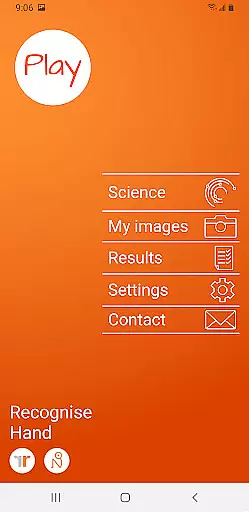
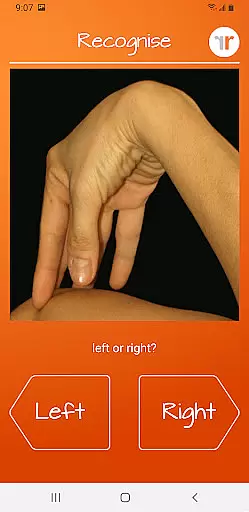
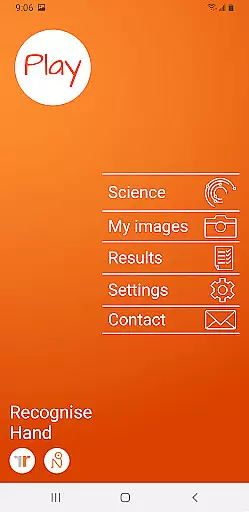
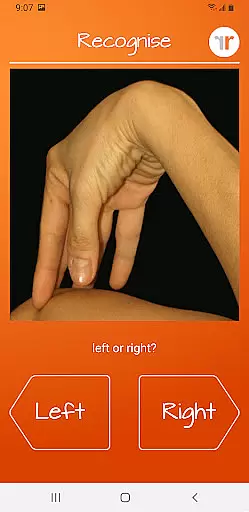
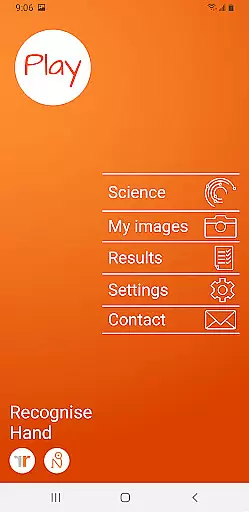
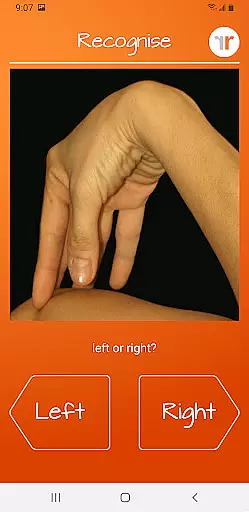
Recognise Hand is a specialized health and fitness application designed to assist users in managing pain, enhancing performance, and supporting rehabilitation through a structured Graded Motor Imagery (GMI) program. The app focuses on improving the user's ability to quickly and accurately recognize left or right body parts, which is crucial for retraining the brain in cases of complex pain and injury.
The application offers two primary modes - TEST and TRAIN. In TEST mode, users assess their Left/Right Discrimination skills, while TRAIN mode helps harness neuroplasticity using various tools. Recognise Hand also provides detailed progress tracking and clinical integration features, making it an essential tool for both patients and healthcare providers in physical rehabilitation programs.
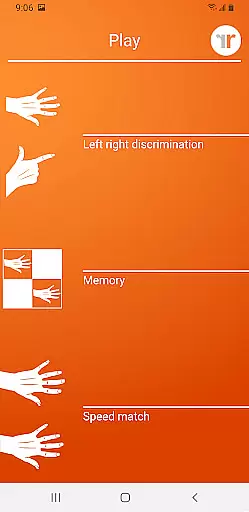
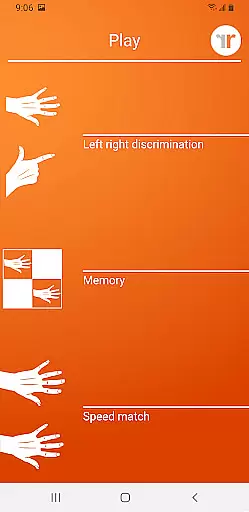
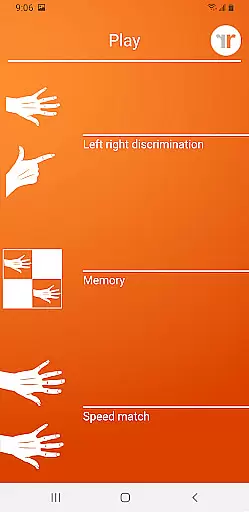
Recognise Hand stands out with its comprehensive set of training tools designed to enhance neuroplasticity and improve Left/Right Discrimination. Key features include 'Memory' and 'Speed match' tools that elevate the training experience by providing graded difficulty levels and personal best challenges, ensuring continuous progression.
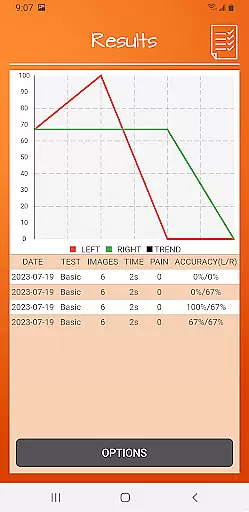
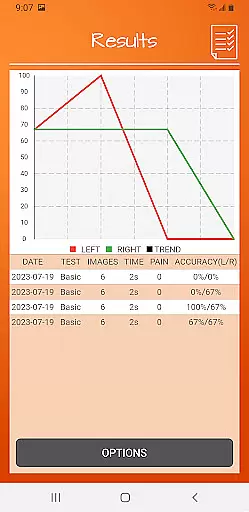
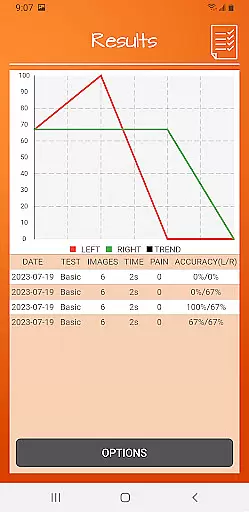
The app also excels in progress tracking and clinical support. Users can view detailed onscreen results and graphs to monitor their improvement over time. Additionally, powerful clinical integration tools allow users to export and email their results directly to healthcare professionals. With the ability to capture and use custom images, Recognise Hand offers a personalized and flexible approach to motor imagery training.
Recognise Hand offers a personalized approach to rehabilitation through its unique training tools. The app's 'Memory' and 'Speed match' features are designed to adapt to your skill level, providing a customized experience that evolves with your progress.
The Graded difficulty levels ensure that each user can train at their own pace, making it suitable for various stages of recovery. This personalized progression system is crucial for effective rehabilitation, as it prevents both under-challenge and overexertion.
With personal best challenges and detailed progress tracking, users can create a tailored training regimen that meets their specific needs. The ability to capture and use personal images further enhances this customization, allowing for targeted exercises that address individual rehabilitation requirements.
Tracking progress is essential in any rehabilitation program, and Recognise Hand excels in visualizing user advancement. The app provides detailed onscreen results and graphs that clearly demonstrate improvements over time, helping users understand their rehabilitation journey.
These visual tools not only show raw performance data but also illustrate trends and patterns in the user's progress. This information is vital for both patients and clinicians, as it enables informed decisions about treatment adjustments and future training directions.
Additionally, the powerful clinical integration features allow users to export and email their results directly to healthcare professionals. This seamless sharing of visual progress reports facilitates better communication between patients and therapists, leading to more effective rehabilitation strategies.
Effective pain management
Enhances neuroplasticity
Detailed progress tracking
Clinical integration tools
Customizable training options
Requires GMI knowledge
Limited to specific use cases
Premium pricing model
Steep learning curve
Dependent on user consistency

Relax to calm sounds, white noise, music, guided meditation and bedtime stories
 4.40
4.40
Weight loss app: home workout for women to lose weight & burn calories.
4.80
a fun app full of surprises :)
4.70
Build Healthy Habits!
4.60
A simple way to calculate peptide doses and also to convert different units.
4.1
Turn your steps into cash, gift cards & rewards with our step counting pedometer
3.80
Find Paid Clinical Trials In Your Area
3.70
Pilates, Calisthenics, Yoga
4.50
Workouts for everyone
4.70
Drink water reminder app. Track water intake. Smart simple hydration tracker.
4.70
Easy reconstitution calc for mixing peptides and creating protocols
4.70
Raccoon AI Calorie Counter. Intermittent Fasting & Timer. Macro, Carb, Protein
4.50
Chair Workout: Women's Edition for safe, flexible, and personalized fitness.
4.40
See what's really going on inside your head! Real time EEG graphs from your Muse
4.40
Walk, track, and burn calories with step counter & GPS walking tracker
4.20
This is an application that serves as a companion app for smart watch.
4.20
beat yesterday.
4.00
Make sense of your health data.
3.80
Text notifications, button control, heart monitor & more for your Amazfit.
2.40

User Reviews