

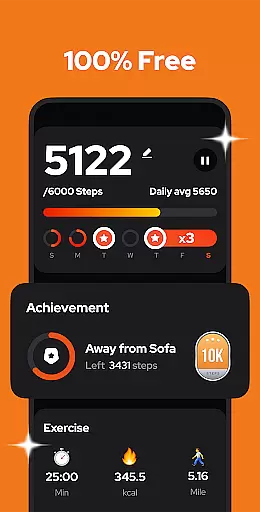
Step Counter - Pedometer is a premier health and fitness application designed to automatically track your daily steps, calories burned, walking distance, and duration with precision. Compatible with all Android devices, this app operates efficiently without the need for GPS or Wi-Fi, conserving your device's battery life while providing accurate data offline.
This pedometer stands out by offering an easy-to-use interface that starts tracking simply by tapping a button, whether your phone is in hand or pocket, even when the screen is locked. It also features adjustable sensitivity settings, ensuring precise step counting tailored to individual walking styles.
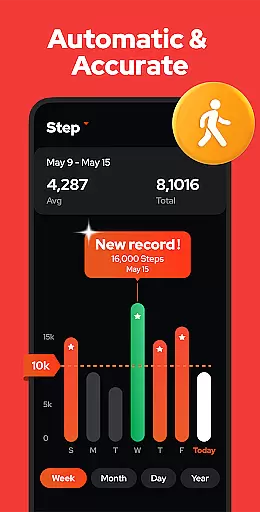
With its comprehensive weekly, monthly, and yearly graphs, users can monitor their progress over time, aiding in achieving fitness goals such as reaching 10,000 steps per day. The app's commitment to privacy ensures that all user data remains secure and private, making it an ideal choice for those prioritizing both health and data security.
Step Counter - Pedometer boasts a variety of features that cater to fitness enthusiasts looking for a reliable tracking tool. Its advanced built-in exercise tracker provides automatic and continuous monitoring of steps, calories, distance, and duration without draining the battery, thanks to its non-reliance on GPS and ability to function offline.
The app offers customizable options such as pausing and resuming background step tracking, which is particularly useful during activities like driving where step counting might be unnecessary. Additionally, users can adjust the sensitivity of the step detection to match their unique movements, enhancing accuracy.
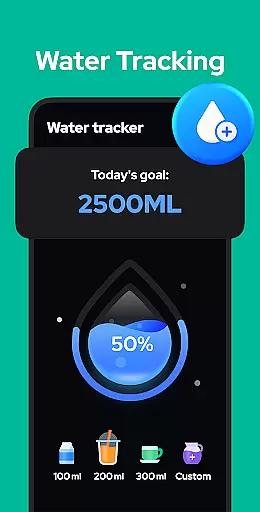
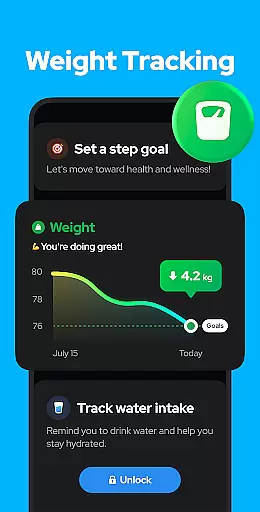
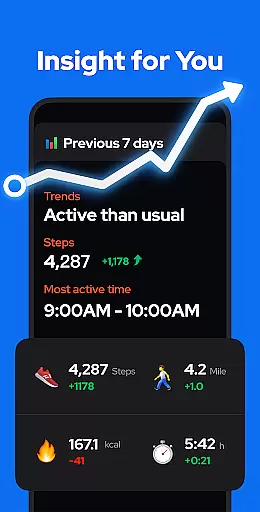
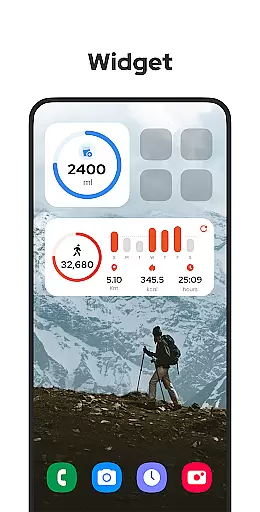
Further enriching the user experience are the app's graphical representations of activity data, allowing users to visualize trends and improvements over time. Upcoming features promise even more personalization, including training modes, hydration reminders, and health metrics recording, positioning Step Counter - Pedometer as a holistic health companion.
Personalized planning in a fitness app refers to the ability to tailor exercise routines and health goals according to individual user needs. Step Counter - Pedometer excels in this area by offering adjustable settings that cater to personal fitness objectives.
The application allows users to input their specific details such as age, weight, and height, which are critical for accurately calculating walking distance and calories burned. This personalized approach ensures that each user's exercise data is relevant and precise.
Moreover, the sensitivity of the built-in sensor can be fine-tuned, providing more accurate step counting that aligns with the user's unique walking style and pace. This level of customization enhances the overall effectiveness of personalized fitness planning.
By integrating features like pause and resume, users have control over when the app tracks their steps, avoiding unnecessary counts during inactive periods like driving. This contributes to a more personalized and realistic representation of daily activity.
Progress visualization is an essential feature in fitness apps, allowing users to see their achievements and stay motivated. Step Counter - Pedometer provides comprehensive visual feedback through various charts and graphs representing the user's walking data.
Users can view detailed representations of their progress, including steps taken, calories burned, duration, distance, and speed. These metrics are available on a daily, weekly, monthly, or yearly basis, enabling users to analyze their exercise trends over time.
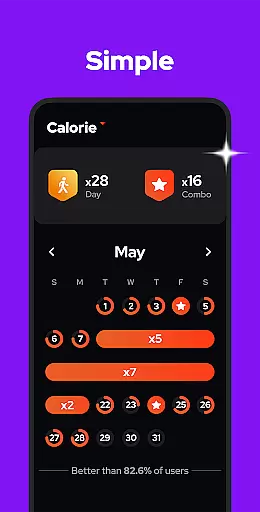
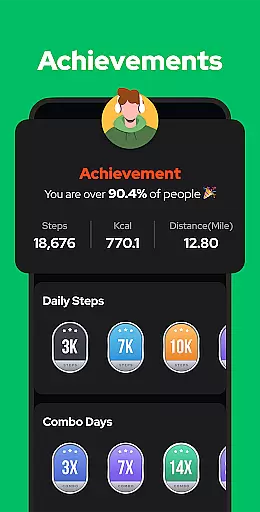
The app's dedication to clarity and insight is further demonstrated by its goal-setting capabilities, encouraging users to reach the recommended 10,000 steps per day for optimal health benefits. Visual cues help users understand how close they are to achieving these targets.
Additionally, the backup and restore functionality ensures that users' historical data is preserved, allowing for long-term progress tracking. This persistent visualization aids users in maintaining their fitness journey and making informed decisions about their health regimen.
User-friendly interface
Accurate step tracking
Offline functionality
Battery efficient
Data privacy assured
Limited to Android
No iOS version
Occasional inaccuracies
Basic visual design
Some features pending

The simplest way to track your 21 Day Program containers, exercises, and water.
 4.50
4.50
“Overcoming pain based on EMDR” helps you to alleviate chronic pain and stress.
4.10
App to stop smoking slowly or now with a motivational badges and helpful tips
4.80
The app helps you address digestive symptoms based on the Fast Tract Diet.
3.50
Use your watch as a bike computer, heart rate monitor and cycling power meter
2.50
Show your support for the development of FitNotes - Gym Workout Log
4.90
The OFFICIAL Couch to 5K® running training app! A 9 week walk-run workout plan.
4.50
Download MadMuscles to start your positive body transformation!
4.30
Raccoon AI Calorie Counter. Intermittent Fasting & Timer. Macro, Carb, Protein
4.50
Meditation app, head space app provides calm music to help you meditate & sleep
5.00
Beauty Care, Makeup & Skin Care Scanner | Pregnancy App For A Mom | Healthy Baby
5.00
The Official Blood Type Diet® App - know your categorized foods anytime.
4.50
FODMAP, Gluten, Allergy, Vegan
4.50
Grow with self-tests and personal routine.
4.30
This is an application that serves as a companion app for smart watch.
4.20
Make sense of your health data.
3.80
Live Heart Rate Pro - Real Time Heart & Workout Data For Wear OS & Bluetooth BLE
3.20
Measure real-time wrist & ambient temperature with your Galaxy Watch (Wear OS)
3.20
Your plan in your pocket 24/7
3.00

User Reviews