

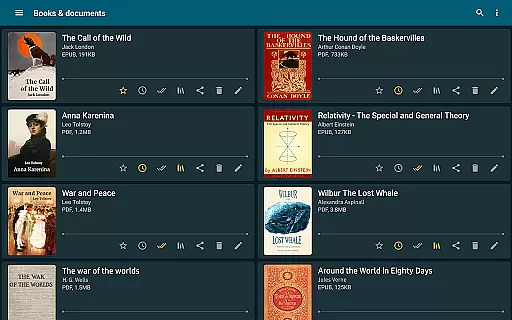
ReadEra is a versatile eBook reader app that supports multiple formats including PDF, EPUB, Microsoft Word, Kindle, DJVU, FB2, TXT, ODT, and CHM. It offers an ad-free reading experience without requiring registration or subscriptions. The app provides advanced features such as margin cropping for PDFs, single-column mode for scanned books, and automatic book detection from your device.
This application is ideal for users who want to manage their digital library efficiently while enjoying a seamless reading experience across various document types. With its comprehensive format support and customizable reading settings, ReadEra caters to both casual readers and professionals who need to view different file formats on the go.
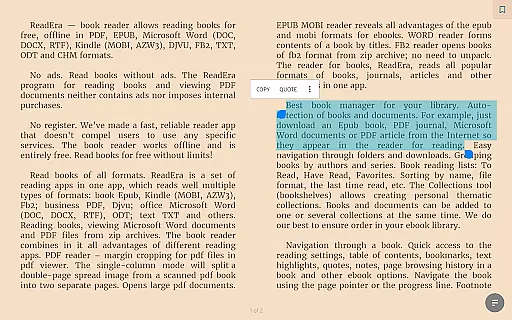
ReadEra stands out with its multi-format support, allowing users to read books in PDF, EPUB, MOBI, and more without needing separate apps for each format. The built-in PDF viewer offers margin cropping and split-page options for scanned documents, while the EPUB and MOBI readers provide enhanced navigation through tables of contents and bookmarks.
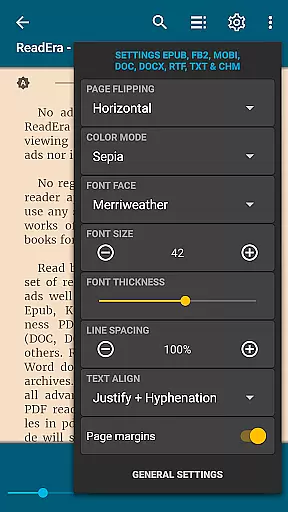
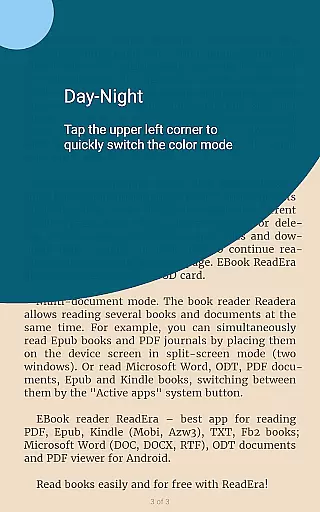
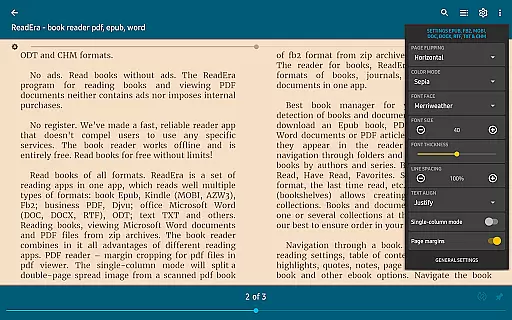
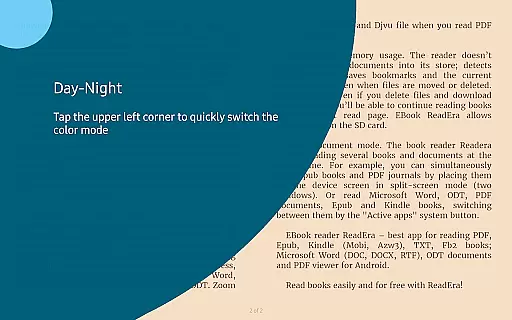
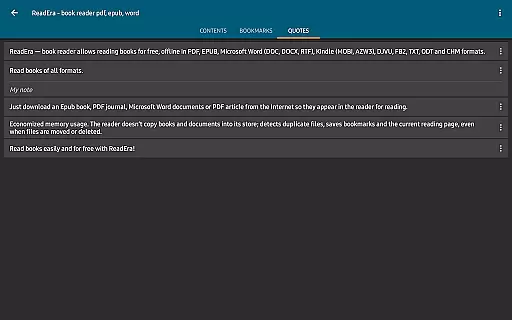
The app also includes practical tools like night mode, customizable font settings, and multi-document viewing. These features ensure a comfortable reading experience regardless of lighting conditions or personal preferences. Additionally, ReadEra's memory-efficient design prevents duplicate files and saves reading progress even when files are moved or deleted, making it a reliable choice for managing extensive eBook collections.
ReadEra offers an extensive e-book library that supports a wide array of formats including PDF, EPUB, Microsoft Word, Kindle, DJVU, FB2, TXT, ODT, and CHM. This diversity allows users to access books from various sources without compatibility concerns.
The application ensures copyright authenticity by enabling users to import their legally acquired books. It does not host or distribute e-books but focuses on providing a seamless reading experience for personal document collections.
With the ability to read books directly from zip archives and manage them through collections and bookshelves, ReadEra provides a comprehensive solution for organizing and accessing one's digital library.
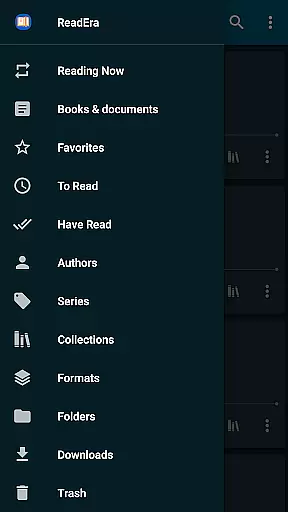
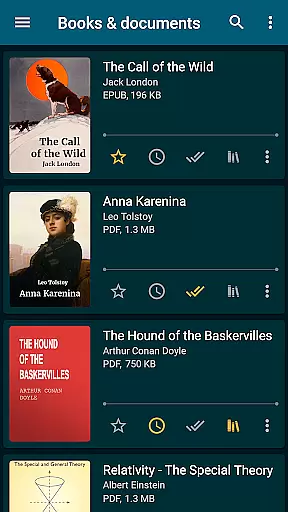
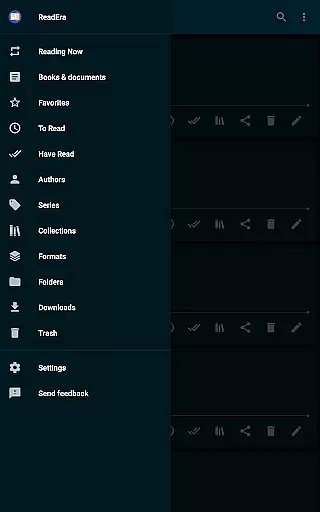
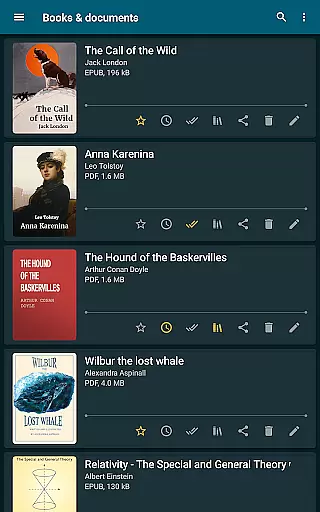
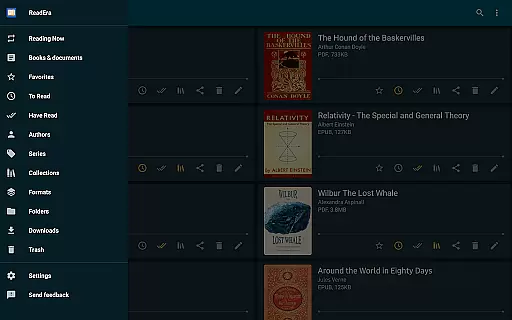
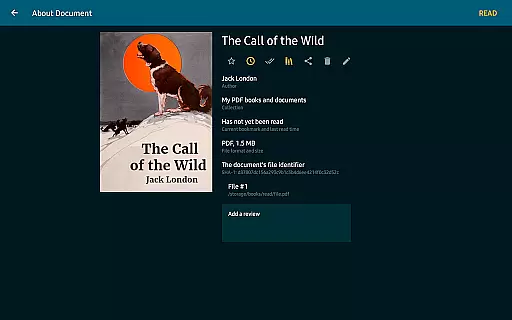
Users benefit from a clutter-free reading experience as the app auto-detects books and documents, groups them by authors and series, and maintains reading lists such as To Read and Favorites.
One of ReadEra's standout features is its exceptional format compatibility. The app reads multiple file types with precision, ensuring that whether you're viewing a PDF journal or an EPUB novel, the formatting remains intact and true to its source.
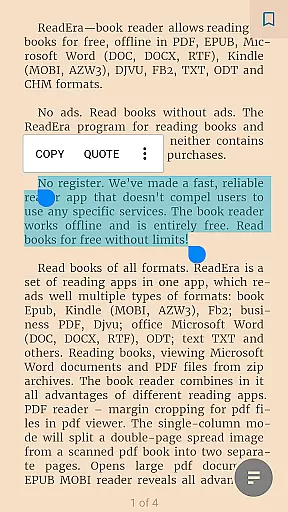
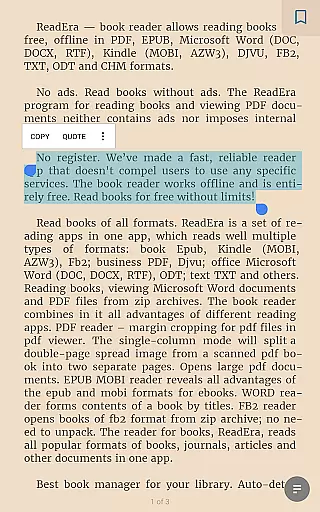
For PDF and DjVu files, ReadEra provides advanced options like margin cropping and single-column modes, which enhance readability especially for scanned documents. This makes navigating large and complex documents straightforward and efficient.
Microsoft Word documents are displayed with structured contents based on titles, while footnotes in Epub, Mobi, Docx, and Fb2 formats appear at the bottom of pages akin to traditional paper books.
This versatility in handling different formats with specialized settings for each ensures that users enjoy a tailored and optimized reading experience across all their devices.
User-friendly interface
Multi-format support
No ads or in-app purchases
Offline functionality
Customizable reading settings
Limited cloud integration
No social sharing options
Occasional performance issues
Complex settings for beginners
Interface not highly modern

The Original Tropical Freshwater Aquarium Fish And Plant Care Guide
 4.80
4.80
Discover Stars and Planets: Live Map Shows Current Constellations in Full Detail
4.70
Prime novels await! Fantasy & Romance on JoyRead. Immersive reads!
4.20
"Do you like green eggs and ham?"
4.70
Daily Prayer, personalized Bible Study, AI-guided Insights, and Spiritual Growth
4.80
Read Trending Romance Stories
4.00
A companion for prayer, with Azan alarm, Quibla direction, and Holy Quran book
4.10
A KJV Bible with Apocrypha and precept-based study concordance
5.00
A highly sophisticated app for all of your mobile reading—any format, any time
4.50
King James Bible read offline, AI Priest, Bible Quiz, Guiding Prayers & Plans
4.80
Learn Thai with 195,000+ entries, crisp Thai sounds, big text; works offline.
4.80
Daily Devotional Widgets & Hourly Verses. Listen to Bible & Watch Holy Stories
4.70
F9 Cookbook Mobile App
4.60
Full text, sheet music, and recordings of the print edition
4.60
Build family tree & discover DNA, family history heritage, origins and ancestors
4.60
Pretty Moon information App with Complications and Tile
4.30
Read the romance stories on the go. Take my breath away, The Spoiled Girl
4.30
America's best dictionary and thesaurus - with premium content and no ads
3.40
Fast loot guide for ARC Raiders. Simple tips, stats, maps, and item details.
4.5


User Reviews