

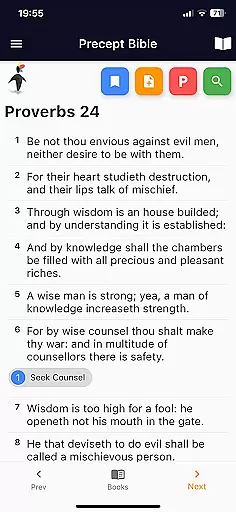
Precept Bible is a comprehensive tool designed to enhance your understanding of scripture through systematic study. The app focuses on the concept of precepts, which are fundamental rules or doctrines that help interpret biblical texts accurately. By breaking down complex passages into manageable teachings, it enables users to rediscover their spiritual heritage and identity.
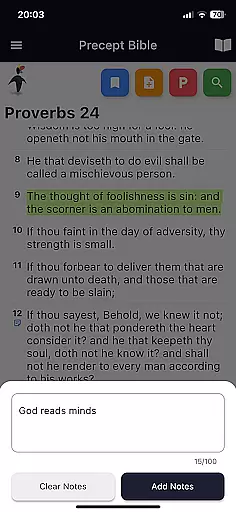
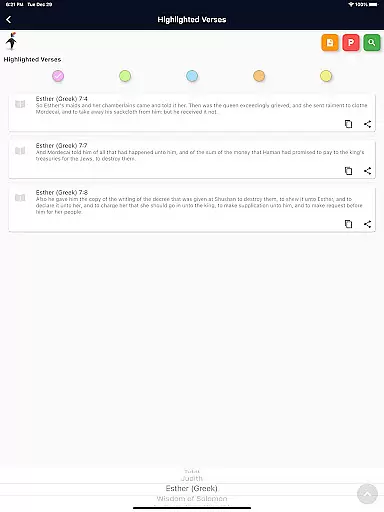
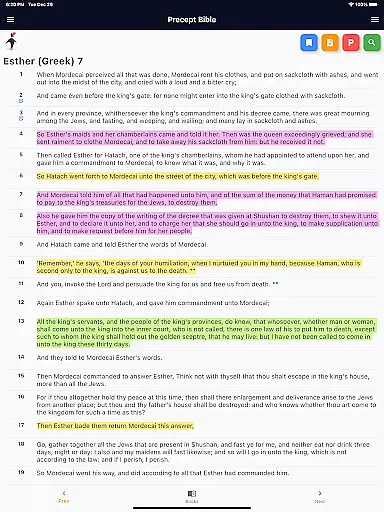
The application provides an interactive learning experience by offering cross-referenced verses and detailed explanations for each precept. This approach ensures consistency in understanding as certain words maintain specific meanings across all instances in the Bible. With features like easy navigation, adjustable font sizes, and regular updates, Precept Bible equips you with everything needed to delve deeper into biblical teachings.
Whether you're a new learner or someone looking to reinforce your knowledge, this app serves as an invaluable resource for anyone eager to explore the true meaning behind the scriptures.
One of the standout features of Precept Bible is its structured methodology for studying scripture. Users can start by reading verses related to each precept and then explore cross-linked references that provide deeper insights. This methodical approach helps maintain scriptural consistency and aids in building comprehensive teaching series based on biblical doctrines.
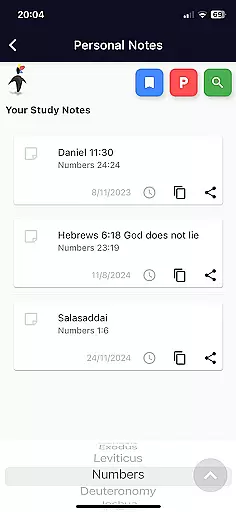
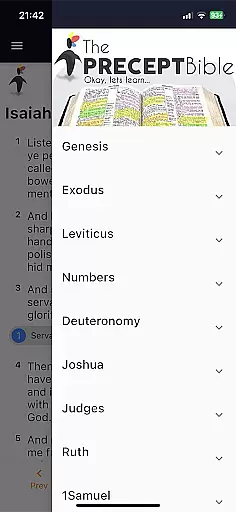
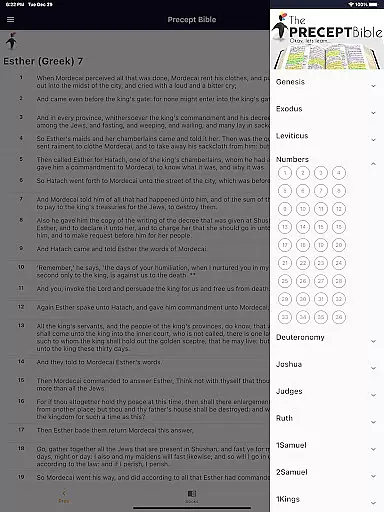
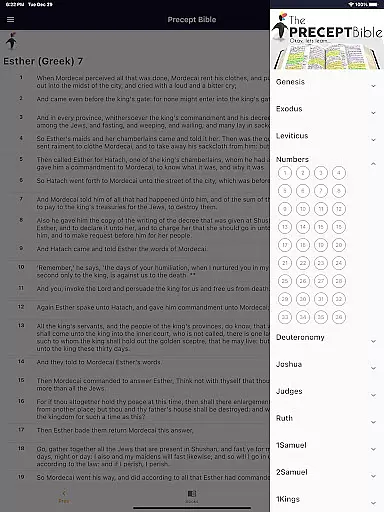
In addition to its core educational tools, the app offers practical functionalities such as easy navigation through chapters and verses, quick access to precepts listed under a verse, and adjustable font sizes for better readability. These features ensure that users have a seamless experience while diving deep into their studies. Furthermore, the inclusion of a contact form allows direct communication with the developers, fostering a community-driven environment where discoveries can be shared and discussed openly.
Regular updates bring new learning aids and enhancements, making sure that the app remains a cutting-edge tool for biblical education. By joining the mailing list, users stay informed about these developments and continue expanding their knowledge base effectively.
The Precept Bible app offers a comprehensive digital library focused on scriptural study and interpretation. With an extensive collection of biblical texts, precepts, and cross-referenced verses, users have access to a rich repository of religious knowledge.
Each text in the app is carefully curated to ensure copyright authenticity, providing users with confidence in the legitimacy of the materials they are accessing. This dedication to verified sources ensures that every verse, passage, and teaching aligns with recognized religious texts.
Users benefit from the app's commitment to accuracy by gaining access to a vast array of scriptures that are both expansive and reliable. The ability to navigate through chapters and verses with ease allows for an uninterrupted study experience.
By prioritizing legal and authentic content, the Precept Bible app not only respects intellectual property rights but also enhances the user's learning journey through trustworthy resources.
One of the key strengths of the Precept Bible app is its format compatibility, which ensures that users can engage with content across various devices without any loss of functionality or readability. Whether you're using a smartphone, tablet, or computer, the app provides seamless access to its features.
The app supports multiple font sizes, making it accessible to users with different visual needs. This flexibility in formatting allows readers to customize their experience based on personal preferences or requirements, ensuring comfort during long study sessions.
In addition to adjustable fonts, the app includes easy navigation tools for chapters and verses, as well as quick links to precepts and cross-referenced materials. These features enhance the overall usability of the app regardless of the device being used.
By focusing on broad format compatibility, the Precept Bible app delivers a consistent and user-friendly experience, allowing individuals to delve into scripture study anytime, anywhere, without technical hindrances.
User-friendly interface
Comprehensive precept guides
Regular content updates
Accessible design options
Community engagement features
Limited offline functionality
Occasional update delays
Advanced features require learning
Interface may feel cluttered
Social media integration limited

Bible, Catechism, Study, Saints, Mass Readings, Rosary, Prayer, Bible in a Year
 4.80
4.80
Offline dictionary for learning Cantonese as a second language
4.90
Personalized Chat with Bible
4.80
Unlock more features in Lithium and show your support. Expand for details.
4.00
Research your family history to explore ancestors and search for your heritage
4.50
Read books PDF, EPUB, WORD, KINDLE, MOBI! Your ebook reader among reading apps.
4.80
A story reading app: Read stories, novels and books, or write your own.
3.90
Daily Bible app: King James Version with verses and audio for studying&prayer
4.40
A Comprehensive Restoration of Sacred Scripture
4.50
"When tweetle beetles fight, it's called a tweetle beetle battle."
4.90
Liturgy of the Hours totally off-line
4.80
Discover Stars and Planets: Live Map Shows Current Constellations in Full Detail
4.70
Watch real short episodes in just minutes— addictive, you won't be able to stop!
4.70
Powerful Bible study tools linked to every verse in an easy-to-use Bible reader!
4.60
Find, discuss, and organize your world of books and shows.
4.60
Read aloud texts, audiobooks, PDFs or any eBook with text to speech AI audio
4.60
F9 Cookbook Mobile App
4.60
Mirror Bible - eye-opening paraphrase translation of the NT by Francois du Toit
4.30
WebNovel - Read Solo Leveling novel and comic
4.10


User Reviews