

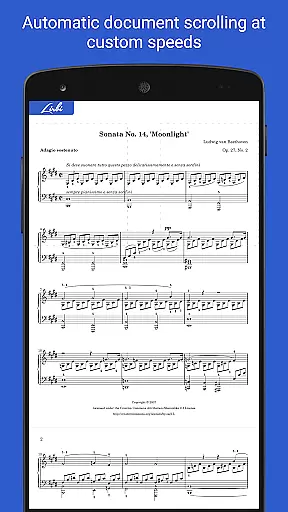
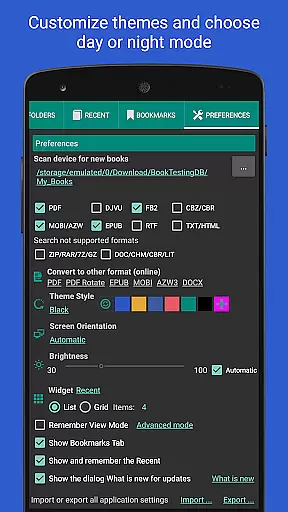
Librera PRO is a versatile and feature-rich reading application designed for book enthusiasts who require support for multiple document formats. This app supports PDF, EPUB, MOBI, DjVu, FB2, DOC, TXT, and many more, making it an all-in-one solution for digital reading. Its user-friendly interface offers both Day and Night modes, customizable reading settings, and even a unique Musician's mode for auto-scrolling at adjustable speeds.
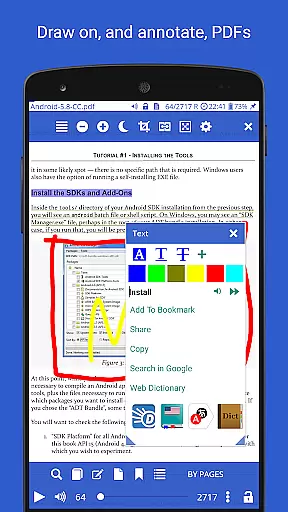
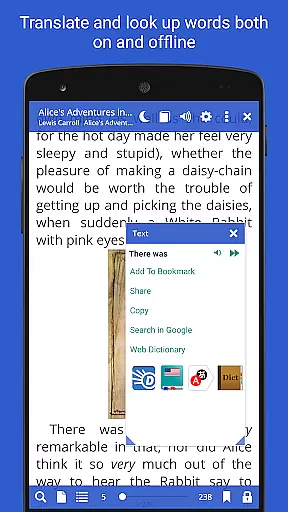
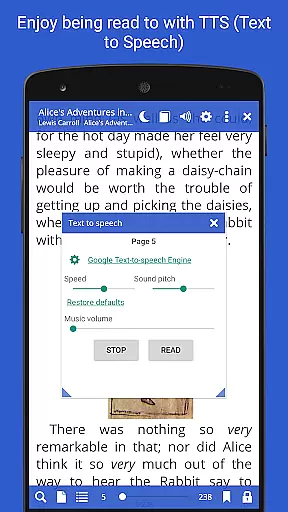
Beyond basic reading, Librera PRO provides advanced functionalities such as bookmarking, annotations, text reflow in PDFs, and integration with online translators and offline dictionaries. Users can also enjoy read-aloud features via TTS engines, sync reading progress across devices, and organize their libraries using tags or filters. Whether you're reading eBooks, technical documents, or comics, Librera PRO ensures a seamless experience tailored to individual preferences.
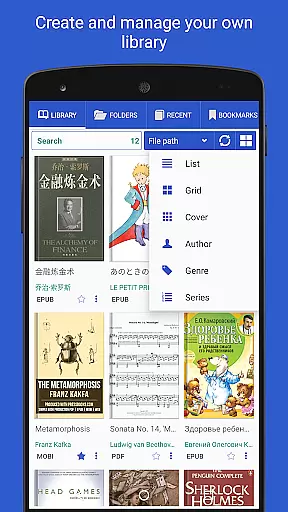
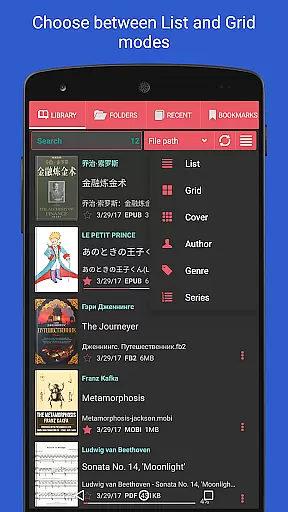
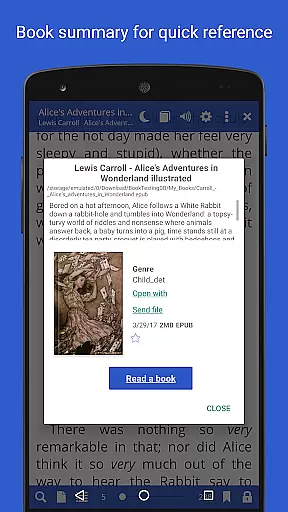
The app is particularly suited for users who manage extensive digital libraries and need efficient ways to organize, search, and access their content. With its powerful file explorer, configurable library views, and support for right-to-left languages, Librera PRO caters to a global audience. Its ability to handle archived books and provide detailed document descriptions adds significant value for users seeking both convenience and customization in their reading journey.
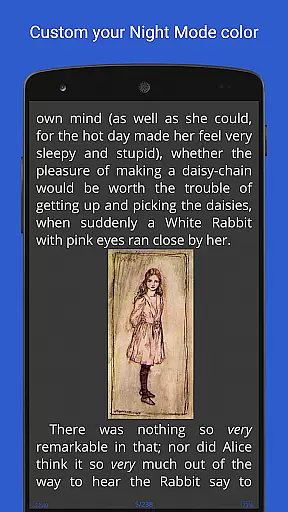
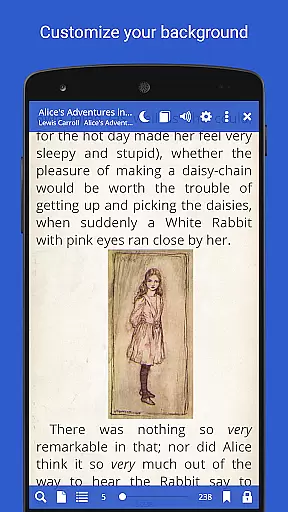
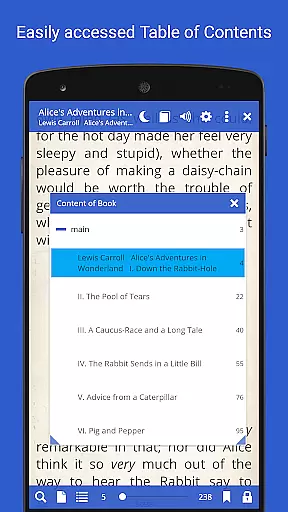
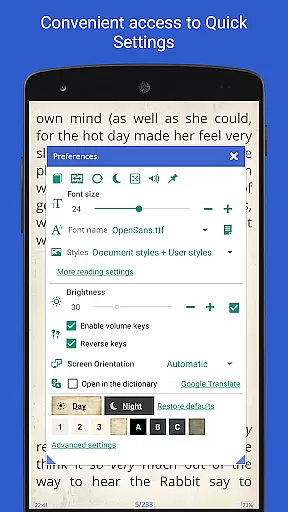
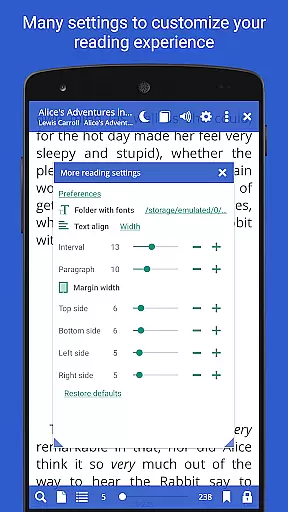
Librera PRO stands out with its comprehensive set of features designed to enhance the reading experience. One of its key strengths is the support for a wide array of document formats, including PDF, EPUB, MOBI, and DjVu, ensuring compatibility with virtually any eBook or document. The app's interface is highly customizable, allowing users to configure layouts, adjust scrolling behavior, and apply custom CSS for a personalized look and feel.
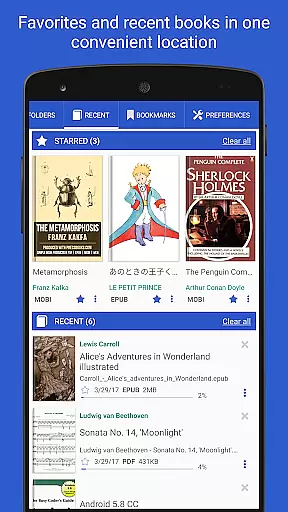
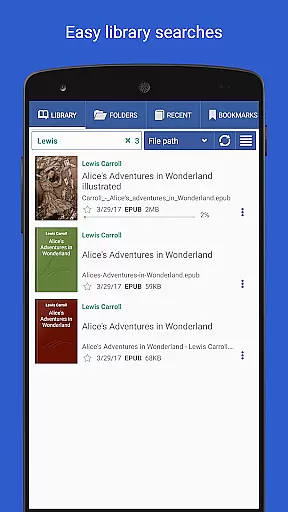
Another notable feature is the Musician's mode, which enables hands-free reading by auto-scrolling text at a user-defined pace. This is complemented by RSVP reading, which displays one word at a time for faster comprehension. Additionally, Librera PRO integrates with TTS engines for read-aloud functionality, supports annotations and bookmarks, and includes advanced search capabilities for locating specific content within documents or across libraries.
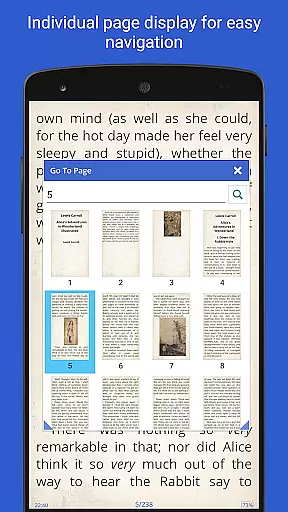
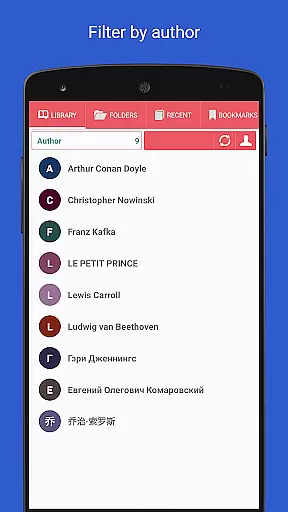
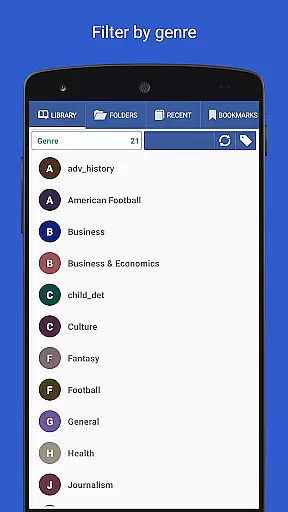
For users managing large collections, Librera PRO offers tools like auto-scanning of folders, grouping by tags, and sorting by various criteria such as name, size, or date. The app also supports cloud synchronization, right-to-left language rendering, and online format conversion. These features collectively make Librera PRO a powerful tool for readers who demand flexibility, organization, and accessibility in their digital reading experience.
Librera PRO offers an extensive e-book library that supports a wide array of document formats including PDF, EPUB, MOBI, and more. This ensures users have access to a vast collection of reading materials tailored to their preferences.
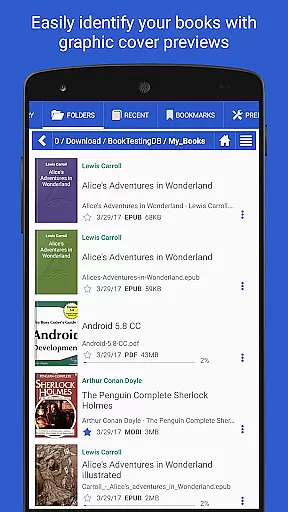
The app's capability to scan user-specified folders and organize documents into configurable lists means that maintaining an expansive digital library is effortless. Users can easily browse catalogs, disks, and folders with the in-app file explorer.
With features like support for archived books and online document format conversion, Librera PRO not only expands access to content but also enhances it by ensuring that all materials are in the desired format for optimal reading.
Regarding copyright authenticity, Librera PRO respects intellectual property rights by enabling users to manage their legally acquired digital content efficiently, thus providing peace of mind while enjoying a diverse reading experience.
One of Librera PRO's standout features is its exceptional format compatibility, accommodating virtually every popular e-book format available today. Whether you're dealing with EPUB3 or DjVu files, this app ensures seamless reading without the hassle of format incompatibility.
Users benefit from advanced functionalities such as text reflow and annotations within PDF documents, making information digestion smoother. The app also supports right-to-left languages, catering to a global audience with varied linguistic needs.
Additionally, integration with major offline dictionaries and support for custom CSS code enhance the reading experience further, allowing personalized adjustments based on individual preferences.
By offering these comprehensive format compatibilities, Librera PRO empowers readers to enjoy their favorite books exactly how they want, without limitations imposed by restrictive file type constraints.
Supports 15+ formats
Highly customizable UI
Advanced library management
Read-aloud functionality
Cross-device syncing
No native audiobook support
Complex for beginners
Limited free version
Occasional bugs
Heavy on storage

Knots 360 Pro ( 3D ) shows you animated 192 knots in 3D perspective
 4.10
4.10
Master AKC Rally signs with in-depth hints, diagrams, and expert guidance.
4.50
Learn Electricians' Handbook PRO complete guide beginners to advance.
4.40
Unlock more features in Lithium and show your support. Expand for details.
4.00
Holy Bible, a KJIV Bible study, audios & daily verses, talk with God now.
4.80
King James Bible read offline, AI Priest, Bible Quiz, Guiding Prayers & Plans
4.80
A companion for prayer, with Azan alarm, Quibla direction, and Holy Quran book
4.10
Daily thoughts, meditations, and prayers for living a sober life in recovery.
4.90
Learn to tie more than 200 knots in 3D!
4.90
Plan of Life that Saint Josemaría recommended
4.80
Personalized Chat with Bible
4.80
Enjoy daily devotionals, Bible verses, audio courses, and more.
4.80
Watch real short episodes in just minutes— addictive, you won't be able to stop!
4.70
Powerful Bible study tools linked to every verse in an easy-to-use Bible reader!
4.60
Crowd-sourced listing of businesses with anti-gun signs, and pro-2a alternatives
4.60
Words spoken by native English speakers and full definitions.
4.60
F9 Cookbook Mobile App
4.60
Research your family history to explore ancestors and search for your heritage
4.50
Bilingual dictionary with English translations of Modern Standard Arabic words.
4.30

User Reviews