

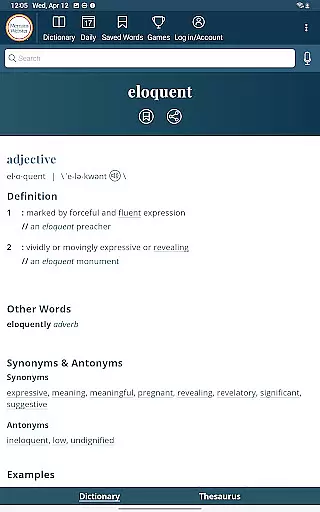
Dictionary is a premier Android app for English language reference, education, and vocabulary building. It offers continuously updated content with the newest words and meanings, making it an essential tool for both learners and language enthusiasts. The app provides complete offline access to definitions and synonyms, ensuring users can reference key information anytime, anywhere.
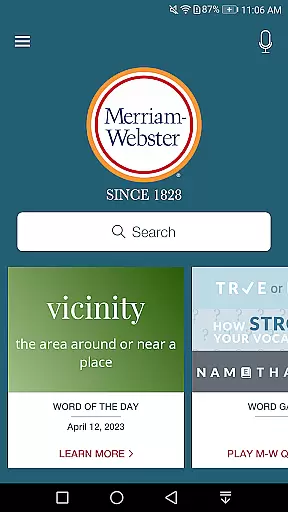
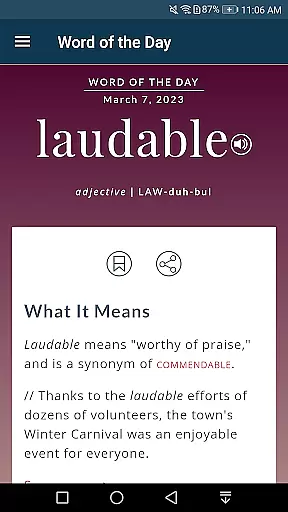
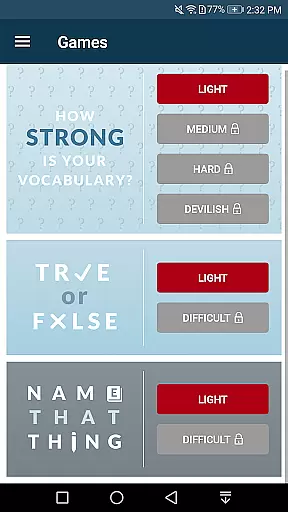
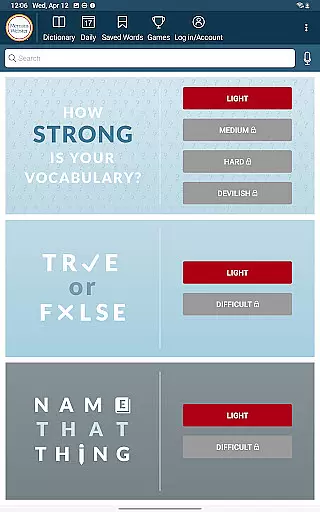
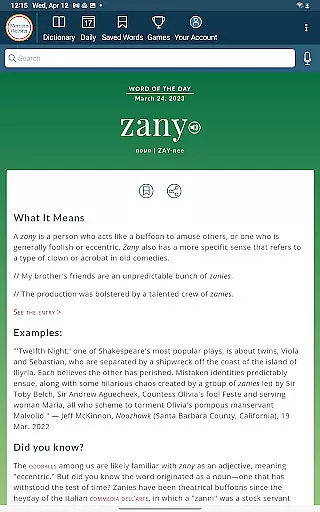
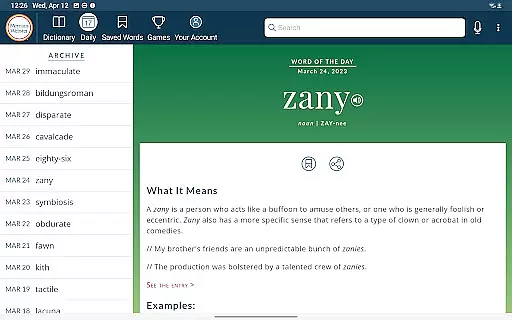
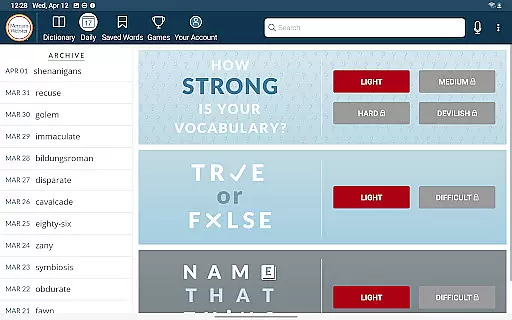
In addition to its core dictionary features, Dictionary includes integrated learning tools such as Vocabulary-Building Quizzes and Word of the Day, which make expanding your lexicon engaging and fun. With premium functionalities like audio pronunciations voiced by real English speakers, graphical illustrations, and example sentences, this app delivers a comprehensive language-learning experience tailored for all levels of English proficiency.
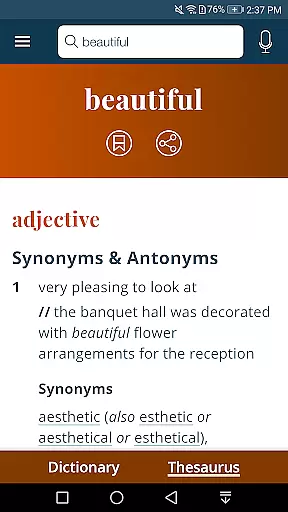
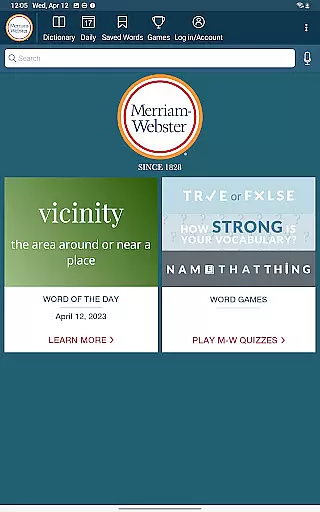
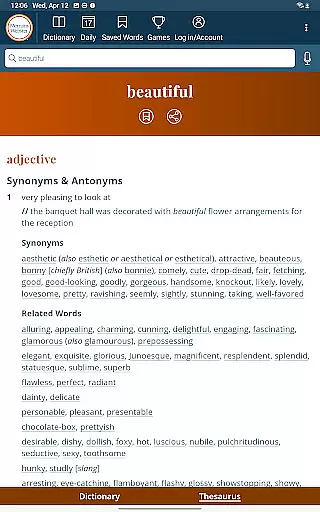
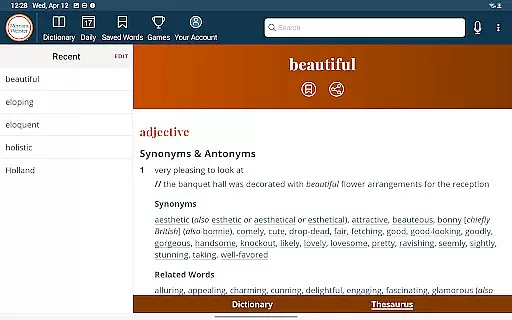
Dictionary stands out with its robust set of features designed to enhance language learning and reference. The app offers an Integrated Thesaurus with over 200,000 word choices and examples, providing rich context for each entry. Its Vocabulary-Building Quizzes allow users to learn new words in a fun and interactive way, while the Word of the Day feature helps users steadily expand their vocabulary.
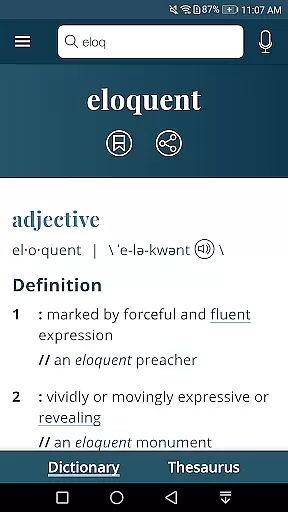
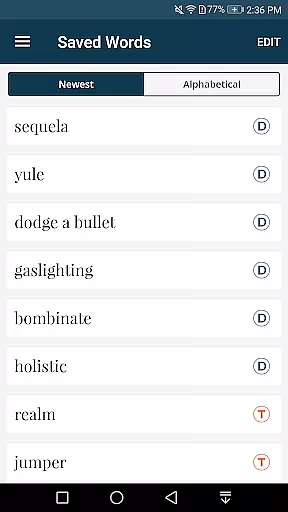
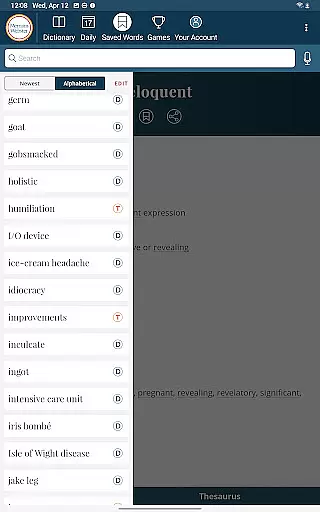
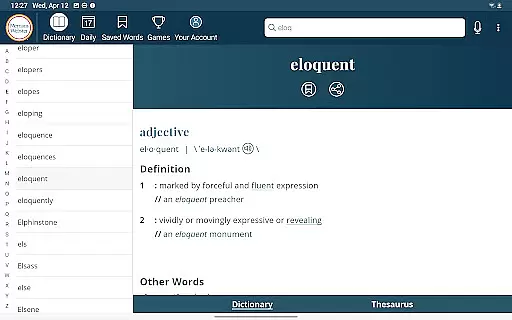
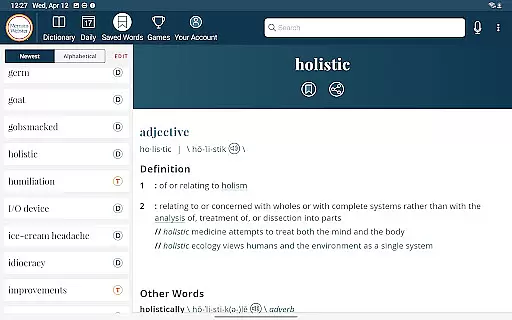
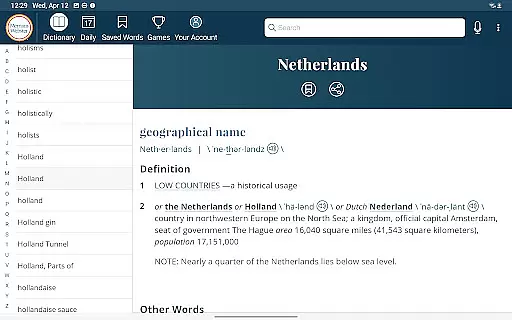
Additional highlights include Voice Search functionality for easy lookups, Audio Pronunciations by native English speakers, and over 1000 graphical illustrations that aid comprehension. Users can also sync Favorite Words across devices and access a vast library of example sentences and premium content covering people and places. These features collectively create a versatile and powerful tool for mastering the English language.
When it comes to digital dictionaries, the size of the e-book library and the authenticity of its content are paramount. The Dictionary app offers an extensive collection that is continuously updated with the newest words and meanings, ensuring users have access to the most current language references.
This app provides more than just definitions; it includes over 1000 graphical illustrations and over 15,000 additional entries covering people and places as premium content. This vast repository ensures that users can delve into a wide array of subjects while maintaining confidence in the legitimacy of the information provided.
The integrated thesaurus adds another layer of depth with more than 200,000 word choices and examples of their use. Such comprehensive coverage not only aids in vocabulary building but also assures users that they are engaging with authoritative and legitimate educational material.
For a dictionary app, format compatibility is crucial for user accessibility across various devices. The Dictionary app excels by providing complete access to definitions and synonyms offline, which means users aren't dependent on internet connectivity for core features.
While some functionalities like viewing illustrations, hearing audio pronunciations, and using voice search require an internet connection, these features enhance the learning experience significantly when available. Audio pronunciations voiced by real English speakers offer superior clarity compared to text-to-speech robots.
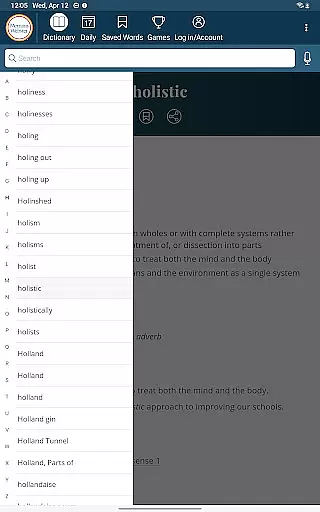
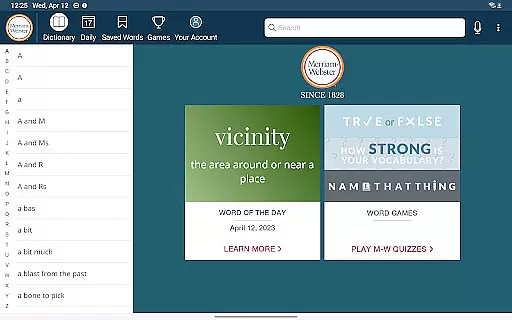
Furthermore, the app's design caters to different device formats, including tablets where users can browse the entire dictionary with a scrolling index. By accommodating multiple formats effectively, this application ensures that whether you're studying at home or on-the-go, your reference needs are covered seamlessly.
Comprehensive word database
Offline access available
Vocabulary-building games
Real speaker audio pronunciations
Integrated thesaurus
Premium features locked
Limited free content
Ads in free version
Heavy app size
Occasional bugs

Flora of Virginia Project (www.floraofvirginia.org)
 5.00
5.00
Cute bedtime story for kids
4.30
Read the KJV Bible with Strong’s offline: reading plans, audio Bibles, and more.
4.70
Prime novels await! Fantasy & Romance on JoyRead. Immersive reads!
4.20
All in one Calibre libraries on your phones and tablets.
3.80
Daily Prayer, personalized Bible Study, AI-guided Insights, and Spiritual Growth
4.80
Enjoy daily devotionals, Bible verses, audio courses, and more.
4.80
Build family tree & discover DNA, family history heritage, origins and ancestors
4.60
World's most comprehensive dictionary app: 13 languages, all online or offline!
4.80
“I am the Lorax. I speak for the trees.”
4.80
Bible, Catechism, Study, Saints, Mass Readings, Rosary, Prayer, Bible in a Year
4.80
Audiobook player with cross-device progress sync, playlists, and widget support.
4.80
Learn Thai with 195,000+ entries, crisp Thai sounds, big text; works offline.
4.80
"Do you like green eggs and ham?"
4.70
"Five Dr. Seuss titles in one omBook!"
4.60
Pretty Moon information App with Complications and Tile
4.30
WebNovel - Read Solo Leveling novel and comic
4.10
A story reading app: Read stories, novels and books, or write your own.
3.90
The Psalms for singing
4.0

User Reviews