

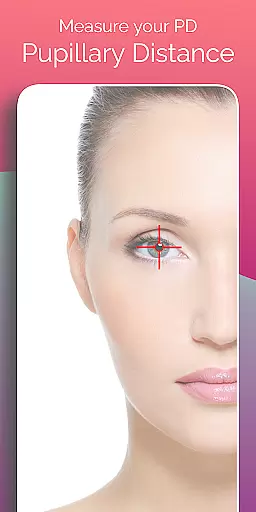
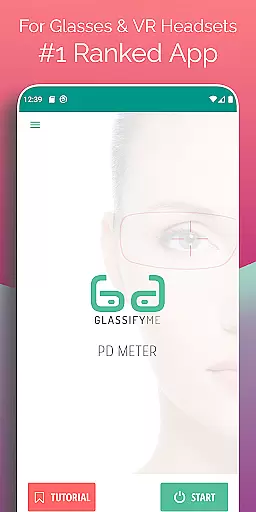
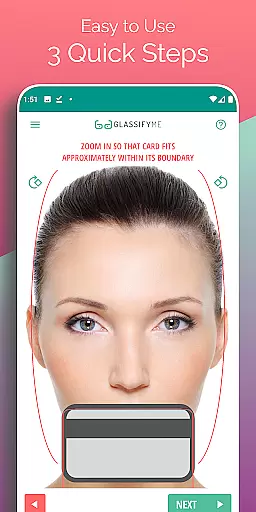
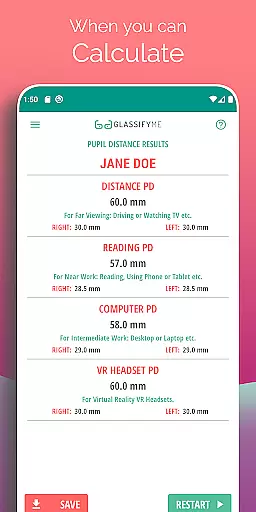
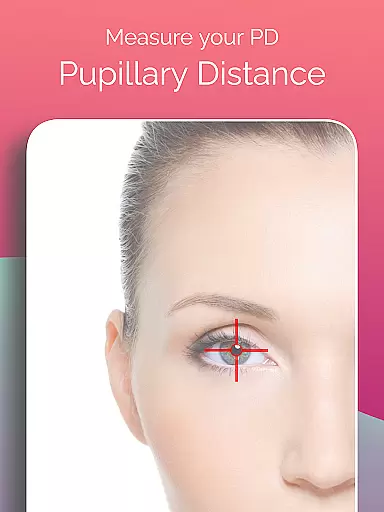
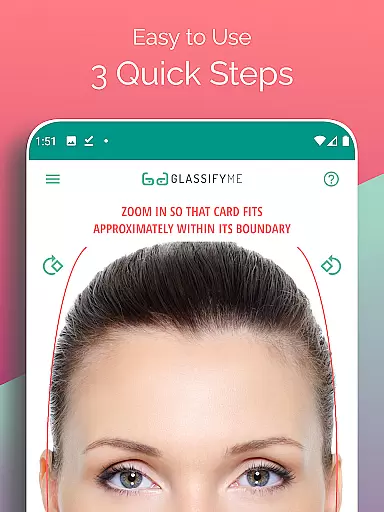
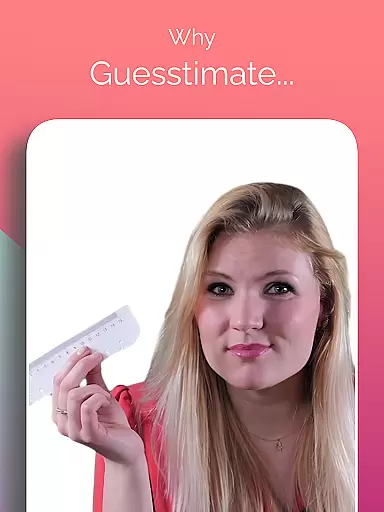
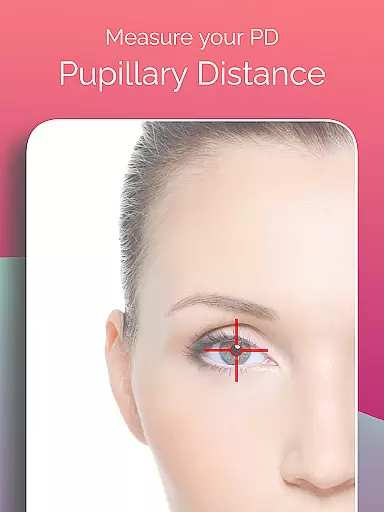
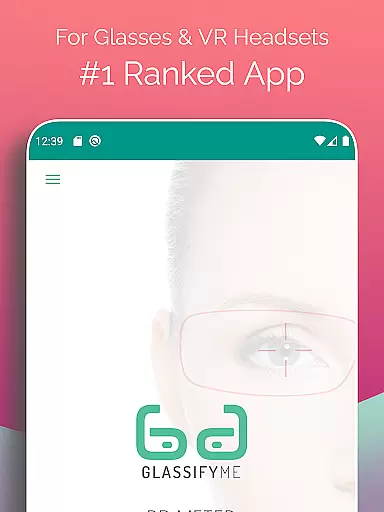
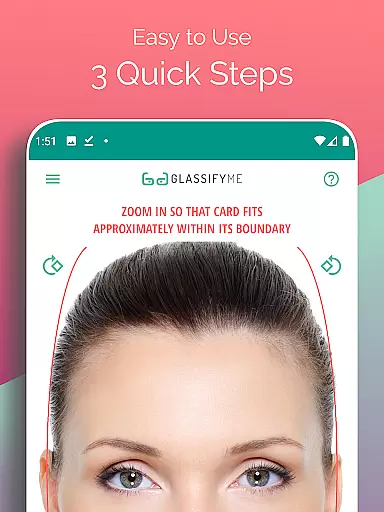
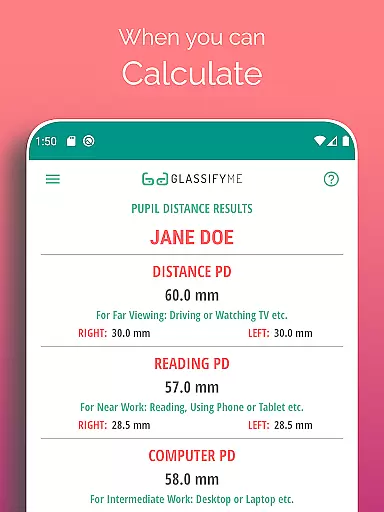
Pupil Distance PD Glasses & VR is a leading health and fitness application designed to accurately measure your Pupillary Distance (PD). This crucial measurement, essential for prescription glasses and VR headsets, is determined using advanced algorithms and eye detection technology. By simply taking a photo with a standard-sized card, users can quickly obtain precise PD measurements.
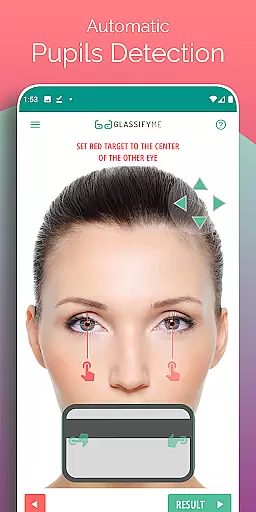
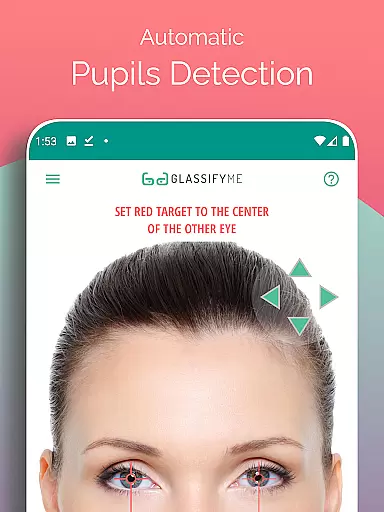
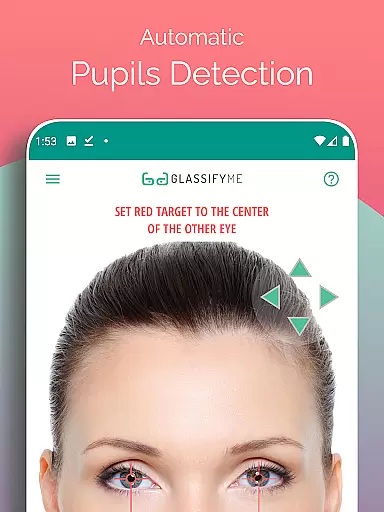
The app's standout feature is its ability to automatically detect pupils and calculate the distance between them in millimeters. Whether you're taking a selfie or importing an image, the process is straightforward and efficient. The app also provides a comprehensive tutorial to guide users through the measurement process, ensuring accurate results every time.
This Health & Fitness app offers several notable features that enhance user experience. First, it employs an advanced algorithm capable of detecting eyes and calculating pupillary distance with precision. Users have the flexibility to take a new photo, upload one from their gallery, or even ask a friend to assist, making the process versatile and convenient.
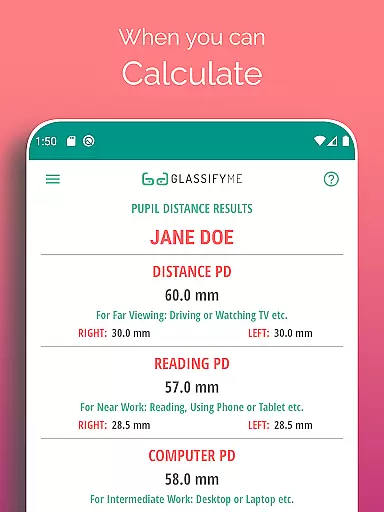
Another key feature is the app's support for both Distance and Reading PD measurements, catering to various needs. Additionally, there's no requirement for sensitive cards like credit cards; any standard-sized card works perfectly fine. With its innovative approach and ease of use, Pupil Distance PD Glasses & VR stands out as a reliable tool for anyone needing accurate PD measurements.
Personalized planning in the realm of health and fitness refers to tailoring specific regimens or measurements to an individual's unique needs. For Pupil Distance PD Glasses & VR, personalized planning is central to its functionality.
This app offers a tailored approach to measuring Pupillary Distance (PD) by utilizing advanced algorithms that automatically detect the user's eyes and pupils. This ensures that each measurement is customized to the individual, providing a bespoke service that was once only available through professional opticians.
Users benefit from this personalized planning by receiving precise PD measurements which are crucial for manufacturing prescription glasses and calibrating VR headsets. The accuracy of these measurements leads to better vision correction and more immersive virtual experiences.
The true value of personalized planning in this app lies in empowering users to take control of their eye health with quick, accurate, and accessible PD readings, all from the convenience of their mobile device.
Progress visualization involves presenting data in a way that makes it easy for users to understand their advancements or changes over time. In the context of the Pupil Distance PD Glasses & VR app, progress visualization takes on a slightly different role.
While the app does not track changes in PD over time, it visualizes the precision and accuracy of the PD measurement process itself. By offering users clear feedback on the quality of their photo capture, it ensures confidence in the results.
For those relying on accurate PD measurements for prescription glasses or VR settings, this visualization translates into assurance that their visual aids will be optimally effective. It removes uncertainty and provides a tangible sense of accomplishment upon successful measurement.
Ultimately, progress visualization within this app reassures users about the reliability of their PD readings, contributing to overall satisfaction with their personalized eyewear or enhanced virtual reality experience.
User-friendly interface
Accurate PD measurement
Quick and easy process
Supports multiple input methods
Comprehensive tutorial available
Requires a reference card
Limited to Android devices
Internet connection needed
Premium version costs extra
Occasional inaccuracies reported


For Absolute Novices to Strength Training. Simple. Effective.
 4.40
4.40
a fun app full of surprises :)
4.70
The Sleep Miracle Sound Machine: Soothes baby to sleep with a gentle "Shhh"
3.00
Load the bar with this barbell & plate calculator. It's leg day, not brain day!
4.70
Pupillary distance PD with camera quick and easy, checking glasses frames on you
3.70
Memory, mind & logic exercises. Puzzle games, IQ & brain test for kids & adults
4.50
Download MadMuscles to start your positive body transformation!
4.30
Lazy home workouts with your virtual fitness coach for weight loss.
4.30
Manage your and your family's health information.
4.60
Easy to use step counter, calorie counter helps lose weight, count steps offline
4.80
Period Tracker, the easiest way to track your periods!
4.50
The Official Blood Type Diet® App - know your categorized foods anytime.
4.50
See what's really going on inside your head! Real time EEG graphs from your Muse
4.40
Track heart rate & HRV in 30s! Get live health insights and anomaly alerts
4.40
Looking to take control of your health? Our psychology-based programs can help.
4.10
beat yesterday.
4.00
Sync your activities of the most popular sports tracking services
2.70
Insanity blocks of intense physical activity, short breaks of 30 seconds.
4.1
Using Recognise™ has been shown to reduce pain and improve performance.
4.0
User Reviews