

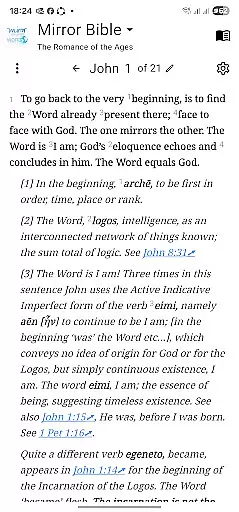
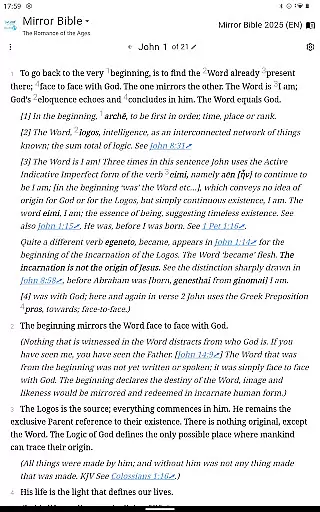
The Mirror Study Bible app offers an innovative paraphrase of the New Testament, translated by Francois du Toit. This contemporary interpretation aims to reveal deeper meanings behind familiar scriptures, making it a valuable tool for both religious study and personal reflection. The translation is ongoing, with plans to include select Old Testament passages.
Endorsed by notable figures such as Archbishop Desmond Tutu and author Paul Young, this app provides users access to profound biblical insights through their mobile devices. It emphasizes Christ's revelation of humanity's true identity, celebrating the incarnation as God's ultimate expression in human form.
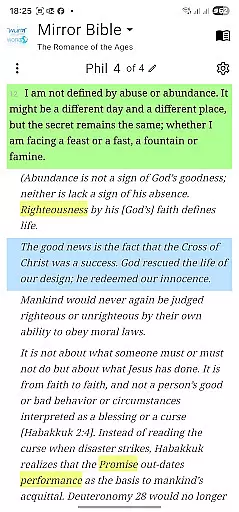
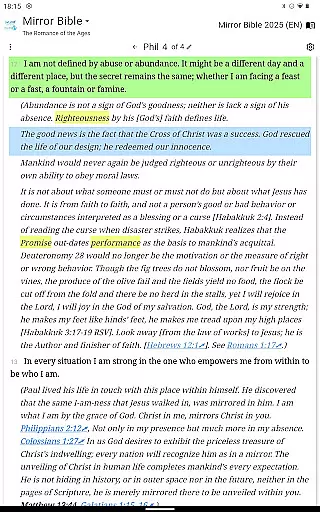
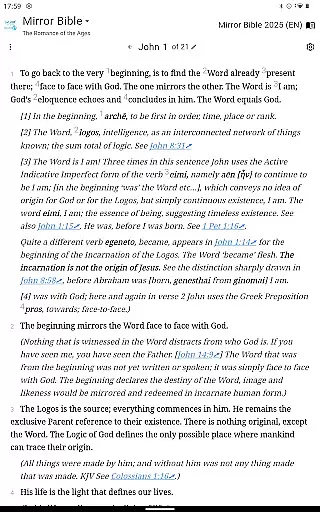
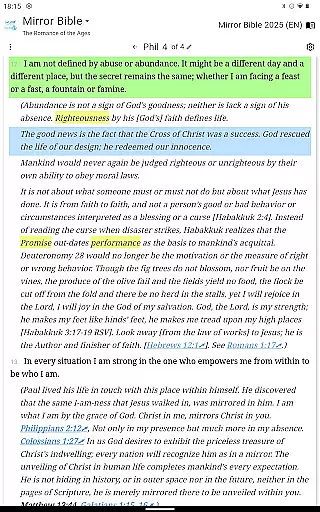
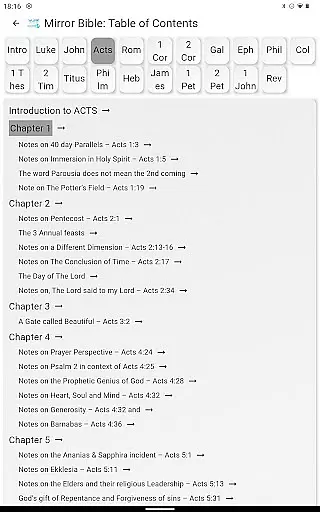
This app stands out with its unique approach to biblical translation, offering commentary that seeks to capture the original essence of scripture without distraction. Its user-friendly interface allows readers to engage deeply with texts that are updated regularly as new translations become available.
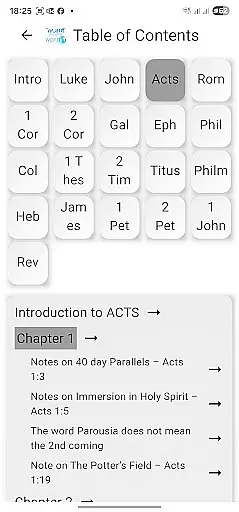
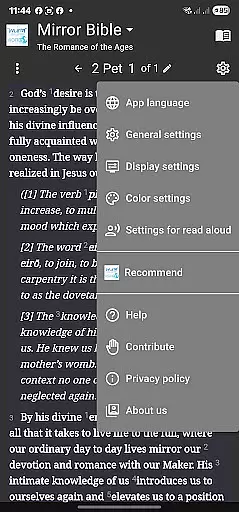
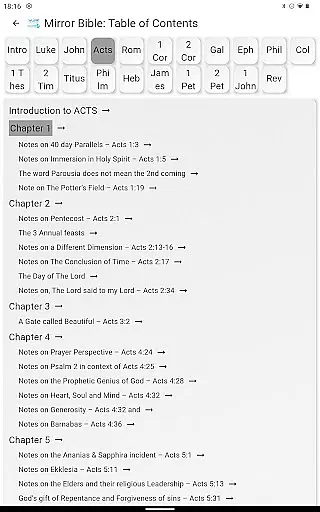
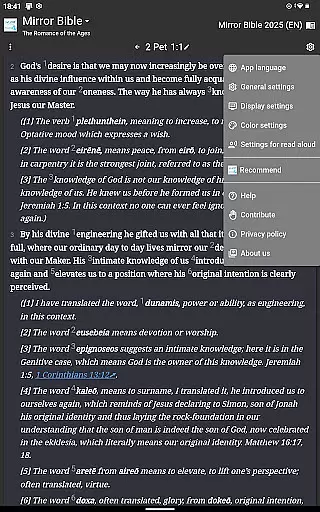
Key features include easy navigation through scriptural content, integration of multimedia resources like Facebook updates from the translator himself, and community engagement via dedicated social media groups. These elements combine to create an immersive experience that encourages spiritual growth and understanding.
The Mirror Study Bible app offers an extensive e-book library that includes the New Testament and select portions of the Old Testament. This paraphrased translation by Francois du Toit is a work in progress, ensuring users always have access to the latest translated content.
Copyright authenticity is taken seriously, with all rights retained by the author. Users can trust the integrity of the text as it comes directly from the source, guaranteeing an accurate representation of the original work.
With proper copyright notices included, this app allows quotations of up to fifty verses for various uses without express permission, provided they don't exceed 25 percent of the total text of the work in which they are quoted. For broader usage, permissions can be requested via email.
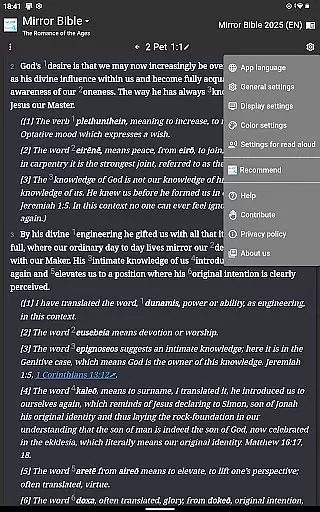
The Mirror Study Bible app ensures format compatibility across multiple platforms. Whether you're using a smartphone, tablet, or computer, the app delivers a seamless reading experience tailored to your device.
Available on Google Play, the app supports contemporary speech paraphrasing and in-depth commentary, making it accessible to a wide audience. Its compatibility with Android devices guarantees that users can engage with the content in a manner that suits their lifestyle.
Moreover, the app's design caters to both visual and electronic formats, accommodating various forms of media consumption. This flexibility enhances user engagement and allows readers to explore the profound insights of the Mirror Bible comfortably.
User-friendly design
Innovative translation
Regular updates
Community engagement
Endorsements from leaders
Limited Old Testament
Requires internet
No offline mode
Specific theology
Copyright restrictions
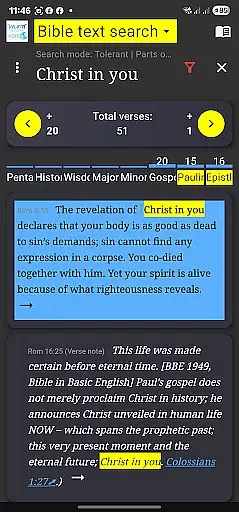
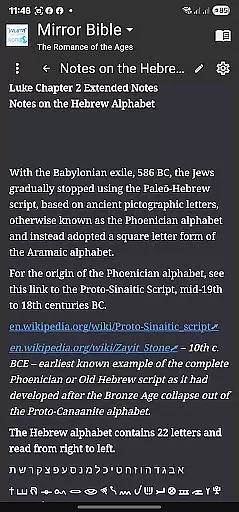
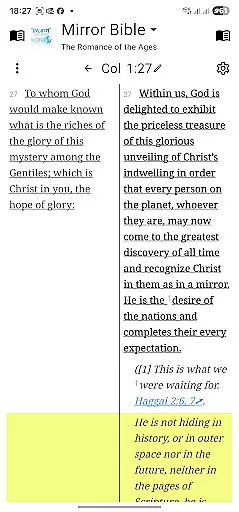
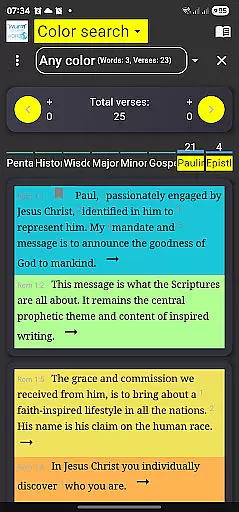
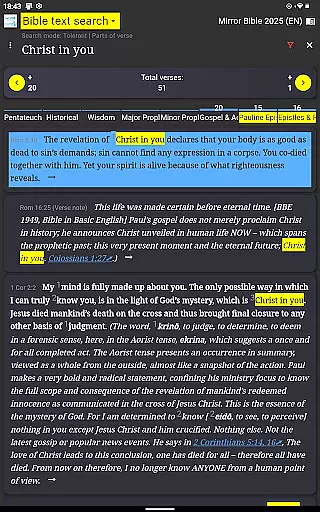
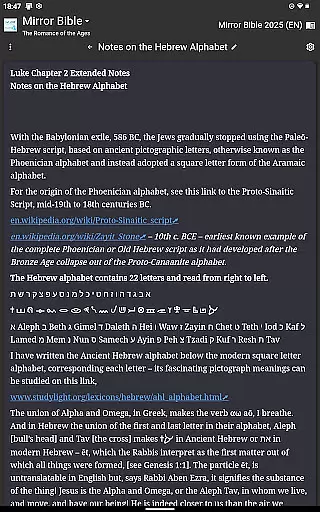
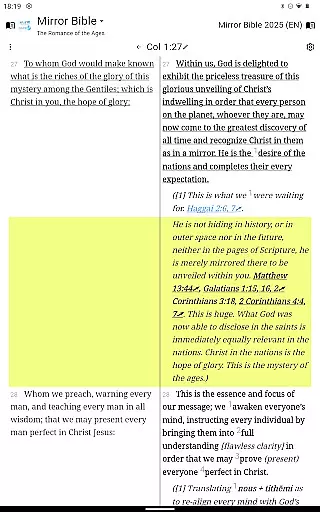
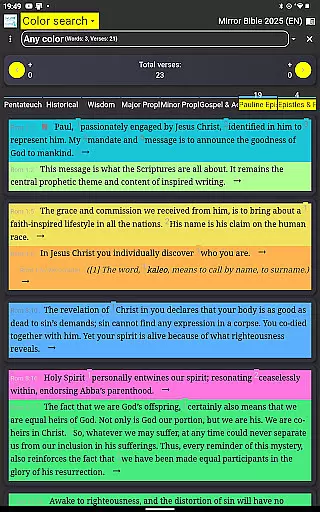
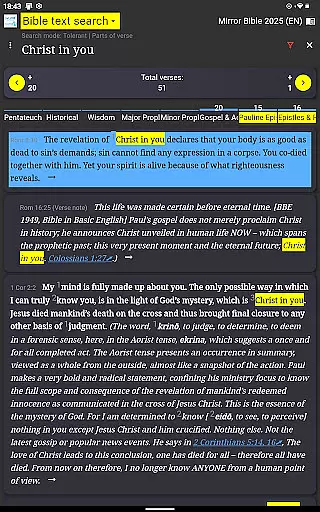
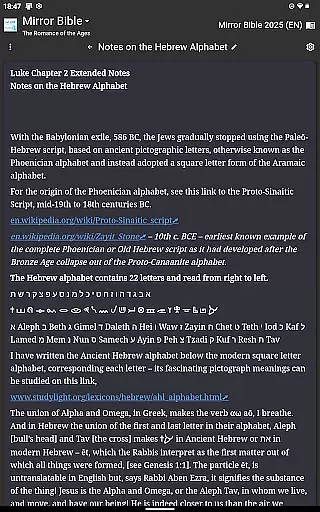
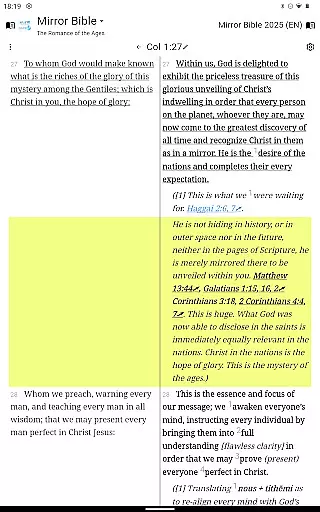
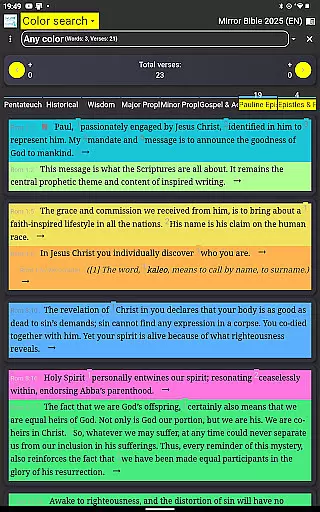

Powerful Bible study tools linked to every verse in an easy-to-use Bible reader!
 4.60
4.60
Essential Technical Rescue Field Operations Guide 6, the Industry Standard Guide
4.20
Knots 360 Pro ( 3D ) shows you animated 192 knots in 3D perspective
4.10
Unlock more features in Lithium and show your support. Expand for details.
4.00
America's best dictionary and thesaurus - with premium content and no ads
3.40
Holy Bible, a KJIV Bible study, audios & daily verses, talk with God now.
4.80
Daily Bible app: King James Version with verses and audio for studying&prayer
4.40
Premium reader for ePub, PDF, and more. TTS and translation. Great on any screen
3.50
Calculate, Knowledge, Homework
4.40
Bible Study App with Audio Book, Verse of the Day, and Devotionals.
4.80
Universal Zoom, learn about sizes & distances of the universe and microcosmos
4.80
My Bible offers a comprehensive app by providing offline access, daily verses.
4.80
"Five Dr. Seuss titles in one omBook!"
4.60
Full text, sheet music, and recordings of the print edition
4.60
The ultimate military vehicle identification (Equipment ID) guide.
4.40
Bible Spiritual Companion
4.40
Zerobooks Light Novel Reader by GOLDENAGATO
4.20
“There was one last piece of cake. My little sister said ‘Me too!’”
4.00
ISAIAH EXPLAINED with Avraham Gileadi Ph.D.
4.00


User Reviews