

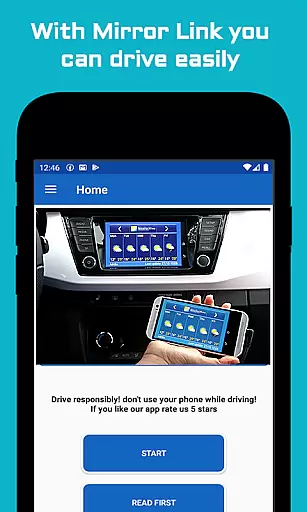
Mirror Link Car Connector is a specialized application designed to enhance driving convenience by enabling seamless screen mirroring between mobile devices and car displays. This app utilizes the screen mirroring feature available on Android devices, allowing users to project their phone screens onto their car's display without the need for physical cables.
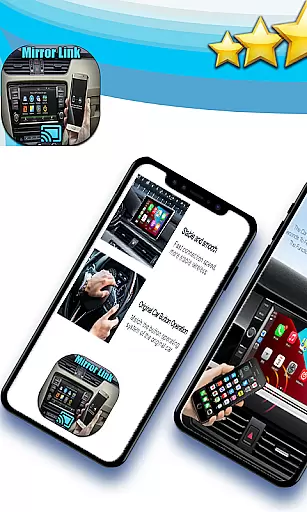
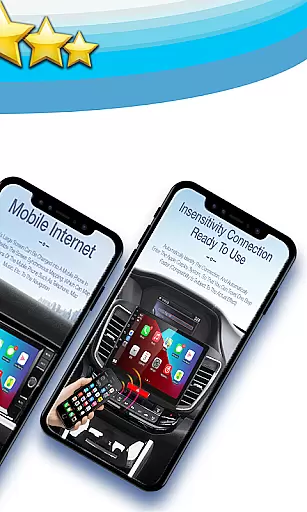
The primary function of this software is to ensure that drivers can operate their mobile devices safely while driving. By connecting the phone to the car screen, users can access navigation, media, and other essential apps directly from the vehicle's display. The app also supports connectivity with other devices like home TVs, making it versatile beyond just automotive use.
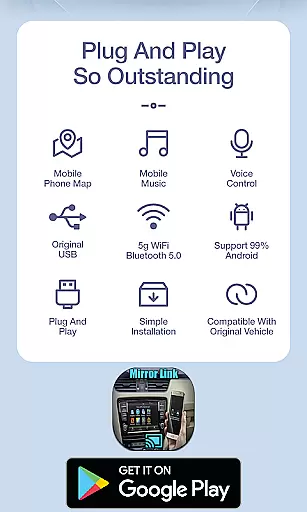
One of the standout features of Mirror Link Car Connector is its ability to automate certain tasks when the device connects to the car's screen. For instance, it can automatically play or pause music, reducing the need for manual adjustments and allowing drivers to focus on more critical aspects of driving, such as wearing a seat belt or adjusting mirrors.
In addition to its core functionality, the app offers broad compatibility, being able to connect with various devices beyond just cars. Its user-friendly interface ensures that even those who are not tech-savvy can easily set up and use the application. Overall, Mirror Link Car Connector provides a practical solution for integrating mobile technology with automotive environments, enhancing both safety and convenience.
Functionality completeness is a critical aspect of any software application, ensuring that all promised features are fully operational and accessible. Mirror link car connector excels in this area by providing users with the ability to connect their mobile devices to various screens without the need for cables. This includes not only car screens but also home TVs and other compatible devices.
The app leverages screen mirroring technology inherent in Android devices, allowing for a seamless connection process. By doing so, it ensures that drivers can focus on the road while still accessing their mobile apps through the larger and more conveniently placed car display. This feature significantly enhances both safety and convenience during travel.
Moreover, the application offers additional functionalities such as automating music playback when connected to a car's screen. This automation simplifies the user experience by eliminating manual adjustments, thus reducing distractions while driving. Such comprehensive functionality coverage demonstrates the app's commitment to delivering a complete solution for users seeking an integrated mobile and automotive environment.
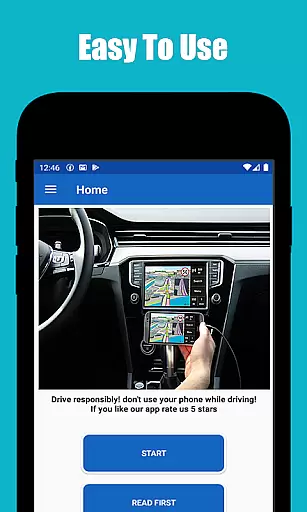
Usability and operational smoothness refer to how intuitively and efficiently a user can interact with an application. Mirror link car connector prioritizes these aspects by offering a straightforward interface that facilitates easy connections between phones and car screens. Its design emphasizes simplicity, enabling users to quickly understand and utilize its features without extensive learning curves.
One notable usability feature is the automatic management of music playback upon connecting to a vehicleu2019s screen. This eliminates the need for drivers to manually start or pause their music each time they enter or exit their cars, streamlining the overall user experience. Such thoughtful design elements contribute significantly to the app's operational smoothness.
Additionally, the app supports connectivity with multiple types of devices beyond just cars, enhancing its versatility. Whether mirroring a phone onto a home TV or another display, users benefit from consistent performance and reliability. These attributes collectively ensure that Mirror link car connector delivers a high-quality user experience marked by ease of use and dependable operation.
Easy to use
Wireless connectivity
Broad device compatibility
Automated functions
Enhances driving safety
Limited to Android devices
Requires compatible hardware
Potential connectivity issues
No iOS support
Dependent on screen mirroring technology

Demo for Key Attestation feature of the Android system.
 4.80
4.80
With Endoscope Camera Connector you can connect your phone with endoscope cam
3.70
Collection of Maps and Mods for Dmod
3.30
You can remote control and play much easier.
4.10
Zlink Carplay Android a mirror link app with a Carplay interface style
4.3
Enjoy hours of entertainment with our Roblox mobile games app
4.4
Mobs maker Minecraft help MCPE creators make their own mob by using Blockbench
3.50
A Pydroid Quick Install repository provider.
4.00
Simulator of real black light
3.50
An essential GFX utility developed for specific FPS mobile games
4.50
Block, disable and secure phone camera from secretly taking photos by spyware.
4.50
Manage apps & elevate your gaming experience with Game Launcher: Gaming Hub app.
4.30
Unlock the hidden menus of your phone with our mobile secret codes app.
4.20
Easily evaluate the performance of Scandit's barcode and ID scanning SDK
4.10
Connect your phone to any endoscope camera, USB camera, or borescope with ease.
3.70
Mirror phone to TV effortlessly! Stream, share & connect with Airplay ease.
3.60
Connect and Find your smart tag via our app.our app is compatible with smarttag.
3.30
Record with Double Camera Video Recording using Dual Camera Front and Back Video
3.00
Read Quran pak offline & listen online mp3 Quran in Al Quran Majeed app
4.4
User Reviews