

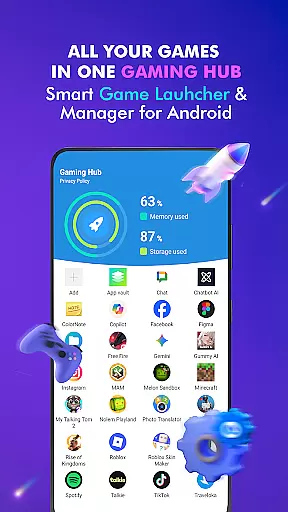
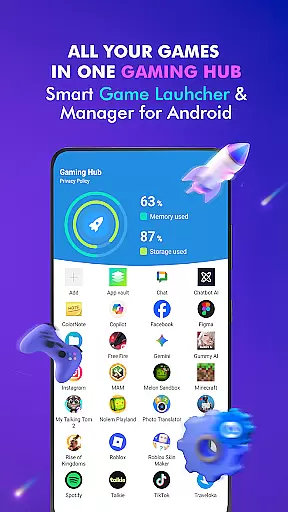
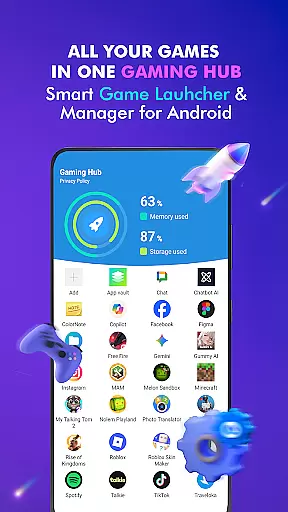
Gaming Hub is a comprehensive app management solution designed to simplify the organization and launching of games and apps on Android devices. The app serves as a centralized hub where users can easily access their favorite applications without the clutter typically associated with device home screens.
With its intuitive interface, Gaming Hub allows users to automatically detect popular games from renowned publishers or manually add preferred apps. It also provides essential performance monitoring features such as RAM usage tracking and storage optimization, ensuring that your device maintains optimal conditions for gaming.
This app is particularly useful for gamers who have numerous games installed on their devices and need an efficient way to manage and launch them. By streamlining the app management process, Gaming Hub enhances the overall user experience, making it easier than ever to enjoy mobile gaming.
Gaming Hub offers a robust set of features tailored for Android users looking to enhance their app management capabilities. One of the standout features is the Android Game Launcher, which simplifies the launching process of games and apps by providing a dedicated space for quick access.
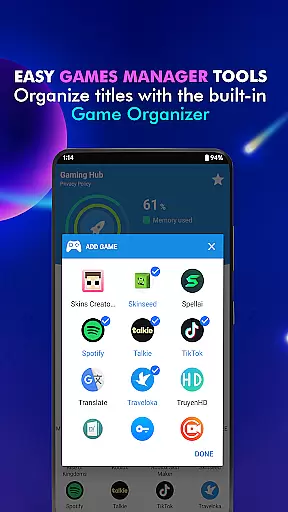
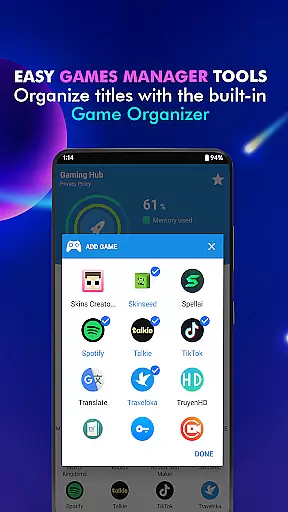
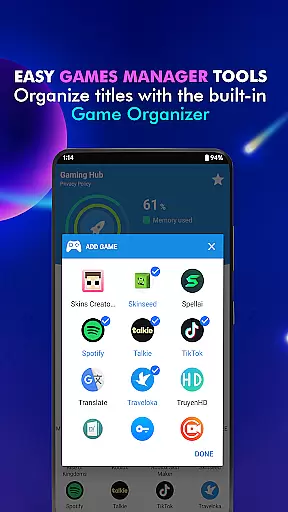
The app's Gaming Hub functionality centralizes all your games and apps in one location, significantly reducing the time spent searching for specific titles. Additionally, the App Organization tool uses Organizer Master technology to automatically detect and categorize popular games, while still allowing manual additions for personalized curation.
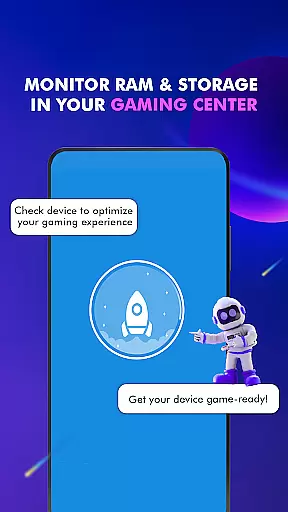
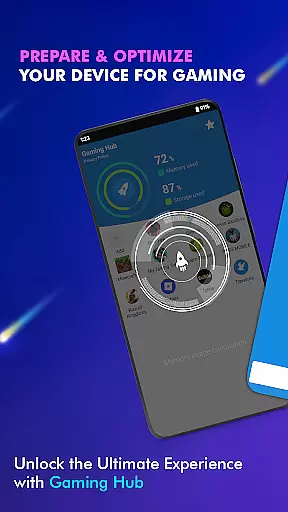
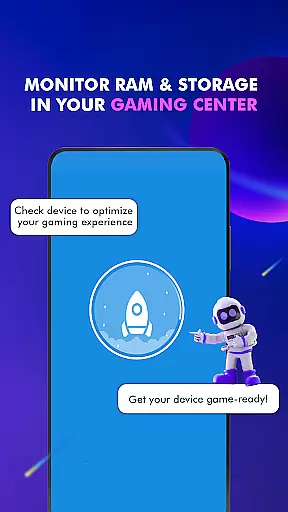
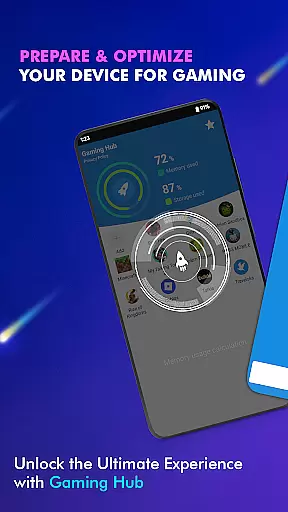
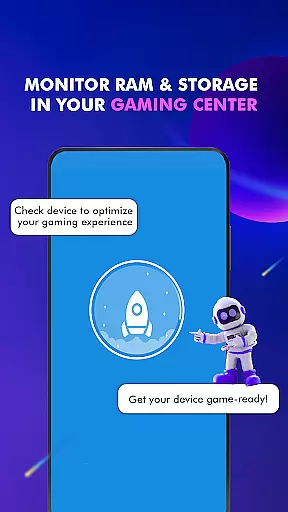
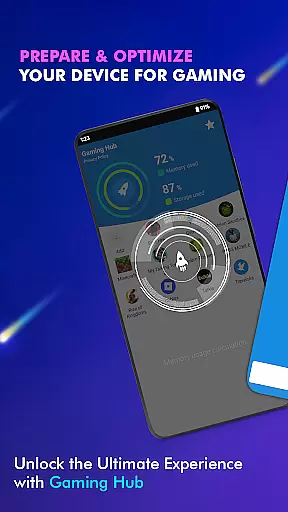
Performance Monitoring is another key aspect, enabling users to keep track of RAM usage and device storage. This ensures that your device is always optimized for the best possible gaming experience. While not a game booster, Gaming Hub focuses on delivering a seamless and user-friendly app launcher experience.
Functionality completeness is a crucial aspect of any app, and Gaming Hub excels in this area. The app provides a comprehensive suite of tools designed to simplify the management of apps and games on Android devices. With features like the Android Game Launcher, Gaming Hub, and Organizer Master, users can easily manage their favorite games and apps.
Gaming Hub goes beyond just organizing apps; it also includes performance monitoring capabilities. Users can monitor RAM usage and track device storage, ensuring optimal performance for gaming sessions. This functionality coverage ensures that users have all the necessary tools to maintain an efficient and organized digital environment.
The benefits of such complete functionality are significant. Users save time by having all their essential tools in one place, while the performance monitoring helps maintain device health. This makes Gaming Hub not just an organizational tool but also a valuable asset for maintaining overall device performance.
Usability is at the core of Gaming Hub's design philosophy. The app offers a user-friendly interface that simplifies the management of apps and games. Its intuitive layout allows users to quickly add their favorite games or apps to the library, making app management a breeze.
Operational smoothness is another standout feature. The app's Game Launcher and Organizer Master work seamlessly to detect and organize popular games from renowned publishers. Additionally, the Launcher feature enables quick and easy launching of apps, enhancing the overall user experience.
These usability features offer tangible benefits to users. By streamlining app management and providing quick access to essential tools, Gaming Hub significantly improves the daily interaction with Android devices. This operational efficiency translates into a smoother, more enjoyable user experience, making device management less of a chore and more of a pleasure.
User-friendly interface
Centralized app management
Automatic game detection
Manual app addition option
RAM usage monitoring
No direct performance boost
Limited to Android devices
Requires manual setup
Storage tracking only
No FPS improvement




If you are looking for melon playground mod that fun you deffinitely try our app
 2.70
2.70
Connect and find your Smarttag devices through our app.
4.00
Identify securely online
3.10
Block, disable and secure phone camera from secretly taking photos by spyware.
4.50
Mirror link car connector to share your screen with car dashboard
3.80
Explore The Holy Quran Majeed for Muslim. Listen to MP3 Quran & Al Quran Kareem.
4.80
Al QURAN-القرأن الكريم app to read Quran offline just like an actual Quran book
4.30
A Pydroid Quick Install repository provider.
4.00
Now Available on Android ™
3.40
Expo is a free & open source platform to build apps using JavaScript and React.
4.70
Phone Software Update Quick Checker helps you to keep your phone apps up to date
4.50
Popular mods fnaf mods for melon playground
4.50
Demo version of the mcpro24fps manual video camera. Try and buy a full version!
4.00
With Endoscope Camera Connector you can connect your phone with endoscope cam
3.70
Connect and find your Smart Tag 2 devices through our app.
3.60
Mobs maker Minecraft help MCPE creators make their own mob by using Blockbench
3.50
Endoscope camera an app to connect with endoscope cam or any device
3.30
A great tool help you to format Micro SD memory Card
3.10
Collection of high-quality, trendy skins and outfits!
4.1

User Reviews