

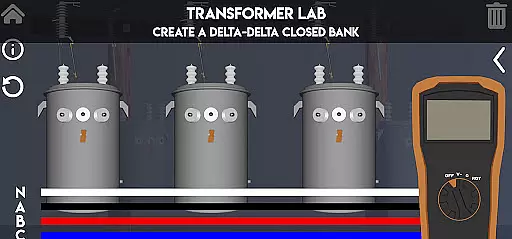
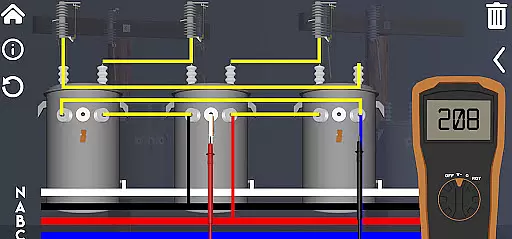
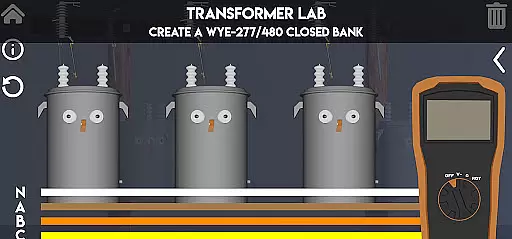
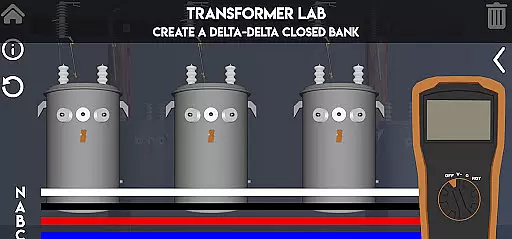
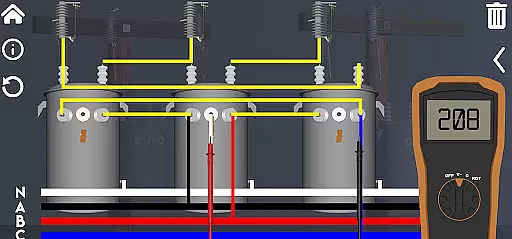
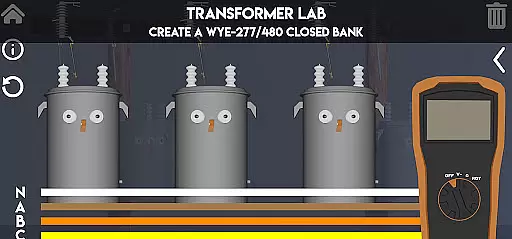
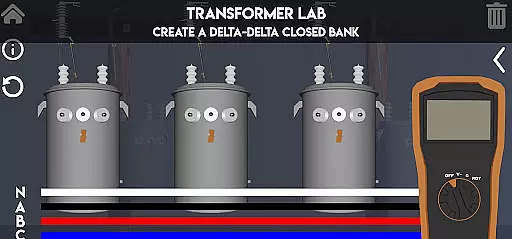
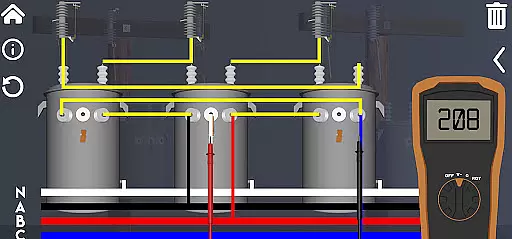
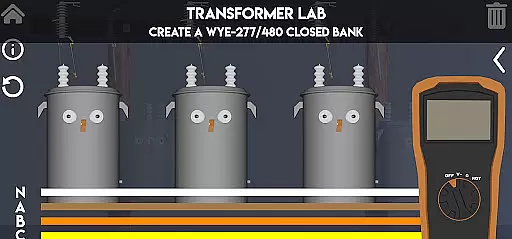
Lineman's Reference is an innovative educational app designed specifically for those in the electrical trade. This interactive transformer lab offers a comprehensive learning experience that goes beyond static diagrams and text-based information. With functioning virtual tools like a volt meter, ohm meter, and rotation meter, users can actively engage with transformer concepts and deepen their understanding of electrical systems.
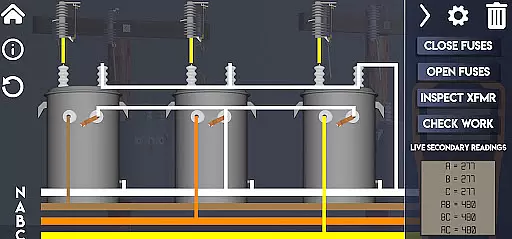
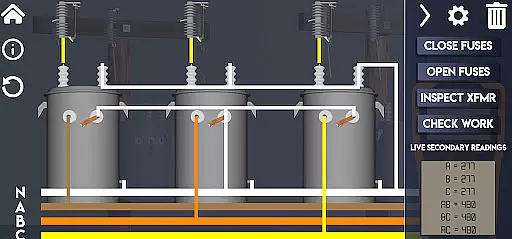
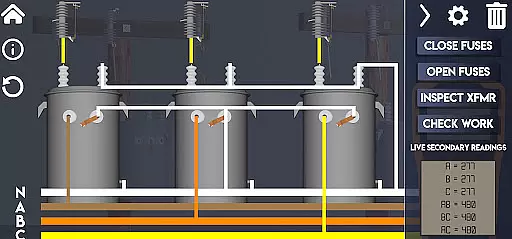
The app features multiple labs covering single-phase, three-phase, and advanced transformer configurations. Users can explore various transformer banks, practice troubleshooting techniques, and even learn about paralleling transformers. The real-time voltage display and visual representations of secondary windings provide valuable insights into transformer operations. Whether you're a beginner or an experienced professional, this app serves as a practical learning tool that fits right in your pocket.
One of the standout features is the custom quiz builder, allowing users to create personalized assessments for themselves and their apprentices. The app's advanced quiz system challenges users with random scenarios based on real job-site information, testing their ability to select correct transformer configurations and wiring setups. This makes Lineman's Reference an invaluable resource for both individual study and professional training purposes.
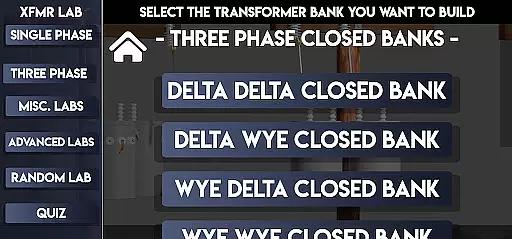
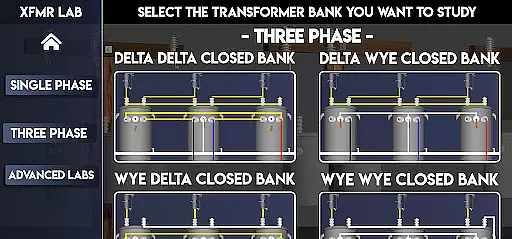
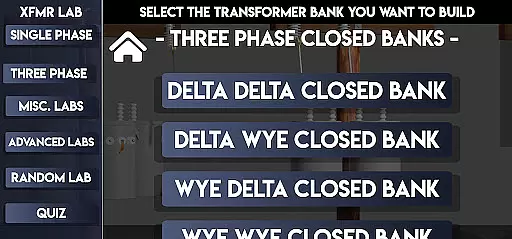
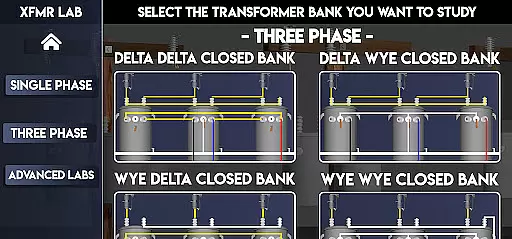
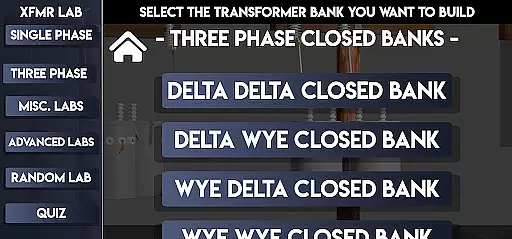
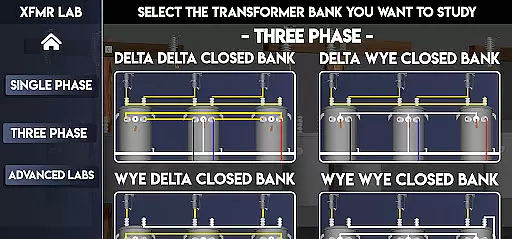
Lineman's Reference stands out with its collection of specialized labs designed for different transformer configurations. The app includes dedicated sections for single-phase transformers with single and dual bushing topsides, as well as comprehensive coverage of three-phase systems including Delta Delta, Delta Wye, Wye Delta, and Wye Wye configurations in both open and closed arrangements. These labs provide hands-on virtual experience with various transformer setups.
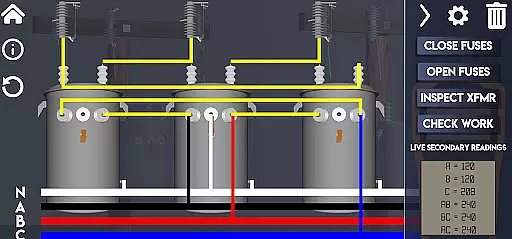
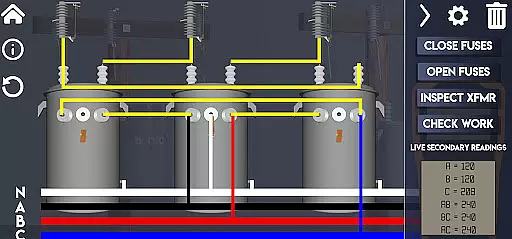
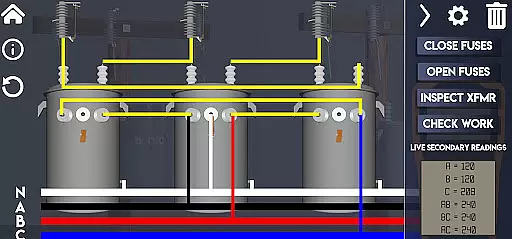
Advanced features cater to more experienced users, offering simulations of complex systems like Straight 480, 240/480, 277/480 configurations, corner grounded systems, and Wye Wye 5 Wire setups. The app's interactive tools include a functioning volt meter, ohm meter, and rotation meter, all working in real-time as users make changes to transformer banks. The ability to visualize secondary windings and observe fuse behavior under different conditions enhances the learning experience significantly.
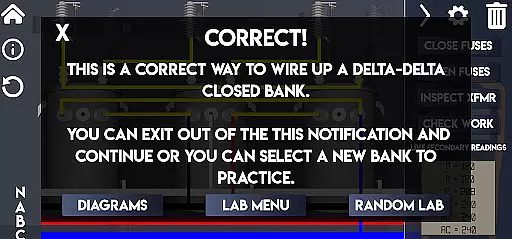
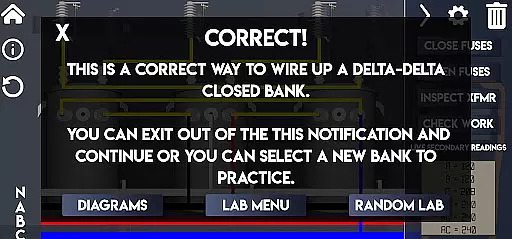
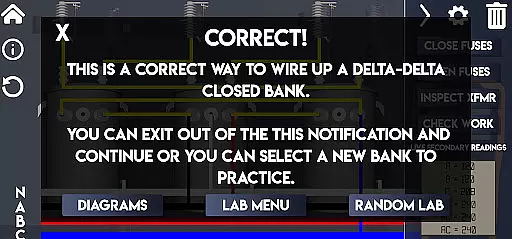
The quiz system adds another layer of engagement, allowing users to test their knowledge through randomized lab scenarios. The advanced quiz mode presents realistic job-site challenges where users must select appropriate transformer configurations and complete wiring tasks. Each incorrect attempt or blown fuse affects the final score out of 100, providing immediate feedback on performance. This gamified approach to learning helps reinforce theoretical knowledge with practical application.
In the realm of electrical education, Lineman's Reference stands out by providing meticulously accurate and authoritative content. This app is not just a repository of diagrams and textual information; it is an interactive transformer lab that fits in your pocket.
Whether you are new to the trade or a seasoned professional, this app offers valuable insights into transformers. From detailed explanations of transformer banks to basic troubleshooting and paralleling techniques, the content has been curated to enhance understanding at all levels.
The inclusion of functioning tools like a volt meter, ohm meter, and rotation meter ensures that users can experiment with real-time changes and see immediate results, reinforcing theoretical knowledge with practical application.
With features such as viewing secondary windings and blowing fuses under certain conditions, the app provides a comprehensive learning experience that is both reliable and engaging for users seeking to deepen their expertise in transformer operations.
Lineman's Reference excels in offering personalized learning paths tailored to individual needs. The app includes a variety of labs covering single-phase, three-phase, miscellaneous, advanced configurations, and quizzes, allowing users to progress at their own pace and focus on areas most relevant to them.
Users can build custom quizzes for themselves and their apprentices, ensuring that the learning experience is specifically targeted to their unique requirements and skill levels. This customization capability enhances engagement and retention by addressing specific knowledge gaps.
The advanced quiz feature tests overall transformer knowledge by presenting random scenarios based on real job-site information. Users must choose correct transformer nameplates and secondary coil configurations, then wire up corresponding banks, promoting active learning through problem-solving.
By integrating these personalized elements, Lineman's Reference ensures that each useru2019s journey through the educational content is both relevant and challenging, fostering deeper understanding and mastery of complex electrical concepts.
User-friendly interface
Interactive learning tools
Comprehensive transformer coverage
Real-time simulation feedback
Customizable quiz options
Steep learning curve
Requires technical background
Limited to transformer topics
No offline functionality
Complex for beginners

Your guide to thousands of satellites and spacecraft in orbit around Earth!
 3.90
3.90
Hebrew Vocab
4.90
Age-Related Child Developmental Milestones
4.80
The official CCM Glossary app, including 700+ terms and definitions.
2.90
Explore the City of the Sun in Augmented Reality
3.70
Our most popular app series returns, better than ever!
3.90
The "Go To" app for Airmen studying for promotion to SSgt and TSgt
4.30
Learn to pass DMV permit tests. Driver license practice test 2025.
4.60
Cool math games & learn to read activities- loved by kids, approved by teachers.
4.50
Experience the sky, planet earth and the solar system like never before
4.90
Short Lessons for Better Finances, Health, Skills, Jobs & Relationships.
4.80
Gain new skills in 10 minutes
4.70
Astronomy Guide to the Night Sky
4.40
Professional Award-Winning Astronomy Star Map App With Telescope Control
4.40
One of the most engaging and innovative ABC apps on the market.
4.30
Designed for Calculator 84 users
4.20
For medical training - Visualize complex vein maps and structures in real-time.
4.10
An aviator’s preparation, study and test tool for FAA Knowledge Exams.
3.90
scanner body part for fun Prank friends realistic scan effects
3.00

User Reviews