

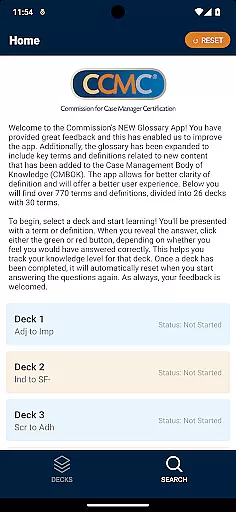
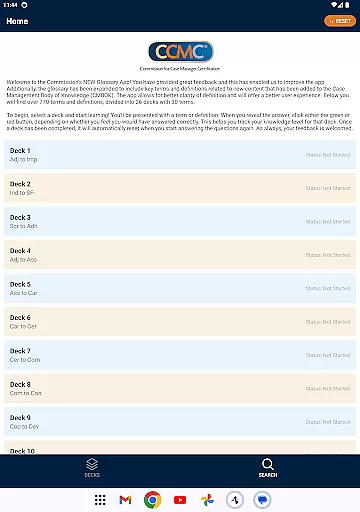
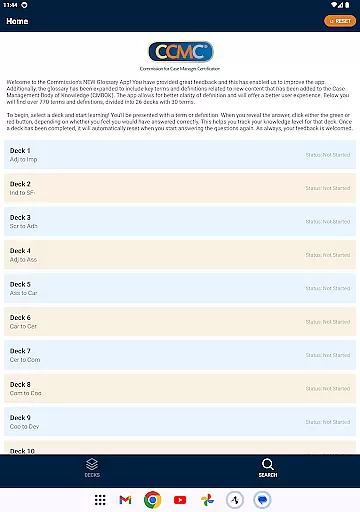
The CCM Glossary App is an educational tool designed to enhance understanding of key terms and definitions within the case management field. With over 770 terms divided into 26 decks, this app provides users with a comprehensive learning experience tailored to improve knowledge retention.
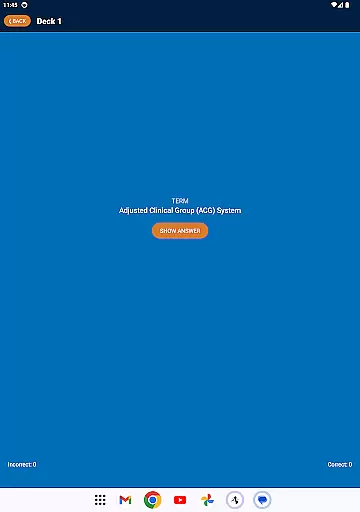
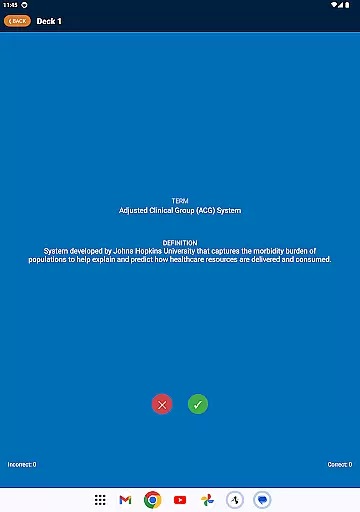
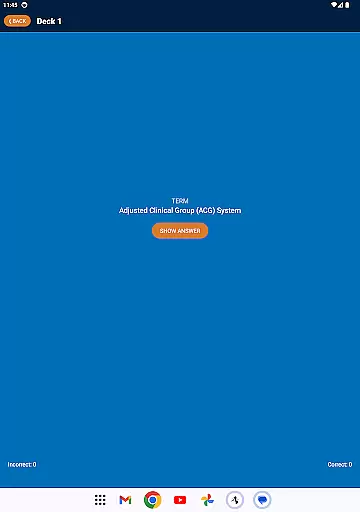
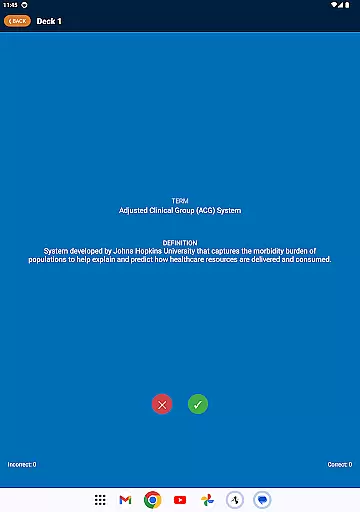
Each deck contains 30 terms, allowing users to focus on specific areas of interest or expertise. The app's interactive design enables users to test their knowledge by revealing answers and tracking their progress through color-coded feedback buttons.
This app is particularly useful for professionals preparing for certification exams or seeking to deepen their understanding of case management terminology. By offering expanded content from the Case Management Body of Knowledge (CMBOK), it ensures users stay current with industry developments while improving their professional vocabulary.
The CCM Glossary App offers several distinctive features that set it apart from traditional study tools. Its primary feature is the extensive glossary containing over 770 terms and definitions, carefully organized into 26 thematic decks for easy navigation and focused learning.
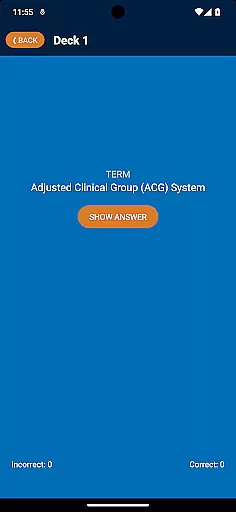
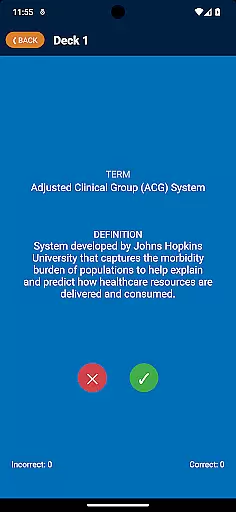
A unique aspect of the app is its interactive learning system. Users can test their knowledge by viewing terms or definitions and self-assessing their understanding through green and red feedback buttons. This system helps track individual progress and identify areas needing improvement.
Additionally, the app incorporates user feedback mechanisms and automatic reset functions for completed decks, ensuring continuous learning opportunities. These features collectively create an engaging and effective educational experience for case management professionals.
In the realm of educational applications, content accuracy is paramount. The CCM Glossary App ensures precision by sourcing terms and definitions directly from the Case Management Body of Knowledge (CMBOK). This guarantees that users are learning from the most authoritative and reliable materials available.
The app contains over 770 terms and definitions, meticulously organized into 26 decks with 30 terms each. Each term has been carefully reviewed and updated to reflect the latest industry standards, ensuring that learners receive current and accurate information every time they engage with the app.
By expanding the glossary to include new content areas, the app not only broadens its scope but also deepens the user's understanding. This commitment to thoroughness and accuracy makes the CCM Glossary App an indispensable tool for anyone looking to master case management terminology.
One of the standout features of the CCM Glossary App is its ability to offer personalized learning paths. Users can select a deck and start learning at their own pace, which allows for a tailored educational experience. This flexibility caters to different learning styles and ensures that each user can progress in a way that suits them best.
As users work through the terms, they can track their knowledge level by indicating whether they answered correctly or incorrectly. This self-assessment feature provides immediate feedback and helps users identify areas where they need further study, thus creating a truly customized learning journey.
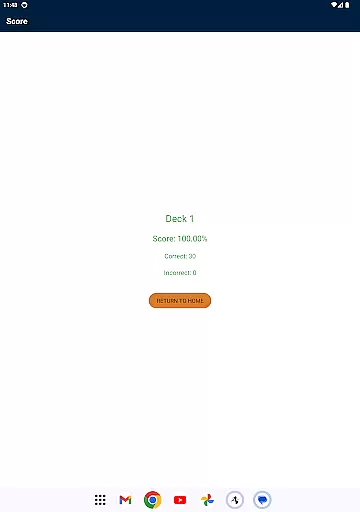
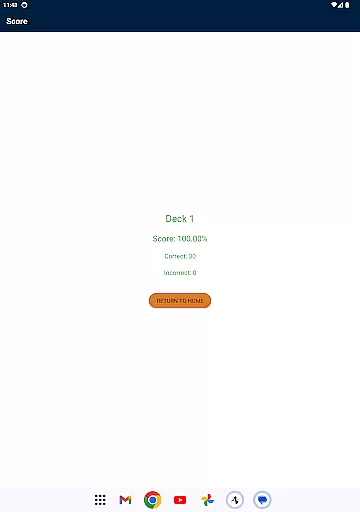
Moreover, once a deck is completed, it automatically resets, enabling continuous learning and review. This cyclical approach reinforces memory retention and mastery of the material, making the CCM Glossary App not just a reference tool but a comprehensive learning platform.
User-friendly interface
Comprehensive term database
Interactive learning tools
Progress tracking system
Regular content updates
Limited to case management
No offline functionality
Requires Google account
Occasional bugs reported
Android-only support


A 2024 digital study guide for the Expert Infantryman and Expert Soldier's Badge
 4.3
4.3
Universe simulator: Find & explore planets system, outer space, astronomy events
4.60
THE MOST COMPREHENSIVE JUMPMASTER STUDY RESOURCE AVAILABLE.
3.40
A must-have app for mastering Japanese verb/adjective conjugations.
3.60
Welcome to the Speak Navajo Language Application - Volume 1
4.50
Enrich the experience of your visit to the Pantheon with our audiotour.
1.60
Your best partner for learning Japanese words. Based on a best-selling textbook.
2.80
Stack the Countries makes learning world geography fun!
4.50
Animals pop up and make sounds—learn names and noises in Peekaboo Barn!
4.5
A fast and fun way to learn guitar - works with any guitar.
4.60
Turn scrolling hours into improving your knowledge, communication, intelligence
4.50
Study for your 608 certification.
4.50
Turns you phone or tablet into TI graphing calculator (ROM required).
4.20
For medical training - Visualize complex vein maps and structures in real-time.
4.10
Master note reading with StaffWars….
4.00
An aviator’s preparation, study and test tool for FAA Knowledge Exams.
3.80
Quiz App to help case managers studying for CCMC Certification, 200+ Questions
3.40
Flashnote Derby is the fun way for kids to learn music notes and memorize them.
3.40
Your best partner for learning Japanese words. Based on a best-selling textbook.
2.90

User Reviews