

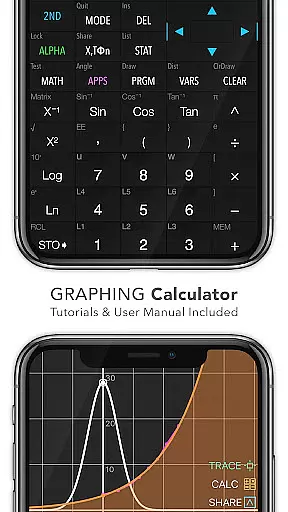
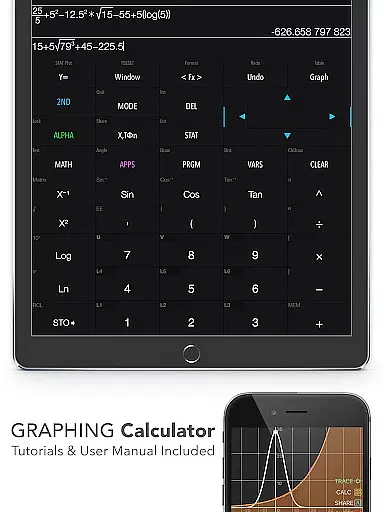
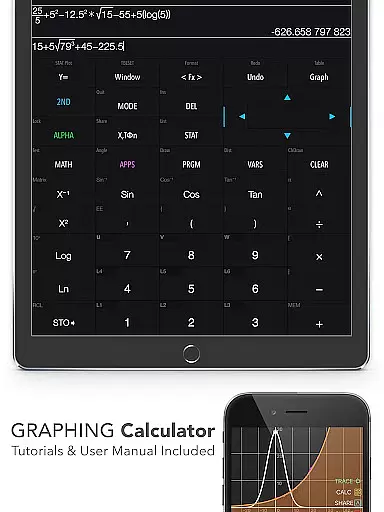
Graphing Calculator Plus represents the pinnacle of mobile scientific calculators, designed specifically for students, engineers, and math enthusiasts. This app mirrors the functionality of advanced hardware calculators like the TI-84 and TI-83 while offering the convenience of a portable Android device. With its robust MATH CORE and intuitive mathematical display support, users can perform both basic calculations and complex mathematical operations with ease.
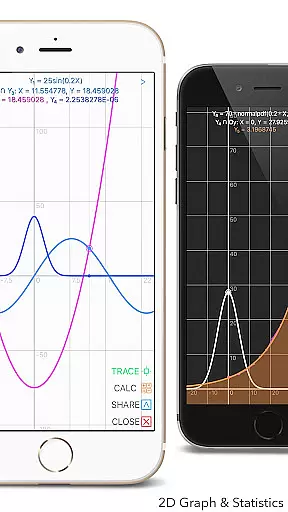
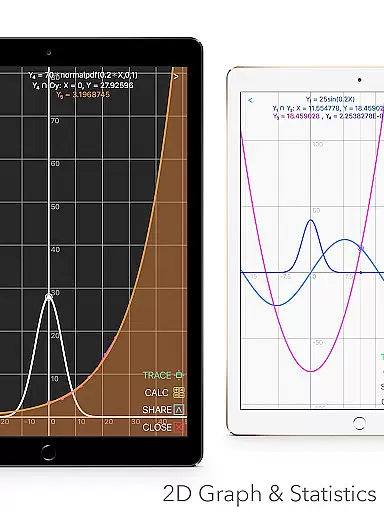
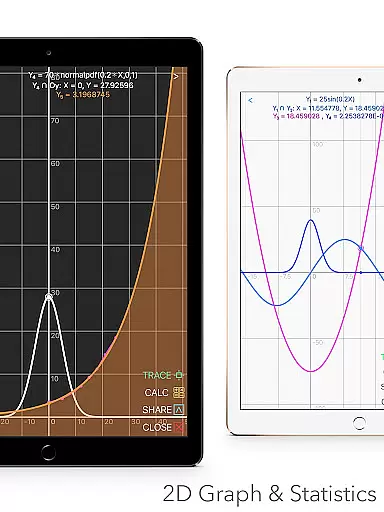
The app is packed with essential features such as 2D graphing capabilities, statistical analysis, matrix operations, and programming functionalities. Whether you're solving equations, calculating integrals, or performing regressions, Graphing Calculator Plus provides an all-in-one solution. Its dual themes and customizable functions make it suitable for various educational and professional environments.
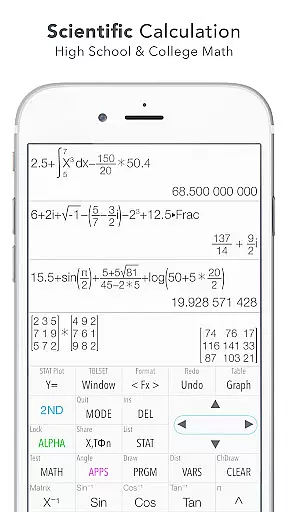
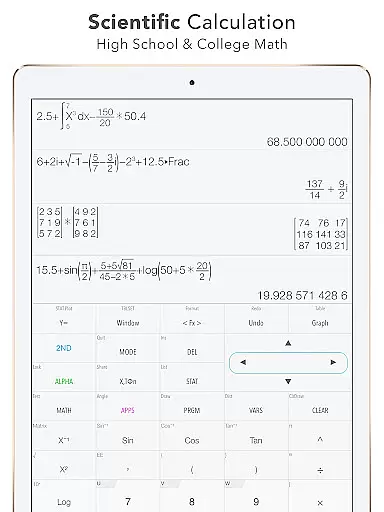
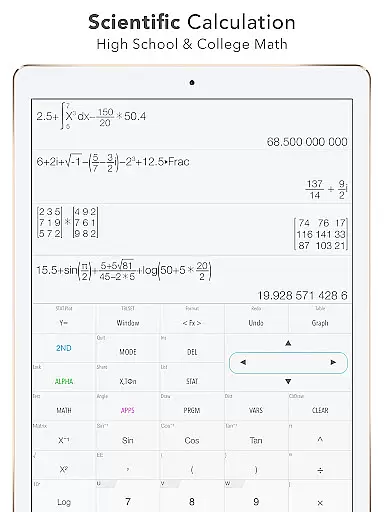
Ideal for academic settings, this app supports high school and college-level mathematics, including calculus, algebra, and geometry. The built-in documents and tutorials ensure that even beginners can navigate the app's extensive features with confidence, making it an invaluable tool for learning and mastering advanced mathematics.
Graphing Calculator Plus stands out due to its comprehensive set of features tailored for diverse mathematical needs. One of its core strengths is the powerful MATH CORE, which allows users to execute complex calculations smoothly. The calculator supports multiple modes, including a number base-N mode that accommodates up to 15 different bases and 64-bit integer operations, catering to computer science and engineering students.
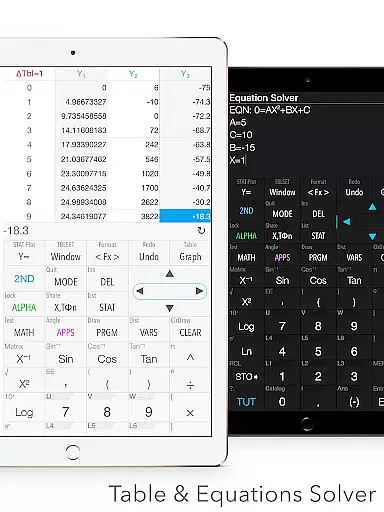
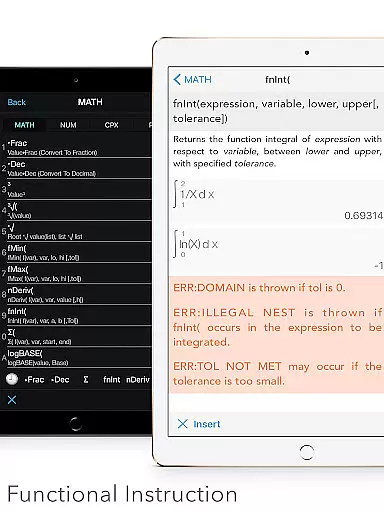
In addition to standard and advanced mathematical functions, the app offers specialized tools such as financial calculations using the TVM solver, geometry applications, and chemistry utilities. Users can create and edit matrices, lists, and graphs effortlessly, with functionalities like smooth zoom and transformation enhancing the graphing experience. The app also includes programming capabilities with control and I/O commands, providing a versatile platform for custom computations.
Usability is further enhanced by additional features like unit conversion across 50 categories, over 40 common constants, and a history tape view for tracking past calculations. These features not only save time but also improve accuracy in various projects, from academic assignments to professional tasks. The dual themes and customizable user interface ensure comfort during extended use, making Graphing Calculator Plus a top choice for anyone in need of a reliable, multi-functional calculator.
In the realm of education, content accuracy is paramount. Graphing Calculator Plus ensures precision by integrating a powerful MATH CORE with MATH DISPLAY support. This combination allows for accurate calculations ranging from basic arithmetic to advanced functions like Sin, Cos, Ln, and E.
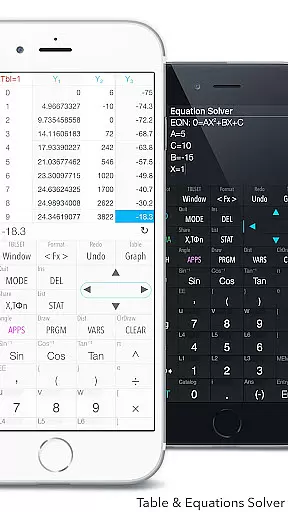
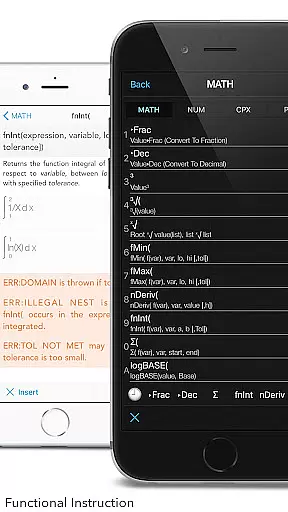
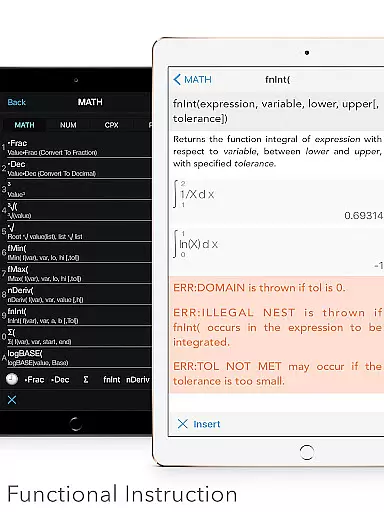
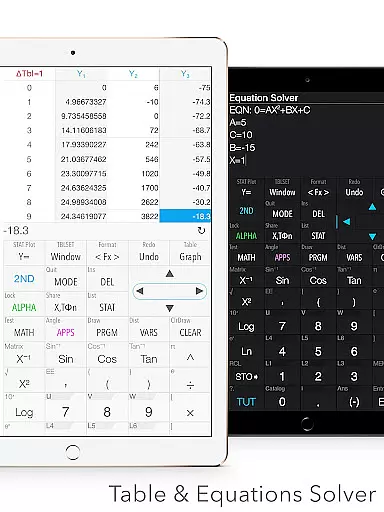
The app includes built-in documents that cover a wide array of mathematical operations such as X & Y Calculation, Intersection of Functions, Local Maxima and Minima, Statistics & Regression, Equation Solving, and Integral Functions. These resources are crafted to provide authoritative guidance, making it an indispensable tool for students and professionals alike.
Furthermore, the calculator supports over 40 common constants and unit conversion across 50 categories, ensuring that users have access to reliable data points and measurements. With these features, Graphing Calculator Plus not only aids in performing calculations but also in understanding complex mathematical concepts.
By offering comprehensive tools and maintaining high standards of accuracy, this application empowers learners to tackle both simple and intricate problems with confidence, knowing they can rely on the information provided.
Graphing Calculator Plus goes beyond traditional calculators by providing personalized learning paths tailored to individual needs. The app's functionality spans various mathematical disciplines, including statistics, regression analysis, matrix operations, and programming, allowing users to explore topics relevant to their studies or work.
With its ability to solve equations, polynomials, and perform numeric integrals and derivatives, the app adapts to different levels of expertise. Users can customize functions (F1, F2, F3) and utilize dual themes for a personalized experience that suits their preferences and enhances focus during problem-solving sessions.
Moreover, the inclusion of a geometry and chemistry app, along with financial calculation capabilities through the TVM solver, demonstrates the appu2019s commitment to catering to diverse educational requirements. As updates roll out, more features will be added, further enriching the user's learning journey.
This adaptability ensures that whether you're a student mastering algebra or an engineer tackling complex designs, Graphing Calculator Plus evolves with your growing skill set, offering a dynamic platform for continuous learning and development.
User-friendly interface
Advanced graphing tools
Comprehensive math functions
Customizable settings
Extensive documentation
Premium price point
Occasional bugs
Heavy on resources
Complex for beginners
Limited offline support

An aviator’s preparation, study and test tool for FAA Knowledge Exams.
 3.90
3.90
Turns you phone or tablet into TI graphing calculator (ROM required).
4.20
2026 DVSA Driving Theory Test revision with Hazard Perception + Highway Code
4.60
Latest TLC Practice Questions! Multiple languages available!
4.50
Master the NRP with 700+ questions, rationales, and updated NREMT scenarios.
3.00
Intuitive Transformer Lab - By a Lineman, For Linemen & Apprentices
4.50
For medical training - Visualize complex vein maps and structures in real-time.
4.10
THE ESTABLISHED "GO TO" ARMY BOARD PREPARATION APP!
4.30
Your Arts+Culture Guide
4.00
Memorize anything efficiently with AnkiDroid! Many pre-built decks available.
4.80
Learning the ancient Viking language made simple
4.70
Stargazing Guide App. Stars and constellations map. Solar system planets finder.
4.60
Welcome to the Speak Navajo Language Application - Volume 1
4.50
Ignite curiosity, spark learning: All babybus videos &games
4.30
An aviator’s preparation, study and test tool for FAA Knowledge Exams.
4.10
An aviator’s preparation, study and test tool for FAA Knowledge Exams.
4.00
Deal Craps (Practice Craps Payouts)
3.80
A collection of favorite stories from Daniel Tiger's Neighborhood
2.00
AR planetarium app that brings the solar system to you via XREAL Glasses.
4.2

User Reviews