

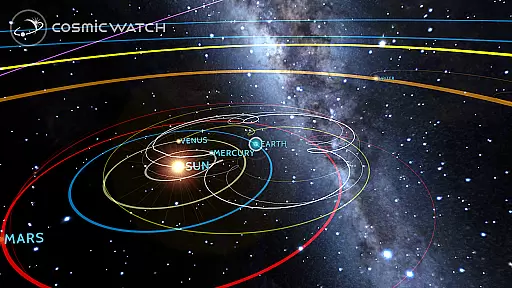
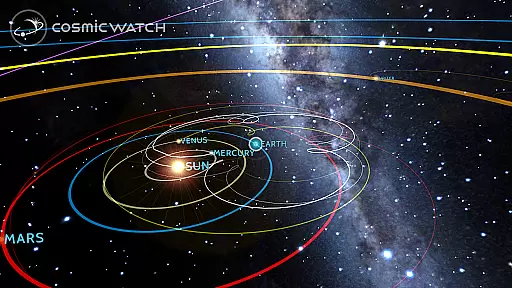
COSMIC WATCH is an innovative educational app that combines a 3D planetarium, augmented reality sky guide, and astronomical clock into one powerful tool. This app allows users to explore the solar system, identify constellations, stars, and planets in real-time, and even travel through time to observe celestial movements. With its stunning graphics and precise astronomical calculations, it serves as both an engaging introduction to astronomy and a sophisticated tool for advanced stargazers.
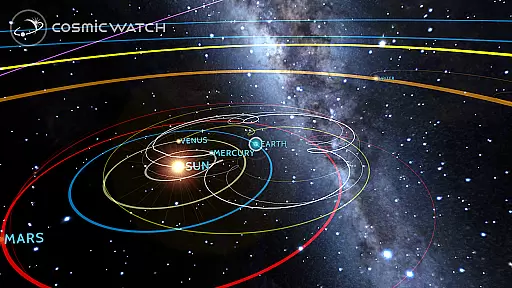
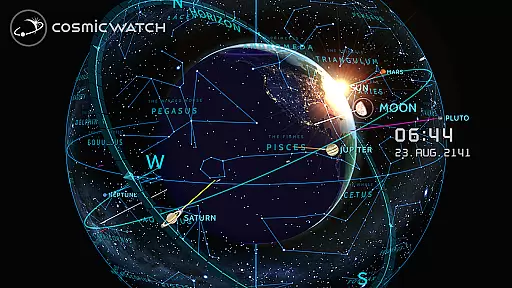
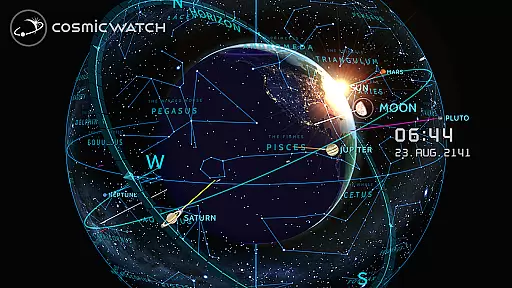
The app's unique features include geocentric and heliocentric views of the solar system, a digital compass, and an astronomical events calculator. Whether you're an amateur astronomer, a science enthusiast, or simply someone who appreciates beautiful design, COSMIC WATCH offers a captivating way to connect with the cosmos. Its ability to provide real-time visualizations of your position in the universe makes it an invaluable resource for learning about our place in space.
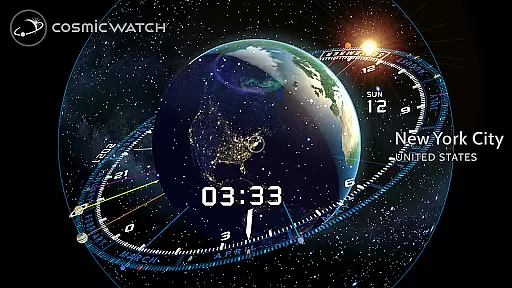
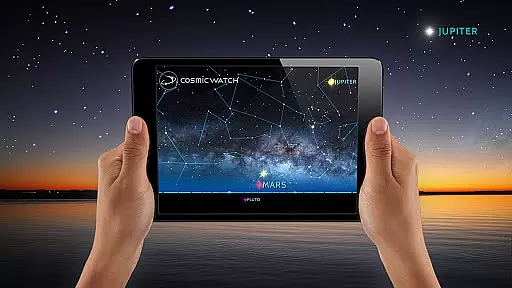
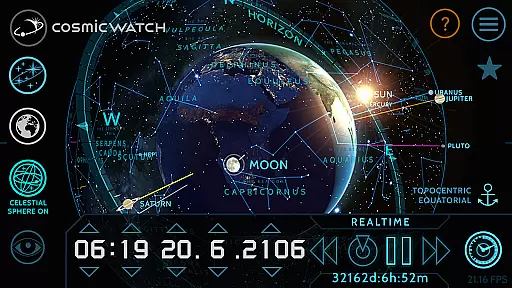
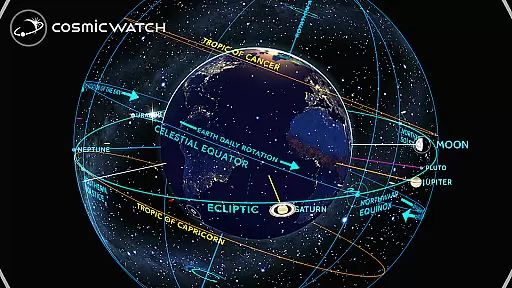
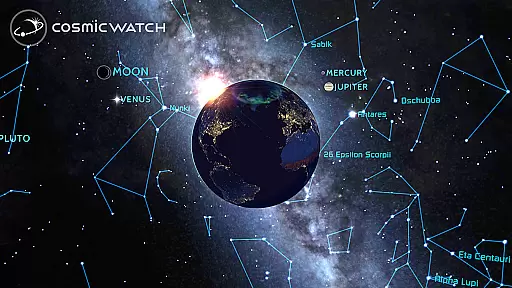
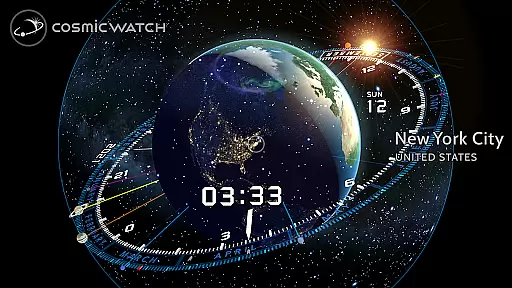
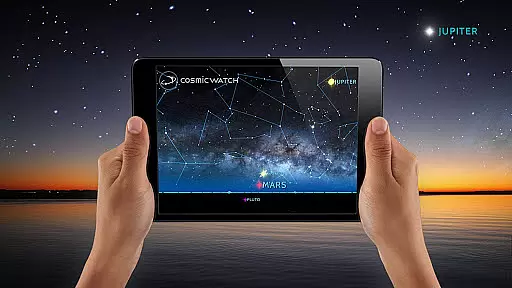
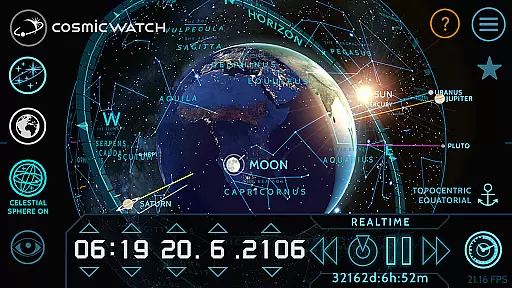
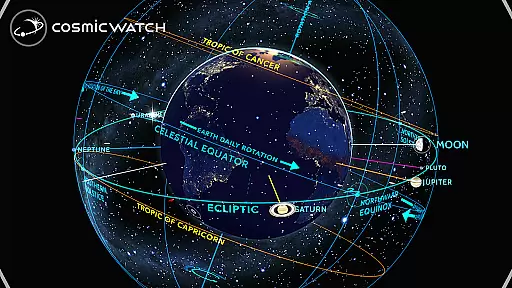
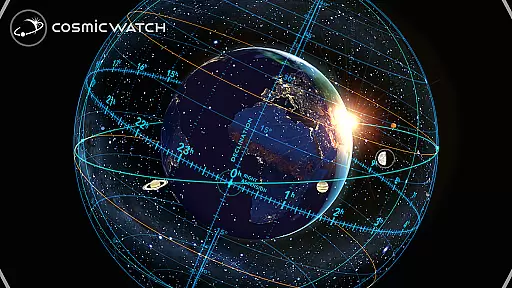
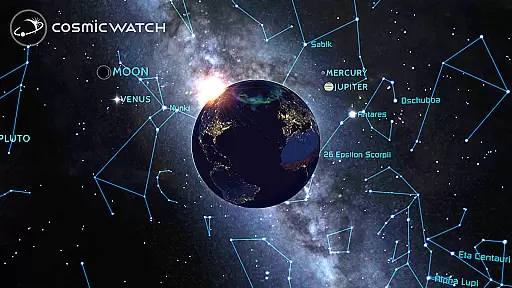
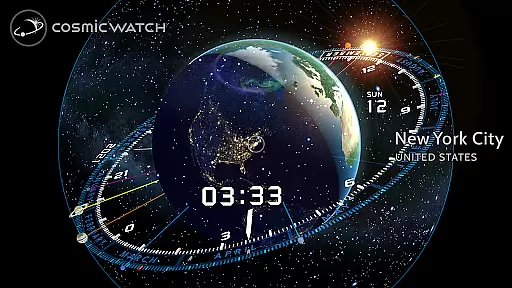
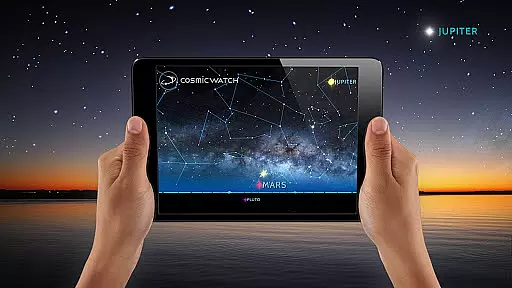
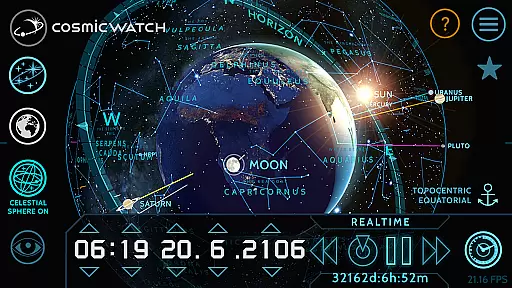
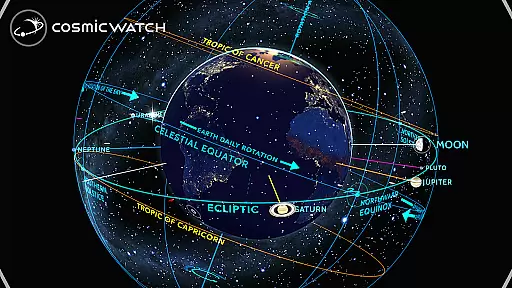
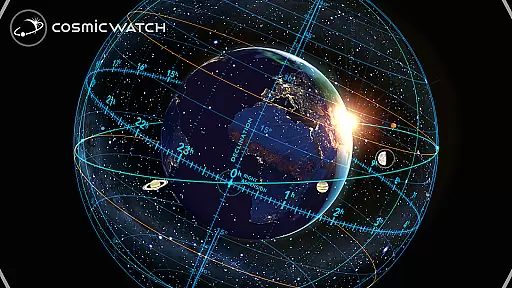
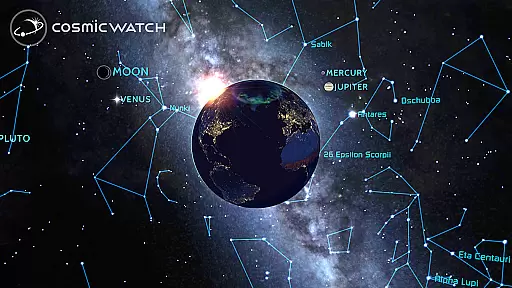
COSMIC WATCH stands out with its comprehensive set of features designed to enhance astronomical exploration. The app includes a 3D celestial sphere that provides an overview of the entire sky, complete with star maps, constellations, and informative layers. Users can switch between different views such as sky, earth, and solar system modes, offering multiple perspectives on celestial phenomena. The augmented reality feature lets you point your device at the sky to experience live overlays of stars and planets.
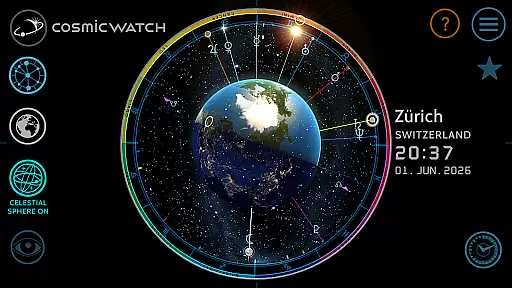
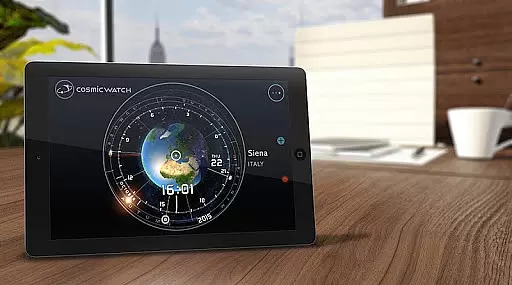
One of the most impressive aspects is its interactive astronomical clock, which not only functions as a world clock but also demonstrates how time relates to solar system movements. Notifications about upcoming astronomical events ensure you never miss significant cosmic occurrences. Additionally, the app provides detailed representations of planetary retrogrades and includes a digital compass for orientation. These features collectively create an immersive educational experience suitable for all ages and skill levels.
In the realm of educational applications, content accuracy is paramount, especially for an app like COSMIC WATCH that delves into the complexities of astronomy. This app provides a 3D planetarium experience with real-time graphics and visual effects, ensuring that users receive precise representations of celestial bodies and their movements.
The Cosmic Watch merges basic astronomical principles with time measurement, delivering a journey through space and time. It meticulously calculates astronomical events, offering users trustworthy information on cosmic phenomena. This dedication to precision ensures that both amateur stargazers and professional astronomers can rely on the app for accurate data.
Moreover, the app's AR capabilities allow users to explore constellations, stars, and planets in their current sky, enhancing the learning experience by connecting theoretical knowledge with observable reality. The app's creators, Celestial Dynamics, focus on inspiring users with beautiful and precise apps, raising awareness of our place within the cosmos.
By providing comprehensive features such as geocentric and heliocentric views of the solar system and informative layers, COSMIC WATCH establishes itself as an authoritative tool in its category. Its recognition with awards like the WEBBY AWARD for Best Educational App underscores its commitment to delivering high-quality, factual content.
COSMIC WATCH offers personalized learning paths by allowing users to tailor their exploration of the universe according to their interests and pace. Whether you're a novice or an experienced astronomer, the app adapts to various levels of expertise, making it a versatile educational tool.
With features like switching between sky, earth, and solar system views, users can customize their learning journey. The appu2019s interactive astronomical clock and world clock provide different perspectives on time and space, catering to individual learning preferences and objectives.
The augmented reality feature further enhances personalization by enabling users to point their device towards the sky and instantly receive tailored insights about the constellations, stars, and planets visible from their location. This hands-on approach fosters a deeper connection with the material being learned.
Additionally, notifications about upcoming astronomical events ensure that users never miss significant cosmic occurrences, aligning the learning path with real-world phenomena. By combining these personalized elements, COSMIC WATCH creates an engaging and adaptive educational experience suitable for all ages and knowledge levels.
Stunning 3D graphics
Real-time sky mapping
Augmented reality features
Comprehensive astronomical data
User-friendly interface
High battery consumption
Complex for beginners
Limited offline functionality
Requires modern devices
No in-app purchases for extras

AI Language tutor: Speak fluently with Lucy’s personalized coaching
 4.70
4.70
The Only Official DVSA Theory Test Kit App
4.50
Practice Casino Roulette Payouts for Table Game Dealers and Croupiers
4.40
The official CCM Glossary app, including 700+ terms and definitions.
2.90
Explore the City of the Sun in Augmented Reality
3.70
Flashnote Derby is the fun way for kids to learn music notes and memorize them.
3.40
Stack the Countries makes learning world geography fun!
4.50
Learn to make peaceful contact with extraterrestrial civilizations
4.10
Train, track, and reward potty training using Potty with Pull-Ups® ft. Disney®
4.70
Memorize anything efficiently with AnkiDroid! Many pre-built decks available.
4.80
Learning the ancient Viking language made simple
4.70
Learn Words Daily in Just Minutes - Boost Your Language Skills Fast!
4.60
Dinosaurs coloring book game. Drawing and painting dinos.
4.50
Intuitive Transformer Lab - By a Lineman, For Linemen & Apprentices
4.50
Build math skills in: addition, subtraction, multiplication and division.
4.10
An aviator’s preparation, study and test tool for FAA Knowledge Exams.
3.90
A must-have app for mastering Japanese verb/adjective conjugations.
3.60
AR planetarium app that brings the solar system to you via XREAL Glasses.
4.3
A 2024 digital study guide for the Expert Infantryman and Expert Soldier's Badge
4.2


User Reviews