

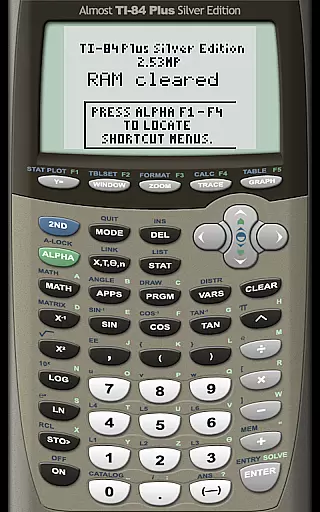
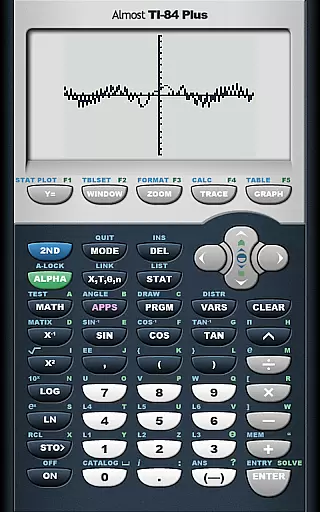
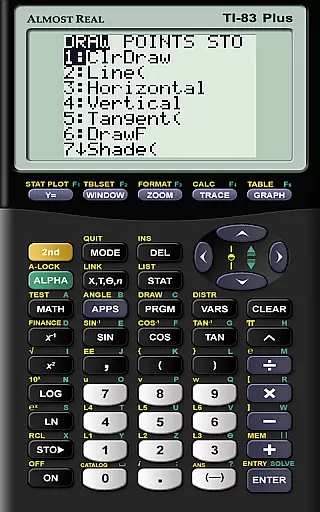
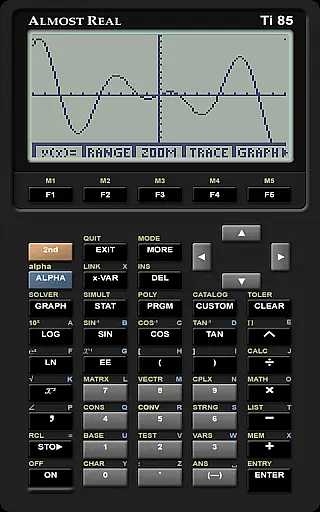
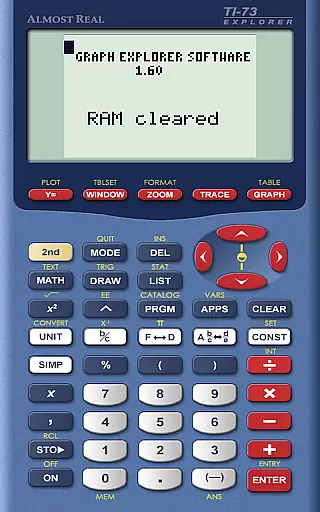
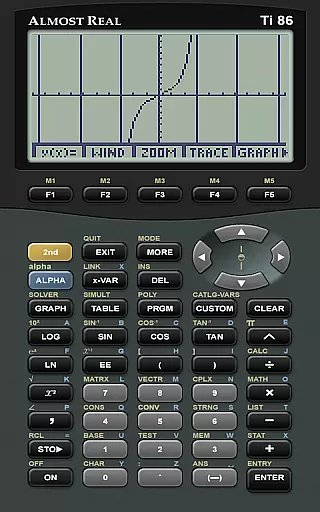
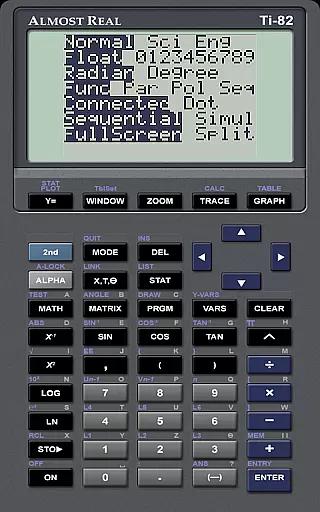
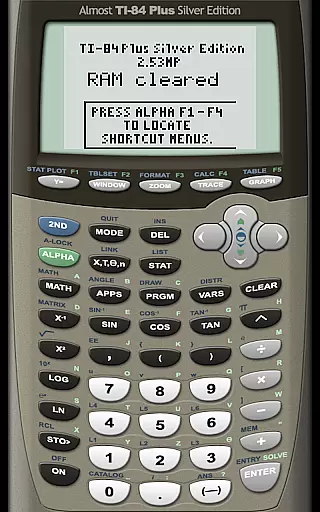
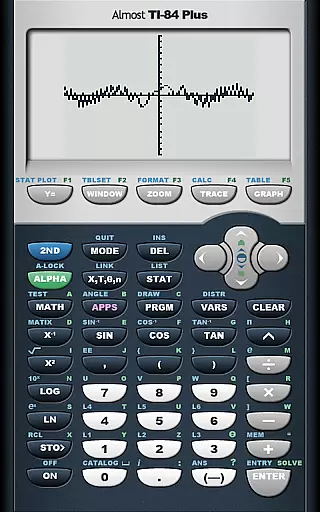
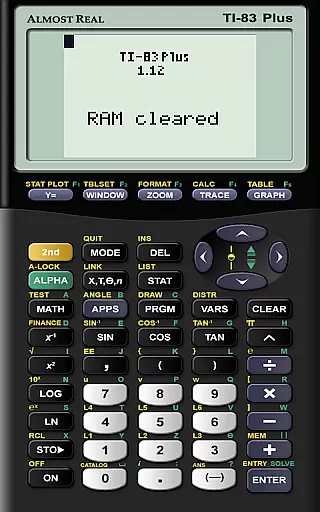
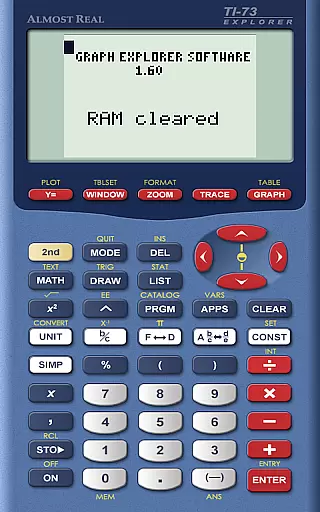
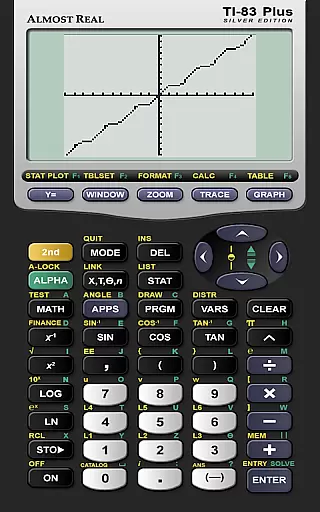
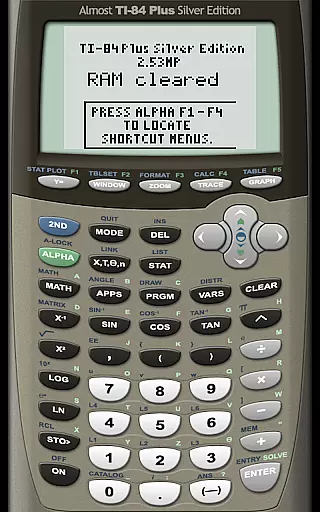
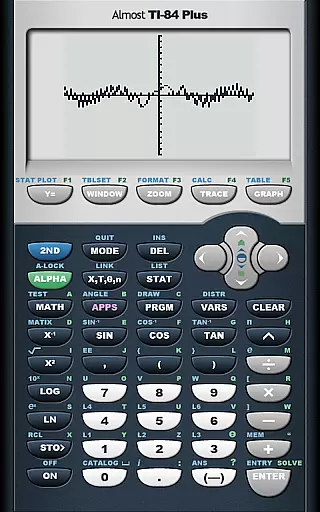
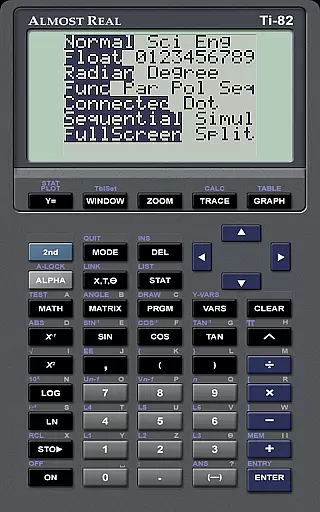
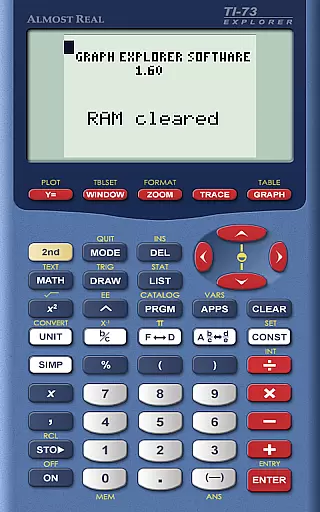
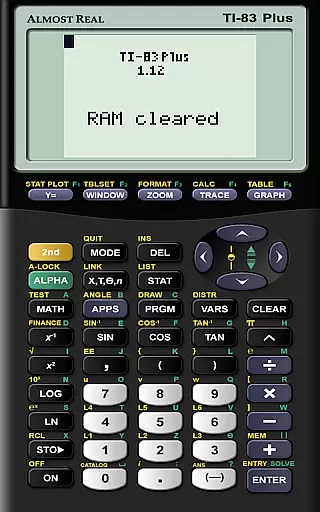
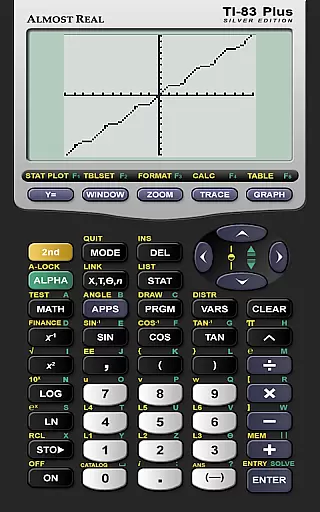
AlmostTI is an advanced educational tool that transforms your Android device into a fully functional Texas Instruments graphing calculator. This application emulates a wide range of TI calculators including the TI-84+, TI-83+, and many others, catering to students and professionals who require precise mathematical computations on-the-go.
The app allows users to save their calculations at any point and switch between previously saved tasks, making it ideal for complex problem-solving sessions. Whether you are in a classroom or working remotely, AlmostTI provides a reliable and portable solution for all your calculation needs.
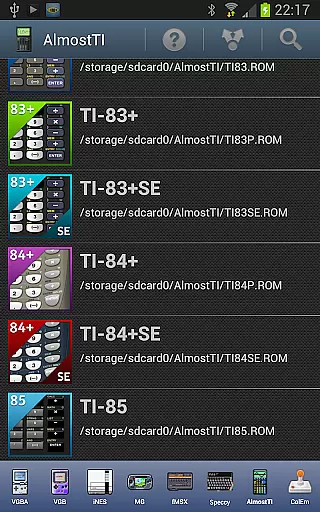
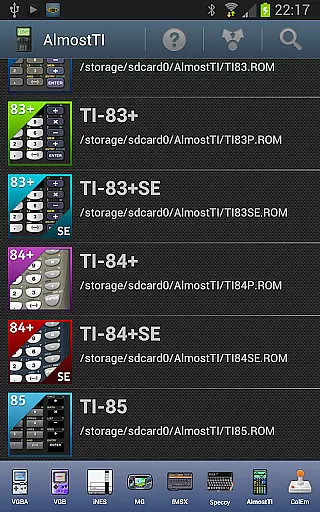
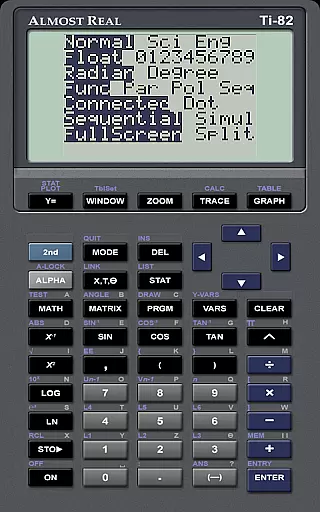
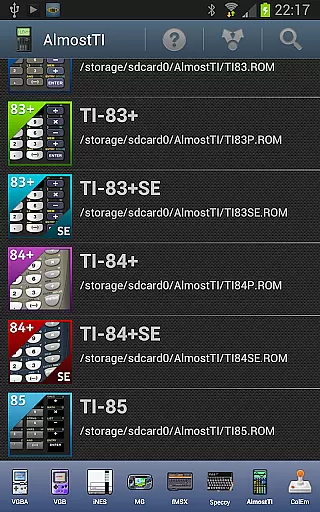
AlmostTI stands out with its comprehensive emulation capabilities. It supports multiple calculator models such as TI-84+, TI-83+, TI-82, and more, ensuring compatibility with various educational requirements. Users need to provide their own ROM files, which can be dumped from their physical calculators, offering a personalized experience tailored to individual needs.
In addition to its emulation prowess, AlmostTI offers practical features like saving and loading calculation states. This functionality enables users to manage multiple tasks efficiently, enhancing productivity during study or work sessions. The app's adaptability extends to tablets, providing a larger interface for detailed operations.
When it comes to educational applications, content accuracy is paramount. AlmostTI ensures precision by emulating a wide range of Texas Instruments graphing calculators, including models from the TI-84+ to the TI-81. This emulation allows users to perform calculations and solve problems with the same reliability as using a physical TI calculator.
The app strictly adheres to the functionality of the original calculators, providing an authentic experience without introducing any computational discrepancies. Users can trust that their calculations within AlmostTI will yield results consistent with those obtained on actual TI devices.
Moreover, AlmostTI respects intellectual property rights by not bundling any calculator ROMs. Instead, it requires users to supply their own legally acquired ROM files, ensuring all computations are based on genuine TI software. This approach reinforces the app's commitment to authoritative content while complying with legal standards.
AlmostTI offers personalized learning paths by allowing users to save their calculations at any point and return to them later. This feature enables students to work through complex math problems over multiple sessions, fostering a self-paced learning environment tailored to individual needs.
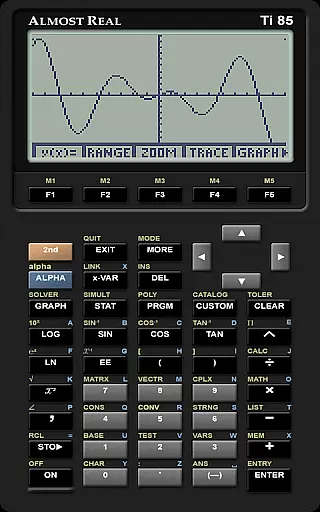
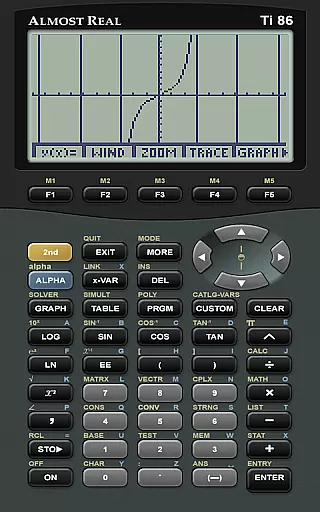
By supporting a variety of calculator models, the app caters to different educational levels and subjects, from basic arithmetic to advanced calculus. Each user can select the appropriate TI calculator model that aligns with their coursework or personal study goals.
Additionally, the ability to switch between previously saved tasks provides learners with the flexibility to explore various mathematical concepts without losing progress. This adaptability supports diverse learning styles and encourages exploration beyond the confines of traditional classroom settings.
User-friendly interface
Wide range of calculator support
Efficient task management
Portable and convenient
Customizable with personal ROMs
Requires external ROM files
No built-in calculator ROMs
Limited to Android devices
Complex setup process
Potential compatibility issues

Watch and Play Elmo's World!
 4.00
4.00
Gain new skills in 10 minutes
4.70
Dinosaurs coloring book game. Drawing and painting dinos.
4.50
Pass your FAA written with flying colors - Study Buddy can help.
4.30
An interactive enhancement of the Sesame Street classic.
4.50
Hasbro's Classic Board Game - Make Cavity Sam better or get the buzzer!
3.50
Animals pop up and make sounds—learn names and noises in Peekaboo Barn!
4.4
Hasbro’s classic CANDY LAND game is now a gorgeous interactive storybook app.
2.30
Learn Japanese in an immersive educational game set in Japan!
4.90
The Only Official DVSA Theory Test Kit App
4.50
Stack the Countries makes learning world geography fun!
4.50
One of the most engaging and innovative ABC apps on the market.
4.30
The FE Clock is a way to track sun & moon around the circle of the earth.
4.30
For medical training - Visualize complex vein maps and structures in real-time.
4.10
Listen, request and record pronunciations in more than 450 languages. Everywhere
3.90
An aviator’s preparation, study and test tool for FAA Knowledge Exams.
3.80
Your best partner for learning Japanese words. Based on a best-selling textbook.
2.80
Enrich the experience of your visit to the Pantheon with our audiotour.
1.60
Test prep for Indiana students
4.2

User Reviews