

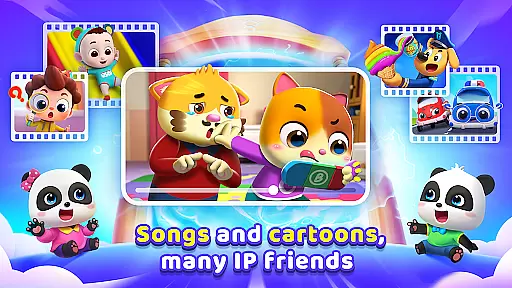
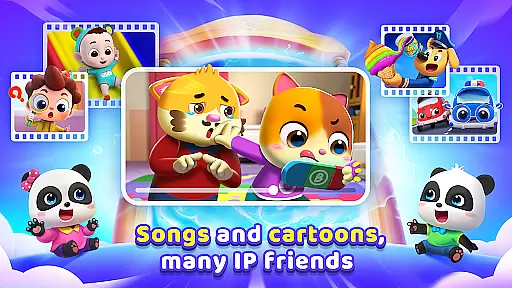
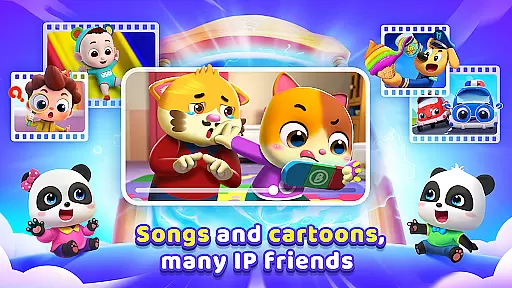
BabyBus TV is an educational app designed to spark children's imagination and foster a love for learning through engaging content. With over 600 episodes featuring beloved characters like Kiki and Miumiu, the app covers various educational themes including habits, art, safety, cognition, emotions, and knowledge.
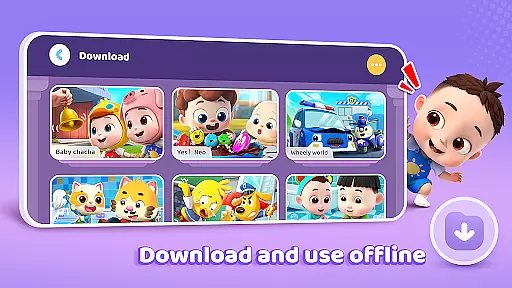
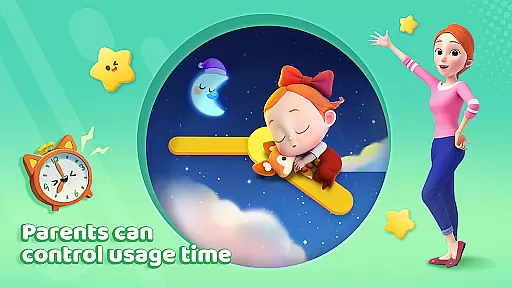
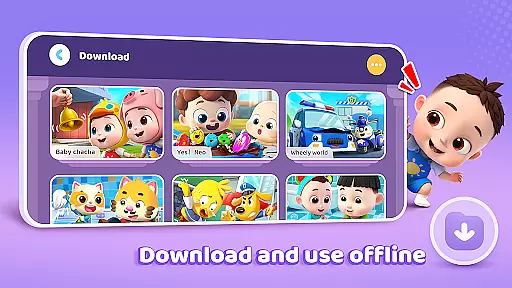
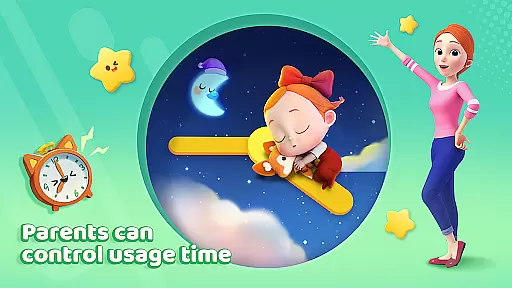
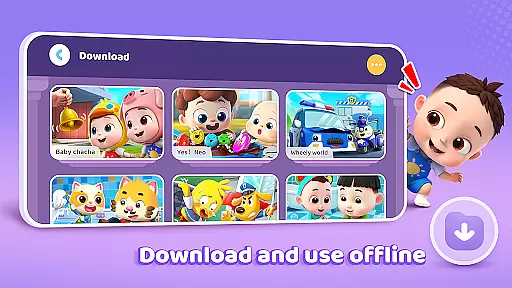
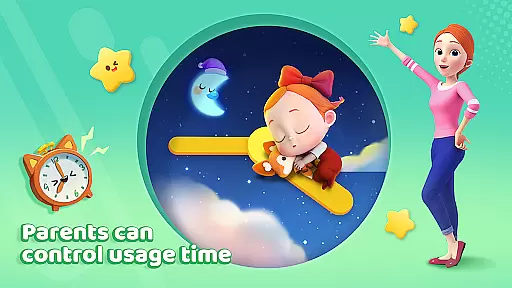
The app provides parents with essential features such as screen time control, free downloads, offline viewing, auto save of viewing history, full-screen play, and stringent privacy protection measures. These ensure a safe and balanced learning environment for children while giving parents peace of mind.
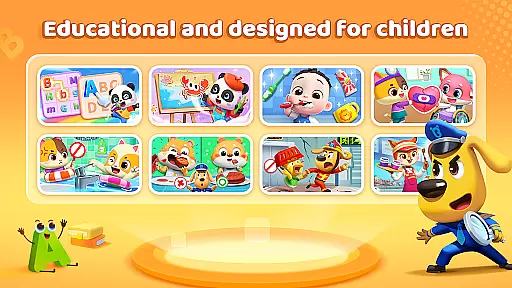
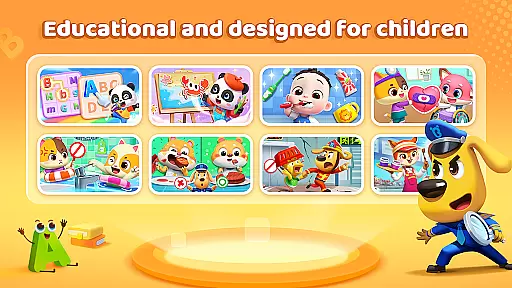
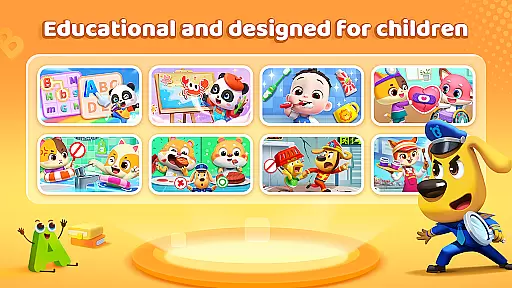
BabyBus TV offers a rich selection of educational materials that cater to different aspects of child development. The habits section teaches essential life skills, while the art segment encourages creativity through drawing and music. Safety education helps children understand crucial safety knowledge, and the cognition area expands their understanding of various topics.
Parents can customize their child's experience using features like screen time control and monitoring viewing history. The app also supports offline viewing, allowing children to enjoy content without an internet connection. Additionally, BabyBus TV prioritizes user privacy with robust data protection measures, ensuring a secure learning environment.
In the realm of educational content for children, accuracy and authority are paramount. BabyBus TV takes this responsibility seriously by offering a vast library of over 600 episodes that cover a wide array of educational topics. These include essential life skills such as brushing teeth and taking showers, to cognitive development areas like math and English.
The app ensures that each piece of content is crafted not only to entertain but also to educate with precision. By focusing on expanding knowledge about dinosaurs, cars, food, numbers, and more, BabyBus TV provides a comprehensive learning experience. The inclusion of safety education further emphasizes the app's commitment to delivering content that is both informative and crucial for young minds.
Parents can rest assured knowing that BabyBus TV collaborates with child education experts to develop its content. This guarantees that the information presented is not only engaging but also aligns with educational standards and practices. Such authoritative content supports parents in their mission to provide the best possible start in life for their children.
BabyBus TV stands out by offering personalized learning paths tailored to nurture each childu2019s unique abilities and interests. Through an enchanting world filled with beloved characters like baby pandas Kiki and Miumiu, the app captivates children's imaginations while subtly guiding them through various developmental stages.
The adaptive nature of BabyBus TV allows it to cater to individual learning paces, ensuring that every child can progress comfortably. Whether it's through interactive games that teach math or English videos that expand vocabulary, the platform adjusts its offerings based on user interactions.
Moreover, features such as screen time control and auto-save viewing history empower parents to actively participate in shaping these personalized journeys. By monitoring progress and setting healthy boundaries, caregivers can ensure a balanced yet enriching digital environment conducive to growth and discovery.
User-friendly interface
Extensive educational content
Offline viewing capability
Privacy protection measures
Screen time management
Limited interactive elements
Ads between videos
Occasional loading issues
No parental lock feature
Basic customization options




Turn scrolling hours into improving your knowledge, communication, intelligence
 4.50
4.50
One of the most engaging and innovative ABC apps on the market.
4.30
The official CCM Glossary app, including 700+ terms and definitions.
2.90
Guitar chord finder, analyzer, smartly visualized theory, progressions, quizzes.
4.70
The Fighter Verses Bible memory system helps you memorize God's Word.
4.50
Engage in learning science and math with the award-winning PhET simulations!
4.70
THE ESTABLISHED "GO TO" ARMY BOARD PREPARATION APP!
4.30
Learn to make peaceful contact with extraterrestrial civilizations
4.10
Professional Award-Winning Astronomy Star Map App With Telescope Control
4.40
Explore myths and gods across cultures with in-depth insights and stories.
5.00
Learn Japanese in an immersive educational game set in Japan!
4.90
For medical training - Visualize complex vein maps and structures in real-time.
4.10
Deal Craps (Practice Craps Payouts)
3.80
Explore the City of the Sun in Augmented Reality
3.70
Make your own game and world. Draw and animate characters
3.70
Quiz App to help case managers studying for CCMC Certification, 200+ Questions
3.40
scanner body part for fun Prank friends realistic scan effects
3.00
Enrich the experience of your visit to the Pantheon with our audiotour.
1.60
Animals pop up and make sounds—learn names and noises in Peekaboo Barn!
4.1


User Reviews