

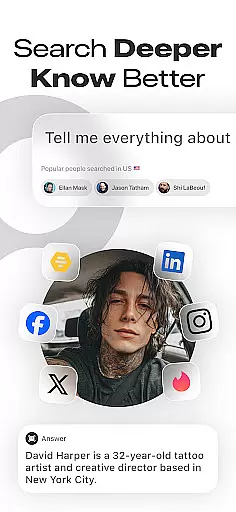
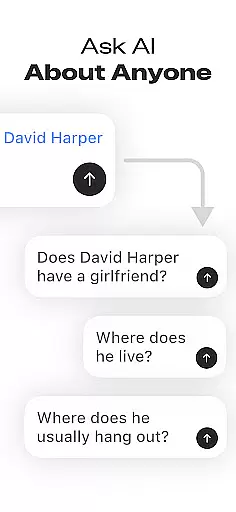
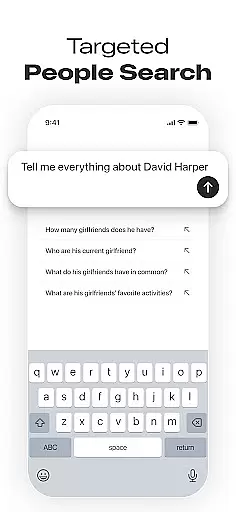
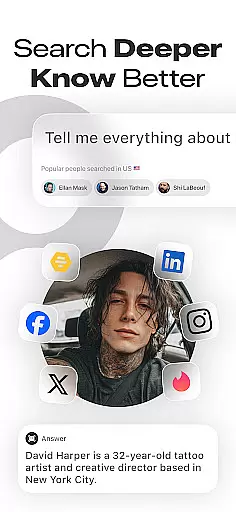
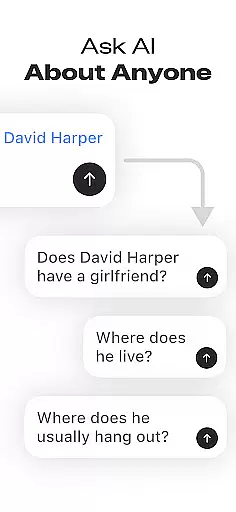
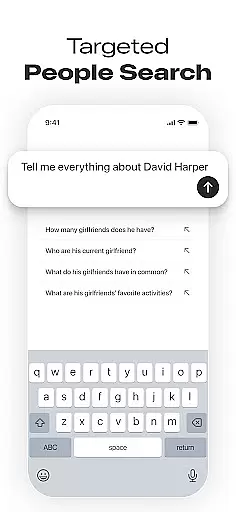
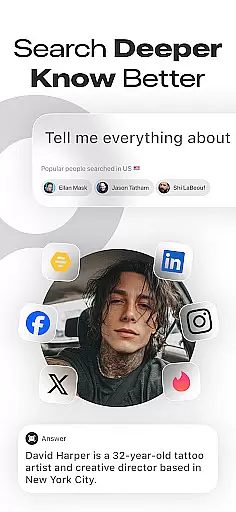
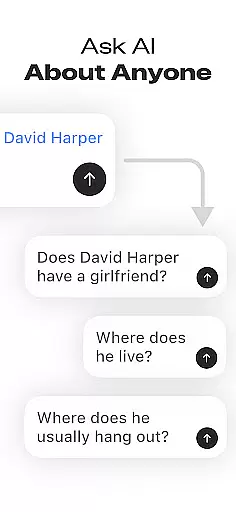
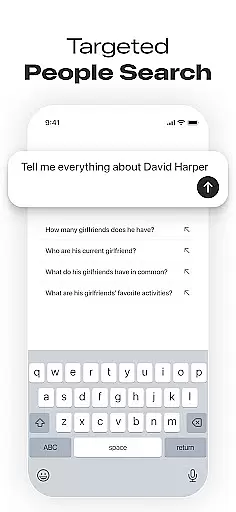
Deepsearch AI Search Assistant is a powerful tool designed to help users find publicly available information about individuals across multiple platforms. With just a name, phone number, email, or username, the app scans various sources to locate social media accounts and other relevant data. This makes it an ideal solution for networking enthusiasts, recruiters, journalists, and curious individuals who want to gather insights quickly and efficiently.
The app consolidates everything in a single, easy-to-use interface, eliminating the need for endless searches across different websites. Whether you're looking to reconnect with old friends, verify someone's online presence, or conduct background research, Deepsearch AI Search Assistant provides comprehensive results that include professional details, online mentions, and more.
By leveraging advanced AI technology, this app ensures quick and accurate searches, making it a valuable asset for anyone interested in discovering people's digital footprints. Its intuitive design and powerful features make it accessible to both casual users and professionals alike, enhancing their ability to stay informed and make better decisions based on publicly available data.
Deepsearch AI Search Assistant offers a range of robust features that set it apart from traditional search tools. One of its standout capabilities is the Advanced Social Media Finder, which allows users to locate someone's social accounts across various platforms by simply entering a name or username. This cross-platform search functionality saves time by aggregating data from multiple sources into one convenient location.
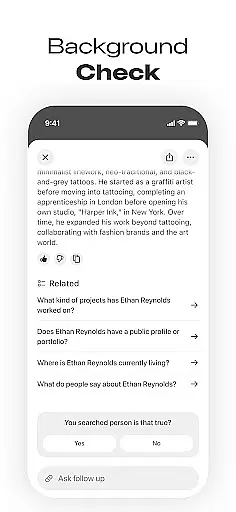
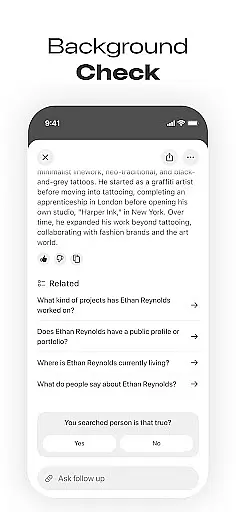
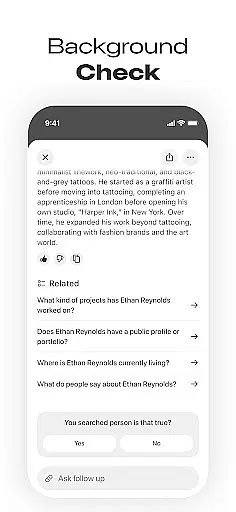
In addition to finding social profiles, the app provides comprehensive background information, including publicly available records, images, videos, and professional details. Users can also take advantage of the Search History and Popular Searches feature to keep track of previous queries and explore trending topics. The app emphasizes privacy and transparency, ensuring that all provided information is ethically sourced and responsibly used.
These features collectively enhance the user experience by offering quick, efficient, and hassle-free searches. Whether you're conducting personal research or professional investigations, Deepsearch AI Search Assistant equips you with the tools needed to uncover valuable insights and make informed decisions.
Deepsearch AI Search Assistant offers comprehensive coverage of lifestyle categories by enabling users to find social profiles and conduct background searches across multiple platforms effortlessly. The app's ability to search by name, phone number, email, or username ensures that users can access a wide range of publicly available information related to individuals' online presence.
The app consolidates data from various sources into a single interface, providing insights into someoneu2019s professional and personal details, including images, videos, and other relevant content. This cross-platform search functionality saves time and enhances the user experience by eliminating the need for manual browsing on different websites.
With features like advanced social media finder and publicly available background info, Deepsearch caters to networking enthusiasts, recruiters, journalists, and curious individuals alike. Whether you're attending business events, conducting research, or simply reconnecting with old friends, this app delivers valuable insights that enrich your understanding of people within your social and professional circles.
Deepsearch AI Search Assistant places a strong emphasis on content authenticity and expert credibility by sourcing information exclusively from publicly accessible data. This commitment to transparency ensures ethical and responsible use of the app while maintaining trustworthiness in its results. Users can confidently rely on the accuracy of the information provided when performing people searches or social media lookups.
The app's robust algorithms scan multiple platforms to deliver fast and accurate results, ensuring that users receive up-to-date and credible information about individuals they are interested in. By focusing on verified public records, Deepsearch helps maintain high standards of reliability and integrity in its data offerings.
Whether used for professional purposes such as recruitment or investigative journalism, or personal endeavors like reconnecting with acquaintances, Deepsearch provides assurance that all presented information is both authentic and ethically sourced. This dedication to quality makes it an invaluable tool for anyone seeking dependable insights into others' online presences.
User-friendly interface
Comprehensive data aggregation
Quick search functionality
Ethical use of public data
Ideal for professionals
Limited to public info
Possible privacy concerns
Requires internet
Premium features cost
Occasional inaccuracies










Unique informative Dial with Live Moon Phase at a glance!
 3.60
3.60
Daily lessons from A Course in Miracles with scheduled reminders
4.80
Bring the warm colors of fall directly to your wrist with Autumn Leaves!
4.2
View over 160,000 line dance stepsheets from the CopperKnob website.
3.30
Unique Dual Colors with 6 Custom Complications for Wear OS watches!
3.40
Good magnifier app to see tiny things bigger and more clearly!
4.80
Connect to your Shark ROBOT™ from anywhere using the SharkClean™ App.
3.60
The cutest Autumn watchface featuring the adorable Mr. Squirrel
4.0
Share opinions, get paid cash
4.30
See wait times and check into a hair salon ahead of time with Online Check-In.
4.80
Retro animated weather with hourly forecast Watch Face for Wear OS
4.60
The all-new Cync app. The simple, connected app for Cync and C by GE.
4.50
The go to app for taking unlimited notes!
4.50
The Work of Byron Katie— the mobile app for inner peace.
4.40
Earn points with every purchase with Moe Rewards.
4.20
Smart controls for your Ember Smart Mugs
4.10
Easily manage your child's playtime, spending messaging and more.
3.50
Take Hobby Lobby with you wherever you go!
3.40
A uniquely designed isometric digital watch face made for Wear OS
4.0


User Reviews