

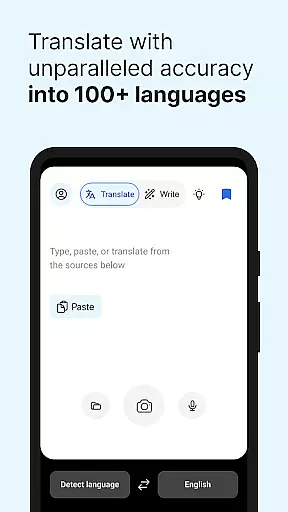
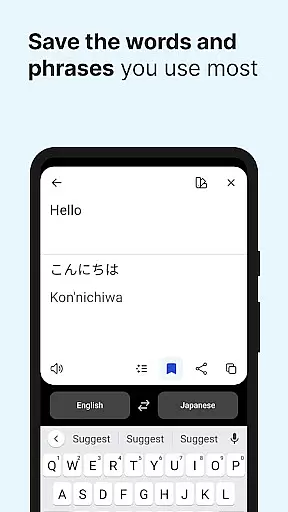
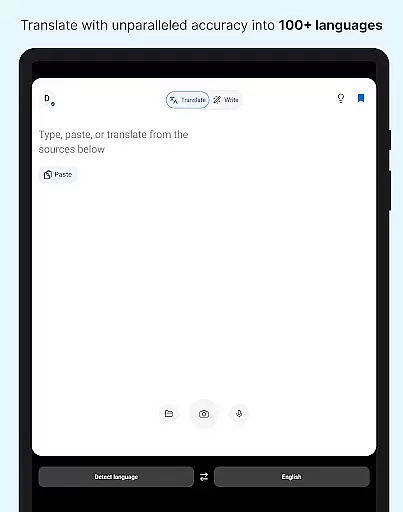
DeepL Translate is a powerful translation tool designed to break language barriers with innovative features. The app offers camera and photo translation, dictation, text-to-speech, file translation, and quick detection as you type. It supports multiple languages including Acehnese, Afrikaans, Albanian, Arabic, and many more.
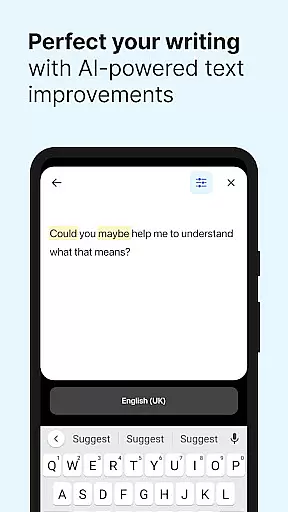
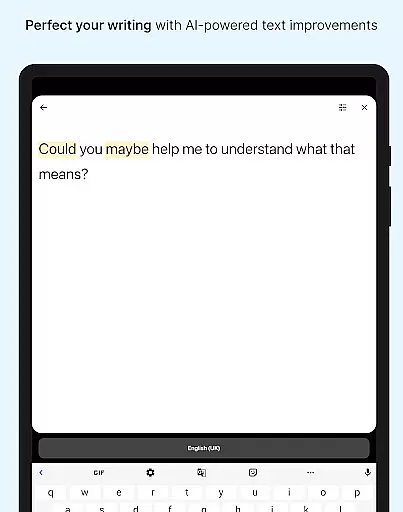
With additional functionalities like alternative translations, favorites, history, transliteration, and glossary options (available with a paid plan), DeepL Translate ensures comprehensive language support. Users can also choose formal or informal tones and utilize handwriting recognition on iPad. The app's DeepL Write feature provides intelligent writing suggestions for clear and impactful texts.
This app is ideal for travelers, professionals, and language learners who need instant and accurate translations on the go. Its robust feature set makes cross-language communication effortless and reliable, enhancing productivity and understanding in multilingual environments.
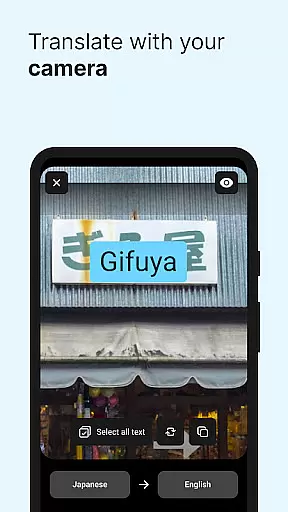
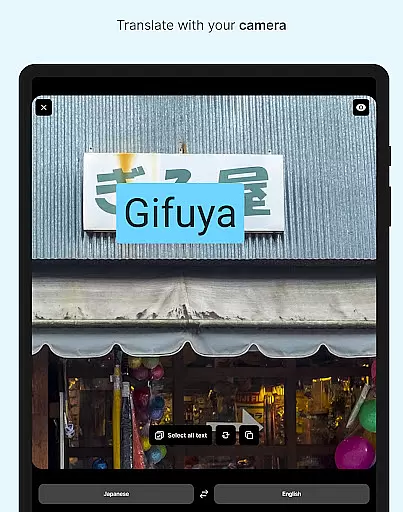
DeepL Translate stands out with its diverse range of translation features. The camera and photo translation functions allow users to capture or upload images for instant text translation, making it convenient for real-world applications like translating signs or menus.
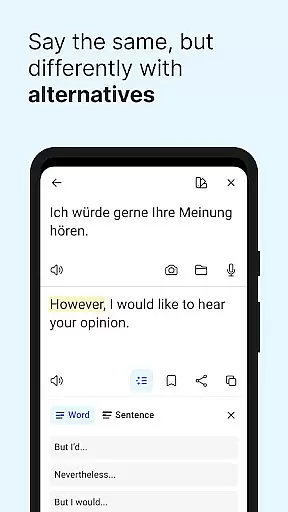
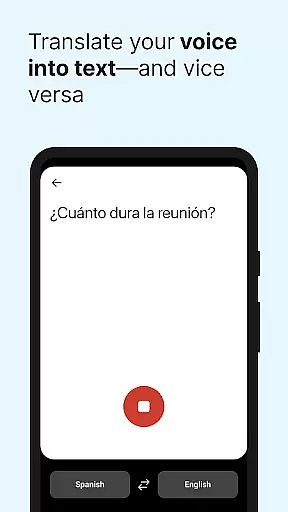
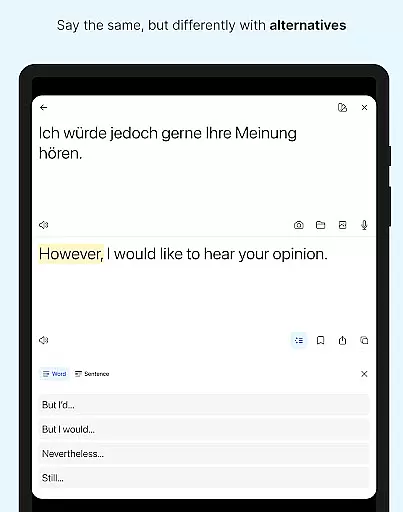
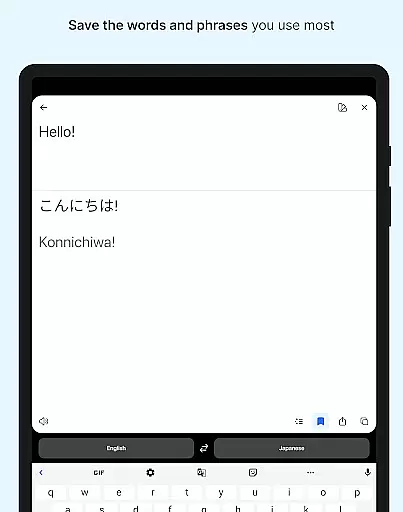
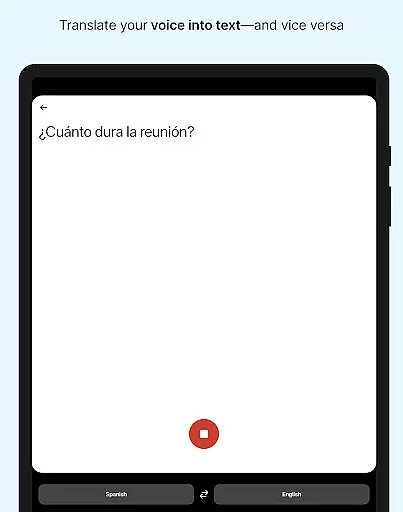
The dictation and text-to-speech capabilities enable hands-free translation and auditory learning, while file translation supports translating text from documents. Quick detection starts translations as you type, and alternative translations provide different options for words and phrases. The app also includes favorites and history features for saving and reusing translations.
Advanced features such as transliteration, glossary customization, tone selection, and handwriting recognition (on iPad) cater to specific user needs. DeepL Write enhances writing with intelligent suggestions, ensuring clarity and correctness. These features collectively offer a versatile and user-friendly translation experience.
DeepL Translate offers an extensive collection of language resources that function similarly to a vast e-book library. With support for over 70 languages, the app provides users with access to translations and linguistic tools across a wide array of global tongues. This includes not only widely spoken languages like English, Spanish, and Mandarin but also regional dialects and lesser-known languages such as Acehnese and Guarani.
The authenticity of content is crucial in translation services, and DeepL ensures this by maintaining high standards of accuracy and reliability. The app's robust algorithms are designed to deliver precise translations, which are akin to accessing a well-maintained library where every book is verified for correctness. This commitment to quality means users can trust the translated material they receive.
For those who require specialized vocabulary or industry-specific terms, DeepL Translate offers glossary features (available with a paid plan) that allow organizations to define key phrases and ensure consistent, accurate translations. This feature mirrors having exclusive editions within a library, tailored specifically to meet unique needs while respecting copyright laws.
By providing both breadth in language offerings and depth in content verification, DeepL Translate stands out as a comprehensive tool for anyone looking to bridge communication gaps effectively. Whether you're translating casual conversations or professional documents, the app's dedication to authentic, reliable content makes it an invaluable resource.
DeepL Translate excels in format compatibility, ensuring that users can seamlessly translate text from various sources and file types. The app supports multiple input methods including camera translation, photo uploads, dictation, and even handwriting on compatible devices. This versatility allows users to capture text from virtually any medium and receive instant translations, making it an indispensable tool for both personal and professional use.
In addition to handling different input formats, DeepL Translate also facilitates the translation of entire files. Users can upload documents directly into the app, which then processes and translates the content while preserving the original formatting. This feature is particularly beneficial for businesses and academics who need to maintain document integrity during translation.
Furthermore, DeepL Translate integrates smoothly with other digital platforms, allowing users to log into their organization's team account via SSO. This connectivity enhances workflow efficiency by enabling quick access to translation services without disrupting existing systems or processes.
With its ability to handle diverse input methods and maintain document formatting across translations, DeepL Translate ensures that users experience minimal disruption when working with multilingual content. By prioritizing format compatibility, the app delivers a user-friendly solution that adapts to various needs and contexts.
User-friendly interface
Wide language support
Accurate translations
Innovative DeepL Write
Comprehensive free version
Paid plan required
Limited offline use
Feature disparity
Occasional bugs
Ads in free version

Essential Technical Rescue Field Operations Guide 6, the Industry Standard Guide
 4.20
4.20
7 Languages, Google, Wiki, Vocabulary.com, Cambridge & Urban Dictionary!
4.50
Read the KJV Bible with Strong’s offline: reading plans, audio Bibles, and more.
4.70
Read aloud texts, audiobooks, PDFs or any eBook with text to speech AI audio
4.60
Liturgy of the Hours totally off-line
4.80
Zerobooks Light Novel Reader by GOLDENAGATO
4.20
King James Bible read offline, AI Priest, Bible Quiz, Guiding Prayers & Plans
4.80
Enjoy daily devotionals, Bible verses, audio courses, and more.
4.80
Build family tree & discover DNA, family history heritage, origins and ancestors
4.60
A KJV Bible with Apocrypha and precept-based study concordance
5.00
The Bible Audio Guide
4.80
Plan of Life that Saint Josemaría recommended
4.80
The favorite Christmas story comes to life!
4.80
World's most comprehensive dictionary app: 13 languages, all online or offline!
4.80
Read the romance stories on the go. Take my breath away, The Spoiled Girl
4.30
KJV Bible works offline with Audio, Hebrew & Greek lexicon (concordance) & more!
4.20
Unlock more features in Lithium and show your support. Expand for details.
4.00
Guide for dōTERRA® Products
3.60
America's best dictionary and thesaurus - with premium content and no ads
3.40


User Reviews