

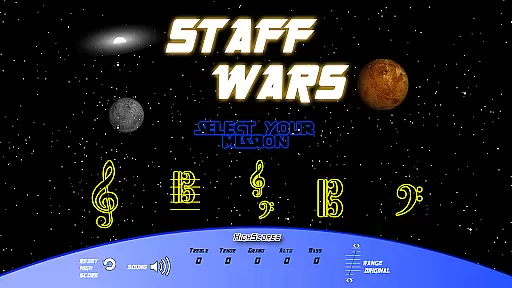
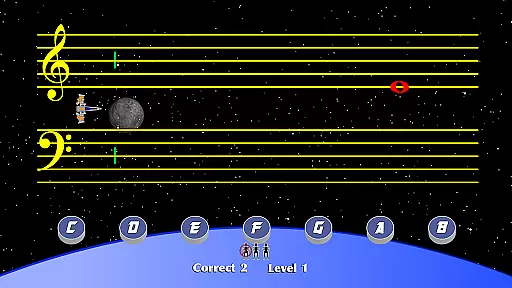
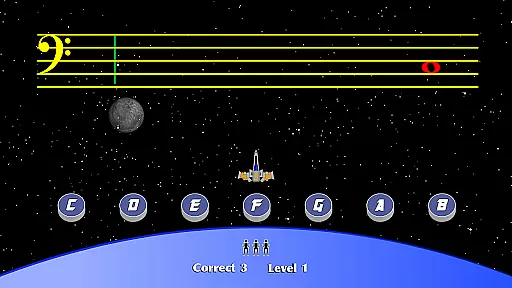
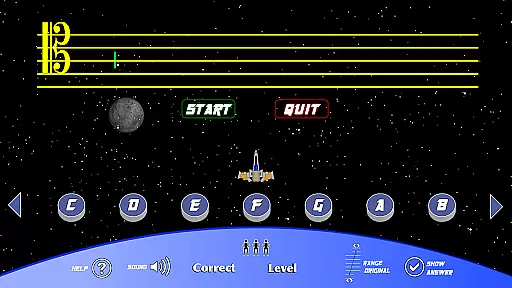
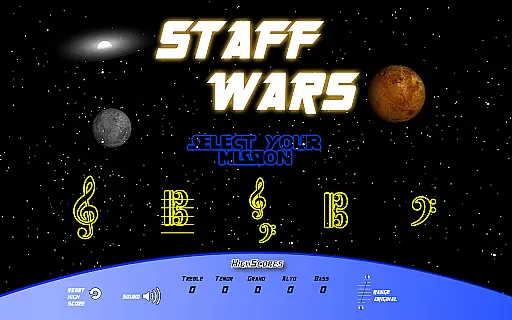
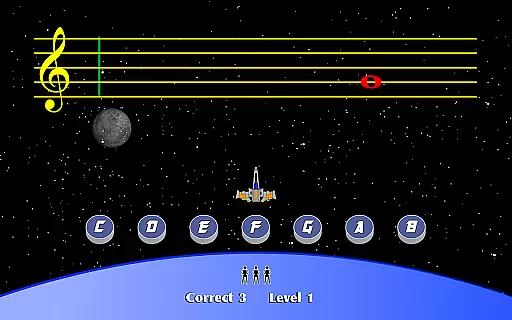
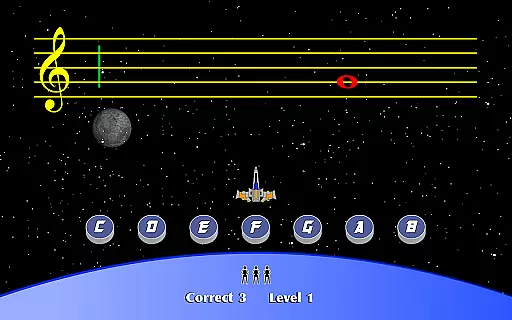
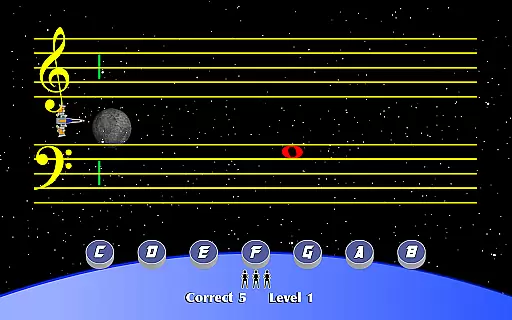
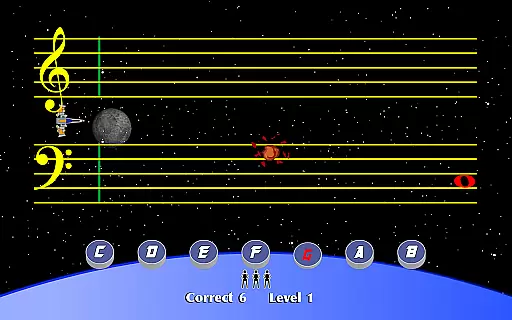
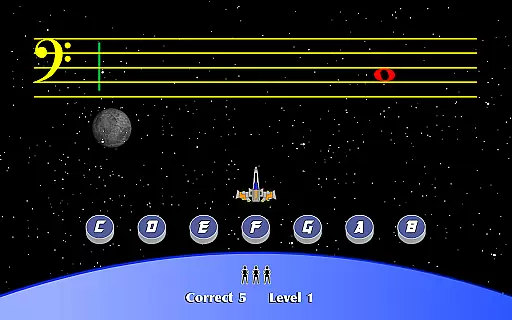
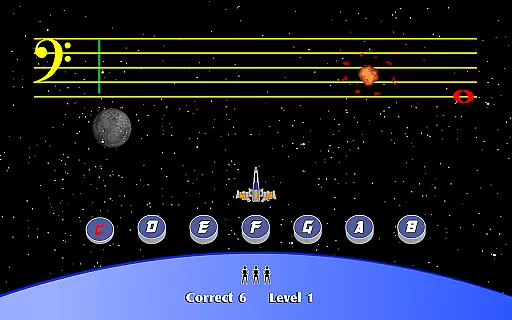
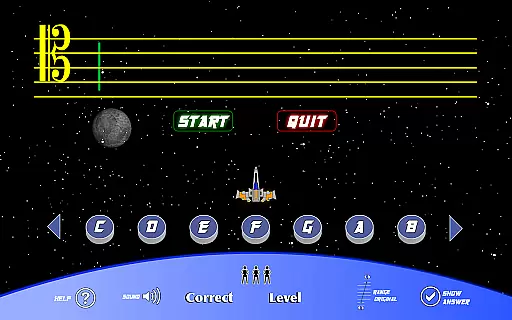
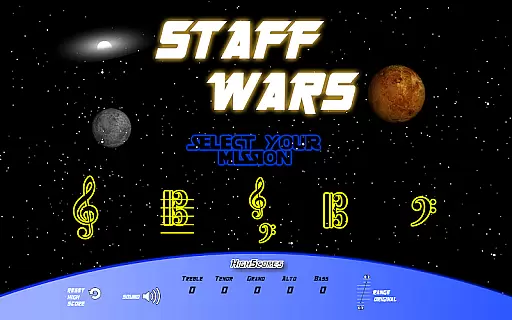
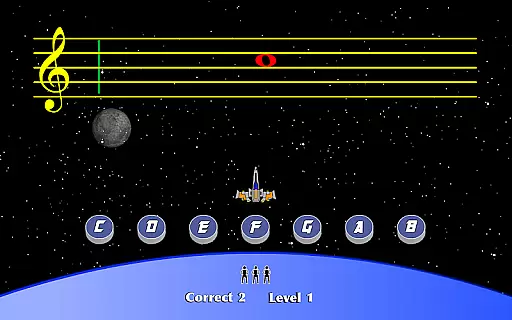
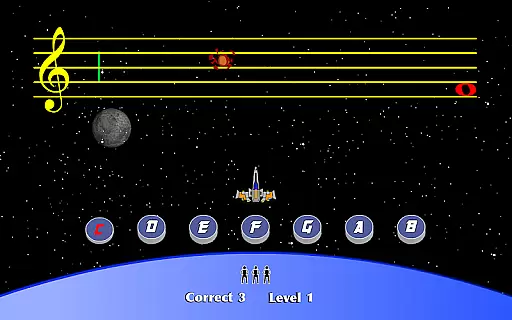
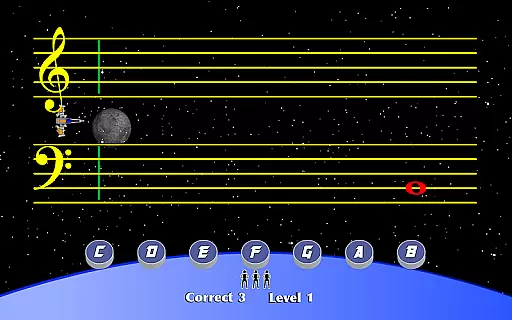
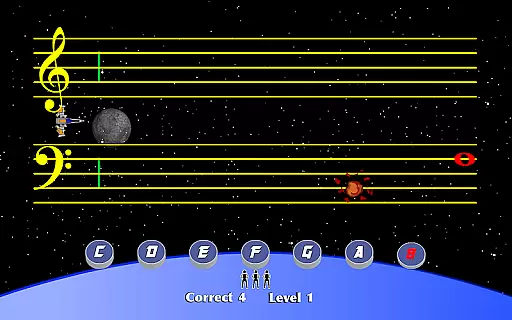
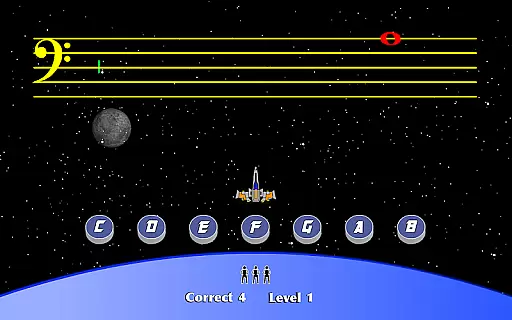
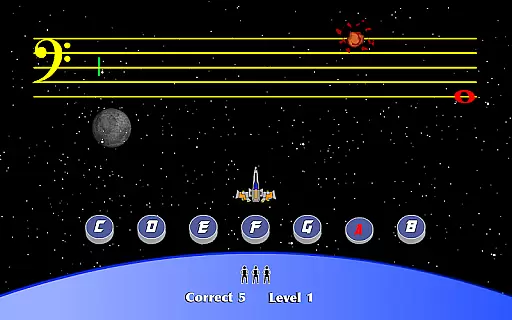
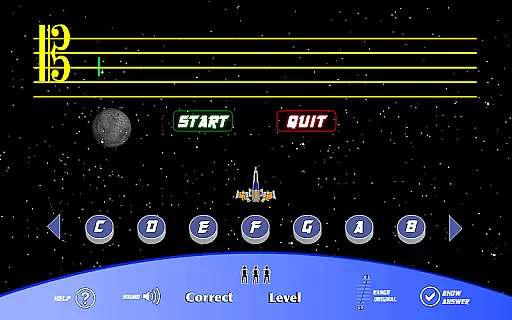
StaffWars is an educational game specifically designed to assist beginning and intermediate musicians in mastering the note names across various staff clefs. The app focuses on treble, alto, bass, tenor, and grand staff clefs, providing users with a comprehensive learning tool.
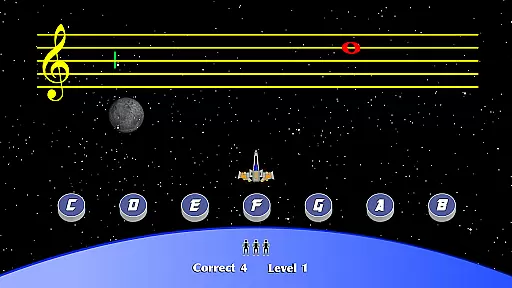
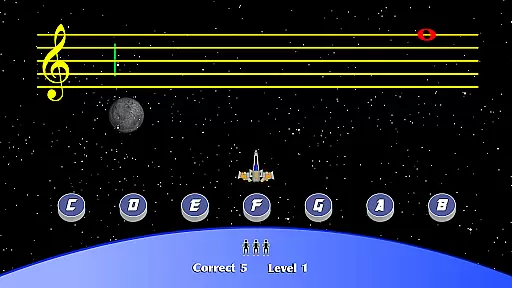
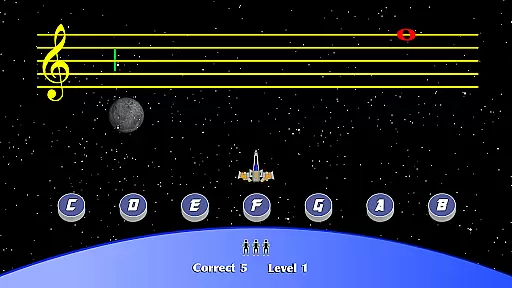
Through interactive gameplay, StaffWars offers an engaging way for musicians to practice and improve their understanding of musical notation. Whether you're a student or a teacher, this app serves as an essential resource for anyone looking to strengthen their music theory foundation.
The application's value lies in its ability to make learning fun and accessible, ensuring that musicians can effectively learn and retain knowledge about different clefs. This makes it ideal for both individual practice and classroom use.
StaffWars stands out with its specialized focus on five different staff clefs, making it a versatile tool for musicians at various skill levels. The app incorporates game-like elements that transform traditional music theory practice into an enjoyable experience.
One of the key features is its adaptive learning system, which adjusts to the user's progress and provides personalized challenges. Additionally, the app includes multiple game modes, allowing users to practice in ways that best suit their learning styles.
These features collectively enhance the learning process by keeping users motivated and engaged while building their skills in reading and recognizing musical notes across different clefs.
StaffWars provides meticulously crafted content that ensures the accuracy of note names across various clefs. This includes treble, alto, bass, tenor, and grand staff clefs, which are essential for musicians at different stages of their learning journey.
The app's content is designed by experts in music education, guaranteeing that all information is authoritative and reliable. This makes StaffWars a trusted resource for both beginners and intermediate musicians who wish to deepen their understanding of musical notation.
By focusing on these critical elements, users can be confident that they are receiving high-quality instruction that will support their growth as musicians. The emphasis on precision helps learners avoid common pitfalls associated with incorrect note identification.
One of the standout features of StaffWars is its ability to create personalized learning paths tailored to each user's needs. Whether you're just starting or looking to refine your skills, the app adapts to provide challenges suited to your current level.
This adaptability ensures that learners remain engaged without feeling overwhelmed or under-challenged. As users progress through the game, they unlock new levels and challenges that keep them motivated and invested in their musical development.
Ultimately, this personalized approach not only enhances the learning experience but also fosters a deeper connection with music theory concepts. Users find themselves mastering clefs more efficiently than ever before, thanks to this innovative methodology integrated into StaffWars.
User-friendly interface
Engaging gameplay
Comprehensive clef coverage
Adaptive learning system
Ideal for all musician levels
Limited to note recognition
No advanced theory lessons
Graphics could be improved
Occasional performance issues
In-app purchases required

Ignite curiosity, spark learning: All babybus videos &games
 4.30
4.30
Learn and joke with the Silly Turkey!
4.3
One of the most engaging and innovative ABC apps on the market.
4.30
Hebrew Vocab
4.90
Designed for Calculator 84 users
4.20
The Fighter Verses Bible memory system helps you memorize God's Word.
4.50
Engage in learning science and math with the award-winning PhET simulations!
4.70
A collection of favorite stories from Daniel Tiger's Neighborhood
2.00
Memorize anything efficiently with AnkiDroid! Many pre-built decks available.
4.80
Universe simulator: Find & explore planets system, outer space, astronomy events
4.60
Learn Words Daily in Just Minutes - Boost Your Language Skills Fast!
4.60
Prepare for the BCBA / BCaBA exam. Study ABA with the ABA Wizard app.
4.60
An easy to use yet powerful and full-featured flashcard study app.
4.50
Practice Casino Roulette Payouts for Table Game Dealers and Croupiers
4.40
Monkey Preschool Lunchbox: 7 exciting educational games for your preschooler.
4.30
Nighty Night Circus - Bedtime story for kids
4.10
Your guide to thousands of satellites and spacecraft in orbit around Earth!
3.90
FAR/AIM, FAR for Flight Crew and FAR for Aviation Maintenance Technicians
3.80
An aviator’s preparation, study and test tool for FAA Knowledge Exams.
3.80

User Reviews